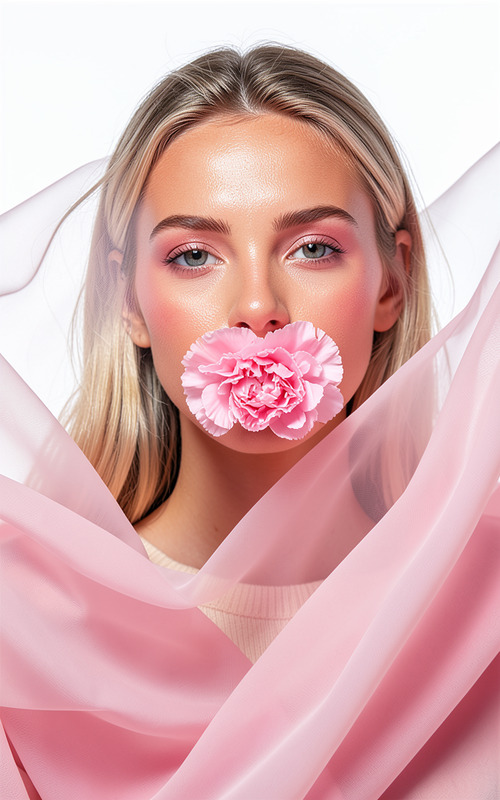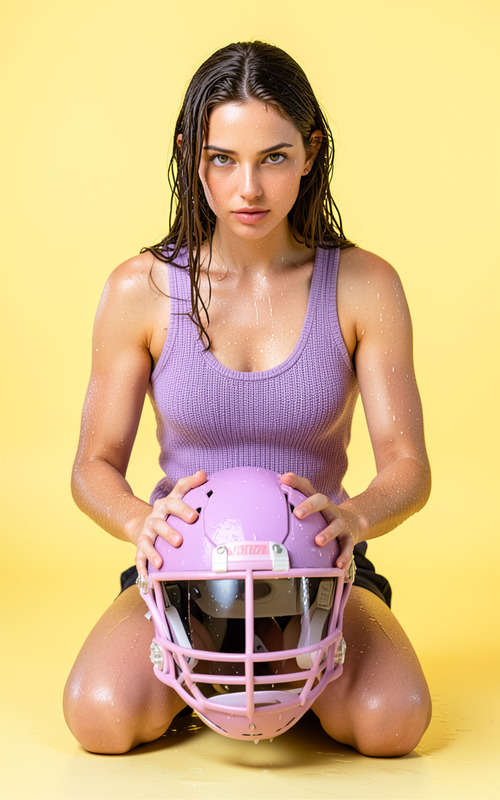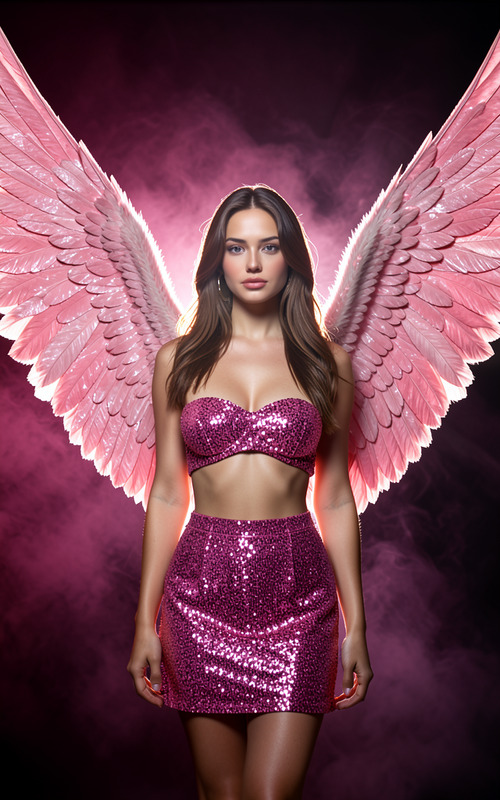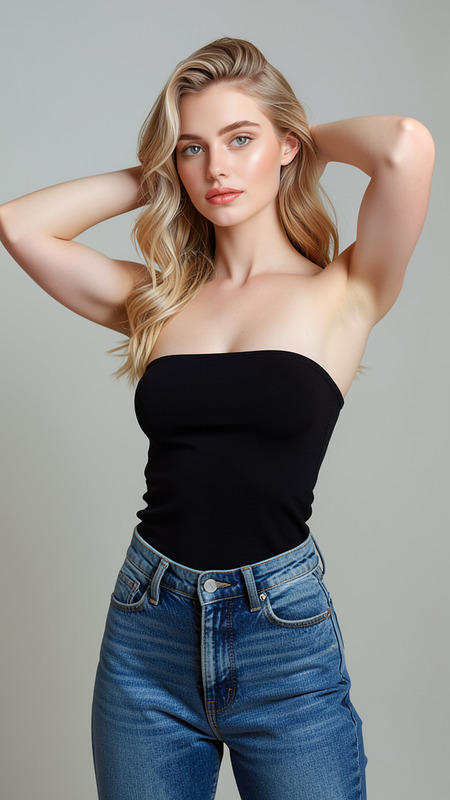
Rhode Band
- Model
- Flux 2 Klein
- Image
- 576 × 1024 px
Prompt
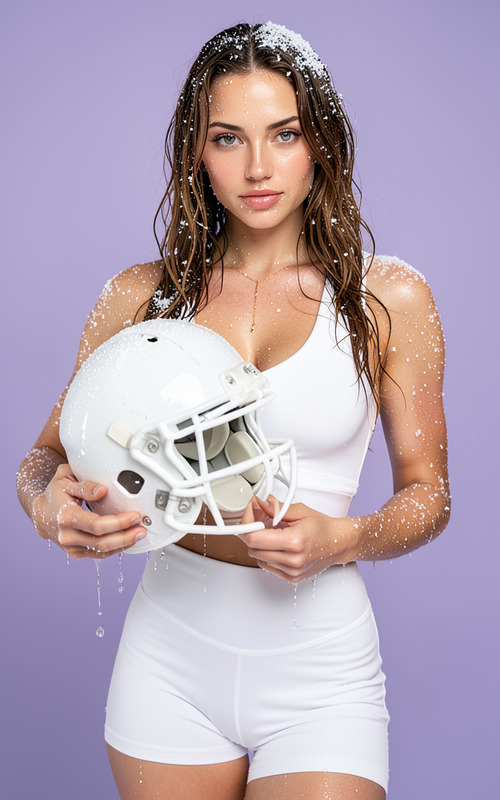
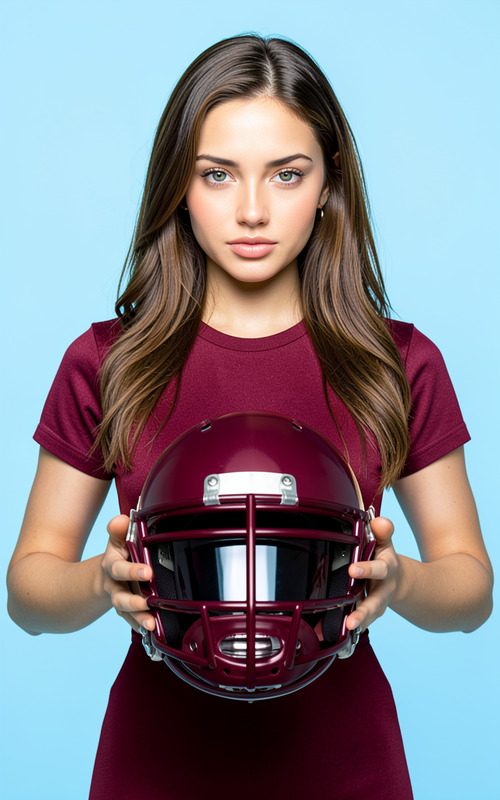
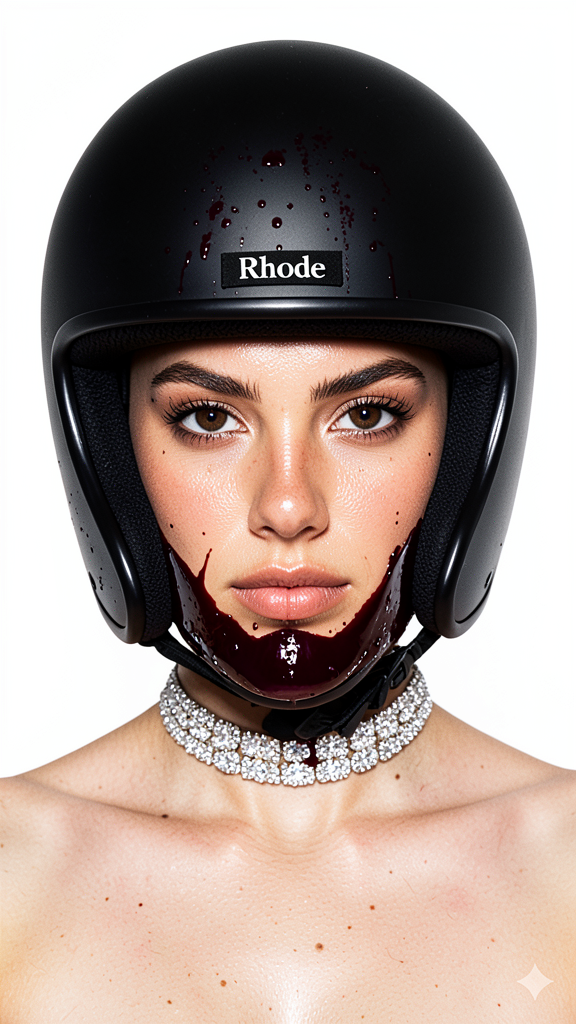
Ultra-realistic close-up fashion photoshoot in a clean studio with a flawless white background. Centered composition with head and shoulders perfectly symmetrical, eye-level shot, model filling the frame. The model’s face is a precise match to the supplied reference, maintaining exact facial structure, proportions, asymmetry, age, ethnicity, skin texture, pores, and makeup with natural highlights in the eyes—no enhancements or AI-generated alterations. The model wears a matte black full-face motorcycle helmet with a wide horizontal eye opening, covered in thick, glossy dark cherry-burgundy paint with realistic drips, micro-splashes, and highlights flowing over the mouth/chin area down to the neck and upper chest. A small black nose strip with the word “Rhode” in clean white lowercase serif font is centered and clearly visible. The style includes a high-quality diamond choker necklace with multi-layered sparkling stones, natural skin highlights on cheekbones, visible pores, and a sharp, intense direct gaze. Studio lighting features strong frontal key with soft fill, crisp detail, controlled shadows, high contrast, clean and realistic optics, slight natural grain, and no motion blur. Color palette: black, rich cherry-burgundy, white background; burgundy paint is dark wine shade, not neon, pastel, or bright pink.
Any aspect ratio
Overview
Transform your portraits into ultra-realistic fashion images with the Rhode Band template in our AI Image Editor. Using the flux-2-klein model, this template helps you create striking visuals with detailed composition and precise facial features, all in a professional studio setup. Designed specifically for high-end fashion photography, it ensures every element from lighting to color palette is perfected.
What It Does
The Rhode Band template creates a studio-grade fashion photoshoot environment for your portraits. It carefully replicates every detail of the supplied reference image, maintaining the model's true facial structure and proportions. With soft fill lighting and high contrast shadows, the template ensures a crisp and clean aesthetic. The key feature is the integration of a matte black motorcycle helmet with glossy burgundy paint details, complemented by a diamond choker for a fashion-forward look.
Who It's For
This template is perfect for fashion photographers and brands looking to elevate their visual content with hyper-realistic details. It's ideal for creatives who want to maintain true likeness in portraits while adding fashion accessories. Whether you're in fashion publishing, advertising, or a creative agency, this template offers the precision and style needed for impactful imagery.
Summary
With the Rhode Band template, creating high-fashion portraits becomes accessible. Detailed and stylish, it's tailored for users demanding high fidelity and exactness in facial representation and texture. Access it within our AI Image Editor to ensure your portraits are not just shots, but statements in fashion photography. Explore more templates in our AI Product Photography for comprehensive creative solutions.
How To
Choose the Template

Customize Your Input

Generate Your Image

Use Cases
Fashion Photography
- High-end editorials
- Fashion lookbooks
- Brand campaigns
Advertising
- Billboard imagery
- Online advertisements
- Social media campaigns
Creative Agencies
- Pitch decks
- Client presentations
- Mood boards
E-Commerce
- Product detail shots
- Promotional banners
- Homepage visuals
Best Practices
Maintain Consistent Lighting
Ensure your reference image is well-lit and matches the clean studio lighting setup specified in the template for best results.Focus on Detail
Pay attention to the facial features and accessories to ensure they align with the template's detailed specifications.Color Matching
Use the specified color palette to keep the images harmonious and visually appealing. Avoid bright elements that could overpower the theme.