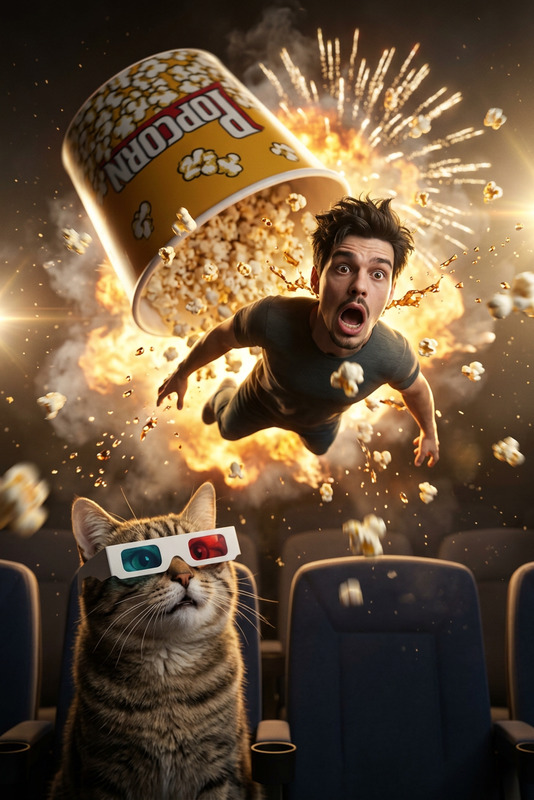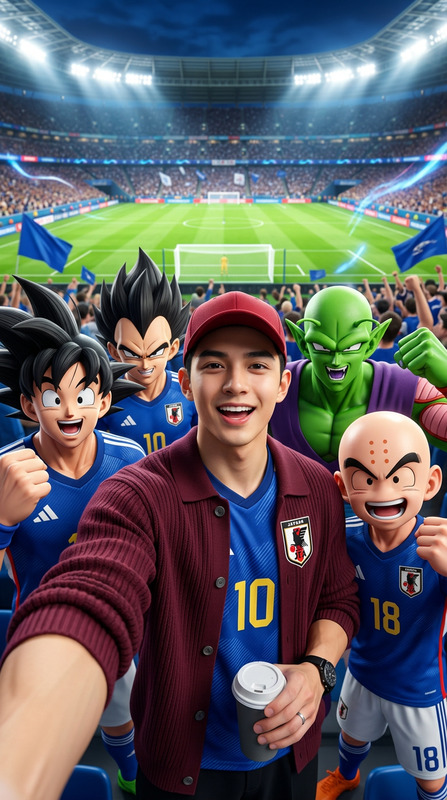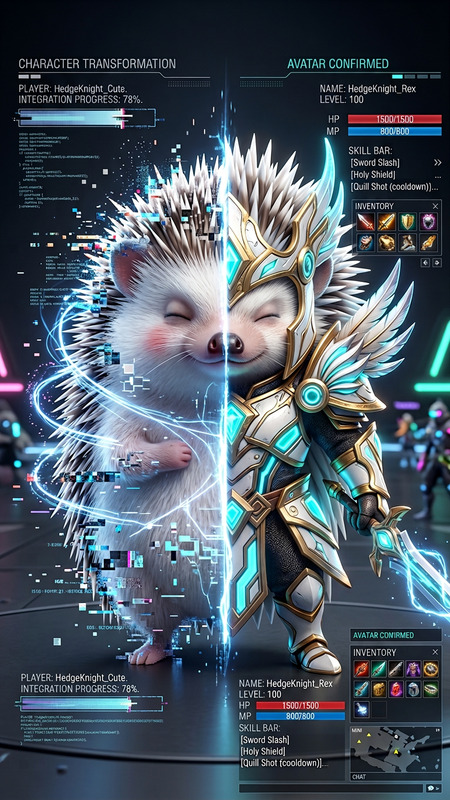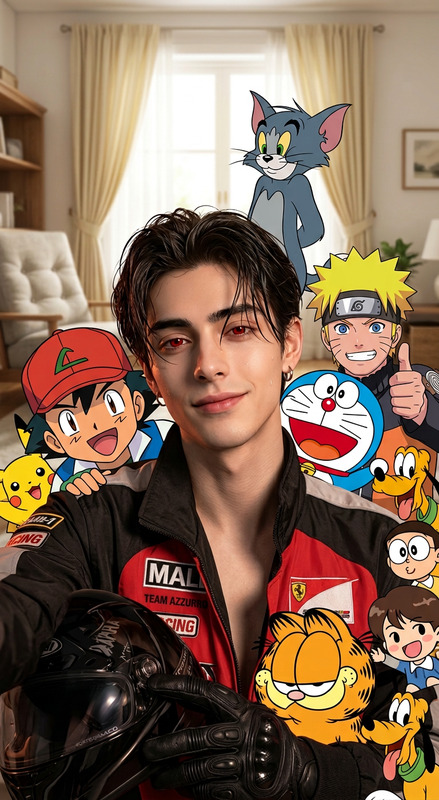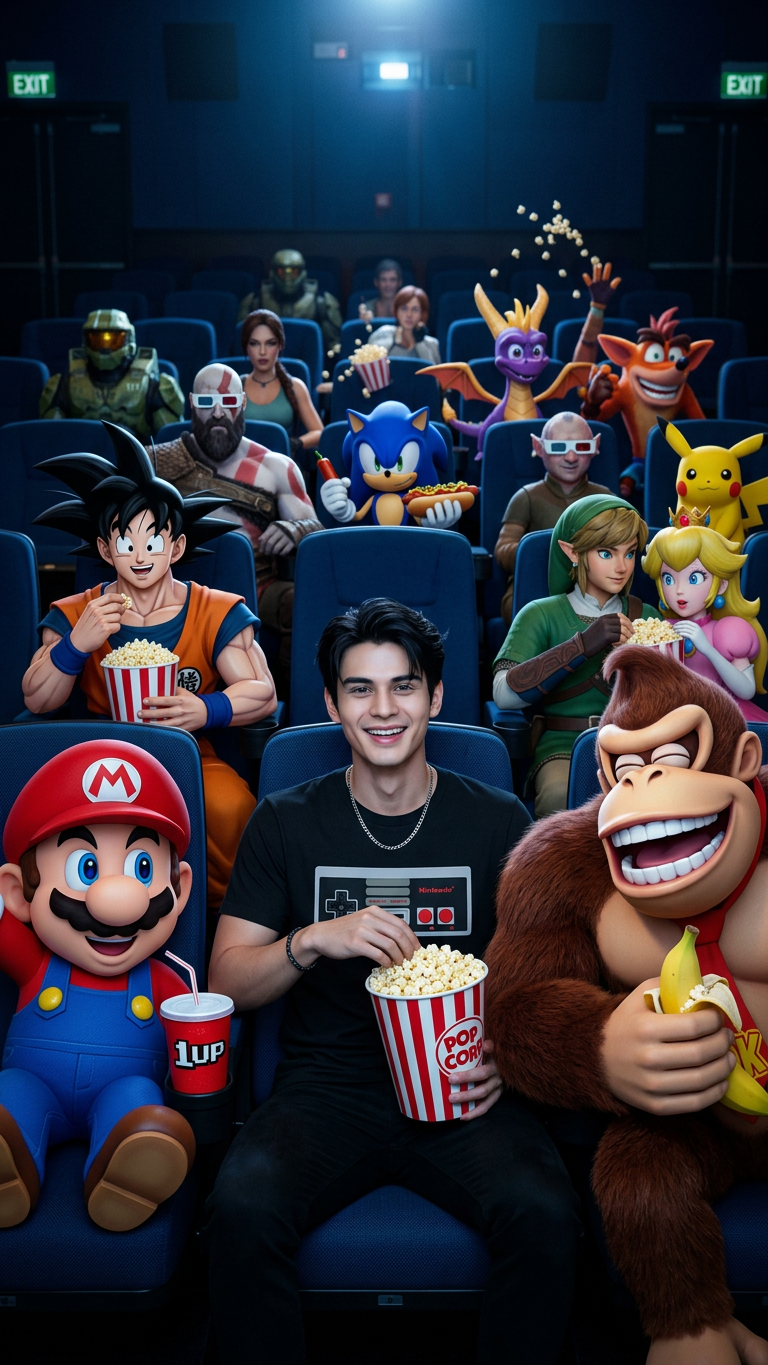
Gaming Cinema Crossover
- Model
- Nano Banana 2
- Image
- 768 × 1365 px
Prompt
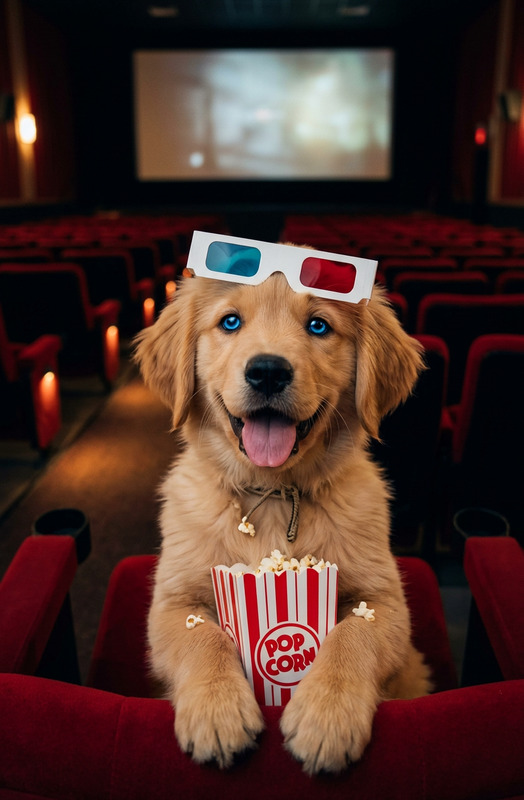
"A hyperrealistic cinematic shot inside a dark movie theater with visible blue seats in the background, filled with various video game characters having fun. The main character, a man (from the provided photo), looks happy, wearing a simple black Nintendo t-shirt, holding a large red and white striped popcorn bucket in one hand. On each side of the main character: Left: Mario Bros. holds a red soda cup in one hand, with a mischievous expression. Right: Donkey Kong is laughing heartily, holding his own popcorn bucket. His smile is wide and sensual, with gleaming teeth. In the background, other video game characters are visible in the seats, including Goku from Dragon Ball, Kratos from God of War, Sonic, Link, Zelda, Princess Peach, a Pikachu-like character, and many more, some wearing 3D glasses, others tossing popcorn in the air, creating a chaotic and festive atmosphere. The lighting is cinematic, primarily coming from an invisible screen in front of them, with light reflections on their faces and popcorn buckets. The details are extremely realistic. The overall atmosphere is joyful, original, and slightly exaggerated."
Any aspect ratio
Overview
The "Gaming Cinema Crossover" is an AI Image Editor template designed to craft hyperrealistic scenes that combine cinematic flair with video game charm. With the power of the nano-banana-2 model, this template allows you to seamlessly incorporate a variety of video game characters into a vibrant movie theater setting.
What It Does
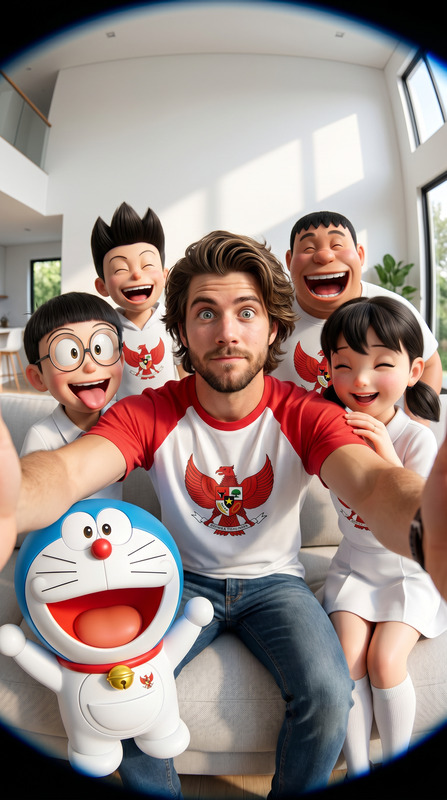
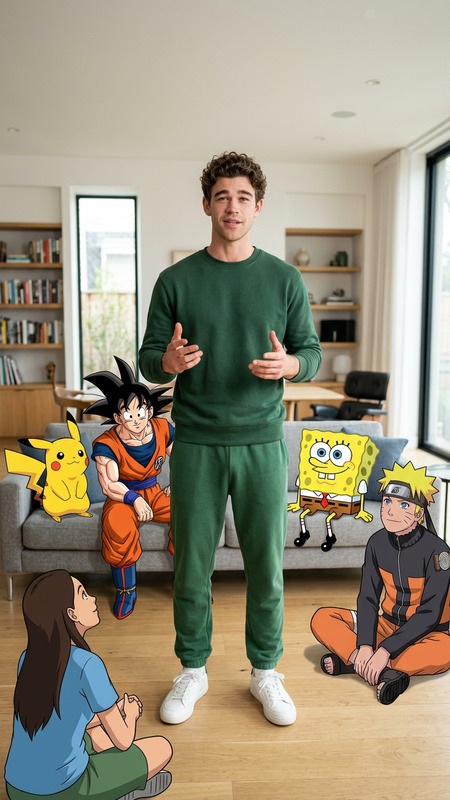
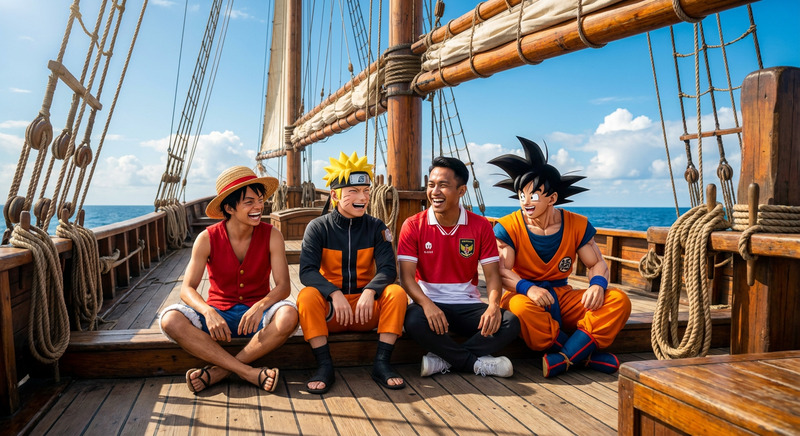
This template enables users to transform a simple photo into an extravagant cinematic scene filled with iconic gaming characters. By using a detailed prompt, it allows for the inclusion of characters like Mario, Donkey Kong, Sonic, and more. The setting is a dynamic movie theater with theatrical lighting, creating an engaging visual effect that is both joyful and original.
The template's output is a hyperrealistic image that's perfect for creating engaging content for gaming enthusiasts or promotional materials.
Who It's For
The "Gaming Cinema Crossover" is ideal for content creators, marketers, and anyone in the gaming industry looking to create eye-catching visuals. Whether you're designing promotional content or crafting a unique social media post, this template offers endless possibilities. It's also perfect for fans of franchises like Nintendo, Sega, or anyone who wants to add a creative twist to their photos.
Summary
Offering a blend of cinematic and gaming elements, the "Gaming Cinema Crossover" template stands out for its detailed scene creation. Utilize the AI Image Generator capabilities to bring a photo to life with iconic gaming figures in a realistic theater setting. Perfect for creating unique and vibrant visuals, it captures the spirit of celebration among beloved game characters.
How-To
Choose the Template

Customize Your Image

Generate Your Scene

Use Cases
Social Media Content
Marketing Materials
Event Announcements
Fan Art
Best Practices
Pay Attention to Lighting
Ensure your uploaded photo matches the lighting conditions described in the prompt for a seamless integration.Suit Up Your Main Character
Dress them in outfits that align with the scene for added realism. Try using a AI Clothes Changer tool for easy edits.Expand with Complementary Tools
Consider using AI Background Changer tools to modify scenes more creatively.