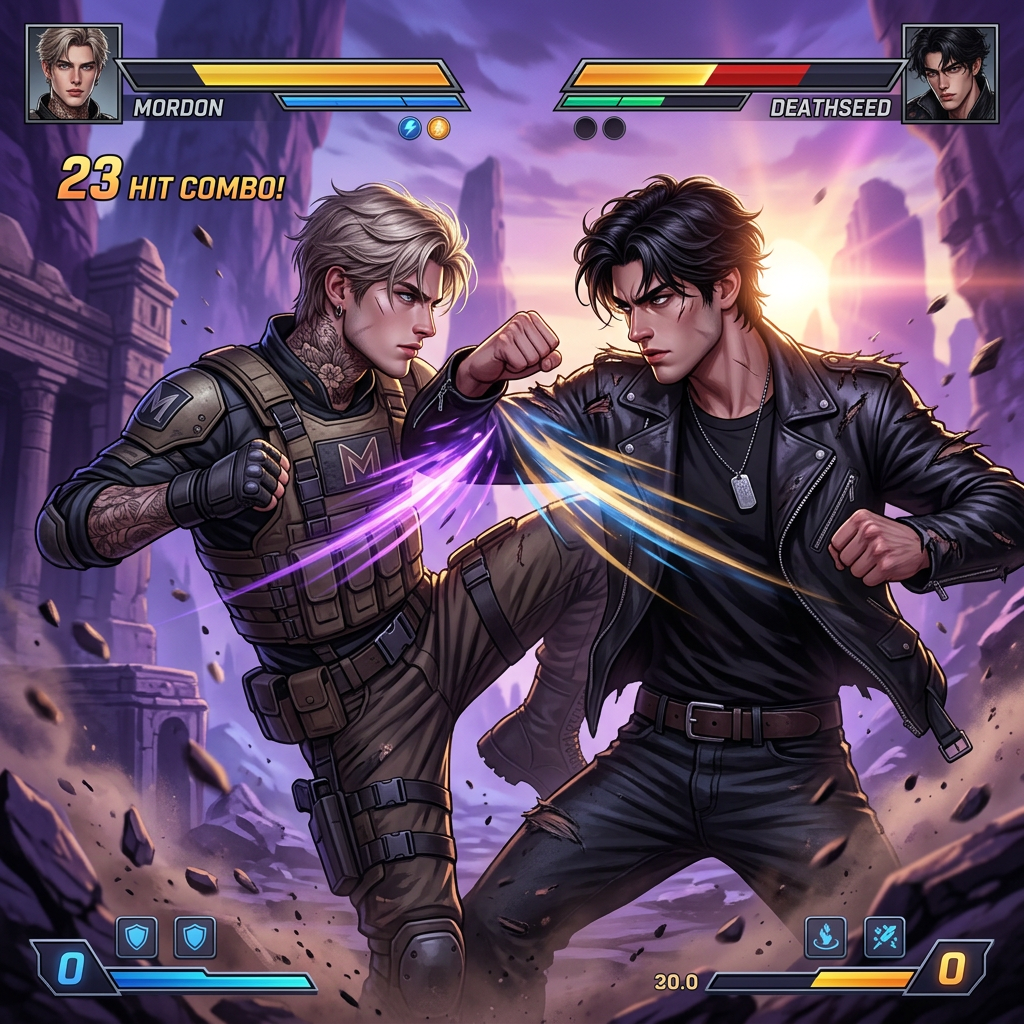
Cinematic Fighting Game Scene
- Model
- Nano Banana 2
- Image
- 1024 × 1024 px
Prompt
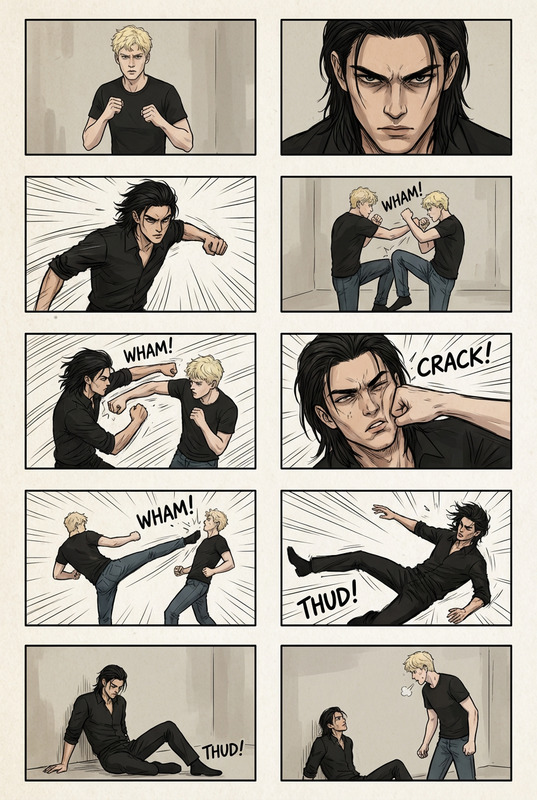
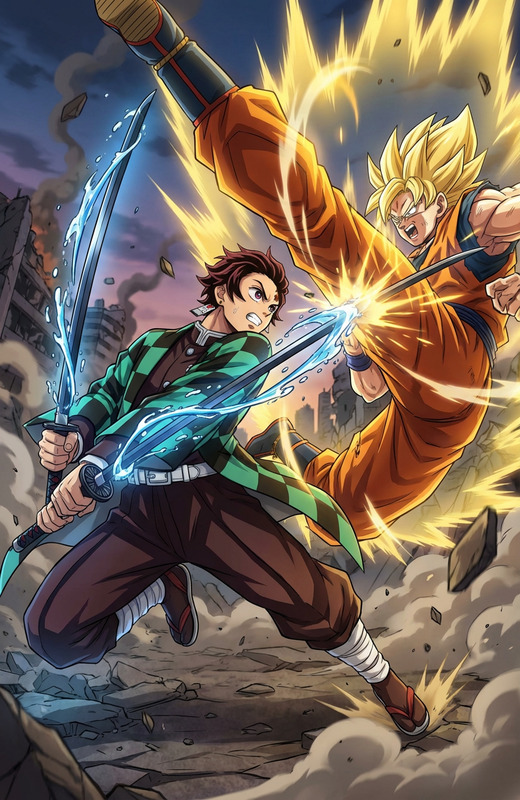
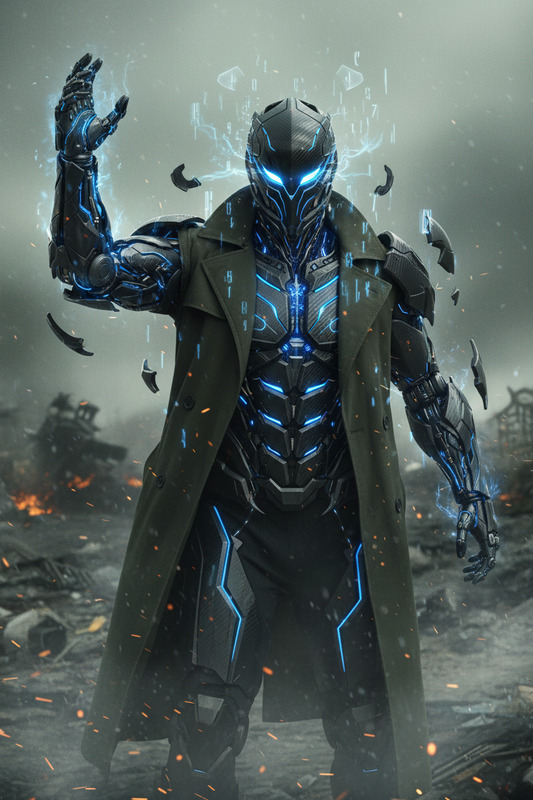
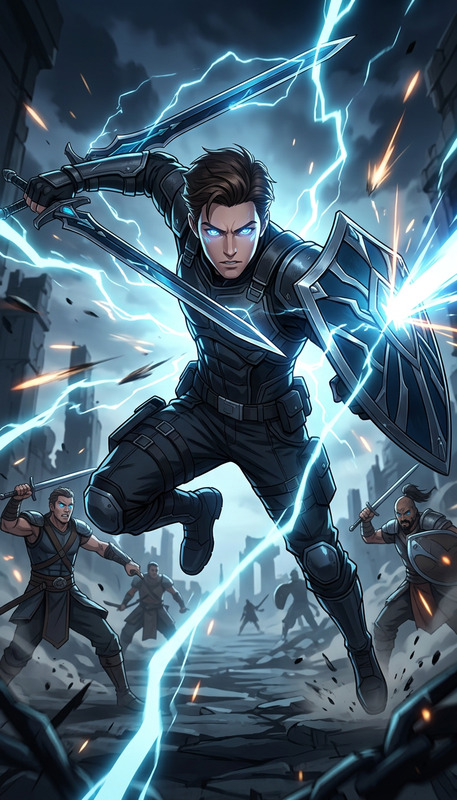
Create a cinematic mid-motion martial arts fight scene of both subjects in the same frame, three-quarter angle, sharp focus. No split screen. Background: crumbling ruins in a purple alien world at sunrise, with motion blur, dust, and lens flares. Add modern fighting game HUD: health bars labeled “MORDON VS DEATHSEED”, power meters, character portrait icons, and power move effects. High-energy, dynamic composition, ultra-detailed, game key art style.
Any aspect ratio
Overview
The Cinematic Fighting Game Scene template allows you to create high-energy, dynamic compositions reminiscent of modern fighting games. Designed with the AI Image Editor, this template leverages the nano-banana-2 model, offering users the capability to craft ultra-detailed visuals featuring martial arts action set against a unique otherworldly backdrop.
What It Does
This template is specifically crafted to generate cinematic mid-motion martial arts scenes in a game key art style. It incorporates elements like health bars, power meters, and character portraits to simulate the user interface of a fighting game. The scene is set against a backdrop of crumbling ruins on an alien world, complete with motion blur and lens flares for added realism and drama.
Who It's For
This tool is perfect for game developers, graphic designers, and artists who require stunning visual assets for fighting game concepts. It's equally useful for content creators looking to produce engaging visuals for gaming-related content, or anyone in the field of video style transfer for innovative storytelling.
Summary
Quickly create a visually striking fighting game scene using the Cinematic Fighting Game Scene template. Whether you are developing a game or creating marketing materials, the integrated features like health bars and power effects make it a valuable asset for your projects. Explore additional customization options with the AI Image Generator and elevate your project to new heights.
How-To
Choose Your Template

Customize Inputs

Generate & Download

Use Cases
Game Development
- Character introduction
- Game launch marketing
- Themed event artwork
Marketing and Promotion
- Social media teasers
- Video ads
- Interactive banners
Art and Design
- Concept art
- Design presentations
- Visual storytelling
Best Practices
Focus on Composition
Ensure that the dynamic elements like motion blur and lens flares are well-balanced to highlight the action.Use Detailed Inputs
Provide specific character descriptors to maximize the effect of the AI-generated key art style.Optimize for Audience
Tailor the visual settings and HUD elements to fit the theme or style of your intended game audience. Consider partnering with the AI Video Generator for motion applied scenes.