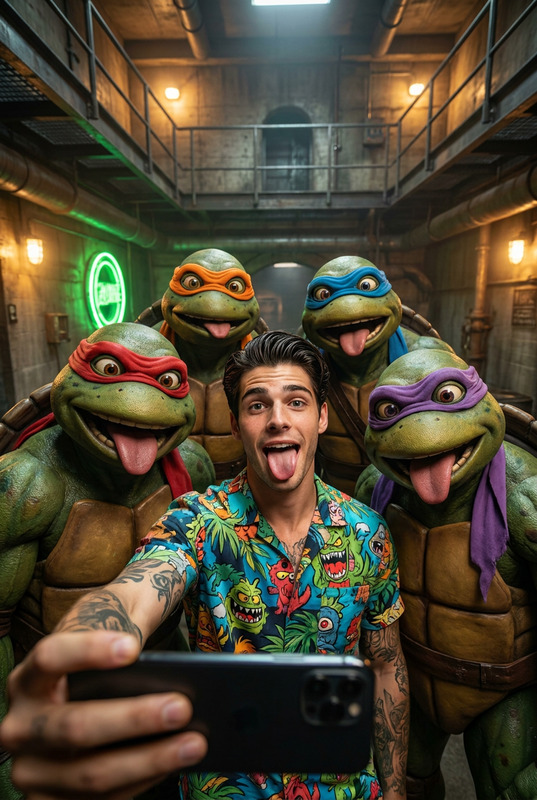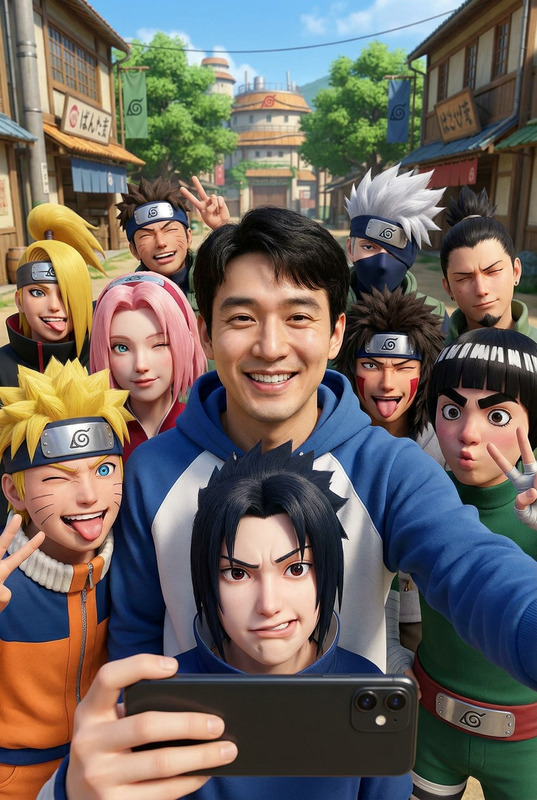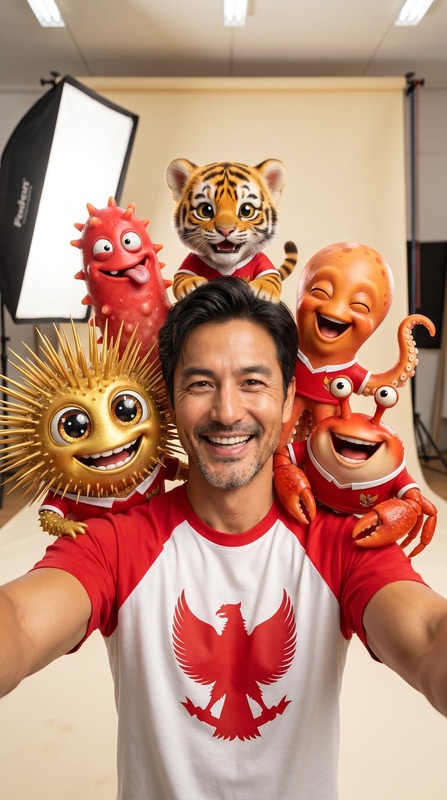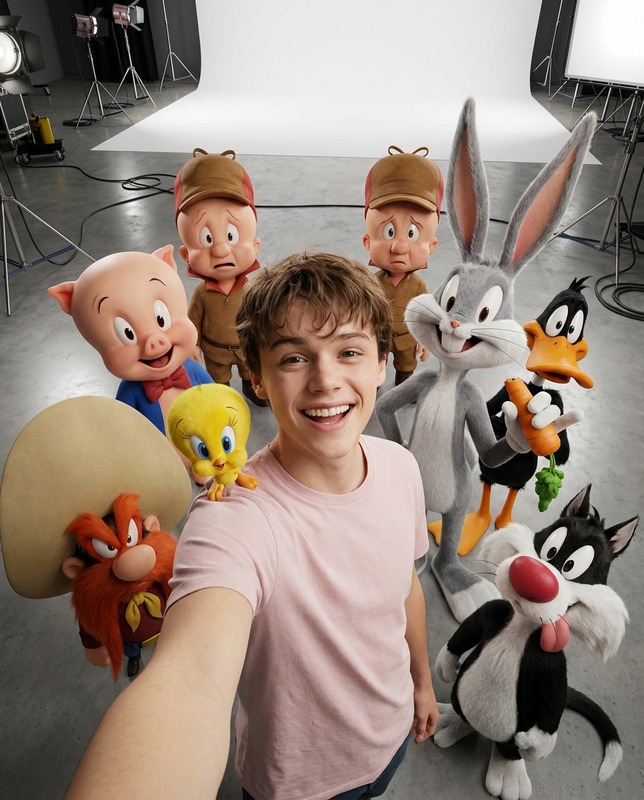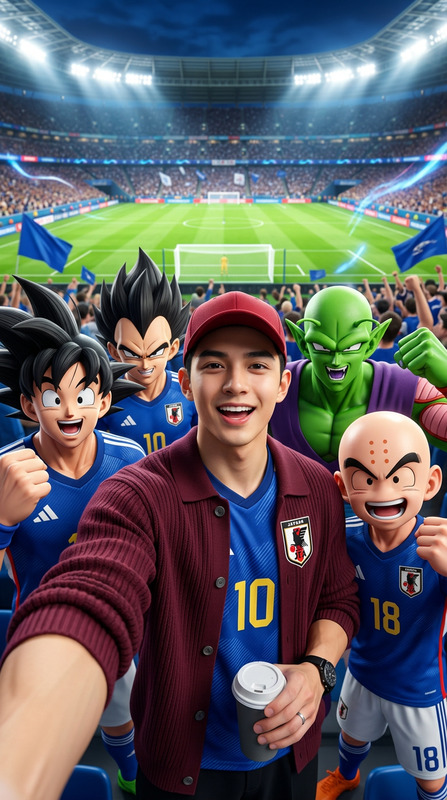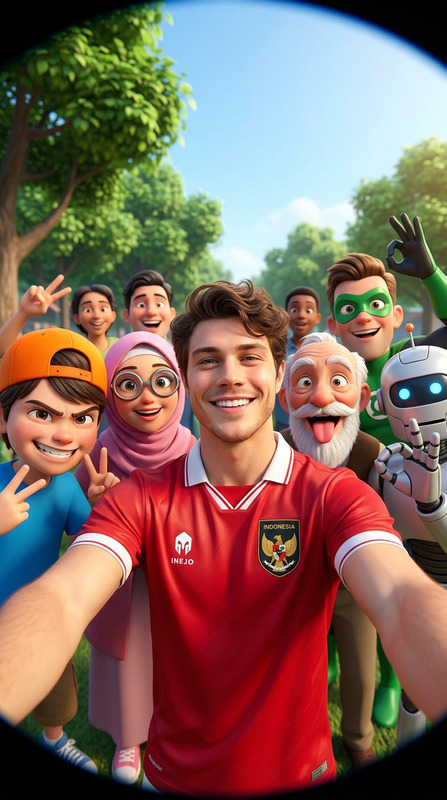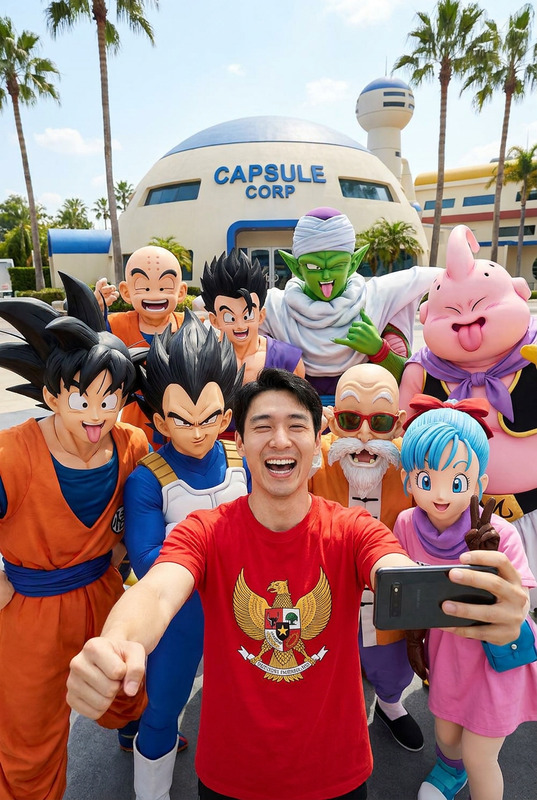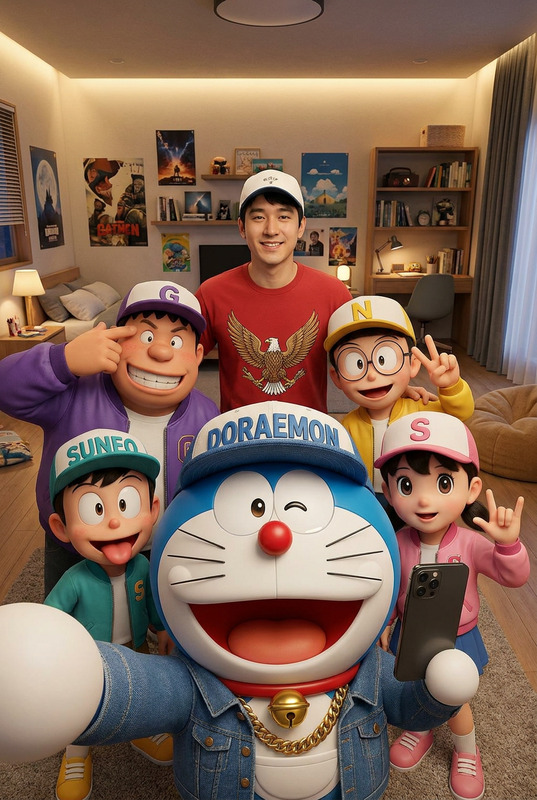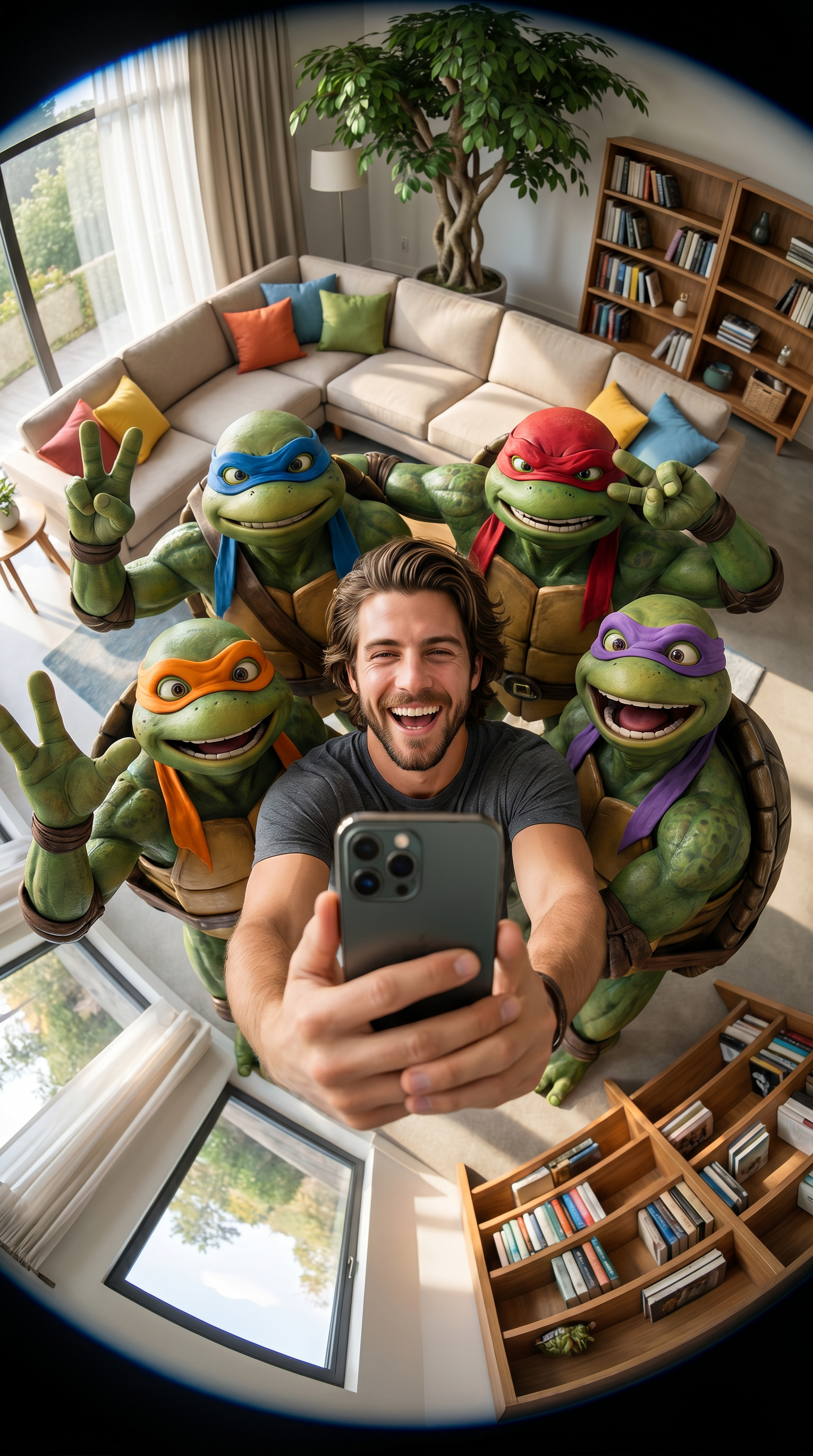
Turtle Squad Selfie
- Model
- Nano Banana Pro
- Image
- 1536 × 2752 px
Prompt
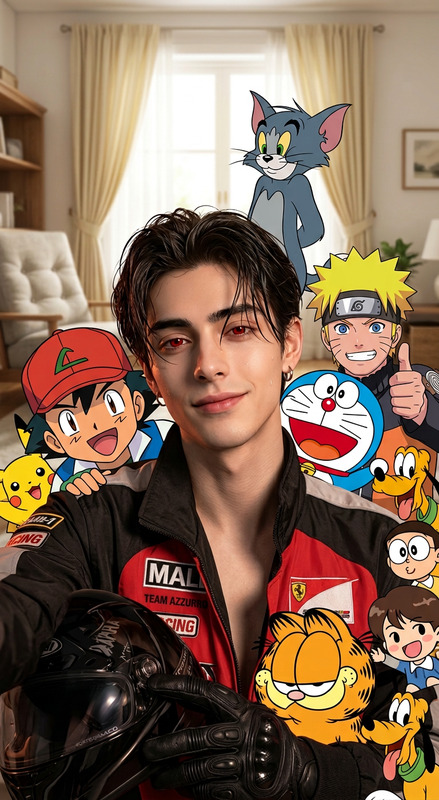
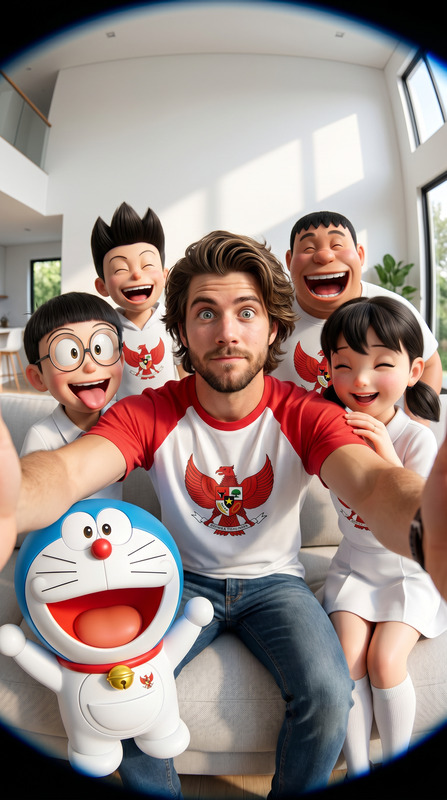
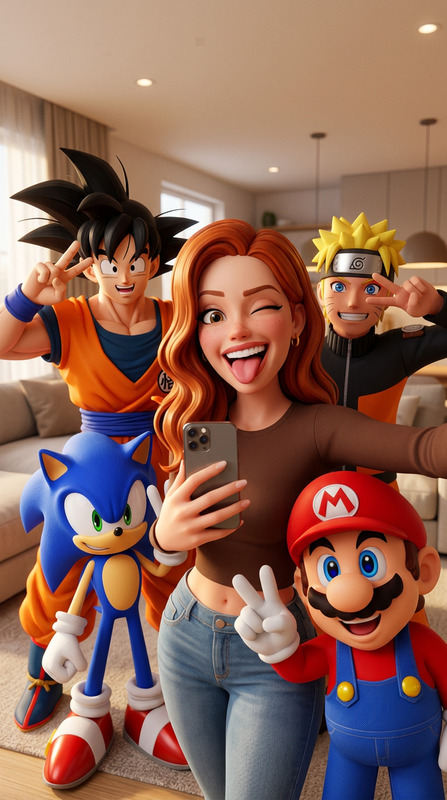
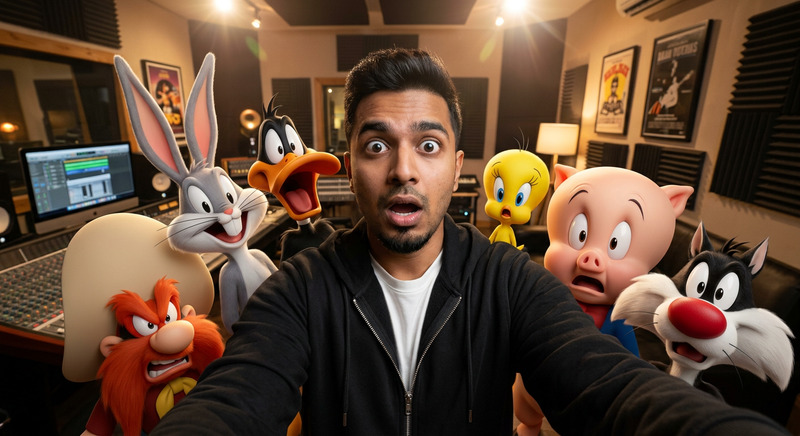
A surreal 3D-style group selfie, taken with a smartphone camera using a super wide-angle fisheye lens from a high angle (top-down selfie). A guy (identical to the real-life image 9) stands in the middle holding a smartphone selfie, lol, with a very cheerful expression. Surrounding him are four iconic CGI-style mutated ninja turtles, each wearing a red, blue, orange, and purple mask. All the characters are in funny poses, smiling, laughing, waving peace signs, and making silly expressions for the camera. The bright, modern living room interior features a beige sofa, colorful cushions, a wooden bookshelf full of books, a large monster tree, and large windows with soft natural sunlight. The details of the skin, armor texture, turtle shells, and global lighting are very realistic. The depth of the natural field, cinematic lighting, photography, super detail, 8K, HDR, sharp highlights, realistic shadows, high-quality CGI, cheerful atmosphere, a masterpiece. 9:16
Any aspect ratio
Overview
Capture the whimsical world of your imagination with the Turtle Squad Selfie AI Image Editor template. This unique template uses the Nano-Banana Pro model to create a striking, surreal 3D-style group selfie featuring a modern twist on iconic characters. Whether you're a fan of dynamic visuals or looking to introduce some fun into your photo projects, this template provides the tools you need to craft a vibrant masterpiece.
What It Does
The Turtle Squad Selfie template transforms input photos into a high-quality 3D-style group shot with a top-down fisheye lens effect. It creates a lively scene with realistic lighting and depth, blending real-life images with CGI-style characters known for their iconic roles. The intricate details of skin texture, armor, and turtle shells are brought to life, delivering a visually rich and cheerful atmosphere. Designed to cater to high-resolution outputs, this tool utilizes the flexibility of the AI Image Editor to bring stunning and dynamic visual effects to your projects.
Who It's For
This template is perfect for visual creators, content marketers, and fans of CGI and animation who are looking to inject a dose of humor and fun into their projects. It's suitable for those in the meme video market, as well as individuals creating playful content for TikTok videos, or anyone wanting to explore advanced photo editing with a creative twist. Educators and trainers can also use this for engaging visual content in presentations.
Summary
Using the Turtle Squad Selfie template, users can effortlessly incorporate complex visual effects into their images. This AI-based tool is built for those who wish to combine high-quality CGI with real-life photos, enhancing creativity and producing detail-rich, vibrant outputs. It's a standout option for both seasoned creators and everyday users eager to experiment with innovative visual styles. Dive into a new creative experience with this engaging template on the AI Image Editor platform.
How-To
Choose Your Template

Customize Your Image

Generate the Final Image

Use Cases
Social Media Content
- Viral-worthy posts
- Unique aesthetic experiences
- Enhanced user engagement
Entertainment Projects
- Animated film promotions
- Character marketing campaigns
- Fan-based social media content
Marketing and Advertising
- Diverse ad campaigns
- Memorable explainer videos
- Product promotions
Best Practices
Focus on Visual Harmony
Ensure all elements of your image, including lighting and color schemes, work cohesively to maintain a balanced and professional look.Experiment with Angles and Perspectives
Taking advantage of the fisheye lens effect can create dramatic compositions. Try different angles to achieve the best storytelling impact.Use High-Resolution Images
To fully benefit from the template's capabilities, upload images with high resolution and quality. This will enhance the fine details and overall output of your work.