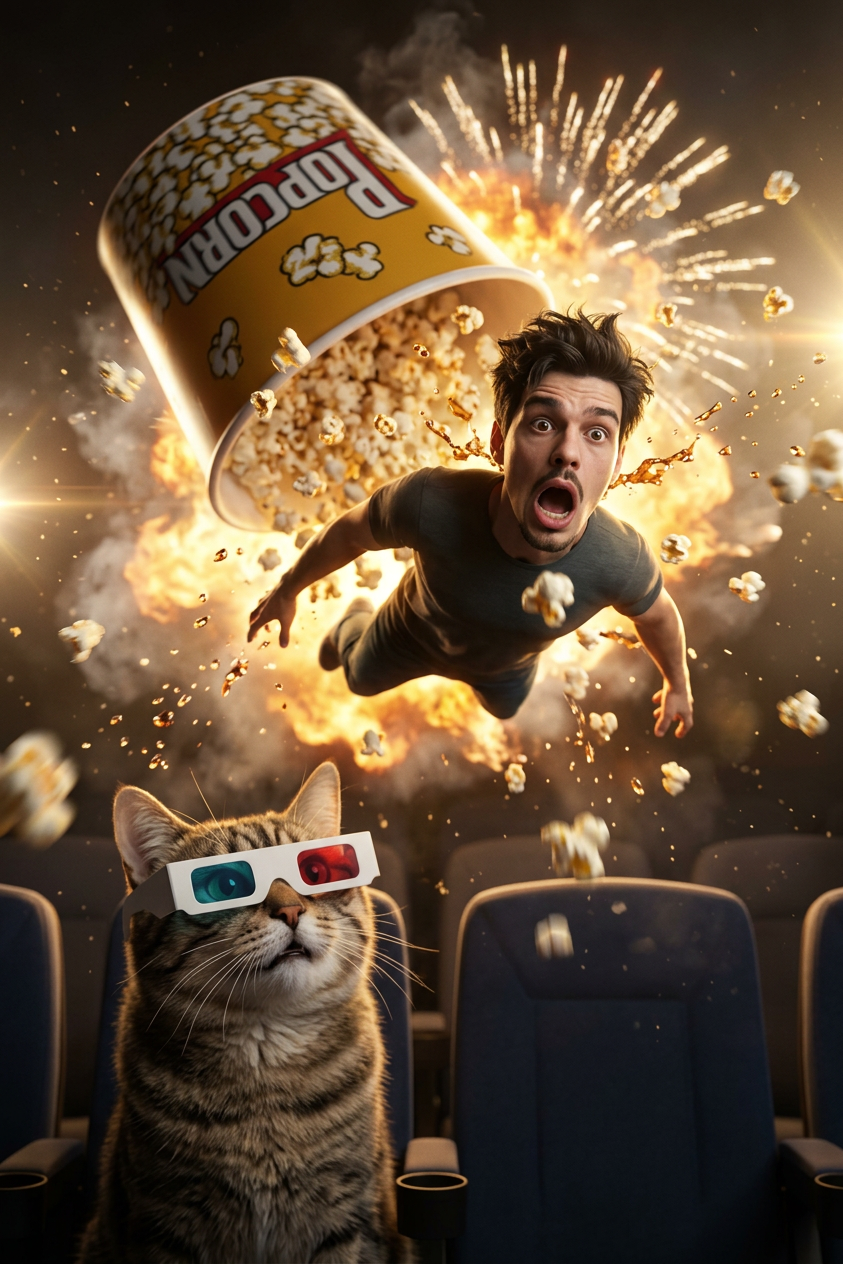
Popcorn Explosion Cinema Comedy
- Model
- Nano Banana 2
- Image
- 843 × 1264 px
Prompt
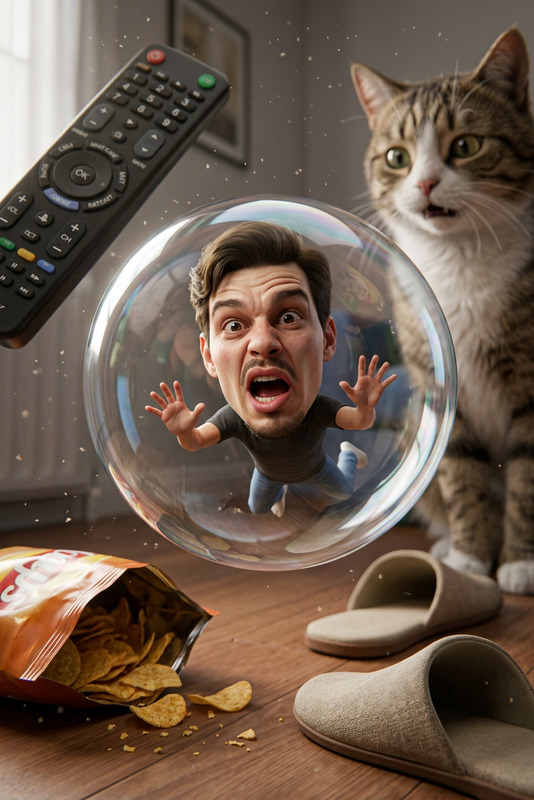
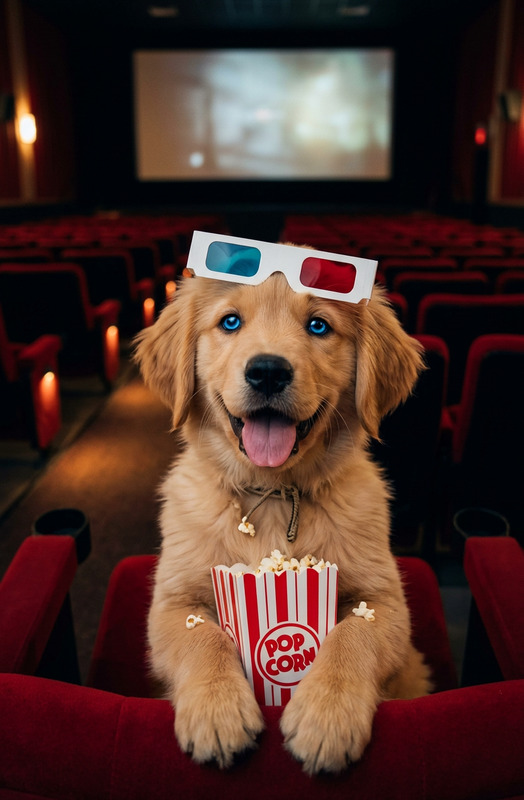
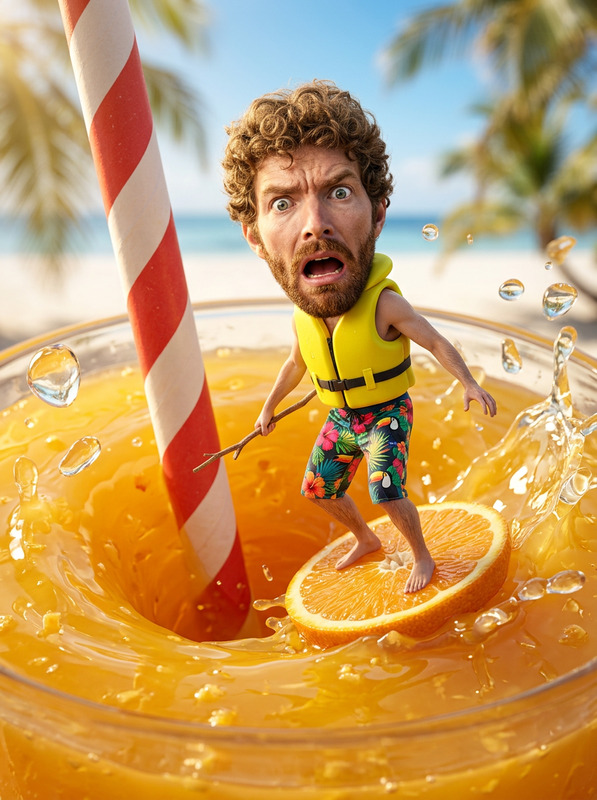
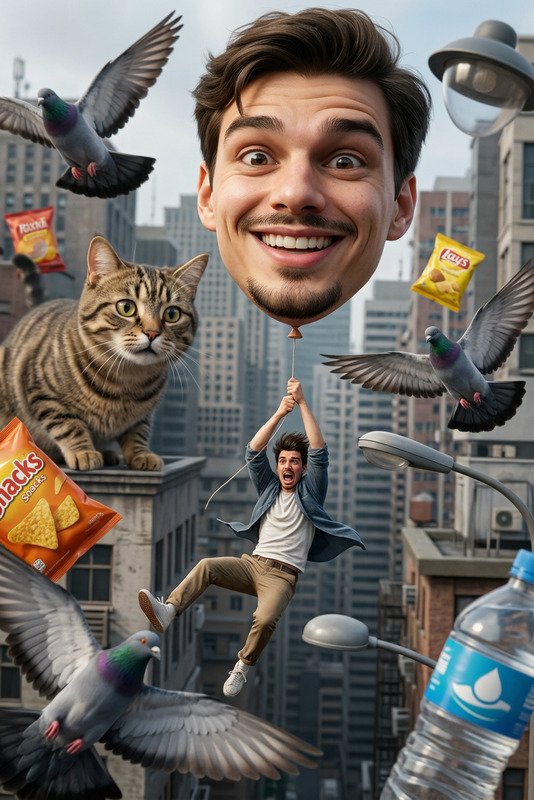
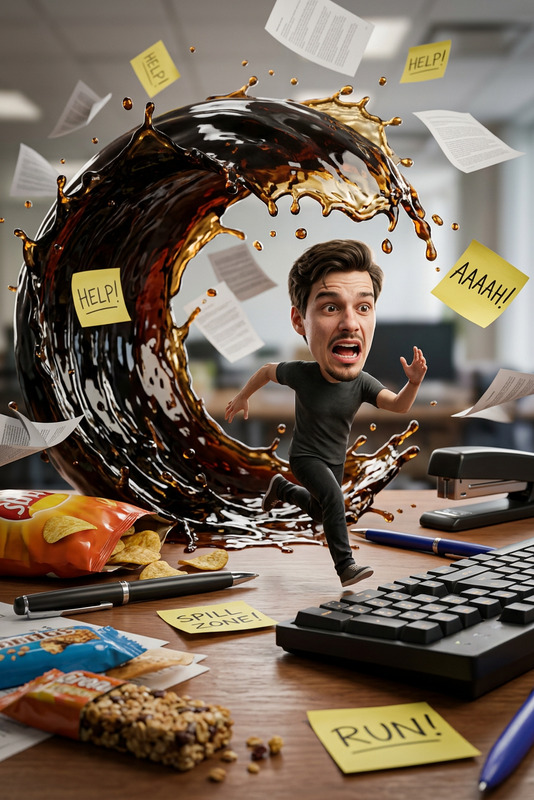
Create an ultra‑realistic, hyper‑cinematic 3D comedy scene featuring my exact facial identity as a tiny miniature version of myself dramatically flying through the air after being blasted upward by a giant popcorn explosion inside a movie theater. My oversized cartoon‑style head shows a shocked, wide‑eyed expression as popcorn kernels burst like fireworks behind me in slow motion. A massive overturned popcorn bucket spins in the background, soda splashes freeze mid‑air, and a giant confused cat wearing 3D glasses watches me from a theater seat. Add dramatic golden rim‑lighting, intense motion blur, floating dust particles, and epic Hollywood‑style lens flares to make the moment feel like a fusion of action movie + slapstick comedy. The entire scene should look chaotic, hilarious, and instantly viral, with crisp details, expressive facial reactions, and a high‑energy cinematic explosion vibe.
Any aspect ratio
Overview
The Popcorn Explosion Cinema Comedy template fuels creativity by blending humor and advanced AI editing capabilities. Perfectly designed for AI Image Editor enthusiasts, this template allows you to inject yourself into a 3D comedic scene with impressive detail and style. Leveraging the nano-banana-2 model, it crafts high-energy visuals that are compelling and ready to share.
What It Does
This template creates a high-definition, 3D image featuring you as a tiny character launched into the air by an epic popcorn explosion. With elements like cartoonish expressions, dramatic lighting, and a quirky cat bystander, it combines action and comedy to produce an image with explosive visual storytelling. AI GIF Generator could accompany this for dynamic visuals.
Who It's For
Designed for social media influencers, content creators, and anyone looking to inject a burst of humor into their visual storytelling. It's an ideal fit for those comfortable with using advanced AI tools to create images that stand out with cinematic flair. AI Clothes Changer might complement your projects with additional costume options.
Summary
The Popcorn Explosion Cinema Comedy template pushes the boundaries of creative expression in digital art. Using the AI Image Editor Template, you can create spectacular comedic scenes effortlessly. Perfectly catered to enhancing your storytelling through striking and funny high-resolution imagery.
How To
Choose the Template

Customize Your Inputs

Generate & Download

Use Cases
Social Media Content
- Highlight personal funny moments
- Engage your audience with unique visuals
Promotional Material
- Advertise upcoming events
- Promote comedy shows
Personalized Gags
- Surprise friends with comedic birthday cards
- Customize funny invitations
Best Practices
Use High-Quality Images
Ensure your face image is clear and high-resolution to make the final edit look realistic and detailed.Customize for Your Audience
Adjust the prompt to better suit the humor and style your audience enjoys.Experiment with Angles and Lighting
Play with different lighting and blur settings to amplify the scene's cinematic feel.