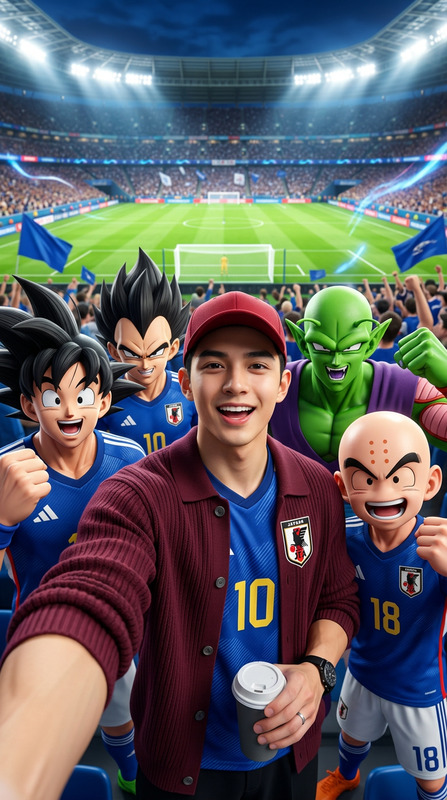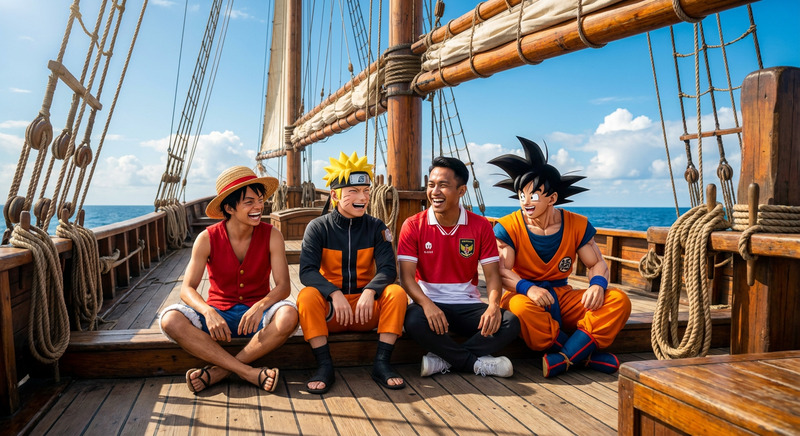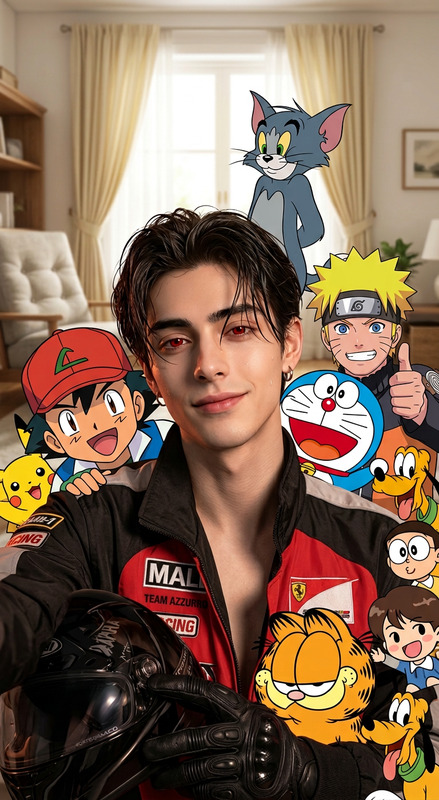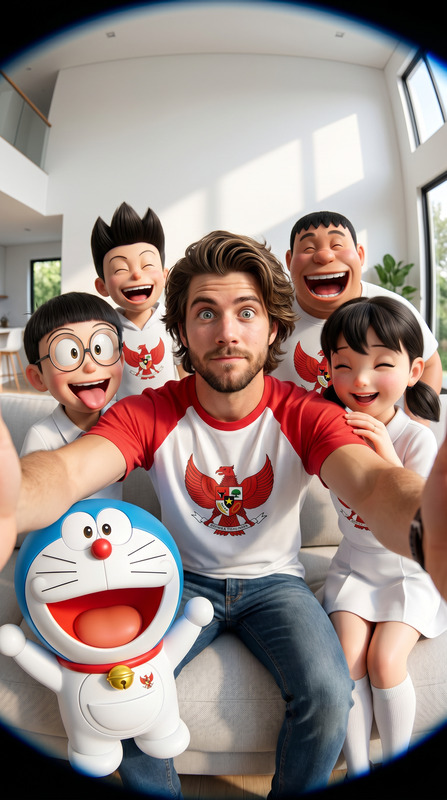
Real Man, Cartoon Crowd
- Model
- Nano Banana 2
- Image
- 768 × 1365 px
Prompt
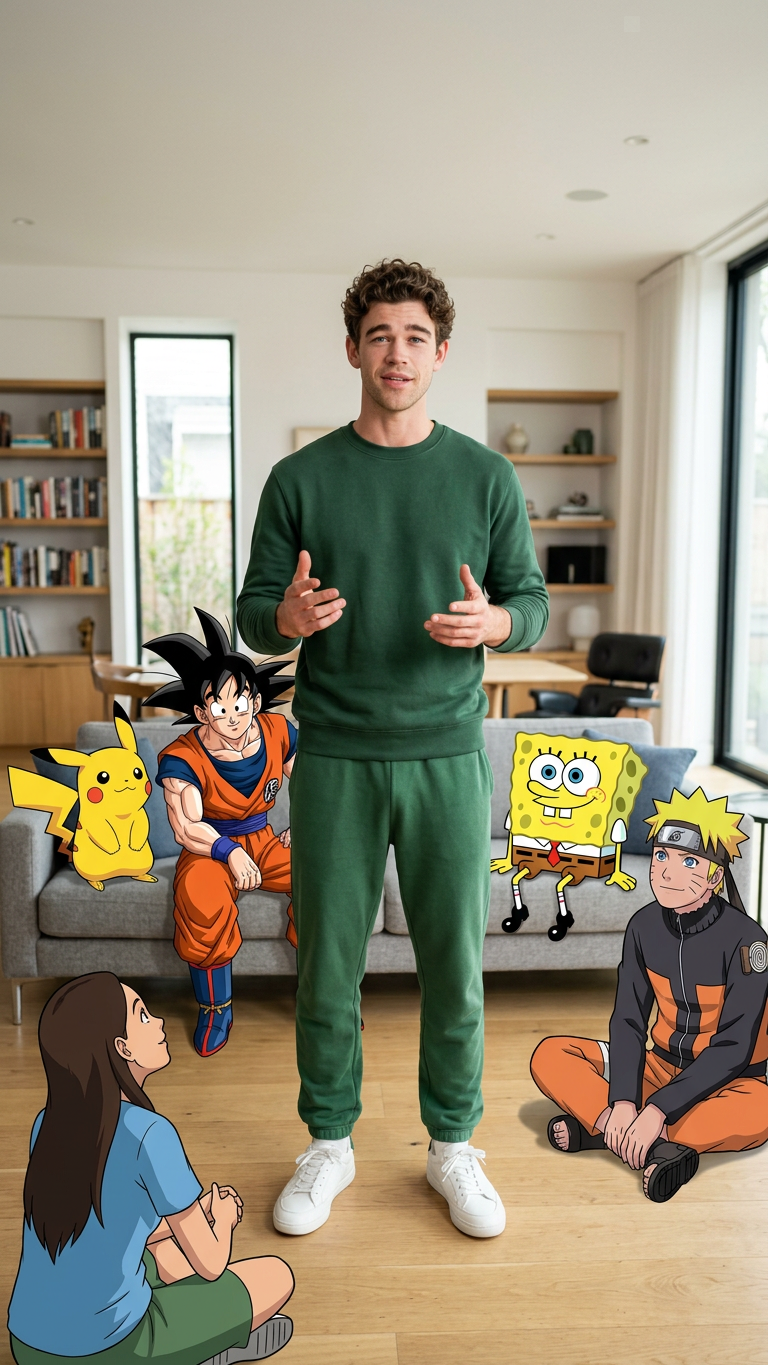
A high-quality, realistic photograph of a 25-year-old South Asian man with an athletic build standing in a modern, brightly lit living room. He is wearing a dark green long-sleeve sweatshirt and matching green sweatpants with white sneakers. He is gesturing with his hands as if speaking to a crowd. Seamlessly integrated into the room are various 2D cartoon and anime characters sitting on a grey sofa and the floor, listening intently. Naruto Uzumaki in his classic orange jumpsuit is sitting on the sofa looking up at him. Nearby, Pikachu is sitting on a wooden coffee table. The background includes large windows, a wooden bookshelf, and a clean, contemporary interior design. The contrast between the hyper-realistic man and the flat, vibrant 2D animated characters is sharp and deliberate
Any aspect ratio
Overview
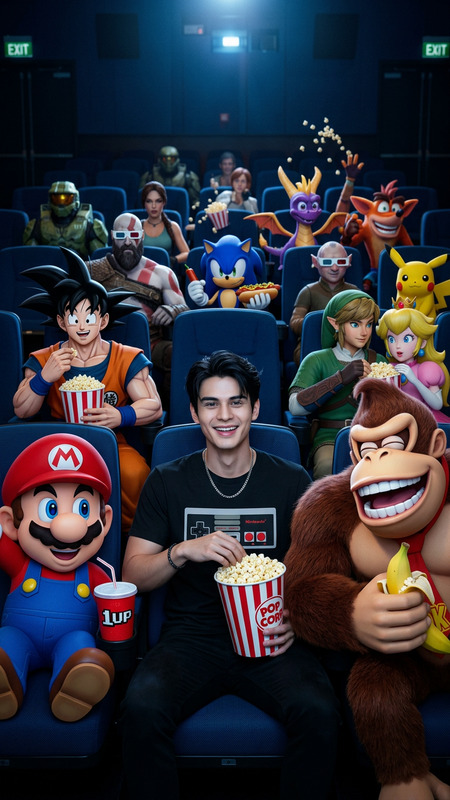
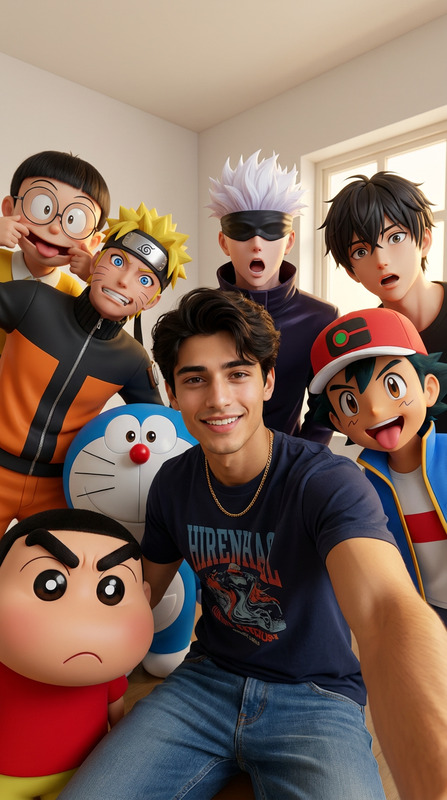
Create dynamic images with a mix of realism and animation using the Real Man, Cartoon Crowd template. This powerful AI Image Editor lets you transform your visual storytelling by integrating 2D cartoon characters into a hyper-realistic setting.
What It Does
The template allows you to place a realistic image of a South Asian man in a lively environment filled with vibrant 2D cartoon characters. Use it to contrast real and animated elements in a single image, creating a unique piece of visual art. It utilizes the nano-banana-2 model to achieve a high level of detail and realistic effects.
Who It's For
This template is perfect for digital artists and content creators aiming to mix reality with cartoon worlds. Whether you're prepping a social media campaign or exploring new creative expressions, this tool allows for impactful, eye-catching illustrations. It's also a great fit for those in video style transfer projects.
Summary
The Real Man, Cartoon Crowd template helps you craft visually compelling images that juxtapose real and animated features. Maximize its potential by combining storytelling elements with technical finesse, aided by the advanced capabilities of the AI Image Editor.
How-To
Choose the Template

Customize Your Image

Generate Your Image

Use Cases
Social Media Campaigns
Digital Art Projects
Marketing Materials
Best Practices
Focus on Contrast
Ensure a clear visual divide between the real and animated elements to highlight both styles effectively.Pay Attention to Composition
Arrange characters and objects thoughtfully within the frame to balance the overall composition.Experiment with Characters
Try different combinations of cartoon characters for a variety of moods and messages.