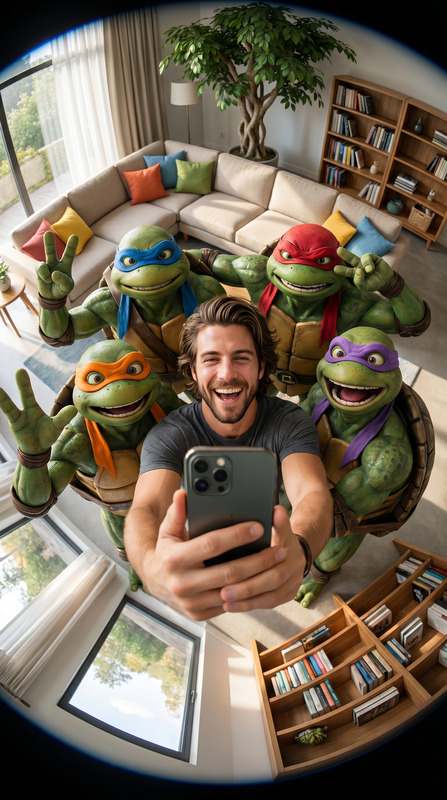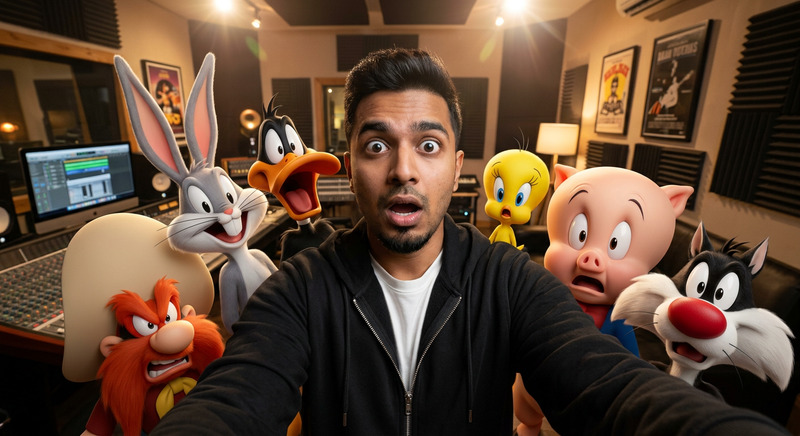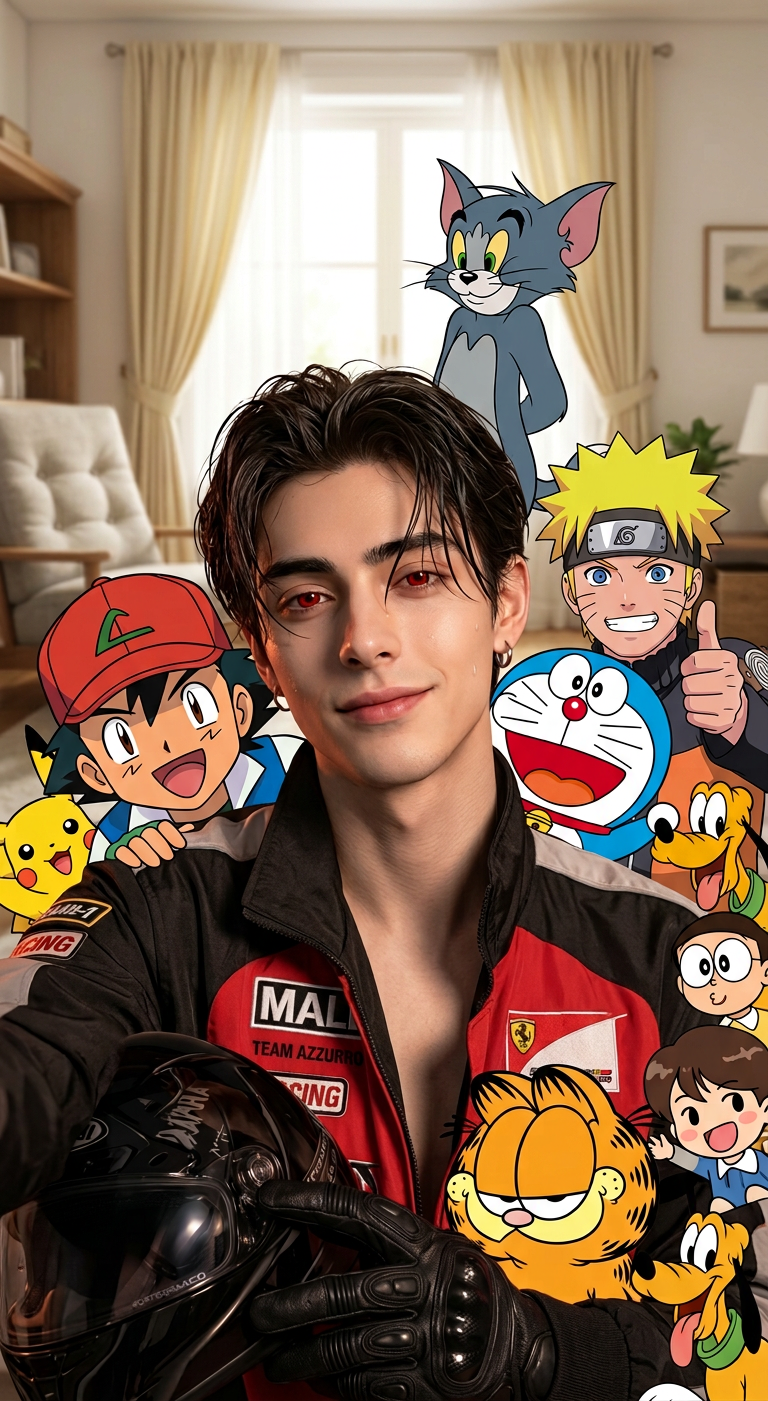
Multiverse Living Room Selfie

Multiverse Living Room Selfie

ai-image-editor

1 clip
4 uses

Any aspect ratio

Prompt

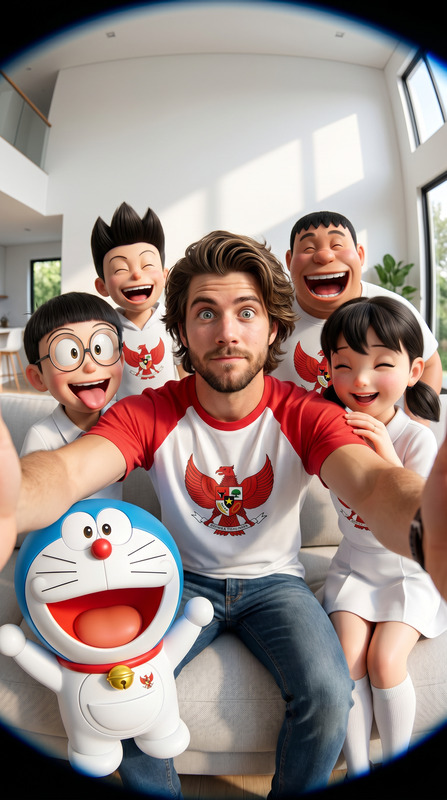
Surrounding subject are colorful cartoon and anime-style characters from different universes—a red-capped young trainer, a blue robotic cat, a yellow-haired ninja, a tall grey cat, a small orange cat, and other expressive figures—crowding around enthusiastically, interacting and reacting to the selfie. The characters are drawn in distinct animation styles yet integrated convincingly into the real space, casting soft shadows on furniture. Bright window with cream curtains in the background, soft indoor lighting. Fun, chaotic, energetic vibe with vibrant colors, crisp detail, photorealistic environment blended with animated elements.

AI Image Editor Template: Turn Any Idea Into Pixel-Perfect Visuals in Minutes

This template was built with the AI Image Editor to give you a fast, repeatable way to transform, enhance, and repurpose images for campaigns, product launches, or content workflows.

Use it as-is or remix it into your own branded editor: you can keep the core behavior (edit-by-prompt on top of a base image) and adapt it for ads, thumbnails, product shots, or social visuals across your entire stack.


What This Template Does

This template is designed for:

  • Smart, prompt-based editing of any image (photos, mockups, brand assets)
  • Iterative creative exploration (try variations, refine, and branch off)
  • Non-destructive edits – start from your original and experiment safely
  • Fast content production for:
    • Paid ad creatives and A/B test variations
    • Landing page hero images
    • Social posts, memes, and carousels
    • Pitch decks and investor updates
    • Product shots for e‑commerce or app stores

Under the hood, it uses the AI Image Editor to apply natural-language instructions directly to your uploaded image, so you can describe changes instead of manually editing pixels.


How to Use This Template in Magic Hour

You can use this template directly, or remix it into your own version:

  1. Upload or select your base image

    • Use any product photo, headshot, illustration, UI mockup, or stock image.
    • For best results, choose an image with a clear subject and good lighting.
  2. Describe the edit you want in natural language
    Examples:

    • “Turn this office photo into a nighttime city skyline with neon lighting.”
    • “Make this product shot look like a premium studio shoot on a glossy black background.”
    • “Transform this selfie into a clean LinkedIn headshot with soft lighting.”
    • “Convert this flat illustration into a comic-book style panel.”
  3. Generate, review, and iterate

    • Generate multiple versions, pick the strongest ones, then refine your prompt to push the style, color, or composition in the direction you want.
    • Create branches: keep your favorites and continue exploring from those outputs.
  4. Export and reuse across other Magic Hour tools


Remixing: Build Your Own Version of This Template

If you want a custom, reusable editor tailored to your workflows, you can remix this template. Common remix patterns:

1. Brand Asset Editor

Create a version focused on on-brand visuals:

  • Start from this template as your base.
  • Define prompts that preserve brand colors, tone, and style (e.g., “Use our brand’s deep blue and clean minimal typography”).
  • Pipe your edited assets into:

Use this when you need consistent visual systems across landing pages, pitch decks, and product UI.

2. Product & Ecommerce Visuals

Turn basic product shots into polished, campaign-ready visuals:

  • Use the AI Image Editor template as your base.
  • Create reusable prompt patterns:
    • “Premium studio lighting with soft shadows on white background.”
    • “Lifestyle shot in a modern living room.”
    • “Holiday-themed background with subtle decorations.”
  • Combine with:

3. Creator & Social Content System

Use this template to rapidly create content variations:

4. Character, Avatar & Story World Builder

If you’re building characters for games, stories, or brands:

For more stylized directions, cross over into:


Advanced Use Cases for Builders & Teams

Marketing & Growth Teams

Use this template as the “visual engine” for your experiments:

  • Generate and test multiple angles for:
    • Paid performance creatives (social and display)
    • Landing page heroes and above-the-fold illustrations
    • Email headers and lifecycle journeys
  • Feed winners into:

Product, SaaS & Startup Teams

Ship better visuals without a designer on every request:

  • Quickly generate on-brand UI visuals, feature spotlights, and product mockups.
  • Use the template to create variants of interface components and dashboards for:
    • Onboarding tours
    • Product hunts / launch pages
    • Investor updates and pitch decks
  • Tie into:

Creator Economy & Education


Complementary Tools for This Template

The AI Image Editor template becomes more powerful when combined with other tools in the Magic Hour ecosystem:

Each of these can provide a base image that you further refine with this AI Image Editor template, or serve as destinations for images you first clean and style here.


Practical Prompting Tips for High-Quality Edits

When using or remixing this template, prompts matter more than anything else. Patterns that work well:

  • Role + Style + Detail
    “As a product photographer, turn this into a high-end studio shot with soft shadows and a neutral gray background.”

  • Reference Media
    “Make this look like a modern SaaS website hero illustration, flat but with subtle gradients.”

  • Constraints
    “Keep the person’s face and expression the same, but change the background to a minimalist office with warm lighting.”

  • Iteration
    Start with a simple prompt, inspect results, then add specifics:

    • Color palette
    • Mood/lighting
    • Level of realism or stylization
    • Context (studio shot, lifestyle, game art, comic, etc.)

For more technical background, see widely cited works on diffusion models and image editing such as:

  • “High-Resolution Image Synthesis with Latent Diffusion Models” (Rombach et al., 2022)
  • “InstructPix2Pix: Learning to Follow Image Editing Instructions” (Brooks et al., 2023)

The AI Image Editor builds on similar underlying ideas: conditioning a generative model on both an input image and a natural-language instruction.


When to Use This Template vs. Other Magic Hour Tools

Use this AI Image Editor template when you:

  • Already have an image and want to transform or enhance it.
  • Need consistent iterations on the same base asset (product, face, logo).
  • Care about preserving structure while changing style, background, or quality.

Consider starting with other tools when you:

In many production workflows, teams will generate → edit → upscale → animate. This template is the “edit” layer in that chain.


Use this AI Image Editor template as your baseline, then remix it for your brand, product, or creative stack. Once you’ve dialed in a few strong prompt recipes, you can turn one-off image edits into a scalable, reusable content pipeline.

More Like This

Insufficient credits