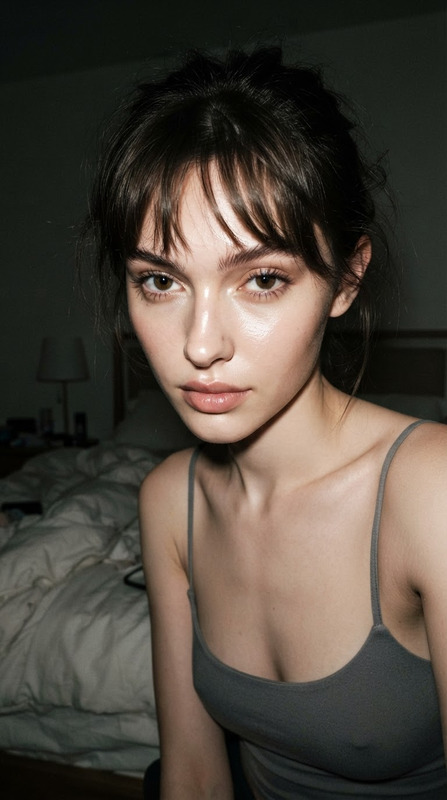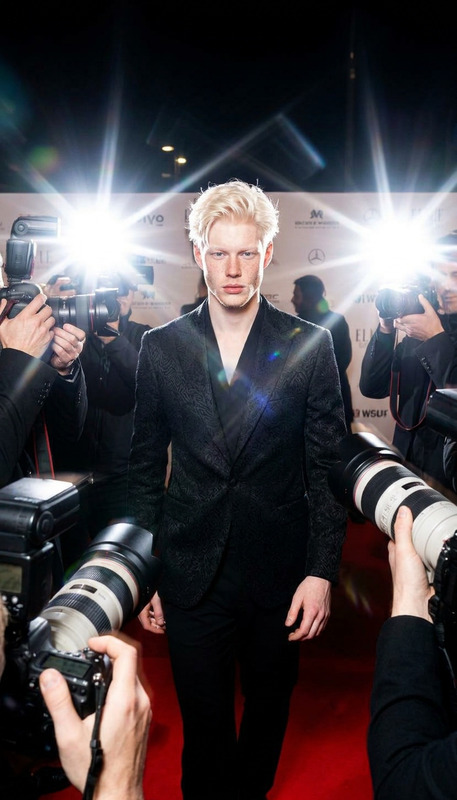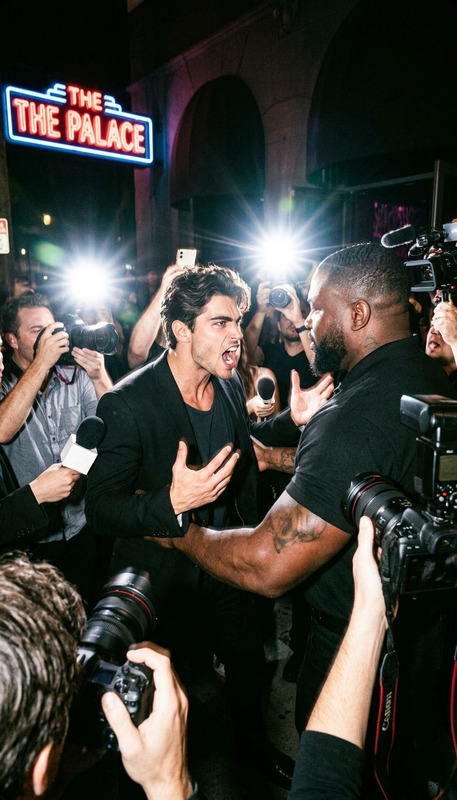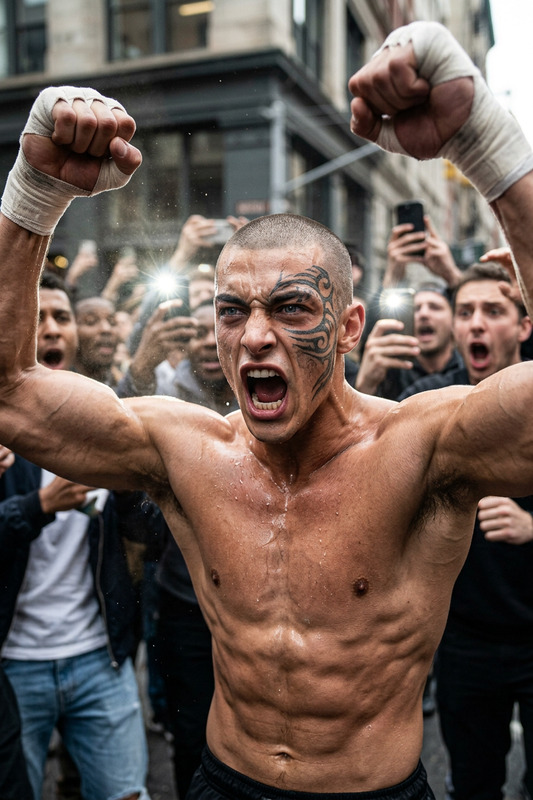
Gangsta
- Model
- Nano Banana 2
- Image
- 921 × 1152 px
Prompt
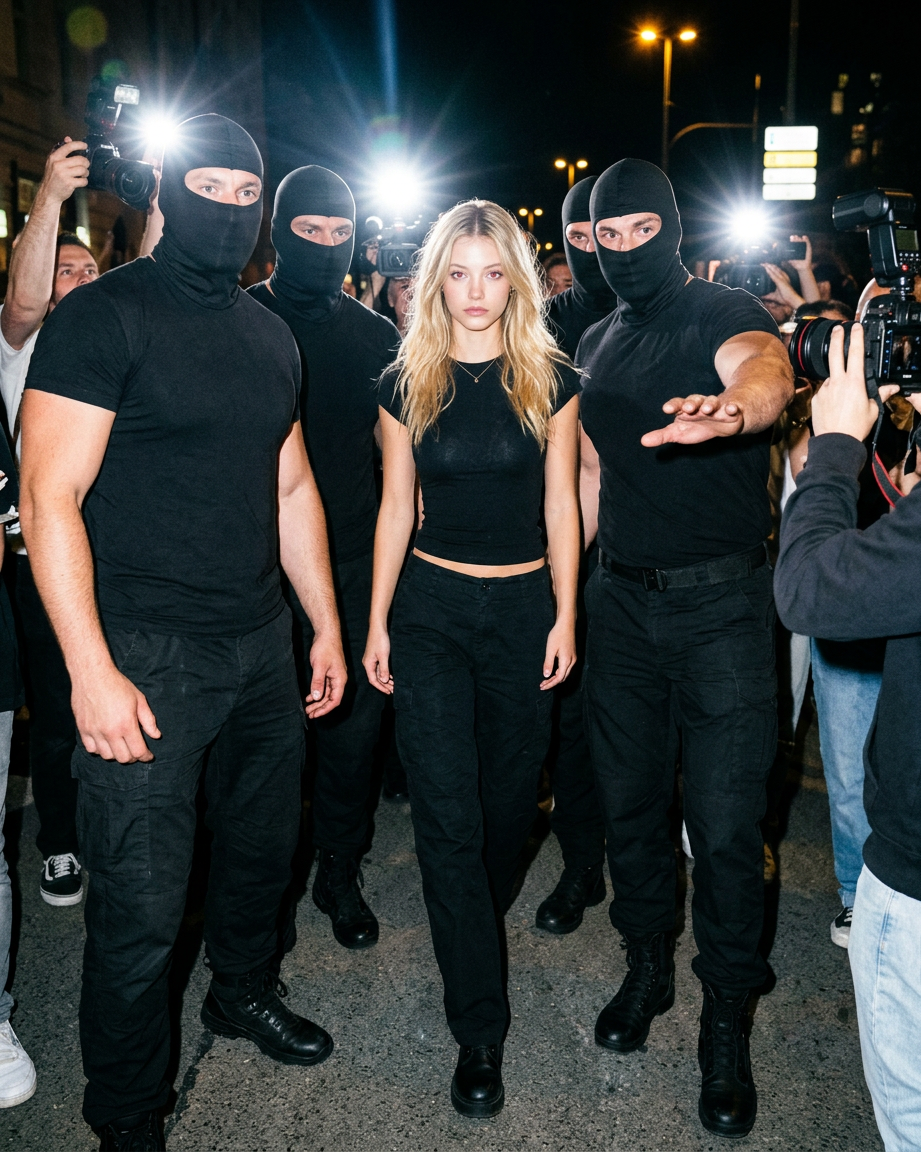
The subject confidently walks forward, surrounded by large male security guards in black T-shirts, dark pants, and black balaclavas. They form a tight protective formation around him. The shot is full-length. The subject is centered. The guards fill the left and right edges of the frame. The shot appears spontaneous, intrusive, slightly chaotic, but quite sharp. The iPhone's frontal flash is strong. An aggressive paparazzi moment. The iPhone's sudden, direct flash hits the subject and partially hits the guards.
Any aspect ratio
Overview
The Gangsta template on Magic Hour is a dynamic AI Image Editor, expertly crafted to transform your images into captivating, paparazzi-style moments. Powered by the nano-banana-2 model, this template brings intense energy and sharpness to your visuals, emulating paparazzi shots with an aggressive flash effect. Get ready to revolutionize your image editing workflow.
What It Does
The Gangsta template enables users to create striking, full-length images that mimic hotly pursued celebrity scenarios. By adjusting lighting and composition, the template simulates an intrusive, yet sharp aesthetic, with the subject surrounded by security guards as captured by an iPhone flash. Whether you’re developing high-intensity scenes for entertainment, editorial shoots, or social media ads, this template enhances dramatic narratives in visual storytelling.
Who It's For
This template is ideal for photographers, social media marketers, and visual content creators seeking to infuse their work with a bold, high-energy style. It's perfect for projects that demand a paparazzi chic touch, suitable for photographers working on fashion shoots and marketers designing eCommerce ads or campaign materials that require a striking, impactful visual statement.
Summary
With the Gangsta template, turn ordinary images into extraordinary paparazzi-style scenes that captivate and engage. Tap into the power of AI-driven editing to bring your half-baked concepts to life with vivid visual storytelling. Elevate your creative projects with this robust image editor that’s perfect for stirring excitement and drama in every frame.
How to Use the Gangsta Template
Choose the Gangsta Template

Customize Your Image

Generate Your Image

Use Cases
Fashion Shoots
- Create dynamic, full-length fashion images
- Enhance behind-the-scenes shots with an intense look
Editorial Content
- Develop compelling magazine cover images
- Craft feature spreads with added edge
Marketing Campaigns
- Design billboard ads that command attention
- Create memorable social media campaigns
Best Practices
Select High-Resolution Images
For best results, start with high-resolution images to ensure clear and sharp output after editing.Experiment with Lighting
Play around with the lighting settings to achieve the desired flash effect that accentuates the subject.Refine Composition
Use the template’s customization options to correctly position subjects and enhance crowd arrangements for an authentic paparazzi feel.