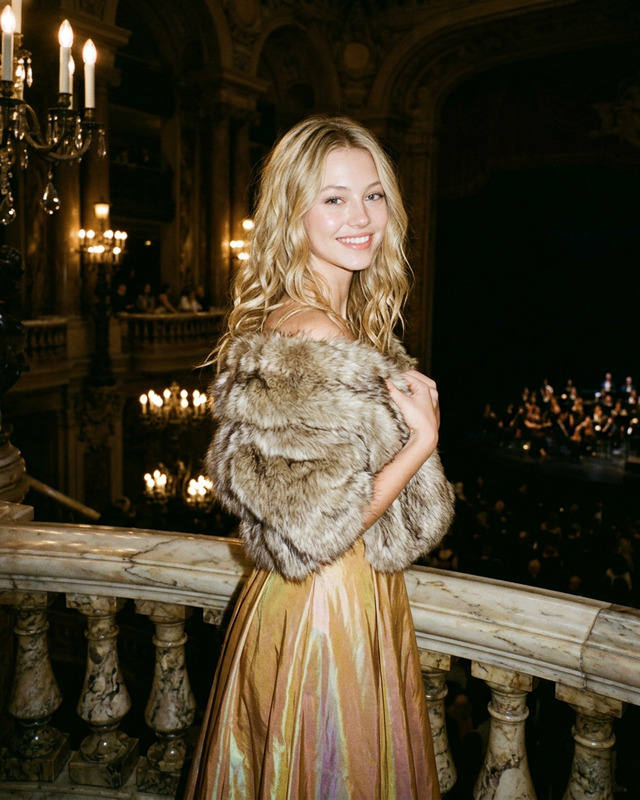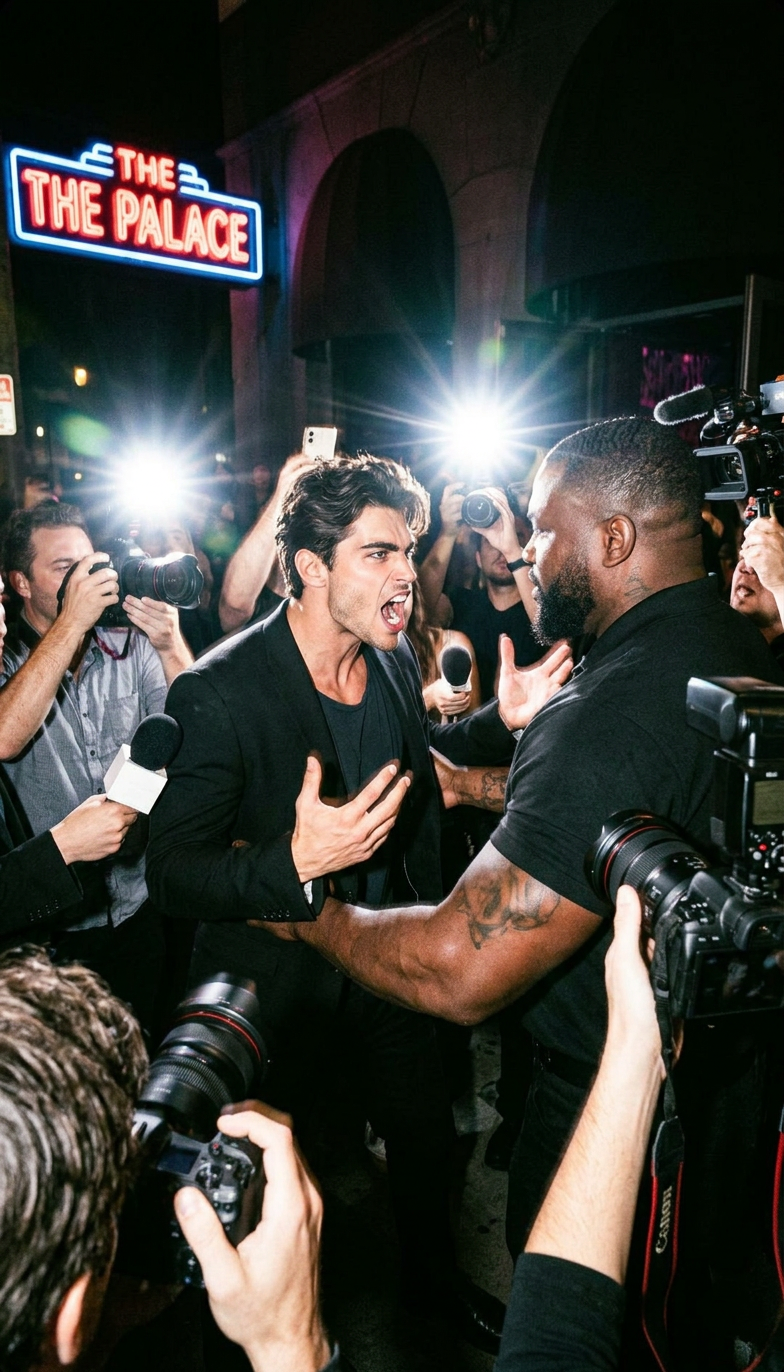
Club Entrance Chaos
- Model
- Nano Banana 2
- Image
- 784 × 1372 px
Prompt
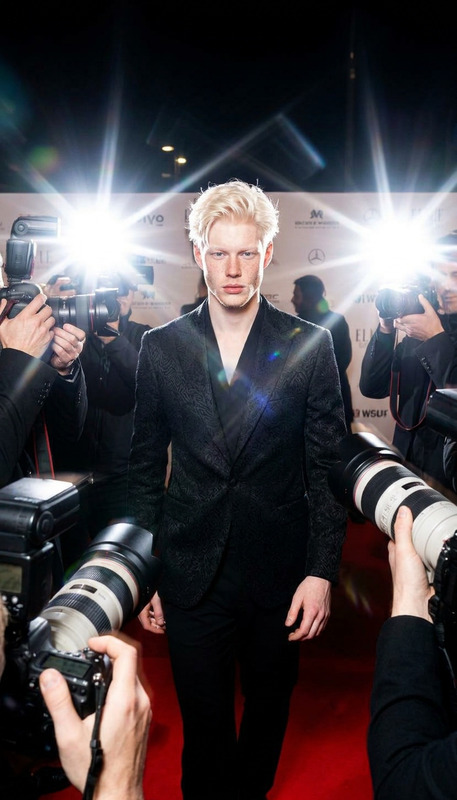
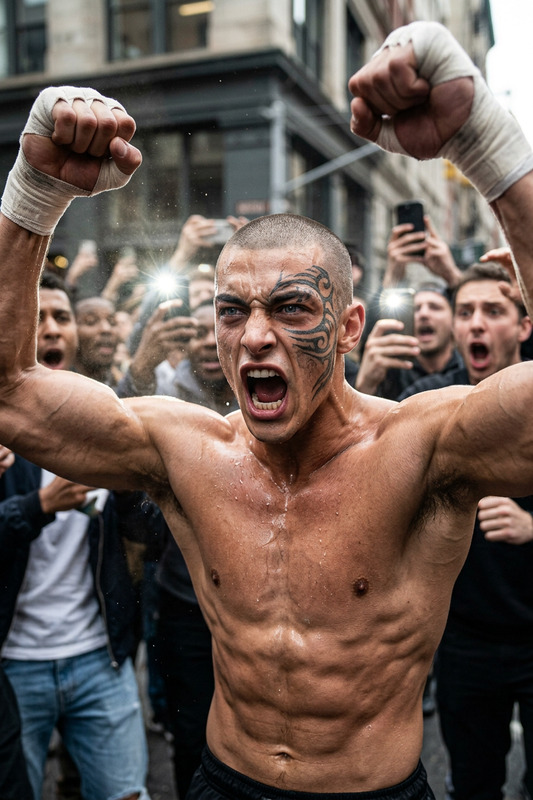
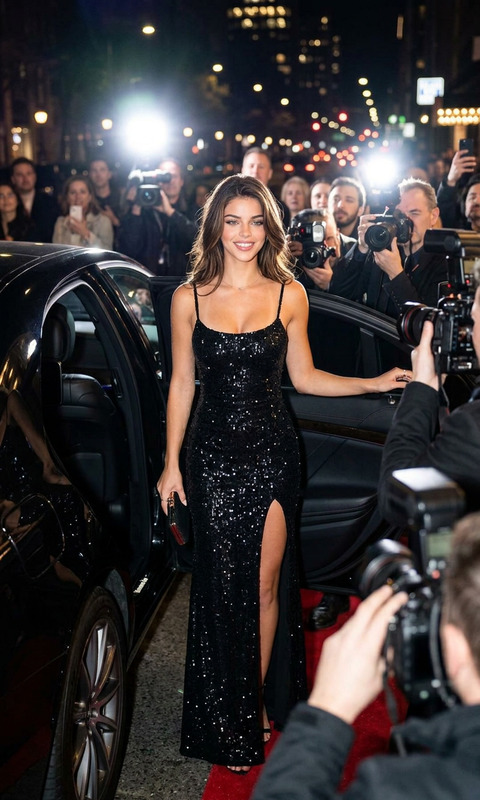
Cinematic shot of a subject standing at a nightclub entrance arguing with a large security guard blocking the way, expressive yelling pose. Crowd of journalists surrounding, cameras flashing, paparazzi energy. Night urban setting with neon lights, motion blur, high contrast flash lighting, chaotic atmosphere, photorealistic, film grain, editorial style.
Any aspect ratio
Overview
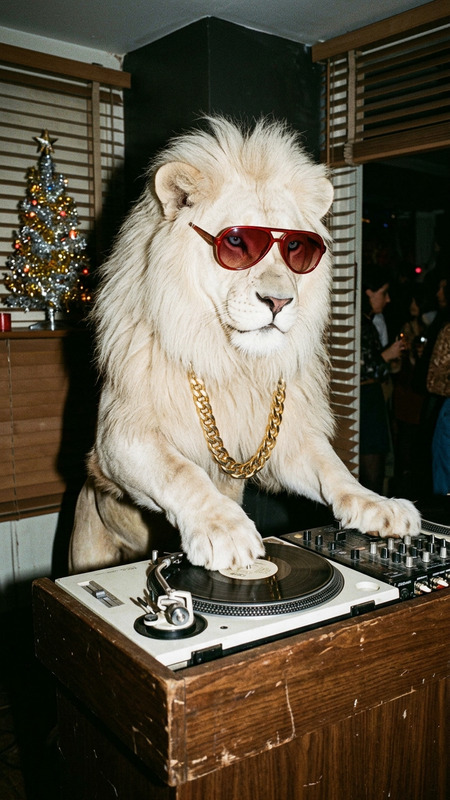
The "Club Entrance Chaos" template immerses your subject in a vividly realistic nightclub scene, showcasing the tension and excitement of paparazzi madness. Leverage the power of the AI Image Editor to generate high-energy compositions that capture the essence of a chaotic night out.
What It Does
This template uses the capabilities of the nano-banana-2 model to create detailed and dynamic images. It features a cinematic scene with a subject in an argumentative pose with a bouncer, surrounded by flashing cameras and a bustling crowd. The template seamlessly blends photorealistic details with artistic elements like motion blur and film grain.
Who It's For
Ideal for nightclub owners, event promoters, and marketers aiming to ignite their visual branding. This template is also perfect for creative professionals wanting to craft editorial-style imagery that truly stands out in galleries or social media feeds. It's a powerful tool for anyone aspiring to convey vibrant nightlife narratives.
Summary
With "Club Entrance Chaos," transforming ordinary scenes into exciting club encounters is now within reach. Utilize the advanced editing features of the AI Image Generator to customize elements like lighting and pose, ensuring every detail aligns with your creative vision. Embrace the spontaneous and lively aura this template offers to elevate your project.
How To Use
Choose the Club Entrance Chaos Template

Customize Your Scene

Generate and Download

Use Cases
Event Promotions
Social Media Content
Magazine Features
Best Practices
Optimize Lighting
Adjust lighting to complement the neon and flash effects, highlighting key elements in the scene.Enhance Motion Blur
Apply motion blur selectively to convey the bustling nightclub atmosphere effectively.Focus on Details
Ensure to edit small details such as facial expressions and dynamic poses to create a compelling narrative.