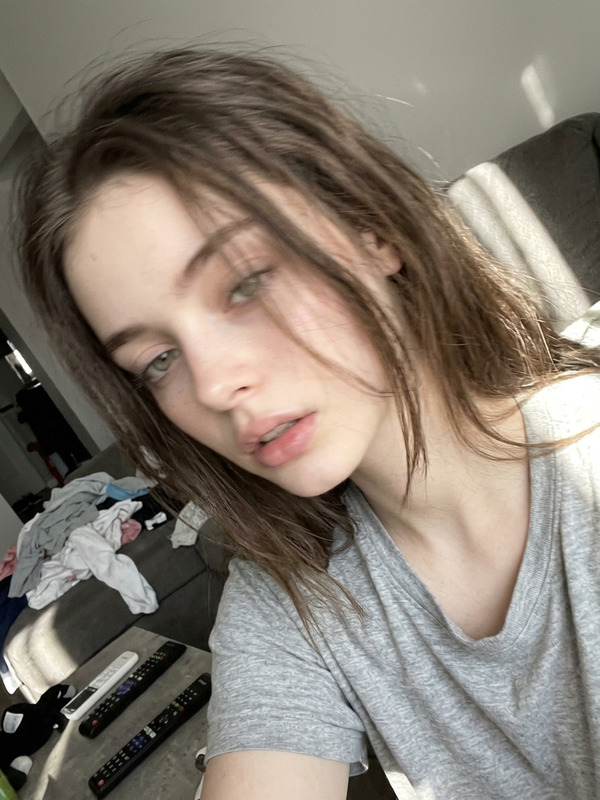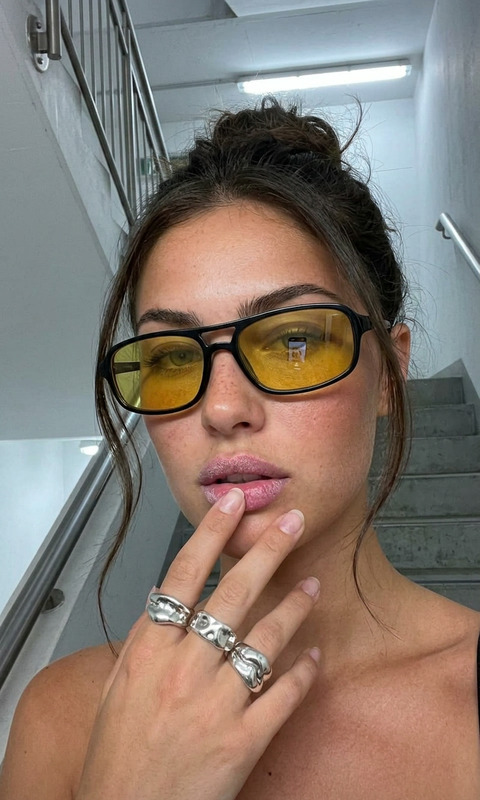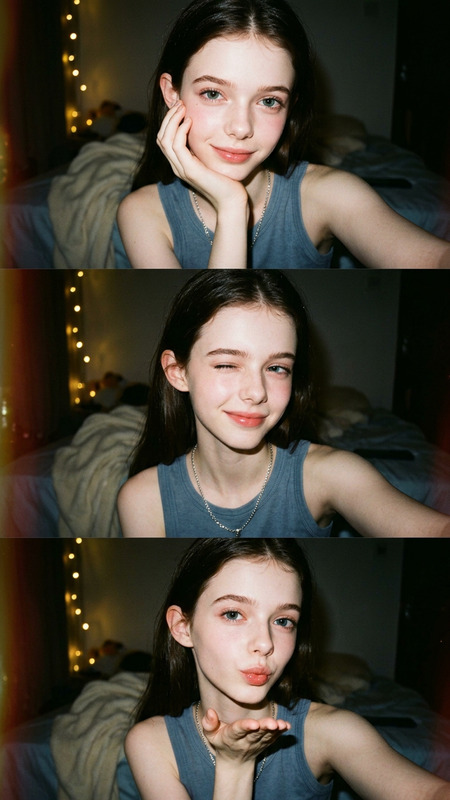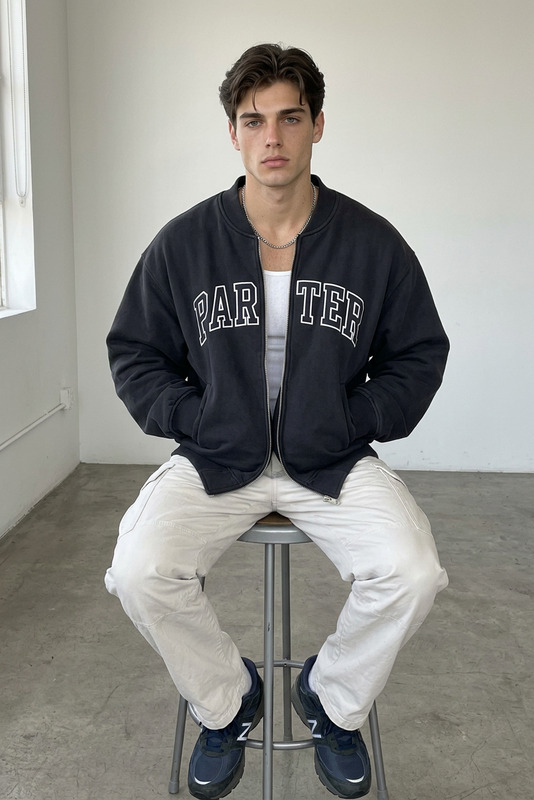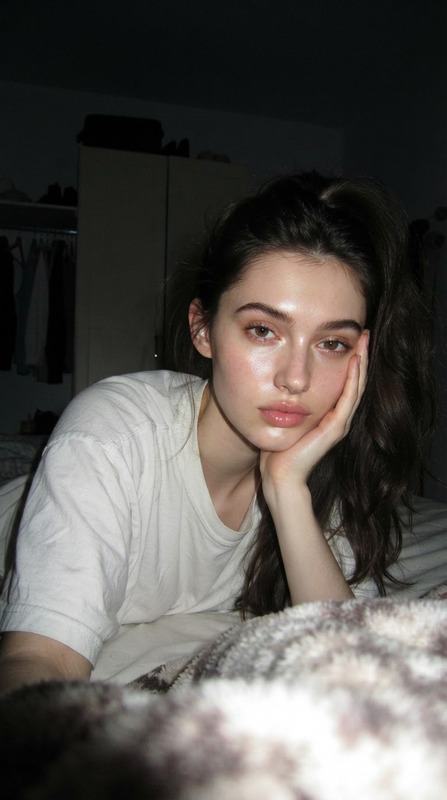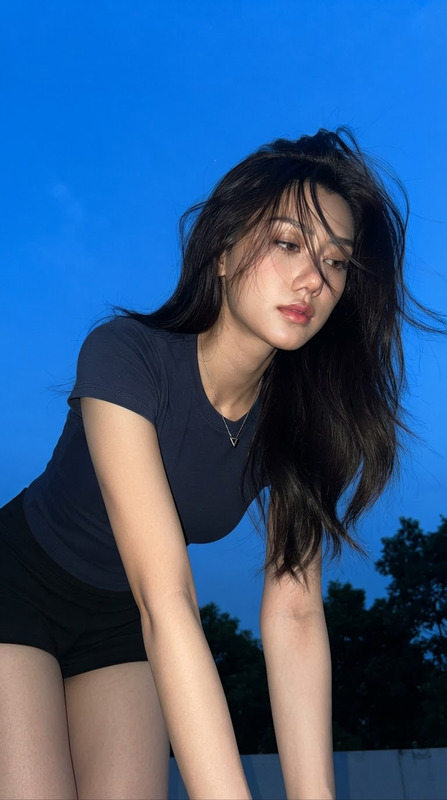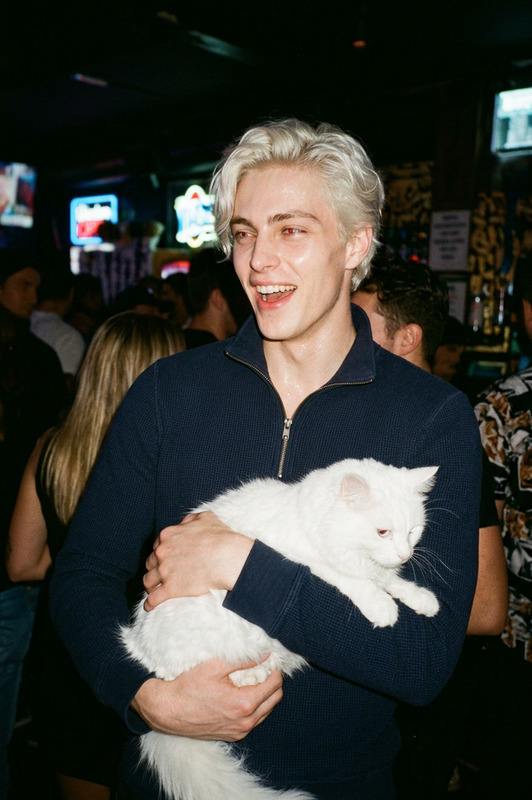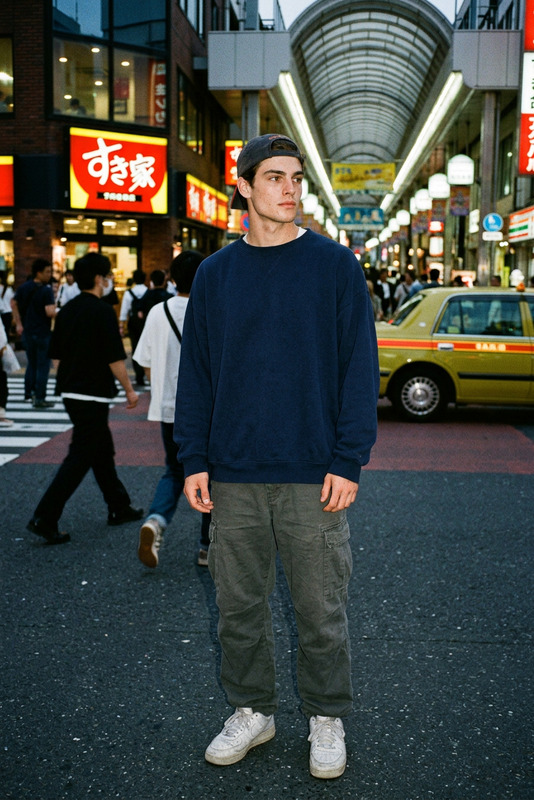
Flash Portrait
- Model
- Nano Banana 2 Lite
- Image
- 768 × 1376 px
Prompt
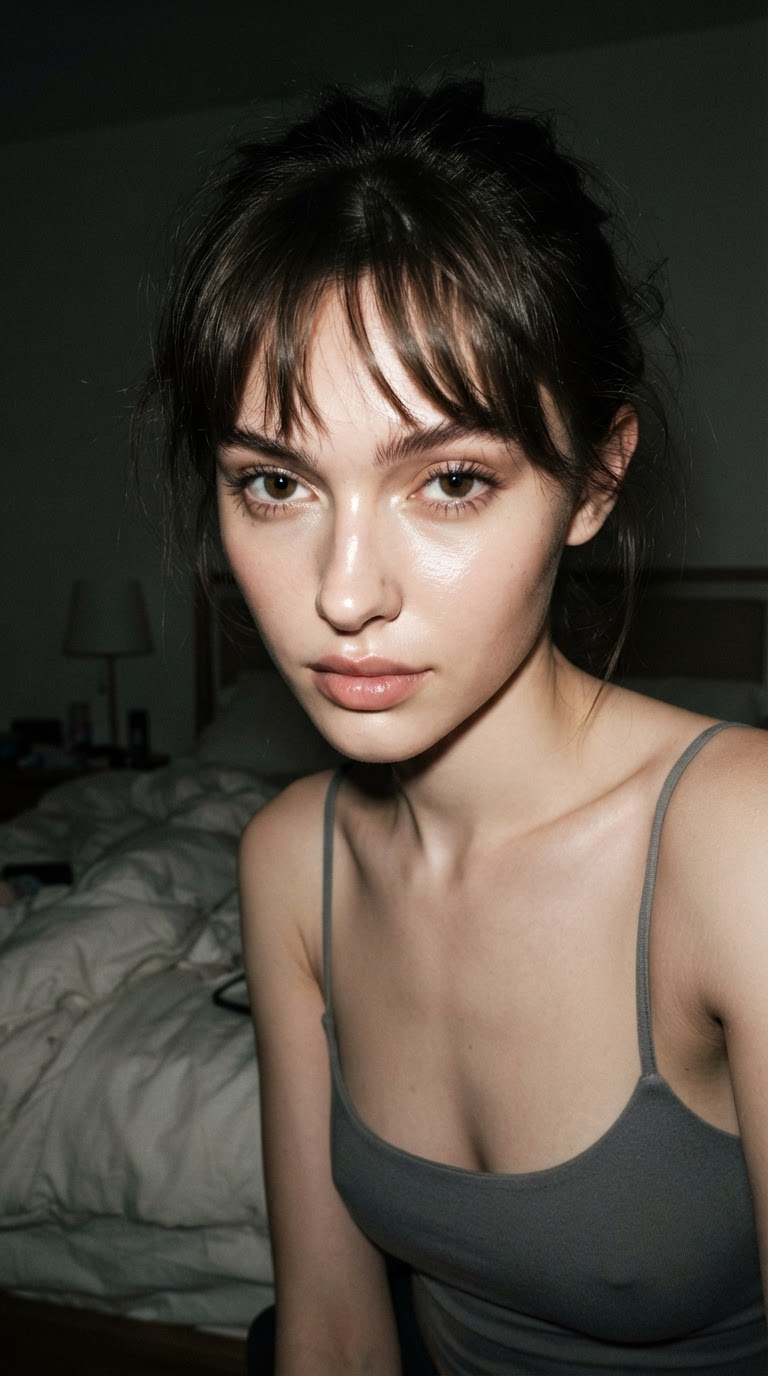
Raw high-contrast iPhone flash portrait in a 9:16 vertical composition, captured with a 24mm wide-angle lens in a dim bedroom at night. The subject leans slightly toward the camera with relaxed shoulders, framed tightly from the face to the upper torso in an imperfect close-range composition. The subject has clean refined features, a bold direct gaze with a subtle teasing intensity, softly controlled lips, and slightly messy straight dark hair with natural bangs. The subject wears a minimal fitted gray thin-strap top. Direct smartphone flash creates sharp facial highlights, glossy skin reflections, deep background shadows, and natural flash falloff, while faint ambient room light preserves subtle neutral tones in the darker areas. Preserve authentic smartphone imperfections including flash blowout, visible grain, mild 24mm lens distortion, realistic skin texture, uneven exposure, and spontaneous framing. The overall image should feel like an unedited late-night iPhone snapshot with a slightly chaotic yet calm atmosphere, avoiding studio polish, excessive retouching, artificial perfection, text, logos, or watermarks.
Any aspect ratio
Overview
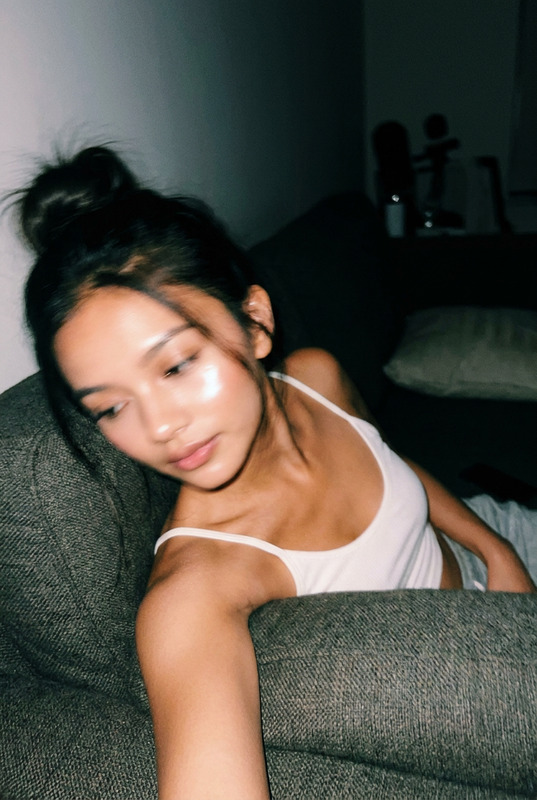
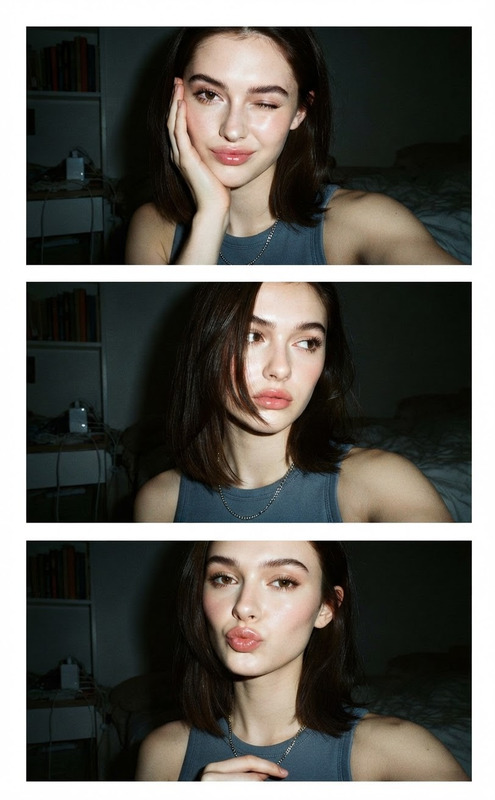
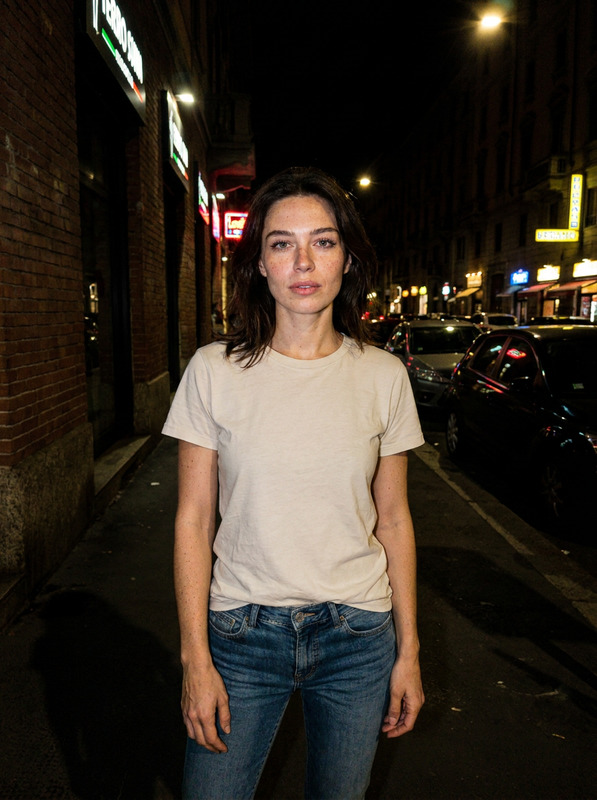
The Flash Portrait template is part of the AI Image Editor suite, designed to replicate a raw, high-contrast flash portrait. Utilizing the nano-banana-2-lite model, this template captures the essence of a spontaneous late-night iPhone snapshot.
What It Does
This template expertly generates high-contrast portraits that mimic the spontaneous feel of smartphone captures. It ensures authentic details such as flash highlights, grain, lens distortion, and natural skin textures. The result is an unedited yet striking image that resonates with authenticity and slight chaotic charm.
Who It's For
Perfect for photographers, social media enthusiasts, and creative professionals who want to add a natural, candid feel to their portraits. By capitalizing on smartphone photography imperfections, this tool is ideal for those seeking to create relatable and raw visual content.
Summary
Employing the Flash Portrait template, users can transform ordinary photos into captivating images that maintain the integrity of a late-night snapshot. Enhance your images with authentic elements while avoiding the pitfalls of over-stylization and excessive post-production.
How To
Select Template

Customize Inputs

Generate Image

Use Cases
Social Media Content
Photography Experimentation
Creative Projects
Best Practices
Embrace Imperfections
Leverage the template's ability to capture realistic lens distortions and imperfect lighting to enhance the photo's authenticity.Select Complementary Photos
Choose photos with natural lighting and shadows to amplify the template's features.Refine Through Feedback
Experiment with different prompt adjustments and review results to better understand how to achieve your desired look.