Unfazed Before the Titan
- Model
- Nano Banana 2
- Image
- 896 × 1189 px
Prompt
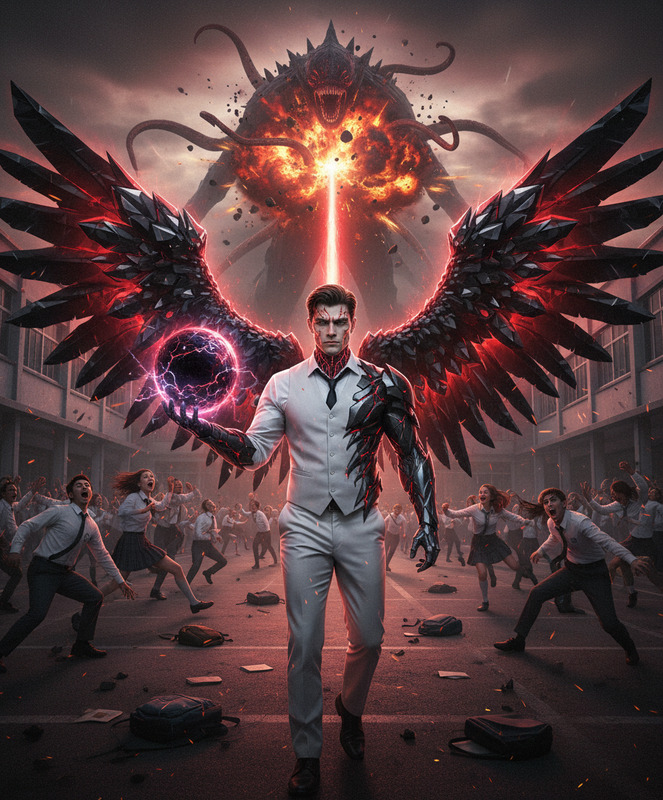
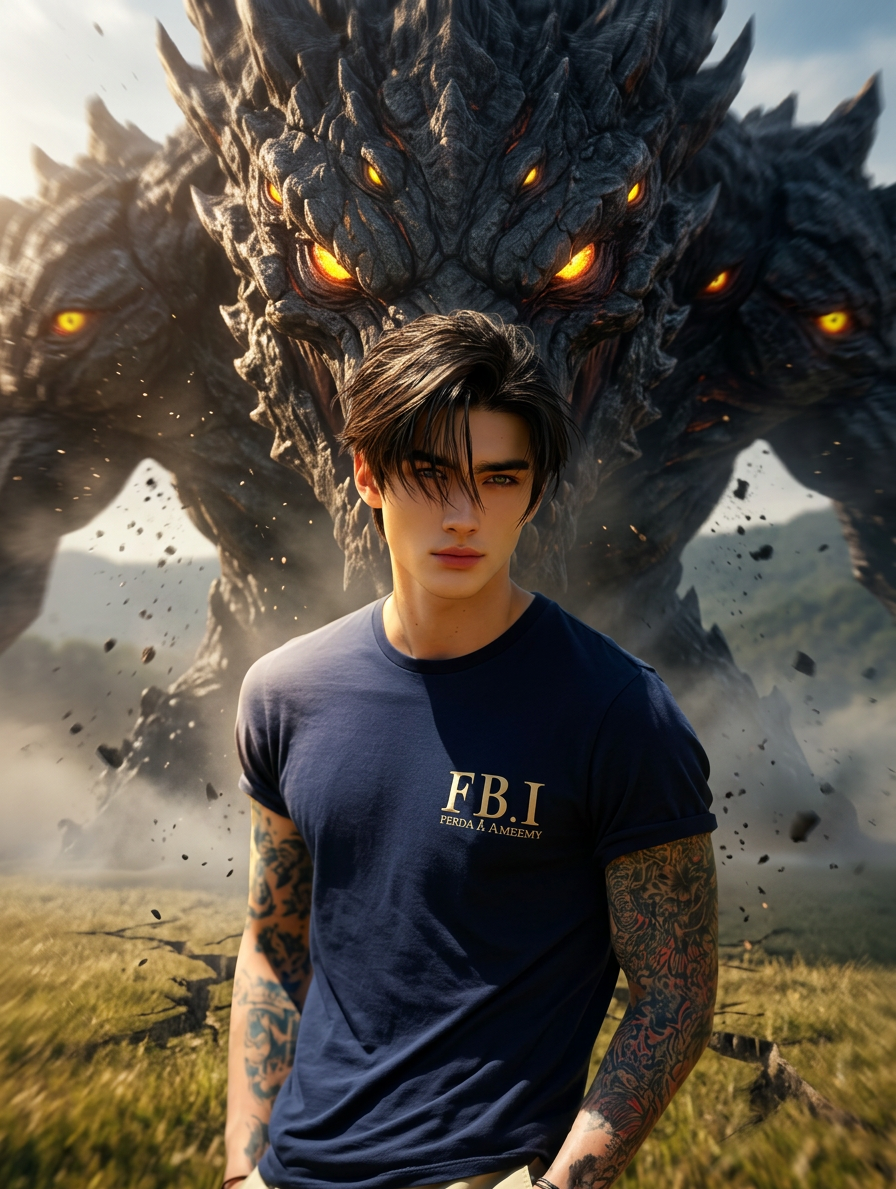
A massive, terrifying monster rises behind the subjects — dark rocky skin, glowing eyes, and a towering presence. The subjects remain calm and still, facing the camera, completely unfazed. Cinematic lighting with dramatic contrast enhances the epic scale, while smooth camera motion add
Any aspect ratio
Overview
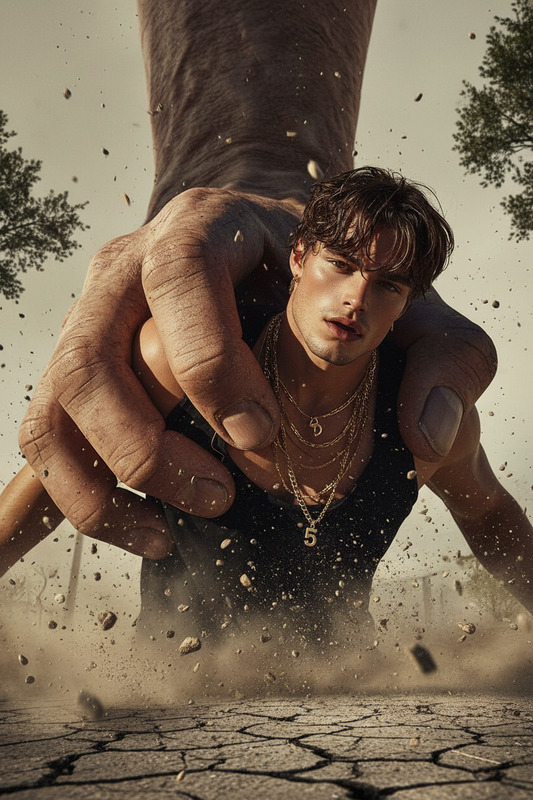
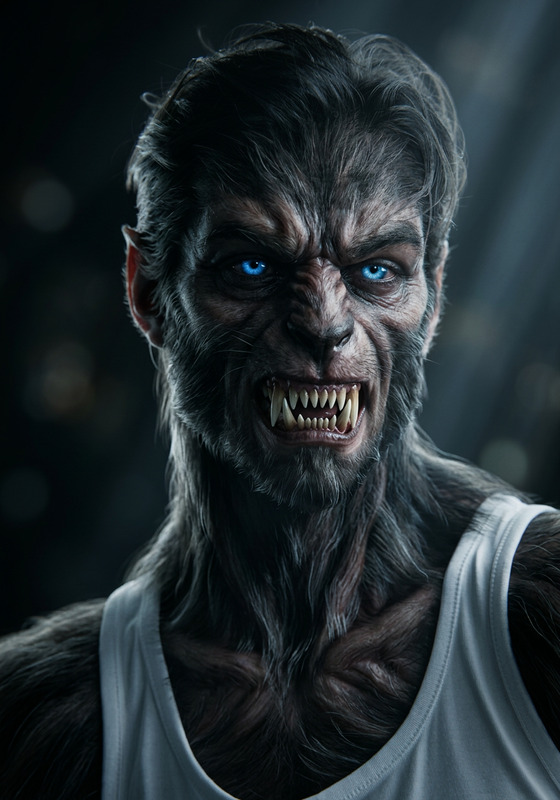
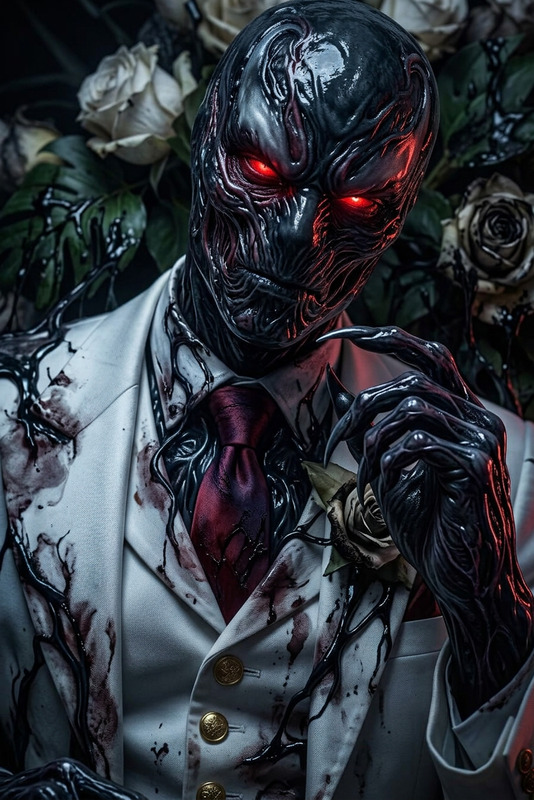
"Unfazed Before the Titan" is a distinctive template under our AI Image Editor category. This creation leverages the power of the nano-banana-2 model to transform static images into dramatic scenes where your subjects stand calmly against a colossal, menacing titan. Cinematic lighting and dynamic camera movements enhance the visual storytelling.
What It Does
This template enables users to edit images by introducing a massive, rocky-skinned monster into the background, complete with glowing eyes and dramatic lighting effects. It emphasizes the contrast in scale and emotional tone by having the subjects appear unfazed, enhancing the impact of your visual narrative. This AI tool offers an ideal way to conjure tension and excitement in any visual project.
Who It's For
"Unfazed Before the Titan" is tailored for content creators and filmmakers looking to elevate their media by adding dramatic elements. Ideal for use in creating VFX previews, movie posters, and engaging social media content, this tool suits anyone needing to add a cinematic flair without intricate manual editing.
Summary
Whether you're crafting impactful AI-generated videos or enhancing promotional materials, this template provides a quick yet powerful solution for adding epic and dramatic scenes. Capture attention in a crowded media landscape by integrating this tool into your workflow, ensuring your project stands resilient against larger-than-life challenges.
How To
Choose the Template

Customize Your Scene

Generate and Download

Use Cases
Movie Promotions
- Generate powerful visual stories for movie teasers.
- Use edited images for social media campaigns.
Social Media Engagement
- Create eye-catching posts that drive engagement.
- Leverage the epic scenes for viral content.
VFX Previews
- Use for pre-visualization and storyboarding.
- Enhance pitch presentations with epic visuals.
Best Practices
Lighting Consistency
Ensure the lighting in your input images is well-matched to enhance the seamless integration of the titan into your scene.Subject Positioning
Place subjects carefully to maintain focus and enhance the dramatic contrast with the towering monster.Test Camera Motions
Experiment with different smooth camera motions to find the one that best amplifies the intensity of your scene.