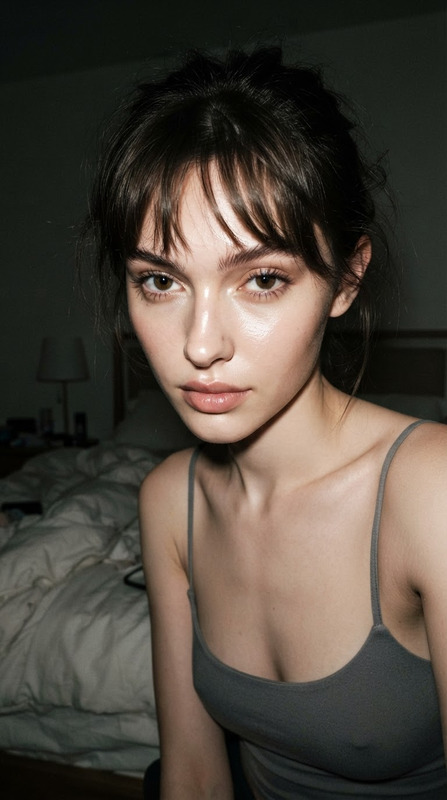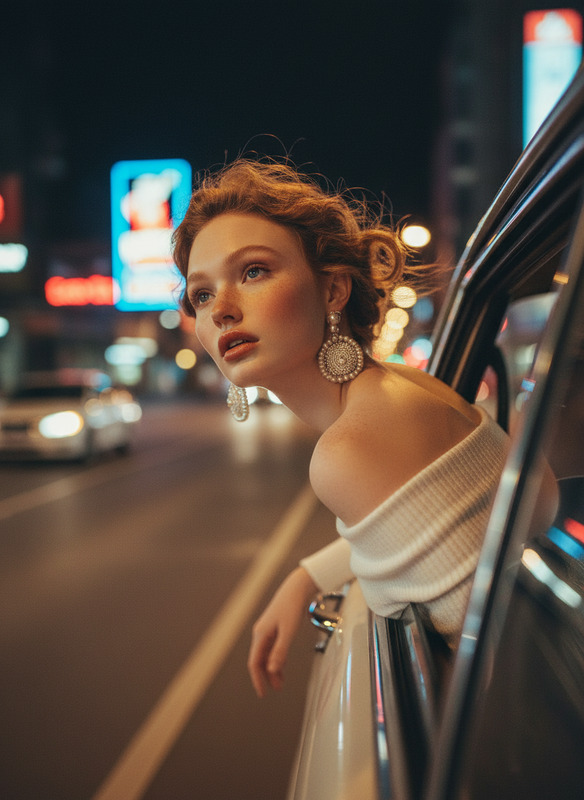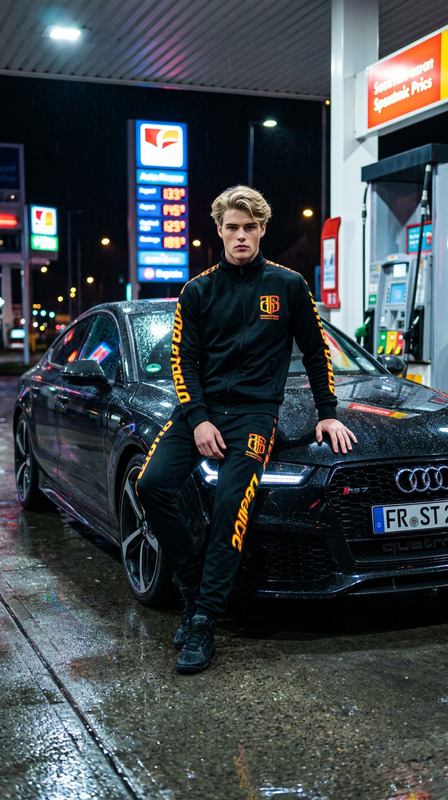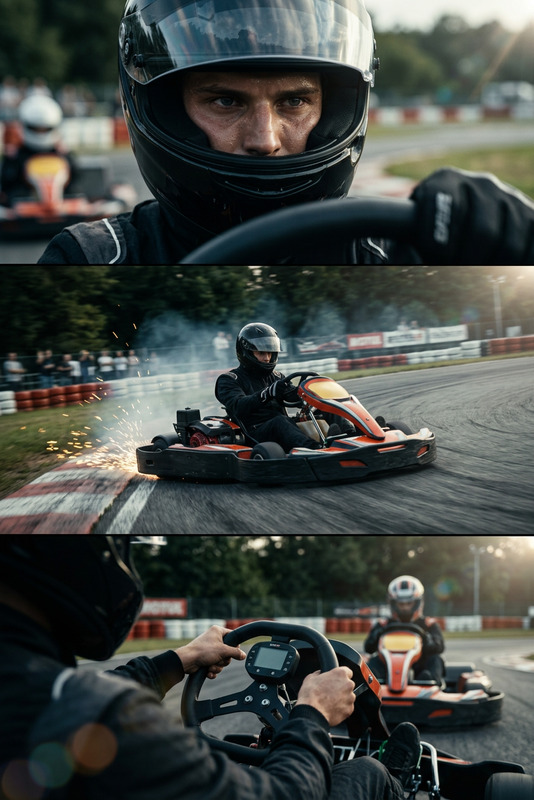
Flash Racing Moment

Flash Racing Moment

ai-image-editor

1 clip
0 uses

Any aspect ratio

Prompt

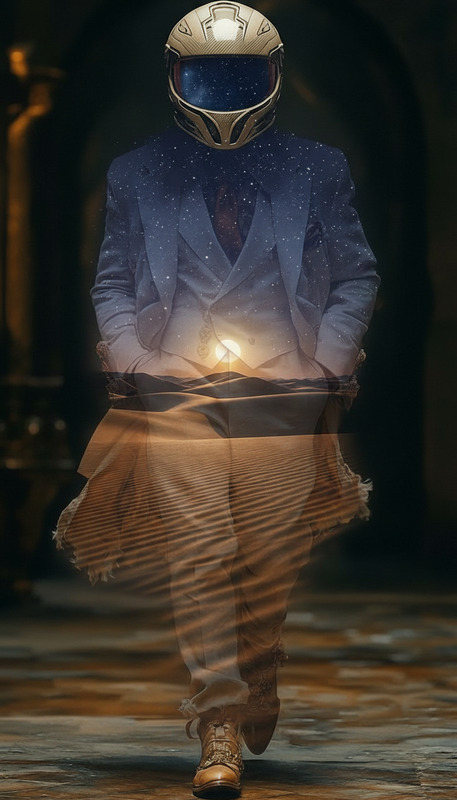
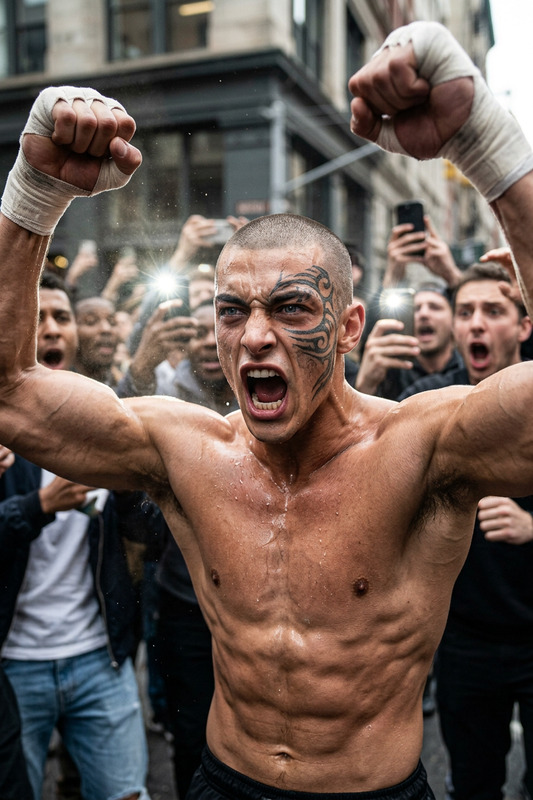
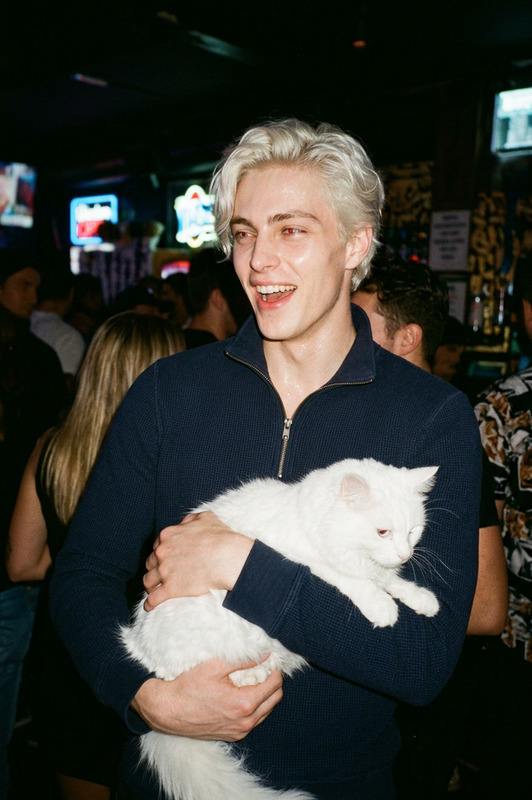
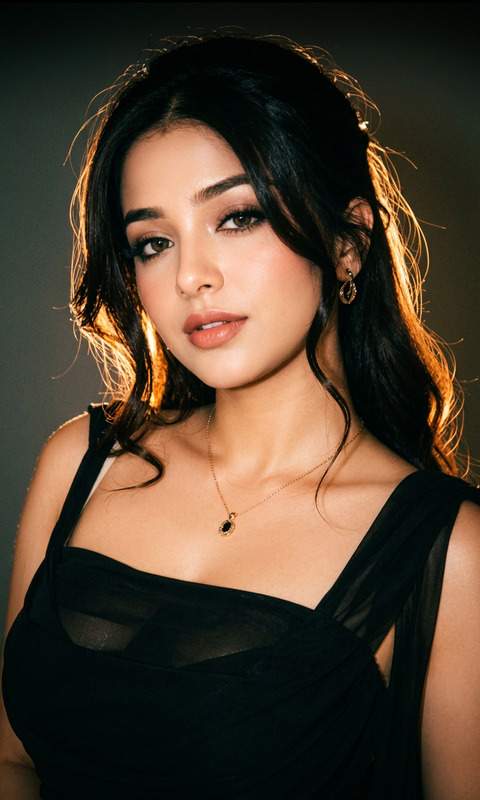
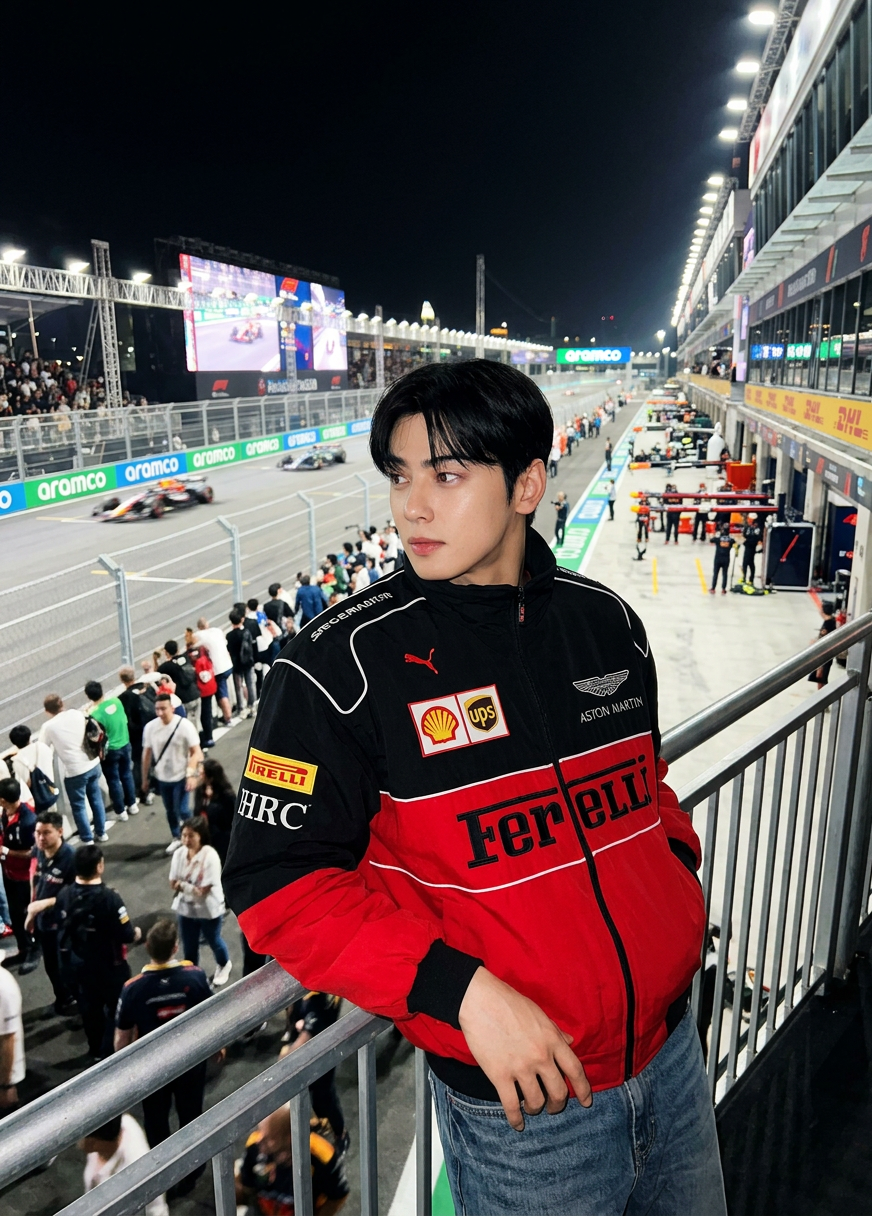
Subject is a candid night-time photo of a person at a busy racing event, standing near a railing; shot in a raw iPhone flash style with direct harsh flash lighting, slight wide-angle distortion, and deep depth of field; the person wears a racing-style jacket with visible details, casual posture, looking slightly off-frame with a natural, distracted expression; background shows a crowded racetrack with lights, screens, and spectators, slightly noisy and blurred; spontaneous, unposed, energetic atmosphere, no retouching or cinematic effects.

Transform Product Screenshots into Polished Marketing Assets with AI Image Editor

Turn raw product screens, app UIs, and dashboard captures into clean, on-brand visuals for landing pages, pitch decks, and app stores—without a designer. This template is powered by the AI Image Editor and is fully remixable inside Magic Hour.


What This Template Does

This template shows how to:

  • Clean up product screenshots (remove clutter, browser chrome, sensitive data)
  • Drop your UI into realistic mockups (laptops, phones, tablets, framed screens)
  • Apply consistent backgrounds and lighting for your entire product gallery
  • Create variants for A/B tests, app store images, and social posts
  • Export ready-to-use assets for websites, decks, marketplaces, or investor updates

It’s ideal for:

  • SaaS and product startups
  • Indie hackers and solo founders
  • Growth and product marketing teams
  • Agencies and designers standardizing client visuals

How to Remix This Template in Magic Hour

You can recreate or extend this template directly in Magic Hour using the same underlying tools:

  1. Start with the AI Image Editor

    • Go to the AI Image Editor.
    • Upload your raw screenshot or product image.
    • Use basic operations (crop, cleanup, background adjustment) to create a “master” product shot that will be reused across your pages and channels.
  2. Enhance and Standardize Your Visuals
    Combine the AI Image Editor with other Magic Hour tools to build a repeatable system:

  3. Create Device Mockups and Contextual Shots
    Once you have a clean screenshot, build variations that show your product in context:

  4. Generate Variants for Different Channels
    Build a small library of reusable compositions and prompt patterns:

    • Website hero images
    • App store and marketplace screenshots
    • Social proof visuals (customer using your product)
    • Slide covers for sales and investor decks

    Use this template as a baseline, and remix it with:


Best Practices for Product Screenshot Marketing

The approach in this template is based on common patterns from successful SaaS and product marketing teams (see product marketing playbooks from companies like Stripe, Notion, and Linear for inspiration):

  1. Show the Product Clearly

    • Avoid overly busy or complex scenes that obscure your UI.
    • Use generous padding and clean backgrounds so text and charts are readable even on mobile.
  2. Stay On-Brand

    • Align colors with your brand palette.
    • Reuse a small number of consistent background styles and lighting directions across campaigns to look cohesive.
  3. Highlight the Outcome, Not Just the UI

    • Where possible, show the product in context: a user interacting with it, or a setting that implies the benefit (e.g., “organized workspace,” “team collaboration”).
    • Consider pairing UI screenshots with subtle overlays or callouts using the AI Image Editor to draw attention to key features.
  4. Optimize for Performance and Accessibility

    • Use the AI Image Upscaler to keep assets crisp on high-DPI screens.
    • Avoid tiny text in screenshots that becomes illegible on mobile; zoom into the part of the UI that matters most.
    • Create alt-text descriptions for key images (e.g., “Analytics dashboard showing revenue growth over time in a modern web UI”).

Going Beyond Images: Turn Screenshots into Video and Motion

If you want to extend this template into motion-based assets, you can combine your edited images with Magic Hour’s video tools:

These combinations let you build a full acquisition funnel: static screenshots for landing pages, motion snippets for social and ads, and narrated tours for onboarding or investor updates—all generated from the same base assets.


Related Templates and Workflows to Remix

If you like this screenshot-focused template, you can expand your workflow with:

  • Face Swap Video – Place a consistent spokesperson or persona into different product demo videos without reshoots.
  • Lip Sync – Match a founder or character to scripted product messaging, keeping the visuals aligned with your brand.
  • Video-to-Video – Stylize or upgrade old product demo videos to match your new visual system.
  • Animation – Turn static illustrations or UI concepts into animated explainers.

You can also combine this template with tools like:


How to Adapt This Template to Your Stack

Whether you’re shipping a SaaS dashboard, mobile app, API tooling, or a hardware product with a companion app, you can:

  1. Upload your real screens into the AI Image Editor.
  2. Clean and standardize them using the supporting tools listed above.
  3. Save a handful of strong base compositions (hero, gallery, social, deck).
  4. Remix these in minutes whenever you ship a new feature, need a fresh angle for a campaign, or localize for a new market.

By treating this template as a repeatable “visual system” rather than a one-off, you get a scalable way to keep your product visuals sharp, on-brand, and conversion-focused—without depending on a dedicated design team.

More Like This

Insufficient credits