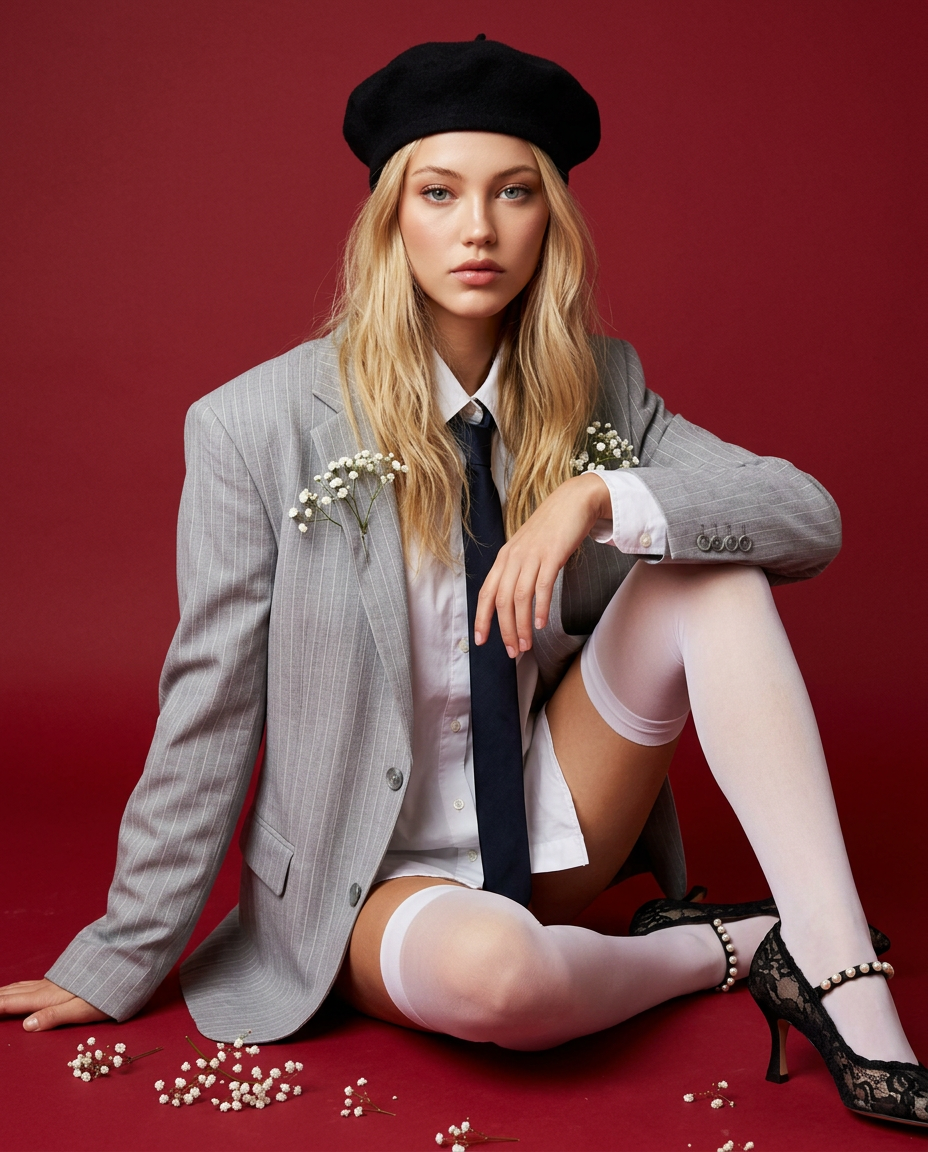
Spring Red
- Model
- Nano Banana 2
- Image
- 928 × 1152 px
Prompt
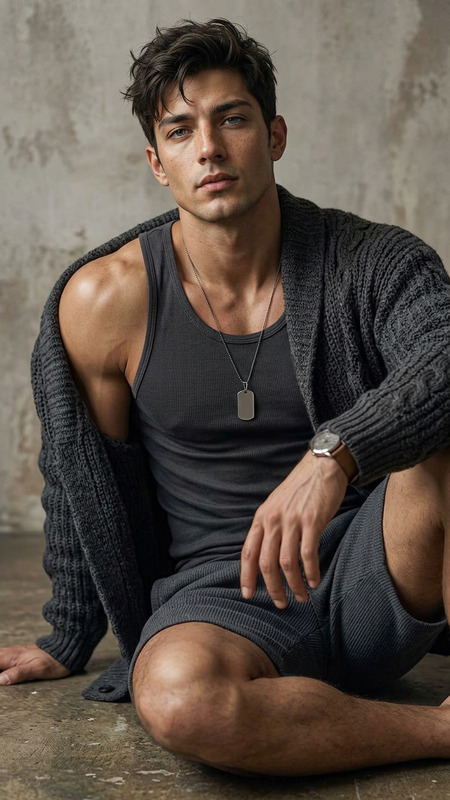
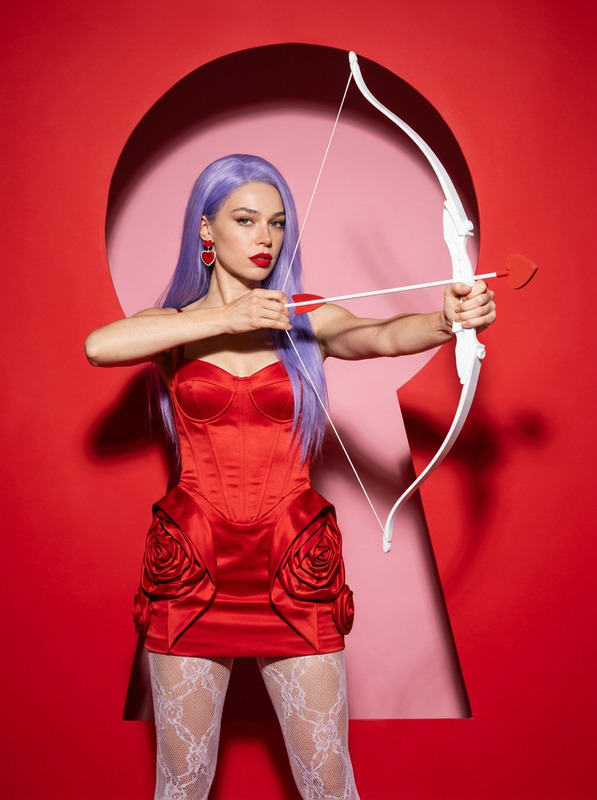
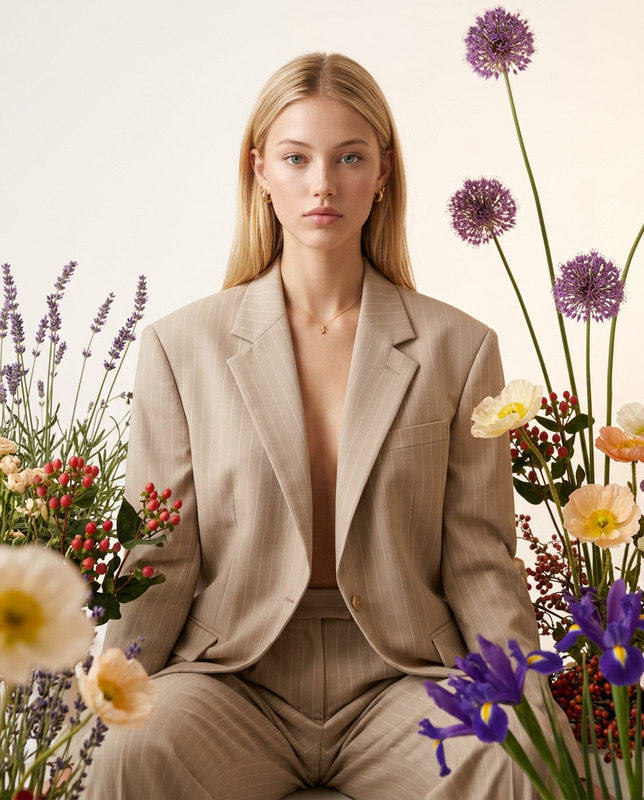
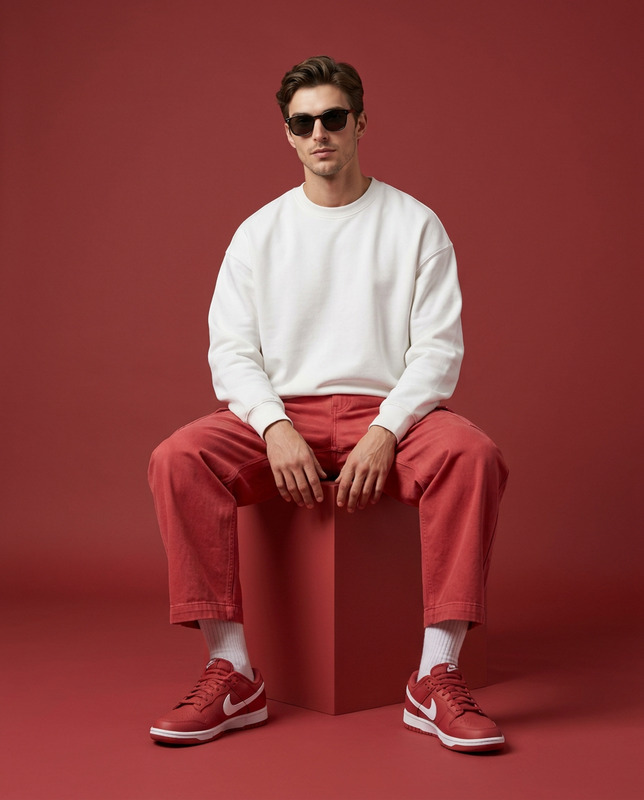
The character is reproduced with absolute photo-accurate fidelity—same face, proportions, skin tone, hair, expression, angle, and unique features—with only clothing and styling changed, in a photorealistic color fashion/editorial portrait (vertical 4:5) set against a fully red seamless background (wall and floor same shade), minimalist composition, soft studio lighting (large softbox + fill), clean shadows, premium retouch without plastic effect, and high detail in fabric and flowers; the base look includes a light pinstripe blazer slipped off both shoulders (single blazer, clean edges, mid-thigh length) over a closed white shirt with a stiff collar or high-neck top and a black matte beret, with a dark tie plus white thigh-high stockings and light pointed lace heels with pearl straps if female, or a dark tie with tailored matching shorts and barefoot styling if male; the character sits on the floor in a “Knee-Frame” pose (one knee raised vertically, torso slightly twisted, one arm resting on the knee, the other touching the beret, chin slightly down, gaze direct and confident), while small white flowers (baby’s breath) are woven into the blazer and scattered naturally on the red floor for layered depth, ultra-realistic, luxury campaign aesthetic, no text or logos.
Any aspect ratio
Overview
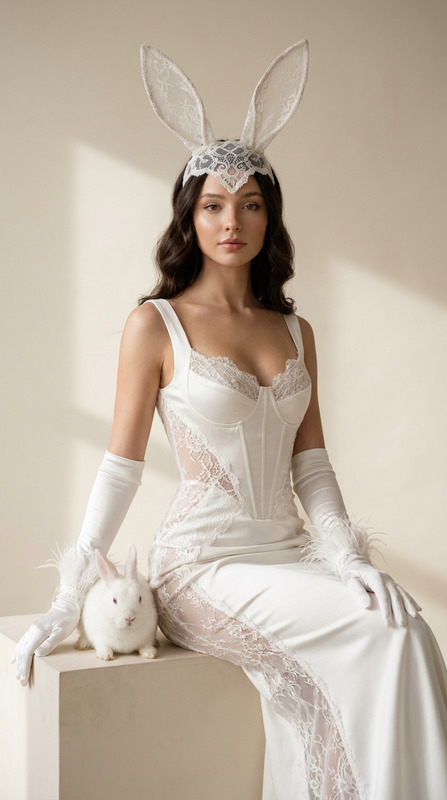
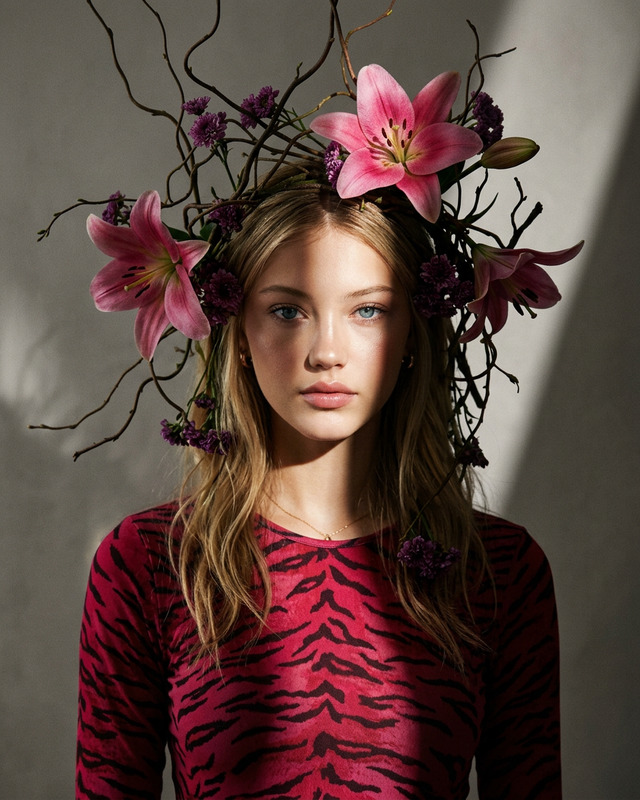
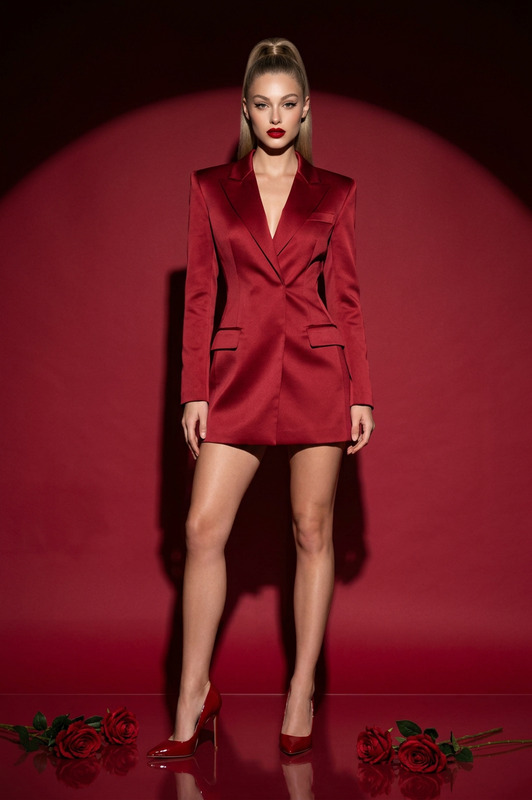
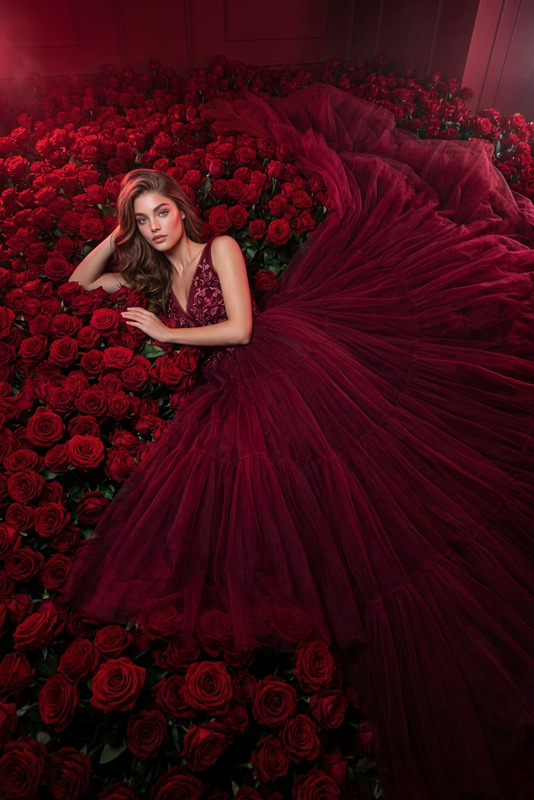
The Spring Red template transforms your images into stunning fashion portraits with high-end styling, perfect for editorial spreads and luxury campaigns. By focusing on photorealism and premium aesthetics, this template ensures your character maintains their defining features while adopting a new, sophisticated look. Working seamlessly with the AI Image Editor, it enhances every detail from fabric textures to lighting, delivering unparalleled quality.
What It Does
The Spring Red template uses the nano-banana-2 model to create high-fidelity portraits where only the subject's apparel and styling vary, leaving all other characteristics intact. This template is designed for vertical 4:5 aspect ratios, set against a seamless red background to highlight the subject's elegance. It employs soft studio lighting and clean shadowing to enhance the luxury aesthetic, perfect for those looking to elevate their image's style quotient.
Who It's For
This template is ideal for fashion editors, photographers, and creative directors seeking to produce top-tier editorial content. Whether you are crafting luxury campaign aesthetics or experimenting with high-fashion compositions, Spring Red provides the tools needed to bring your vision to life. It caters especially to those wanting a fresh take on AI Product Photography and anyone aiming for ultra-realistic visual narratives.
Summary
Spring Red is your gateway to creating photorealistic fashion portraits, leveraging AI to maintain accuracy in features while providing a striking new wardrobe and styling in a minimalist yet luxurious setting. It's perfect for professionals needing to convey high-end fashion or sophisticated editorial styles quickly and effectively.
How-To
Choose Your Template

Customize Your Inputs

Generate Your Image

Use Cases
Luxury Fashion Editorials
- Capture the essence of luxury campaigns.
- Feature photorealistic textures and styles.
Brand Campaigns
- Highlight new fashion lines with striking imagery.
- Set the perfect tone for product launches.
Social Media Content
- Create stunning Instagram-ready images.
- Maintain brand consistency with minimal effort.
Best Practices
Focus on Lighting
Ensure you understand soft studio lighting to enhance the template's effects. Manipulating light positions can significantly affect the mood and depth of your subject.Attention to Detail
Pay close attention to clothing elements like fabric textures and accessory placements to maintain realism in the final image.Consistency in Features
Keep character features consistent by choosing images with clear, defined attributes that align well with the template's styling options.