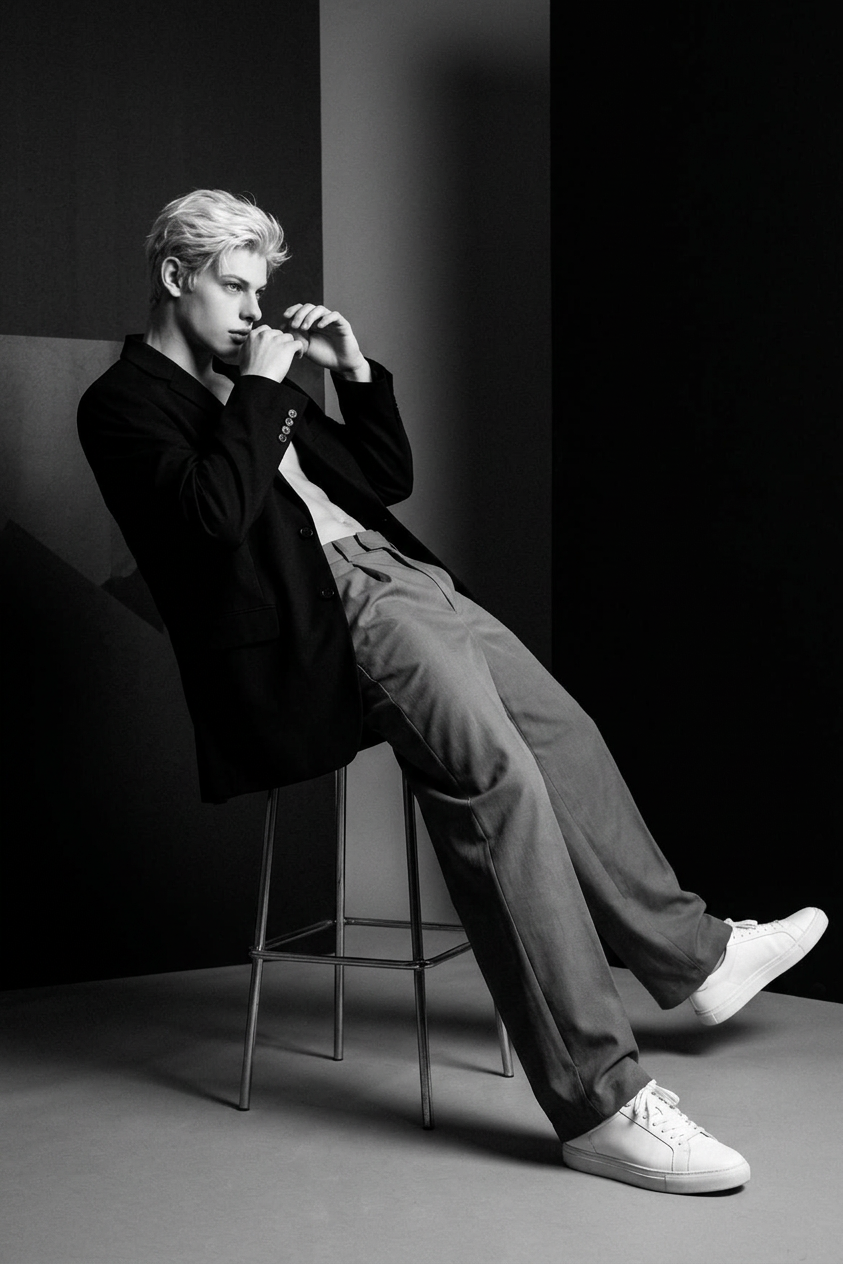
Avant-Garde Monochrome Studio Editorial
ai-image-editor
Any aspect ratio
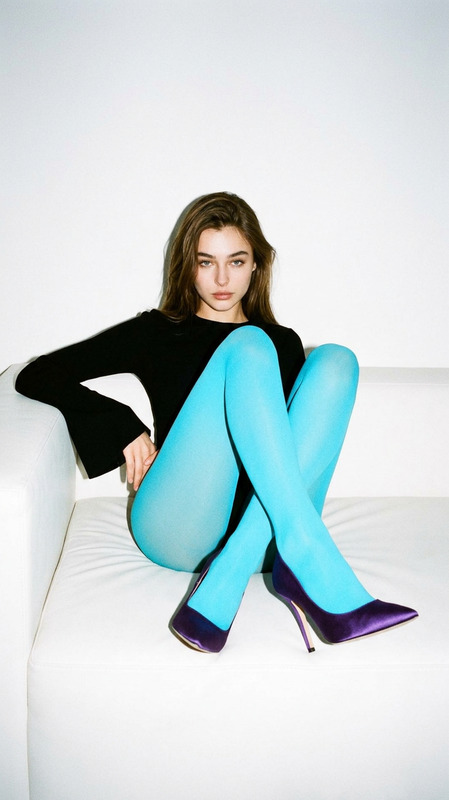
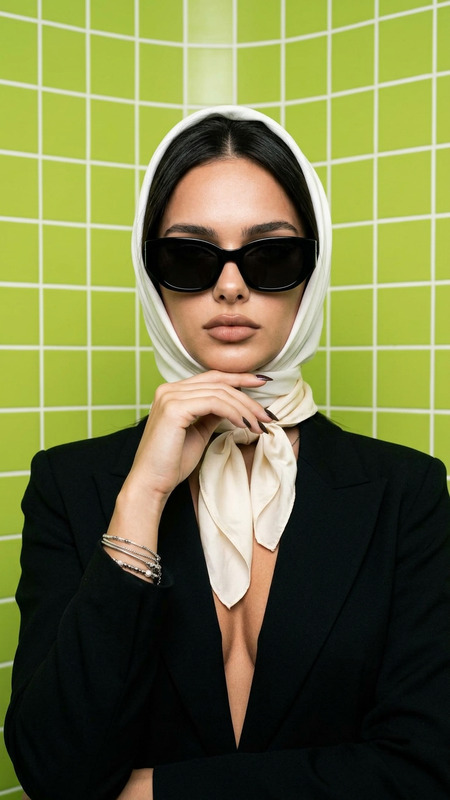
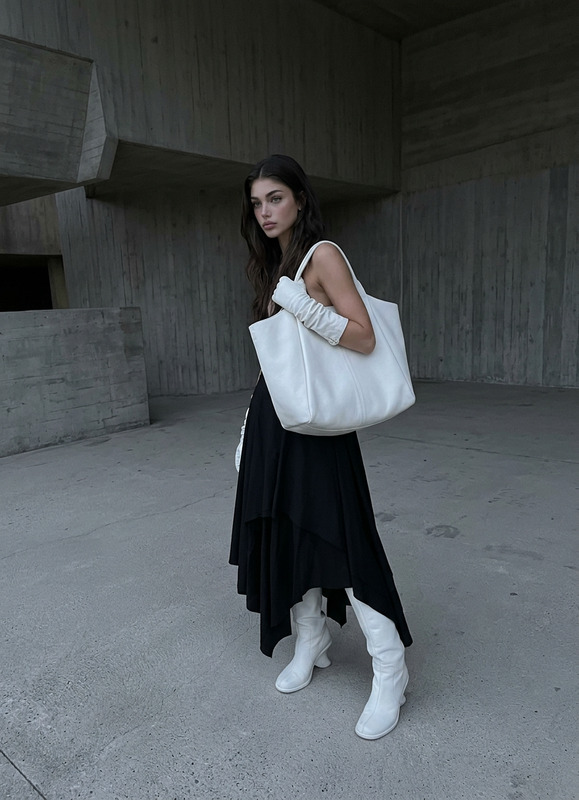
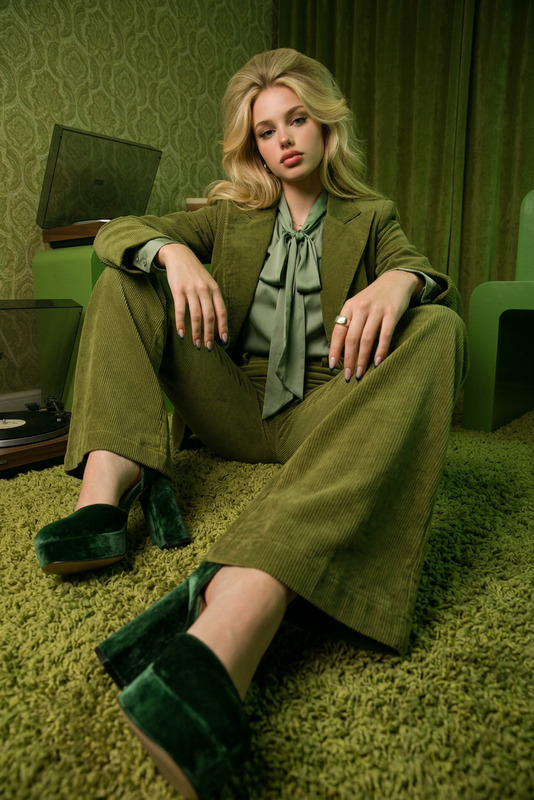
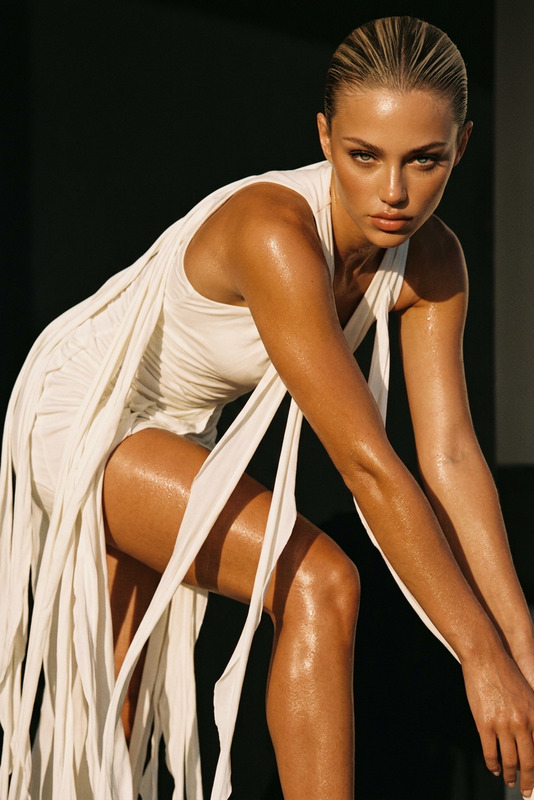
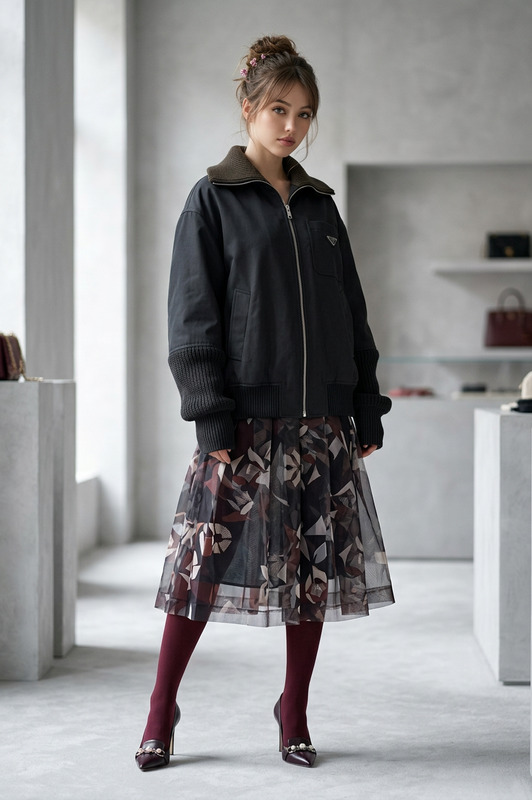
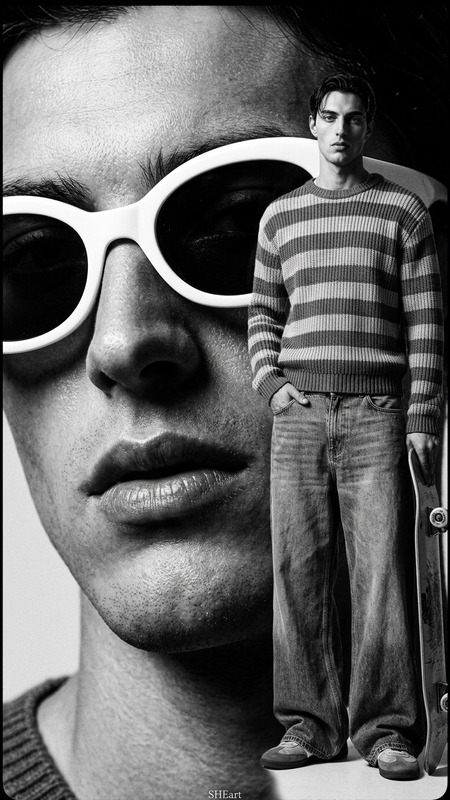
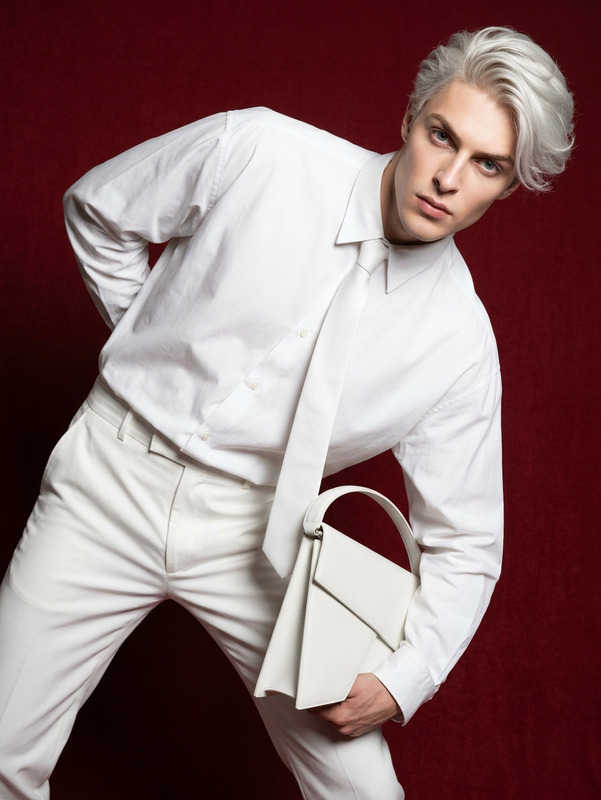
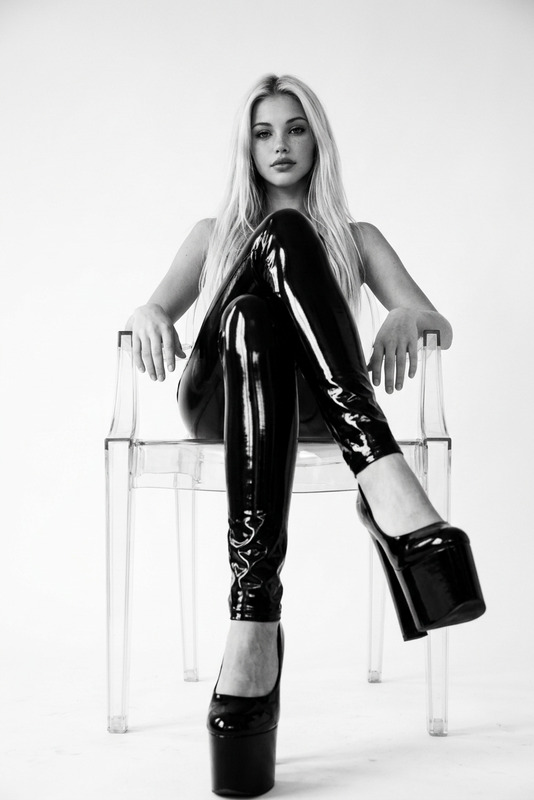
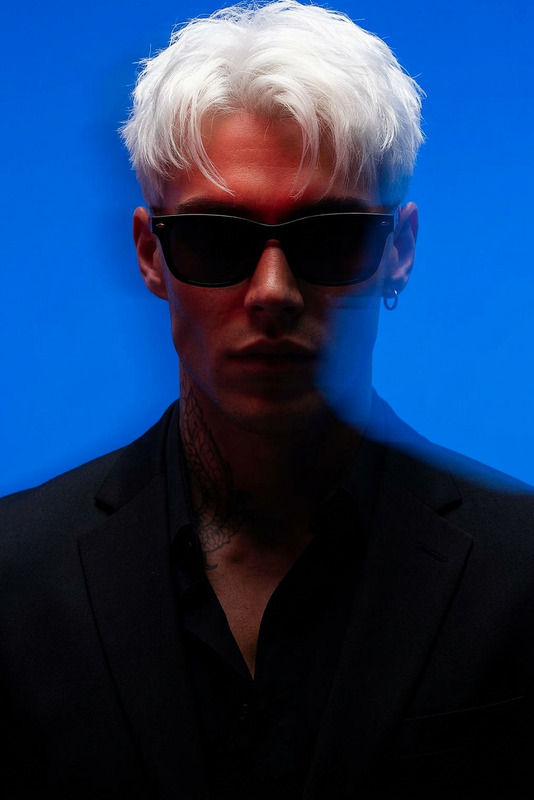
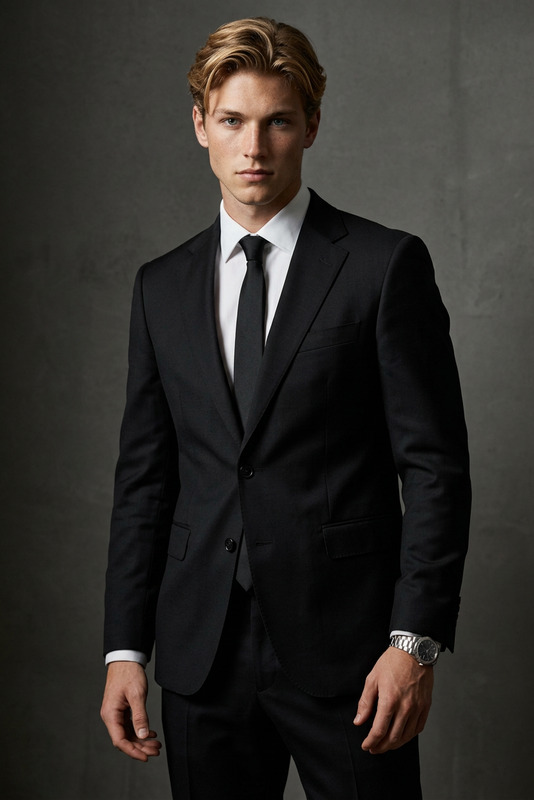
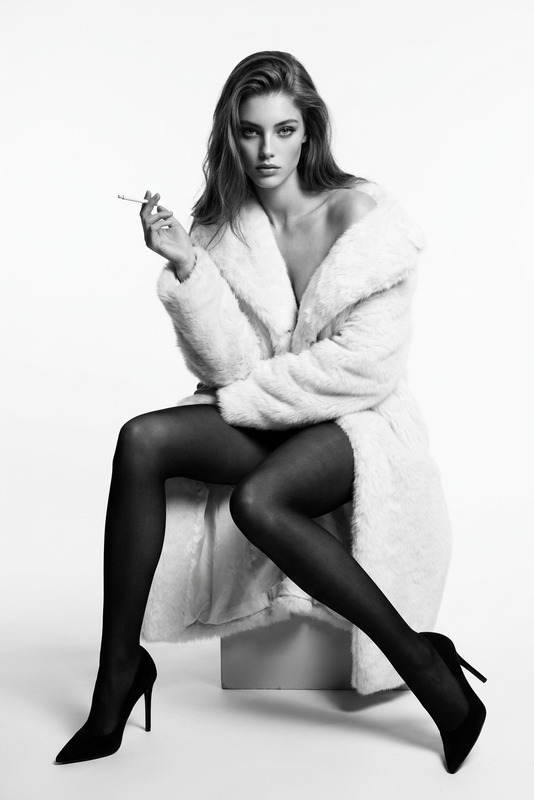
Generate a black-and-white high-fashion editorial image of a subject seated on a tall stool in a sculptural, weightless pose, leaning back with legs extended forward; the subject wears an oversized black suit with the blazer open, paired with wide-leg trousers and clean white sneakers, creating a contrast between formal tailoring and casual footwear; the torso is partially exposed in a stylized editorial manner, emphasizing physique and structure without explicit focus; dramatic studio lighting produces strong directional shadows and high-contrast tones against a minimalist background, enhancing depth, shape, and negative space; the overall composition is modern and avant-garde, with clean lines, controlled tension in the pose, and a refined monochrome aesthetic that emphasizes form, light, and spatial balance.
AI Image Editor Template: Remaster, Retouch & Remix Any Image in Minutes
Use this Magic Hour AI Image Editor–based template to quickly transform photos, product shots, concept art, or social graphics into polished, on-brand visuals—without opening Photoshop.
This page explains what the template does, who it’s for, and how to remix it in Magic Hour so you can create your own custom version for repeatable workflows.
What You Can Do With This Template
This template is built on the AI Image Editor, so you can:
- Rewrite or extend images with text prompts
- Replace backgrounds, add objects, or change lighting and mood
- Turn rough mockups into production-ready assets
- Clean up and correct images
- Remove unwanted people or objects with the AI Remover and Remove Object From Photo
- Erase watermarks and overlays with the Watermark Remover
- Upgrade image quality for publishing
- Sharpen low-res assets using the AI Image Upscaler
- Fix blur with the Unblur Image tool
- Restyle people, faces, and outfits
- Make precise facial edits with the AI Face Editor and AI Face Generator
- Change clothing, uniforms, or fashion looks with the AI Clothes Changer and AI Outfit Generator
- Generate professional portraits via the AI Headshot Generator or AI Selfie Generator
- Rebrand and restyle creative assets
- Generate brand-consistent illustrations with the AI Illustration Generator
- Turn photos into stylized art using the AI Art Generator, AI Manga Generator, or AI Anime Generator
- Create icons, logos, and covers using the AI Icon Generator, AI Logo Generator, Album Cover Generator, Book Cover Generator, and Thumbnail Maker
Who This Template Is For
This template is built for people who need consistent, high-quality images on a schedule, not one-off experiments:
- Marketing teams & performance advertisers
- Iterate ad creatives, hero images, thumbnails, and landing page visuals quickly
- Localize visuals across markets without re-shooting
- Founders & startup builders
- Prototype brand visuals before hiring a full design team
- Keep product shots and pitch visuals aligned as the product evolves
- Product & growth designers
- Run fast visual experiments without blocking on external design resources
- Maintain a visual system while testing many variations
- Content creators & media teams
- Generate YouTube thumbnails, social posts, and cover art ready for distribution
- Repurpose one shoot into many campaigns
If you already use tools like Midjourney, Photoshop, Figma, or Canva, this template slots in as a fast, AI-native editing layer.
How To Remix This Template in Magic Hour
You can treat this template as a starter “workflow” and adapt it to your brand or product in a few steps:
Open the template in Magic Hour
- Start from this template and duplicate it inside your Magic Hour workspace.
- Give your remix a clear, descriptive name (e.g., “Q3 Paid Ads Image Editor” or “E‑commerce PDP Retouch Pipeline”) so your team can find and reuse it.
Define your input types
- Decide what you’ll upload most often:
- Raw product photos
- Portraits or team headshots
- UGC screenshots
- Concept sketches or wireframes
- Add clear instructions inside your remix (e.g., “Upload: raw product shots on neutral backgrounds”).
- Decide what you’ll upload most often:
Document your editing rules in the prompt copy
- For consistent results, write down guidelines in your template’s instructions, such as:
- “Preserve product shape and proportions”
- “Keep skin texture realistic—no plastic or overly smoothed faces”
- “Use brand colors for backgrounds and accents”
- “Avoid adding text to the image; leave space for designers to overlay copy”
- If you work with a brand or design team, incorporate their style guide language here.
- For consistent results, write down guidelines in your template’s instructions, such as:
Combine with complementary Magic Hour tools
- For ads & social content
- After editing imagery, generate memes or social-friendly variations with the AI Meme Generator.
- Turn static assets into short clips with Image to Video or Text to Video.
- For people & avatars
- Use AI Talking Photo to animate edited portraits.
- Generate avatars via the Avatar Generator or full figures with the Full Body Generator.
- For advanced storytelling & animation
- Experiment with character pipelines using:
- Animated Characters Generator
- AI Character Generator
- Animation Templates for character-driven videos
- Experiment with character pipelines using:
- For face and identity workflows
- Build a face-centric pipeline combining:
- Face Swap Video templates
- Lip Sync templates
- Video to Video templates
- Face Swap and Face Swap GIF
- Build a face-centric pipeline combining:
- For ads & social content
Save “recipes” as reusable remixes
- Create separate template variants for:
- Product detail pages (clean, minimal, true-to-life)
- Paid social ads (bolder backgrounds, experimental styling)
- Corporate headshots (consistent lighting and framing)
- Brand campaigns (on-theme color palettes and textures)
- Encourage your team to duplicate and lightly adapt these remixes instead of starting from scratch.
- Create separate template variants for:
Example Use Cases & Workflows
1. E‑commerce Product Image Upgrade
- Import supplier photos or basic studio shots
- Clean up distractions with Remove Object From Photo
- Upscale for marketplace requirements via the AI Image Upscaler
- Generate themed backgrounds or lifestyle scenes using the AI Background Generator
- Export final images as a set for PDP, ads, and email
2. Founder & Team Portrait System
- Start with raw team photos or webcam captures
- Edit faces subtly with the AI Face Editor
- Change outfits to match brand dress code using the AI Clothes Changer
- Standardize backgrounds for LinkedIn, press, and “About” pages
- Optionally create talking head clips with AI Talking Photo
3. Content & Creator Visual Pack
- Design YouTube thumbnails using edited images plus the Thumbnail Maker
- Generate channel art or cover images via the Album Cover Generator or Book Cover Generator
- Create meme formats with the AI Meme Generator
- Convert static cover images into short opens using Image to Video, then upscale with the Video Upscaler
Creative Exploration: Styles You Can Build Into Your Remix
This template plays well with stylized generators, so you can define visual “modes” in your own remix:
- Illustrated & graphic looks
- Use AI Illustration Generator for editorial-style visuals
- Convert scenes into comics with the Comic Book Generator
- Fantasy, gaming, and genre worlds
- Generate maps and worlds with the Fantasy Map Generator
- Create TTRPG or game-ready art using the DnD AI Art Generator and Dark Fantasy AI
- Brand, fashion, and lifestyle
- Explore apparel and styling concepts with the AI Fashion Generator
- Generate interior backdrops using the AI Interior Design Generator
- Align campaign visuals with AI Logo Generator assets
You can encode these style directions directly into your template’s prompt instructions so teammates get consistent visual language across campaigns.
Connecting Images to Video, Voice, and Interactive Media
When you’re ready to move beyond static visuals, the same assets edited with this template can feed into:
- Talking avatars & explainers
- Animate faces with AI Talking Photo
- Generate voices with the AI Voice Generator or clone your own using the AI Voice Cloner
- Narrated product or founder videos
- Build sequences from images via Image to Video or Text to Video
- Add subtitles automatically with the Auto Subtitle Generator
- Face- and lip-synced content
- Use Face Swap Video templates to swap identities in your edited visuals
- Sync speech to faces with Lip Sync templates
- Stylize existing footage with Video to Video templates
Best Practices for Consistent, Production-Ready Results
To make your remix of this AI Image Editor template reliable across a team:
- Standardize inputs
- Define preferred image sizes, framing, and lighting in your documentation
- Keep reference examples inside your internal wiki or Notion and link to this template
- Write prompts like specifications
- Use clear constraints (“no extra hands”, “no overlapping text”, “natural skin texture”)
- Reference brand language and visual rules directly (“use #HEX colors”, “flat, editorial lighting”)
- Version your remixes
- Create new template versions when you change brand direction, campaign themes, or markets
- Keep older versions accessible for A/B testing and historical comparison
- Chain with specialized tools where it helps quality
- Old assets: restore first with Old Photo Restoration or Photo Colorizer, then edit
- Low quality: run through Unblur Image and the AI Image Upscaler before heavy editing
- Background-heavy shots: pre-process with the Image Background Remover or AI Background Generator
Related Magic Hour Tools Often Used With This Template
Teams frequently pair this AI Image Editor template with:
- AI Image Generator – for generating base images from text before editing
- AI Photo Generator – for photoreal starting points
- AI QR Code Generator – for scannable, on-brand visuals you can embed in edited assets
- AI Tattoo Generator – for body-art concepts in fashion or character design shoots
- AI Background Generator – for dropping products or people into custom scenes at scale
- AI Fashion Generator and AI Outfit Generator – for campaigns, lookbooks, and creative direction tests
Start Remixing This Template
Use this template as a foundation for your own image editing system inside Magic Hour:
- Duplicate the template into your workspace
- Document your brand, product, or campaign rules in clear prompt language
- Connect it with neighboring tools (upscaling, background, face, video, and voice) for an end-to-end media pipeline
Once you’ve built your remix, your team can repeatedly drop in raw images and reliably get back polished, on-brand assets in a few clicks.