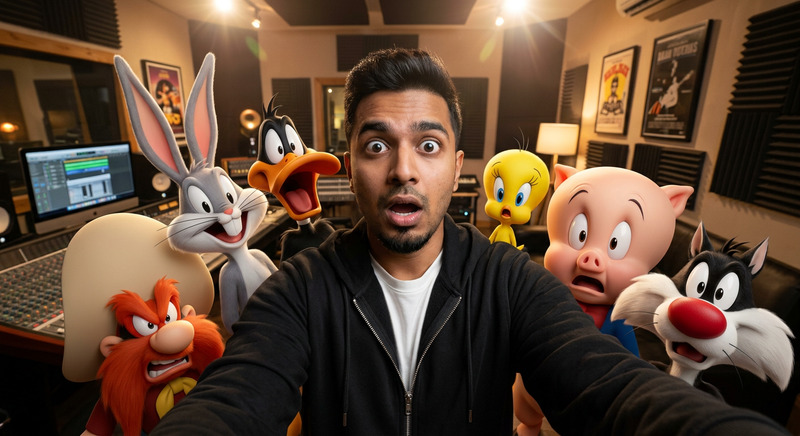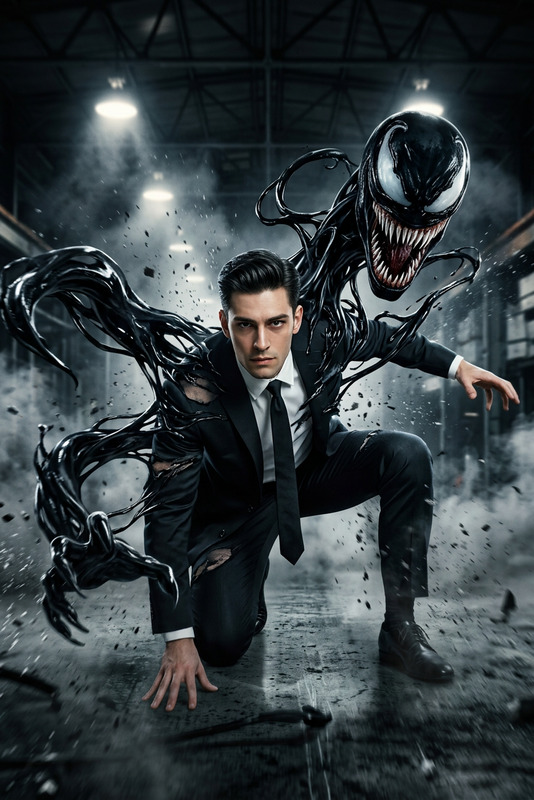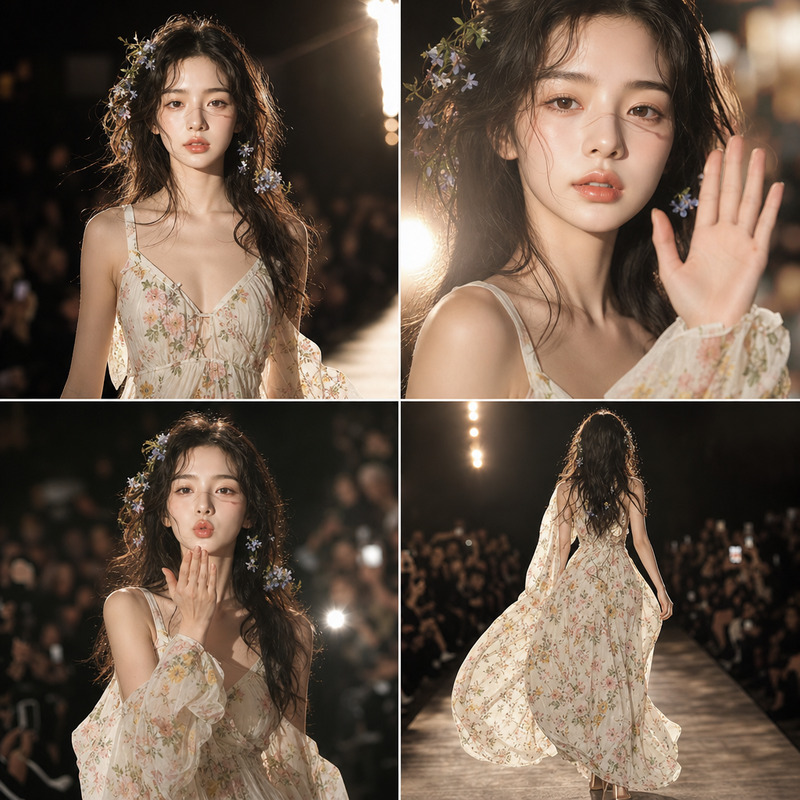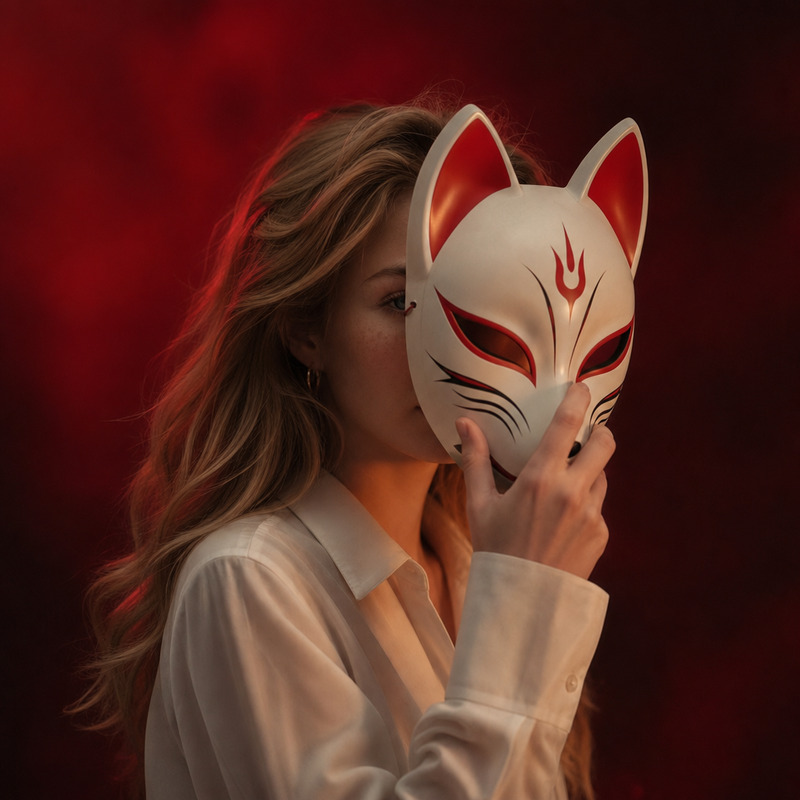
Donnie Trend
- Model
- GPT Image 2
- Image
- 1024 × 1024 px
Prompt
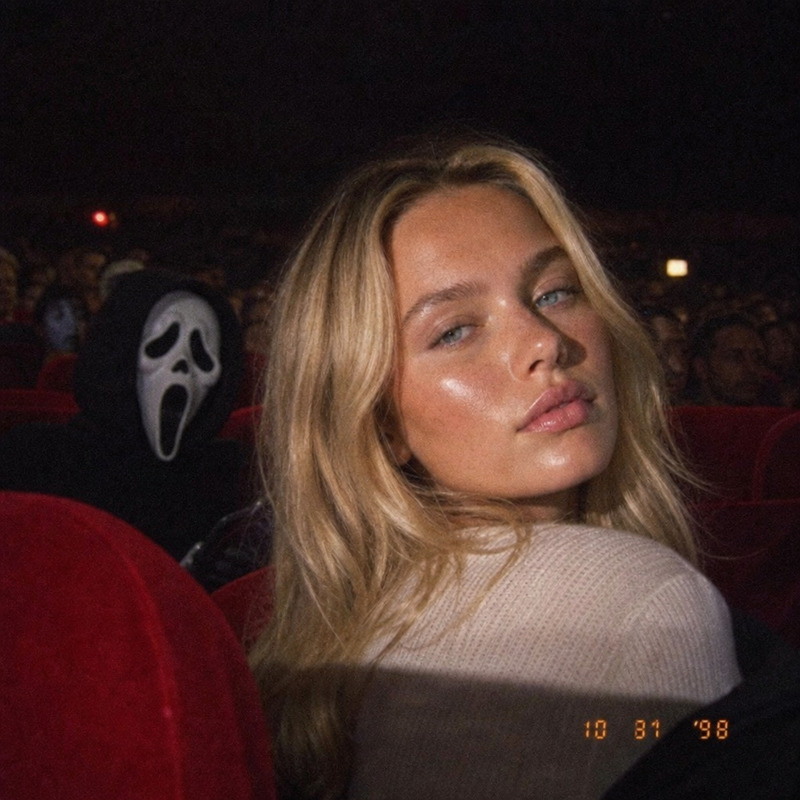
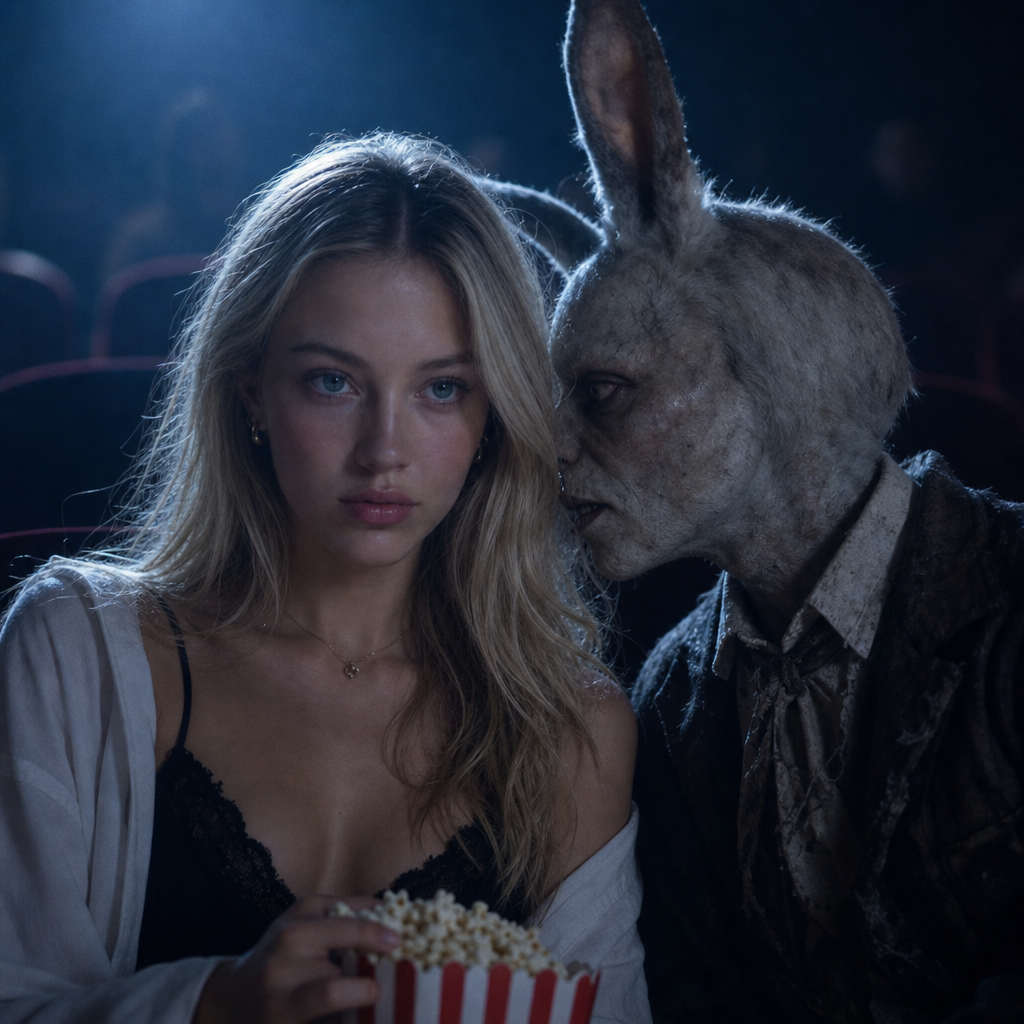
Ultra-realistic cinematic photograph in a dark movie theater: only two subjects are in frame—the uploaded user on the left and the eerie humanoid rabbit on the right—seated side by side in the same row, shot straight-on in a tight chest-up medium shot, with the user facing the screen holding popcorn while the rabbit leans in extremely close toward the user’s ear as if whispering. The entire scene is lit only by the movie screen with soft cold blue cinematic light and slight haze, preserving the user’s exact facial identity and original clothing, the rabbit’s exact reference appearance, and fully realistic integration with natural shadows, grain, depth of field, and no cutout look.
Any aspect ratio
Overview
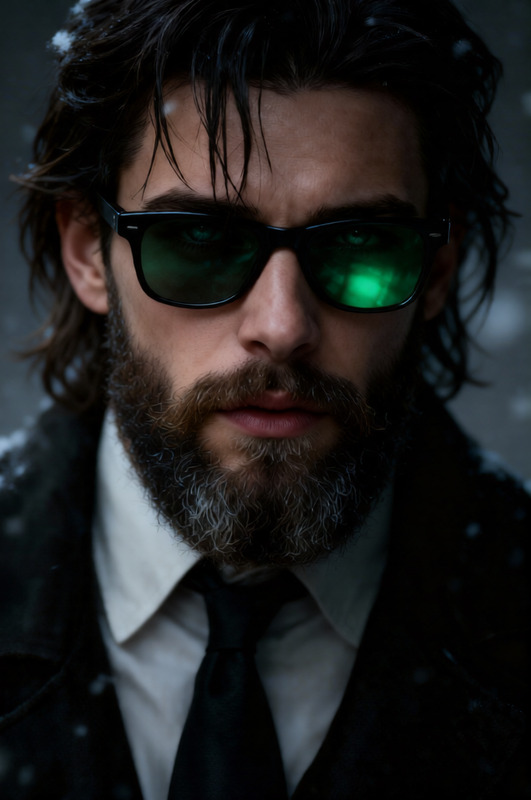
The Donnie Trend template leverages the powerful gpt-image-2 model to create ultra-realistic cinematic images. This AI Image Editor template is perfect for generating a thought-provoking scene that places you alongside an eerie humanoid rabbit in a dark movie theater, all while preserving high fidelity to original appearances.
What It Does
Donnie Trend places the uploaded image of the user into a cinematic scene, sitting next to a humanoid rabbit. It ensures the maintenance of the user's exact facial features and clothing, while accurately integrating realistic elements like shadows, grain, and depth of field. This template excels at creating a cinematic ambiance with soft blue lighting and a slightly hazy look.
Who It's For
This template is ideal for visual storytellers and content creators seeking to add a surreal, film-like quality to their images. Whether you're developing mood boards or creating storyboards for films, the Donnie Trend template offers a unique tool for artists wanting to experiment with imagery and theme without the need for extensive set design or post-production.
Summary
Transform your photos into captivating cinematic experiences that engage viewers with the Donnie Trend AI Image Editor template. It's a perfect tool for creators looking to explore unique visual narratives and enhance their portfolio with dramatic, theater-like scenes. For more creative image transformations, check out our AI Image Generator and AI Talking Photo products.
How To
Choose Template

Customize Image

Generate Image

Use Cases
Visual Storytelling
- Feature in film pitches or concept art
- Enhance mood boards with cinematic themes
Social Media Content
- Engage audience through unique multimedia posts
- Craft thematic posts for special events
Portfolio Enhancement
- Showcase creativity in design
- Demonstrate advanced photo editing skills
Best Practices
Lighting Conditions
When uploading a reference image, choose one with minimal direct lighting to blend seamlessly with the template's cinematic environment.Clothing Consistency
Ensure the clothing in your uploaded image matches the desired thematic feel to retain context and enhance realism.Experiment with Angles
Use different angles and expressions in your photos to explore various narrative possibilities within the template.