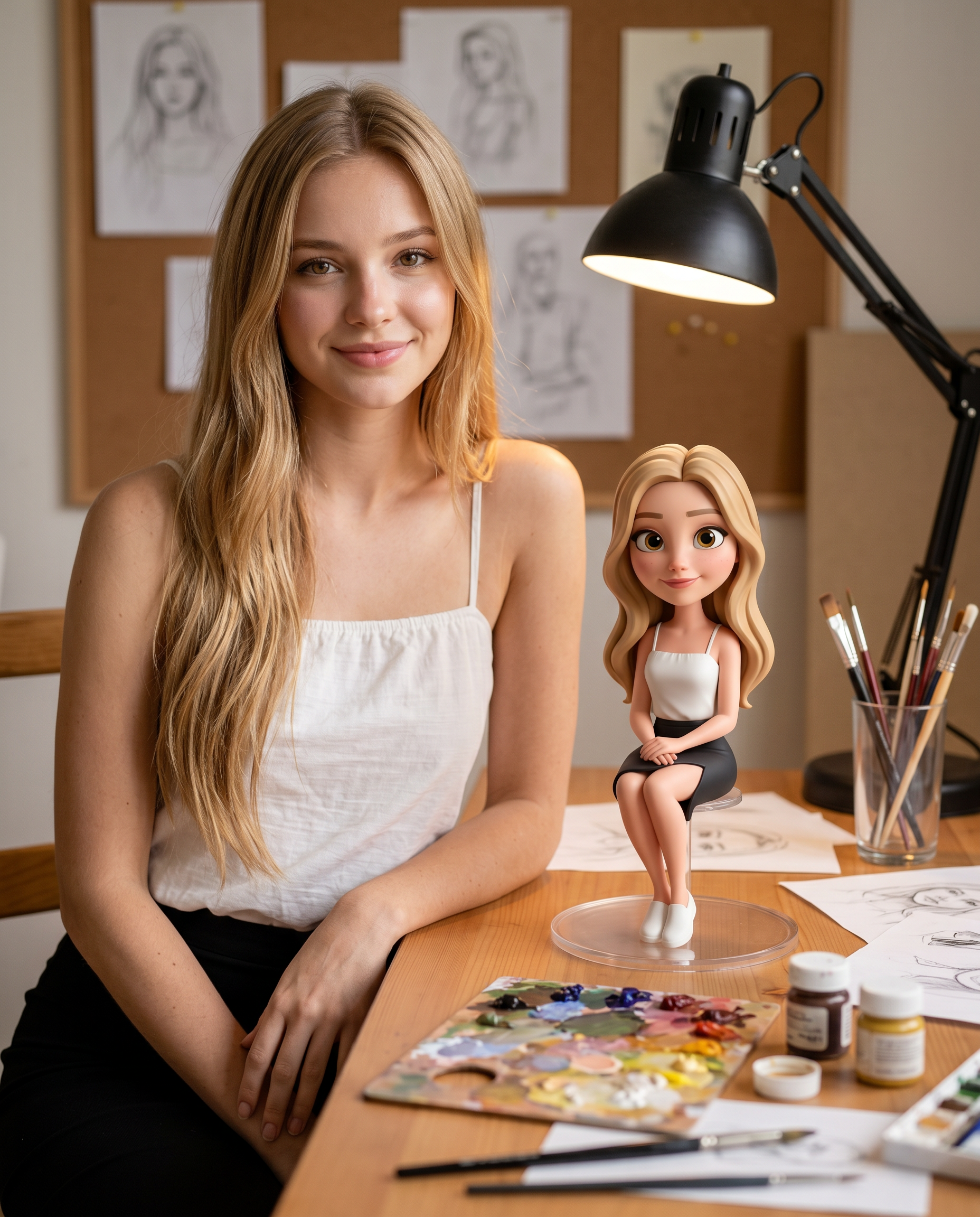
3D Mini Me
- Model
- Nano Banana 2
- Image
- 1856 × 2304 px
Prompt
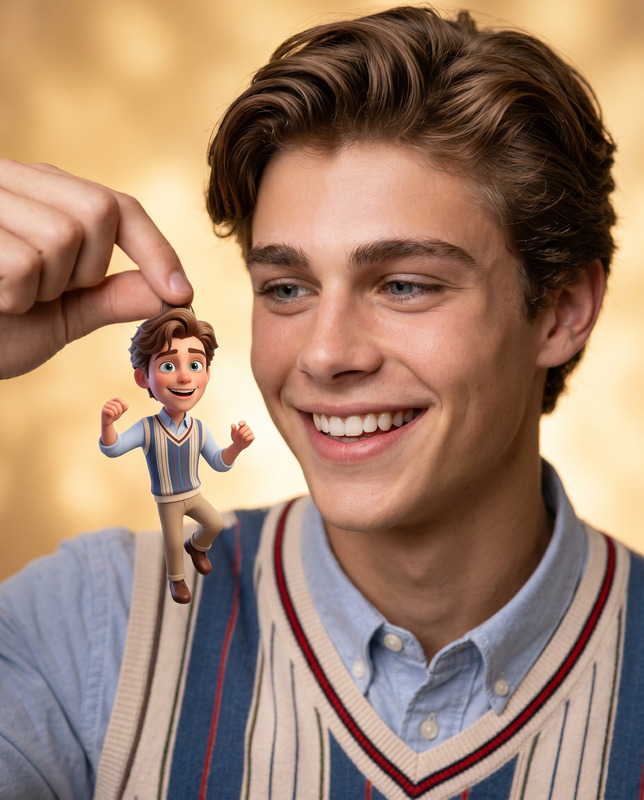
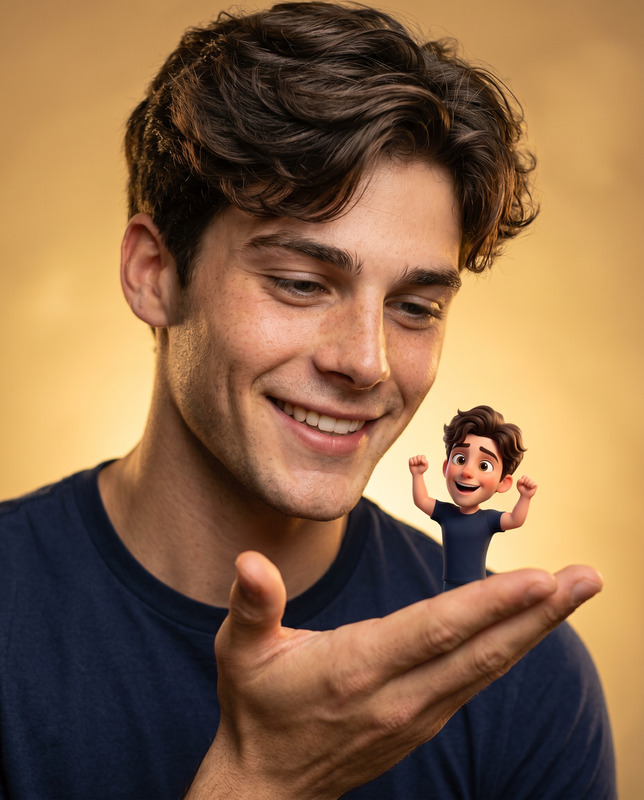
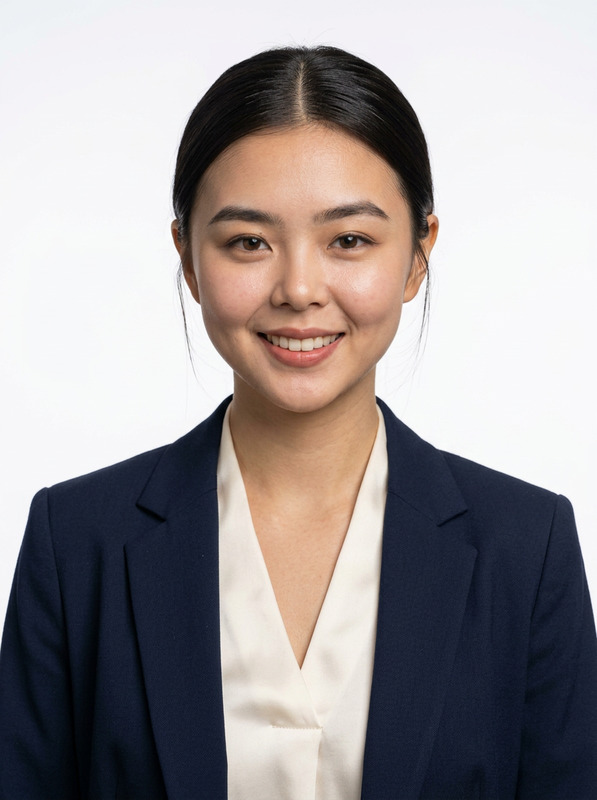
Use the uploaded photo as the ONLY identity reference. Preserve exact facial structure, proportions, skin tone, hairstyle, eye shape, nose, lips, jawline, and overall identity with high accuracy. Do not beautify, alter, or replace facial features. Create a photorealistic 4:5 portrait of the subject seated on the left side of the frame, at a wooden artist’s desk. The framing is mid-torso upward, with the subject slightly angled toward the camera while maintaining direct eye contact and a warm, natural smile. One forearm rests casually on the desk, creating a relaxed and approachable posture. On the desk beside the subject (clearly visible but not blocking the subject), place a high-quality 3D animated miniature version of the same person, standing on a clear circular base. The miniature must be a Pixar/Disney-style stylized version of the subject — slightly exaggerated proportions, large expressive eyes, and a polished, premium 3D look — while still maintaining clear resemblance to the real person. Outfit, hairstyle, and colors must match exactly. The environment is a cozy artist workspace: include a realistic paint palette with mixed colors, small paint jars, a glass holder filled with brushes, scattered brushes, and sketch papers on the desk. Lighting is primarily from a black articulated desk lamp, casting a warm, soft, diffused glow across the subject and the miniature. Add subtle ambient fill light to maintain natural skin tones and soft shadows. Ensure smooth falloff and no harsh contrast. Background should be softly blurred (shallow depth of field), featuring a corkboard with pinned pencil sketches and subtle studio elements, maintaining depth without distraction. Rendering style must be ultra-clean and premium: Photorealistic skin texture, natural lighting, soft shadows, high dynamic range. The 3D miniature should have clean Pixar-style materials, smooth shading, and no plastic or toy-like cheap appearance. Seamlessly blend real photography with high-end 3D character integration. Cinematic color grading, 50mm lens look, f/1.8 depth of field, sharp focus on subject and miniature, ultra-detailed, 8K quality. Negative Prompt: anime, 2D illustration, cartoon background, flat shading, low poly, plastic toy look, waxy skin, face swap, different identity, face morphing, beautified face, over-smoothing, blur, low resolution, grain, noise, distortion, deformed face, incorrect proportions, extra fingers, missing fingers, duplicated limbs, floating objects, bad anatomy, inconsistent lighting, harsh shadows, neon lighting, cold tones, over-saturation, washed colors, watermark, text, logo, cropped face, miniature body crop, out-of-frame subject
Any aspect ratio
Overview
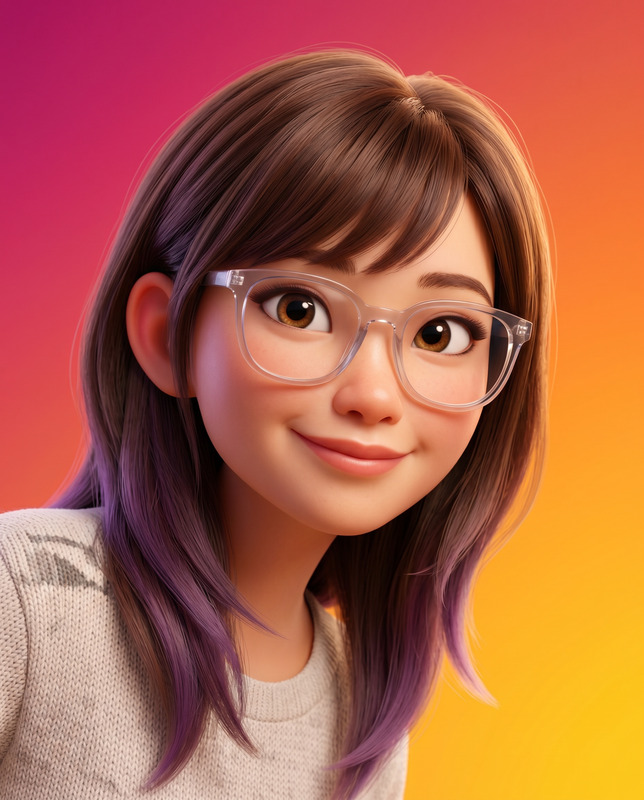
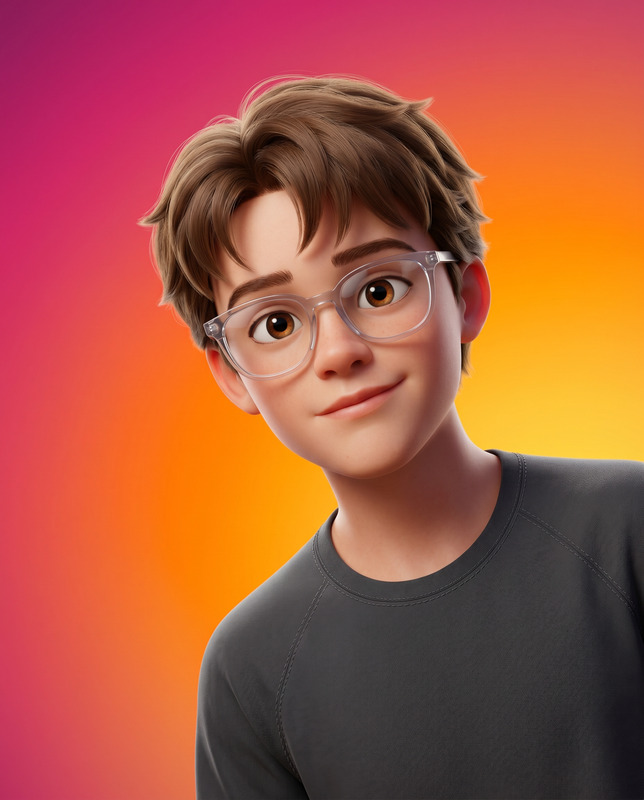
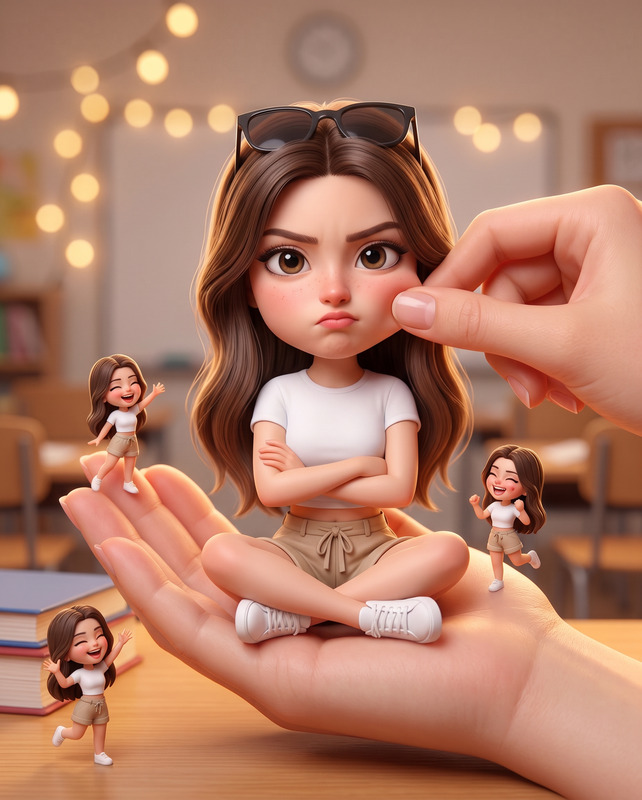
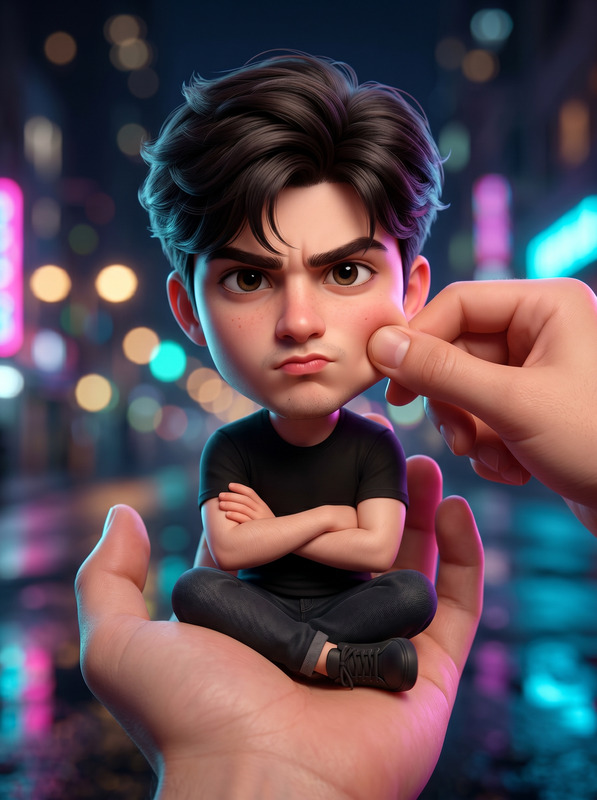
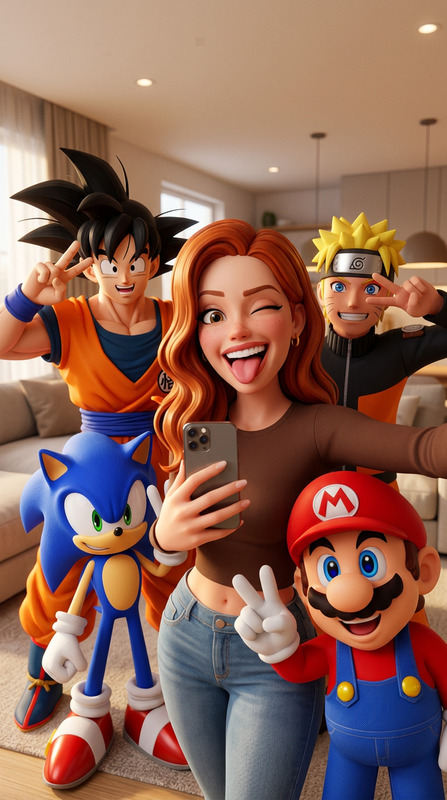
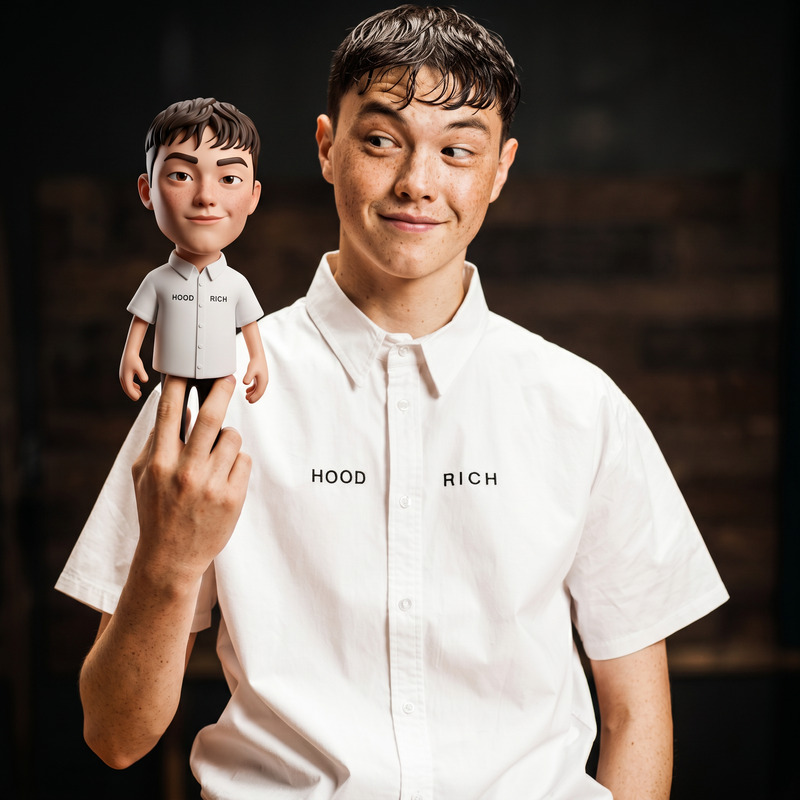
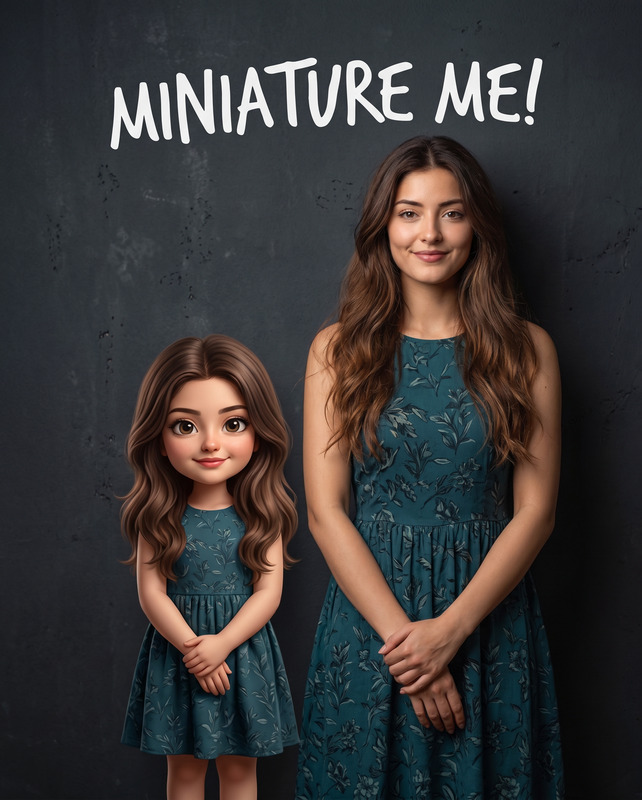
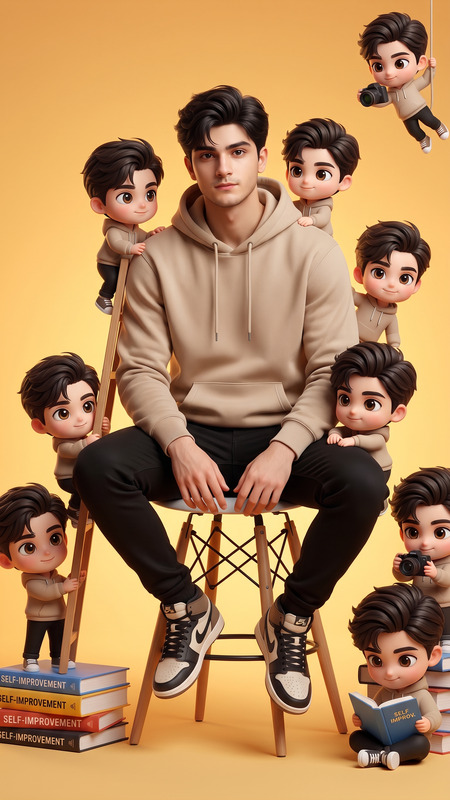
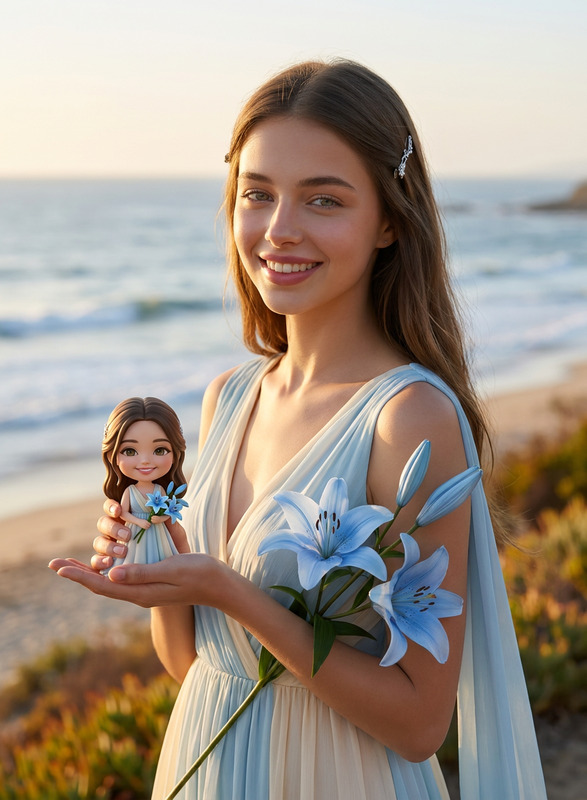
The 3D Mini Me template leverages the cutting-edge capabilities of the nano-banana-2 model to create a seamless blend of photography and 3D art. Perfect for capturing your likeness with precision, this AI Image Editor tool transforms your photo into a stunning composition featuring both yourself and your stylized miniature counterpart.
What It Does
This template generates a photorealistic portrait incorporating a Pixar-style miniature version of yourself. The process maintains high fidelity to your identity, ensuring accurate replication of facial structure, proportions, and other features. The creative environment depicted includes an artist's desk and related elements, enveloped in natural lighting for a warm, genuine look. The template supports ultra-high-definition rendering, offering a sophisticated final product.
Who It's For
Ideal for creative professionals, photographers, and enthusiasts looking to add a unique, sophisticated touch to their work. This template appeals to those interested in combining art with technology, particularly in the fields of digital illustration, character design, and personalized portraits. Additionally, developers working on marketing or product videos might find this template enhances visual storytelling.
Summary
The 3D Mini Me template offers an exceptional tool to create detailed, hybrid photographic and 3D graphic compositions. By integrating a lifelike 3D model of the subject within a realistic setting, it provides a professional-grade result suitable for personal enjoyment or professional use in animatics and sophisticated digital portfolios. The advanced rendering and stylistic accuracy ensure high-quality output every time.
How-To
Choose

Customize

Generate

Use Cases
Digital Photography Enhancements
- Add a unique flair to personal portraits.
- Create engaging marketing visuals for <a href="/use-cases/youtube-shorts">YouTube Shorts</a>.
Marketing and Advertising
- Design eye-catching banners showcasing your brand's identity.
- Enhance product advertisements with personalized elements.
Virtual Avatars
- Develop avatars for applications in games and virtual meetings.
- Explore new dimensions in personal branding.
Best Practices
Ensure High-Quality Uploads
Start with a high-resolution photo that clearly depicts facial features for the best output.Fine-Tune Lighting
Pay attention to lighting settings in the template for realistic shadows and highlights.Experiment with Angles
Try different angles for the seating position to see how it affects the final image composition.