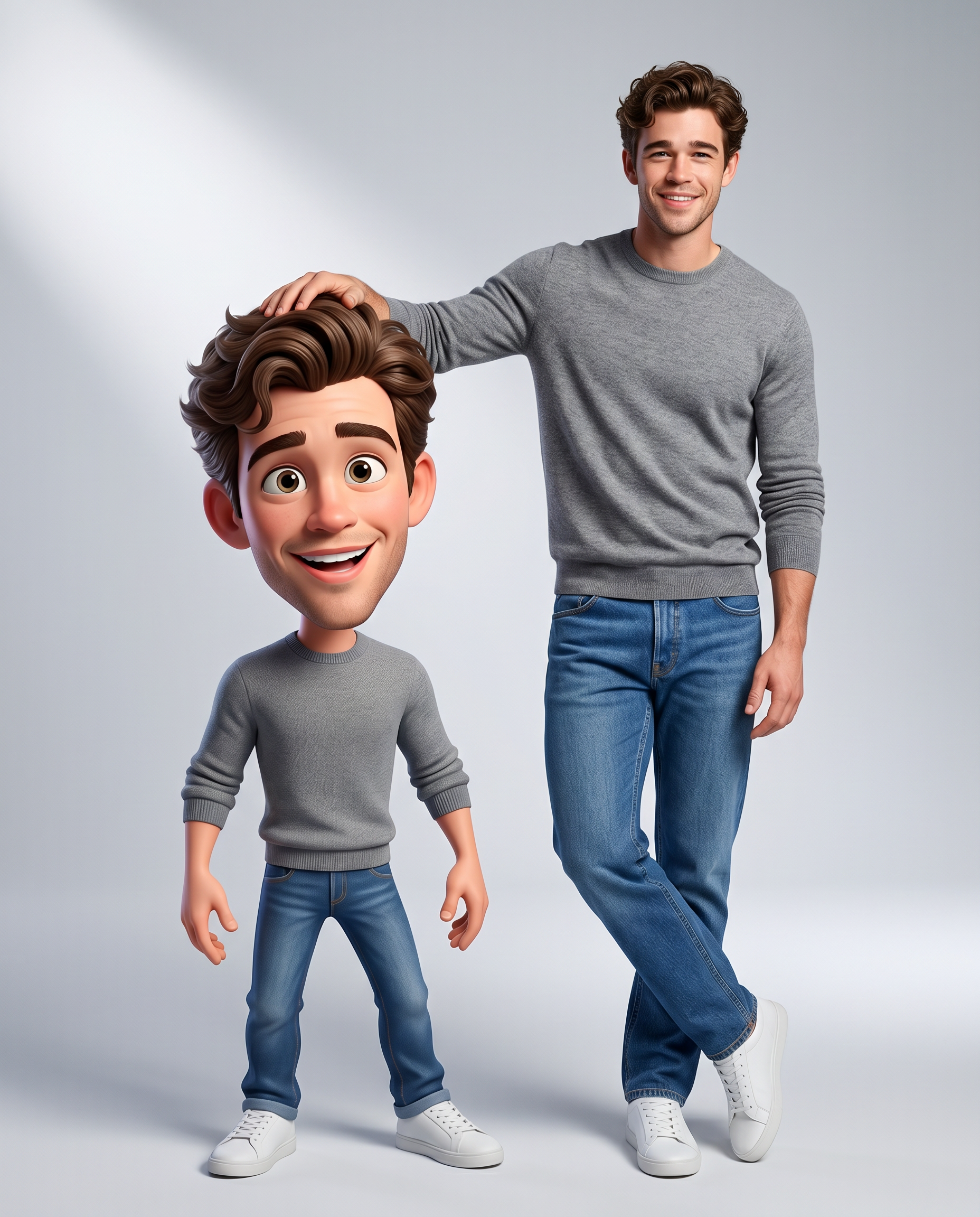
Real & Rendered
- Model
- Nano Banana 2
- Image
- 1856 × 2304 px
Prompt
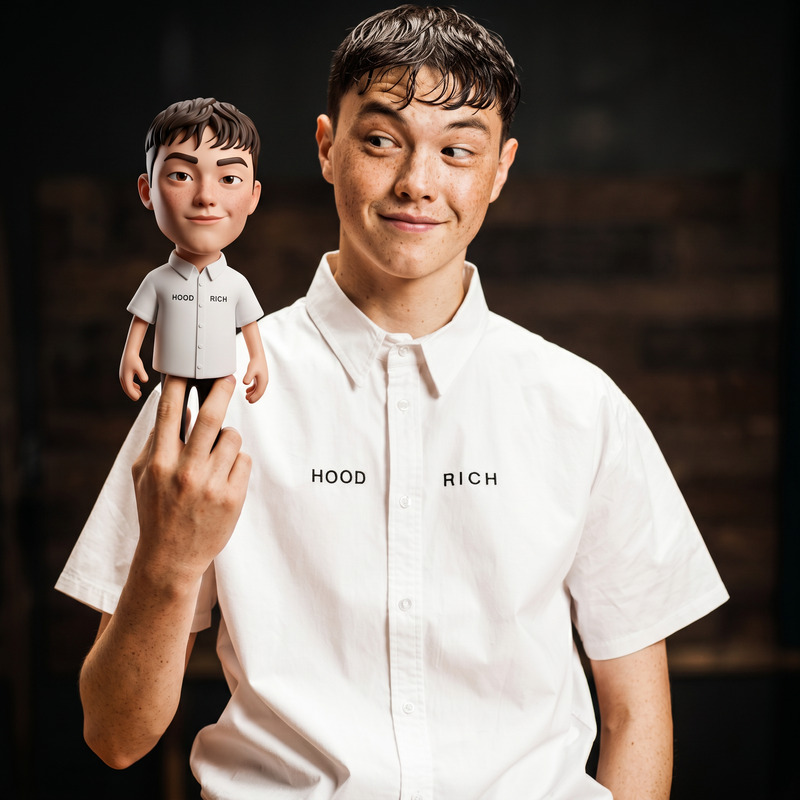
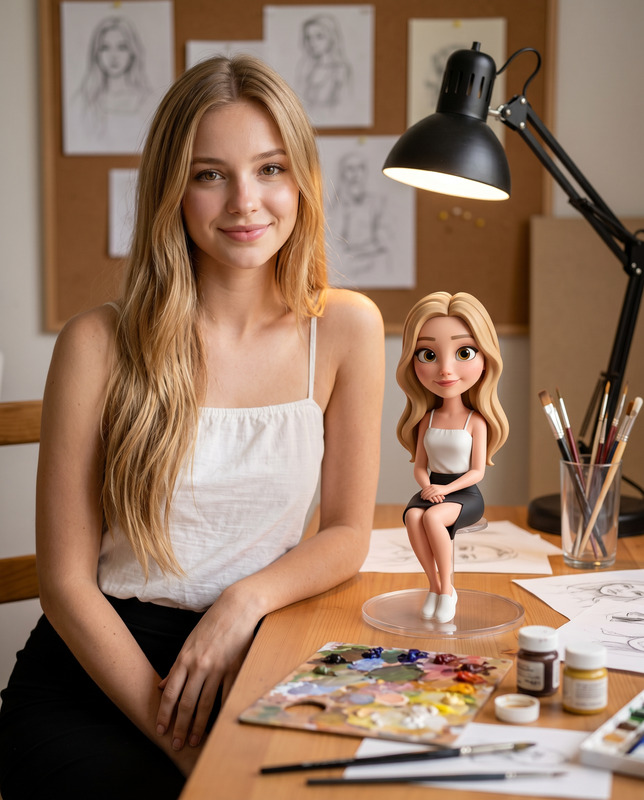
Create a high-resolution, ultra-realistic studio composition in a 4:5 vertical aspect ratio, featuring a real person standing beside a stylized 3D caricature (bobblehead-style) version of the same individual. Use the provided reference image as the only source of identity. Strictly preserve the subject’s exact facial structure, proportions, skin tone, hairstyle, and all recognizable features. Do not alter or stylize the real face. Composition & Framing: Full-body vertical shot with a clean, centered layout. The real subject stands on the right, and the caricature stands on the left at approximately 50–60% of the real subject’s height. The real subject casually rests one elbow on the caricature’s oversized head, creating a natural, playful interaction. Real Subject (Photographic): Ultra-realistic rendering with natural skin texture and fine detail. Expression is warm, relaxed, and confident. Pose & Style (IMPORTANT): The subject stands in a slightly cool, stylish posture — relaxed stance with legs slightly crossed at the ankles, shoulders loose, not stiff. The hand resting on the caricature should feel effortless and natural. Clothing (Match Reference): Gray crewneck sweater (fine knit texture, ribbed cuffs/hem), classic blue jeans (straight fit), and clean white sneakers. Keep textures realistic and clearly visible. 3D Caricature (Stylized Version): Pixar/Disney-inspired 3D style with exaggerated proportions — large expressive head and smaller body. The height should be noticeably shorter, around the real subject's waist level. Facial features must remain recognizable but enhanced — larger eyes, softer forms, slightly amplified smile. Emotion & Body Movement (IMPORTANT): Expression is more playful and animated than the real subject Eyes brighter and more expressive, smile slightly exaggerated Body posture must NOT be stiff — use a natural, lively stance Add subtle movement according to the real subject's personality Pose should feel like a living, animated character, not a rigid figurine Clothing: Exact 1:1 stylized recreation of the real subject’s outfit with soft 3D textures. Lighting & Environment: Soft, diffused studio lighting from the upper-left, creating smooth highlights and gentle shadows. Clean light-gray gradient seamless background(lighter in the inner areas). Output Style: Ultra-clean, cinematic, high-detail render with strong contrast between realistic human and stylized 3D character. Both subjects grounded with soft natural shadows.
Any aspect ratio
Overview
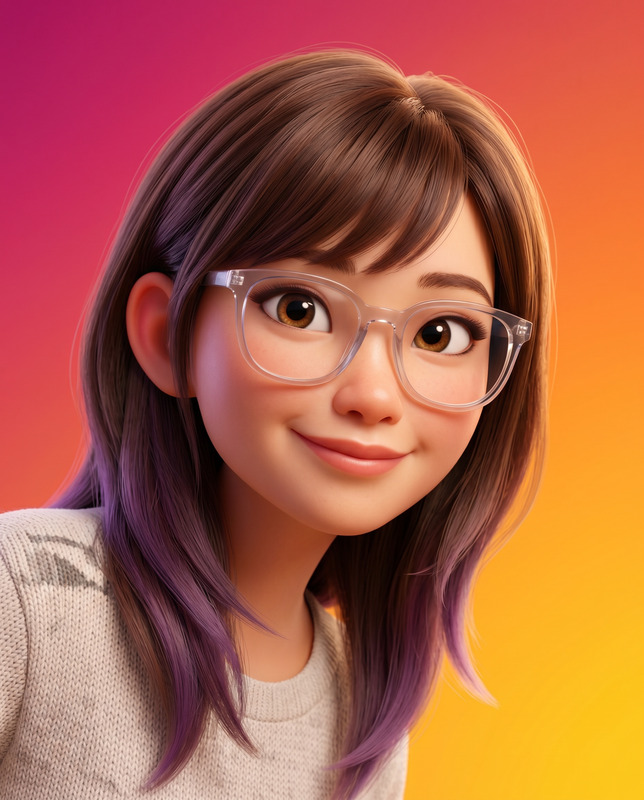
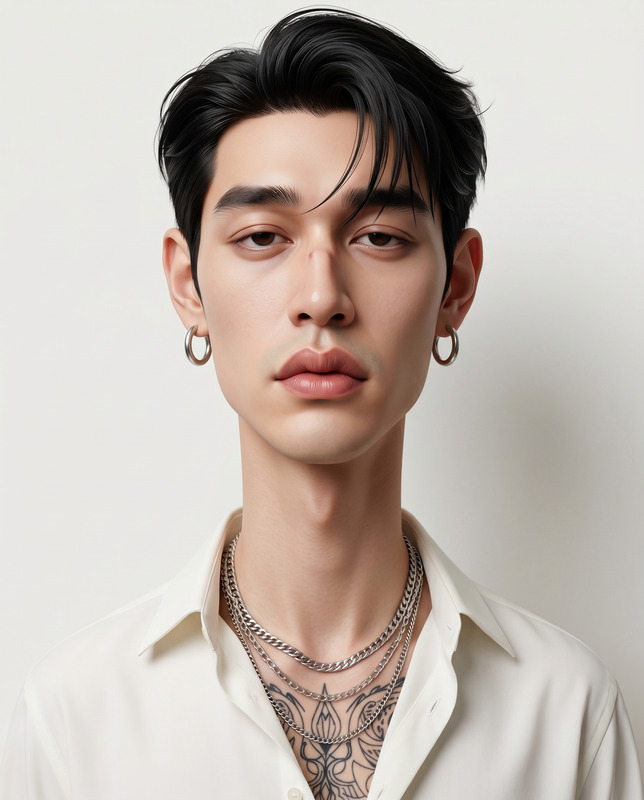
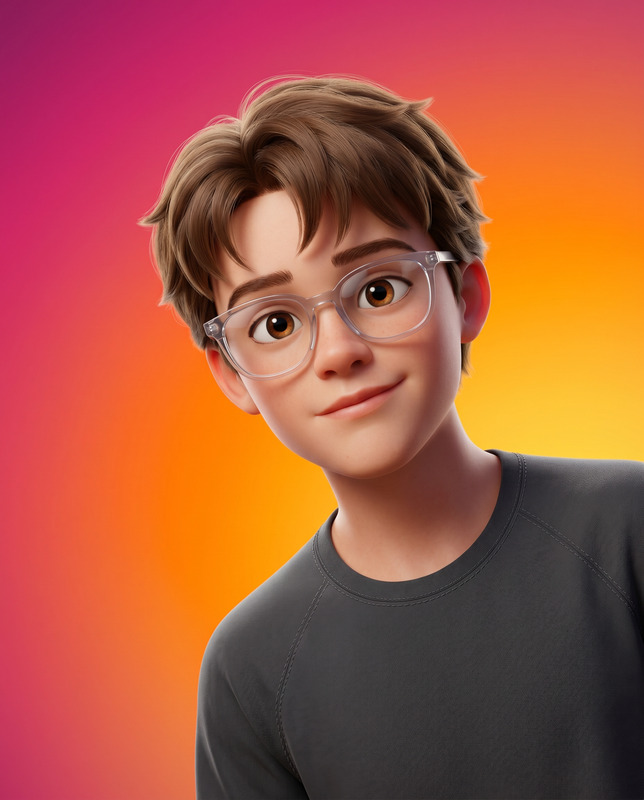
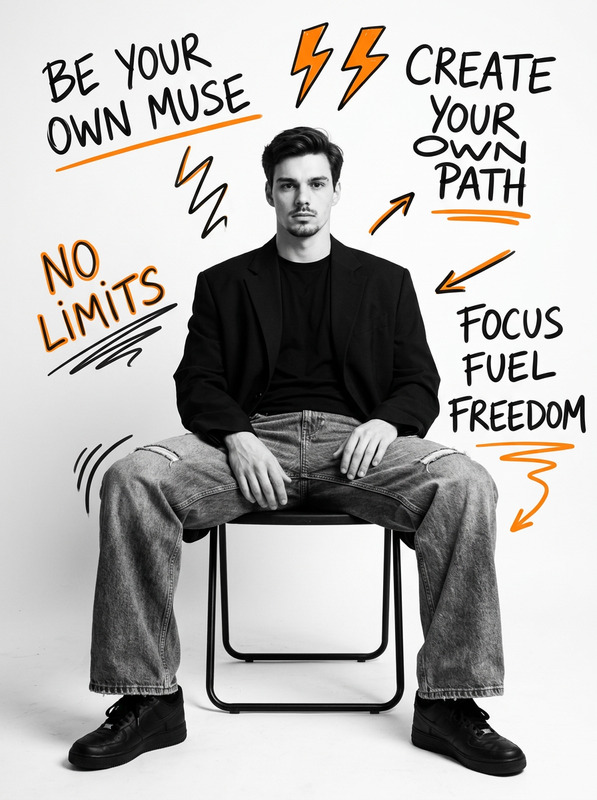
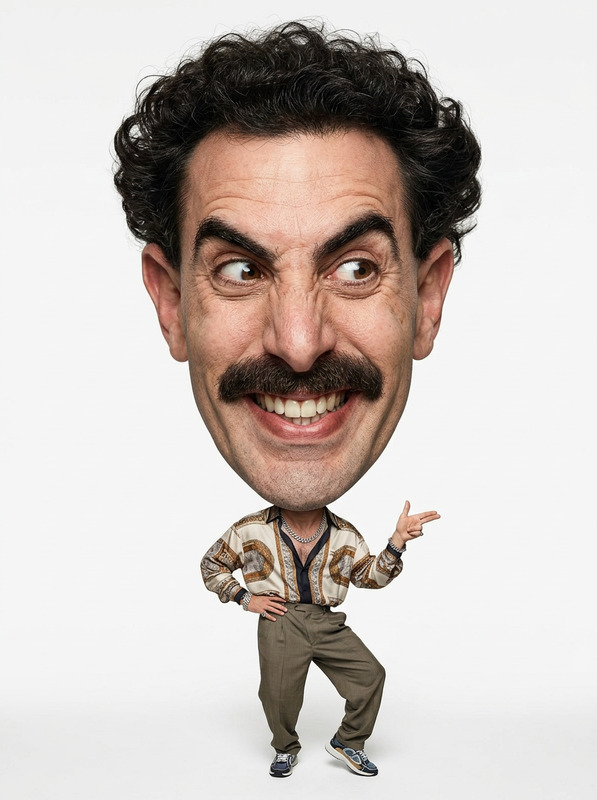
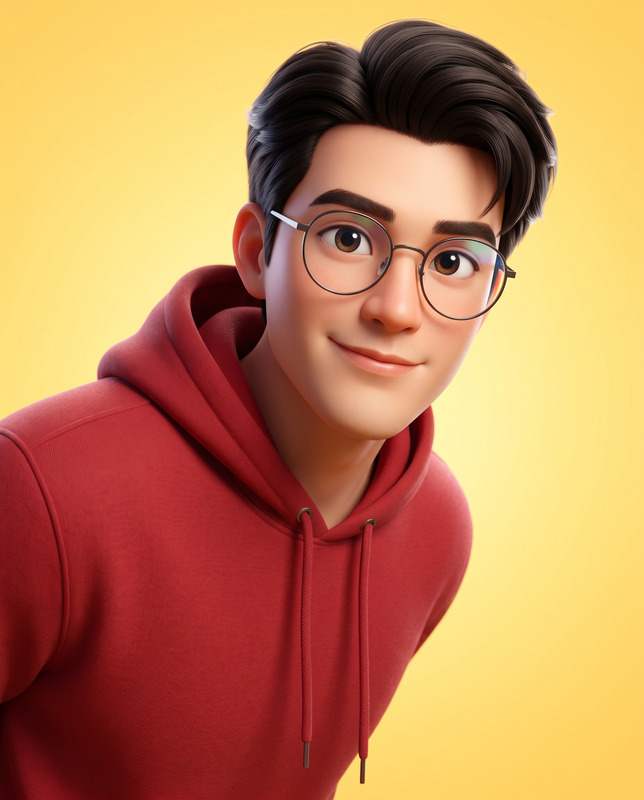
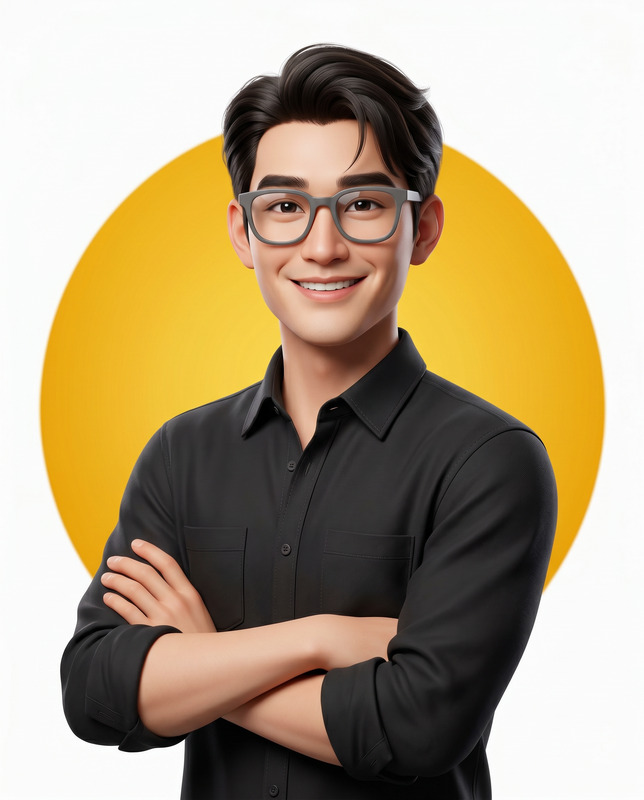
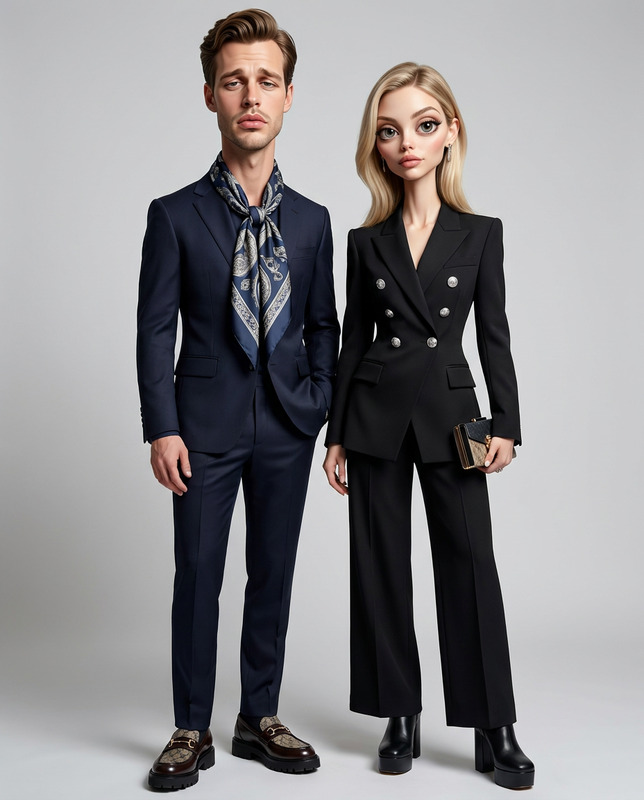
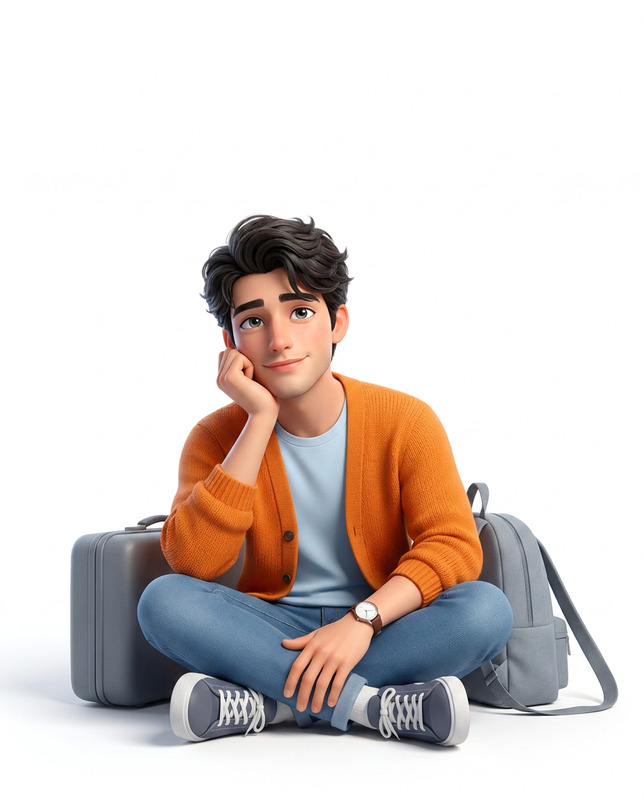
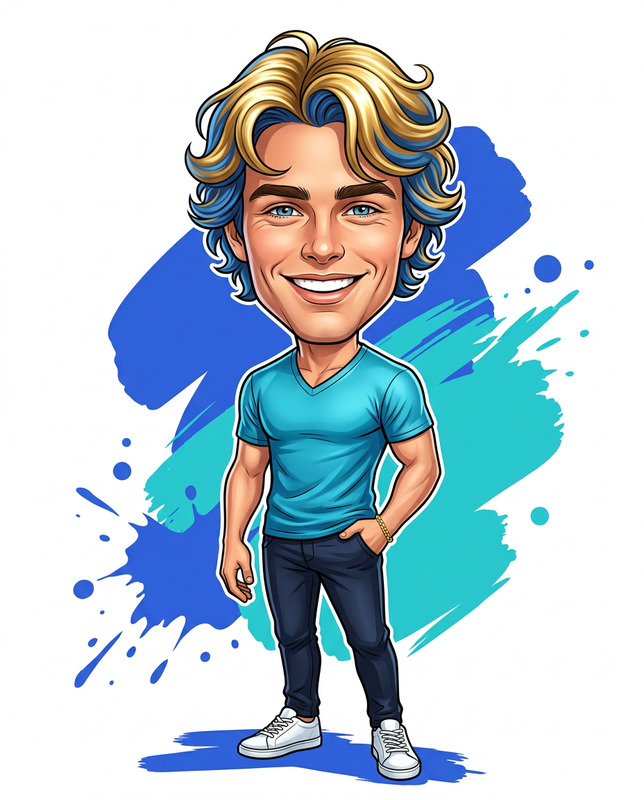
The 'Real & Rendered' AI Image Editor template effortlessly blends reality with artistic expression. This template allows you to create high-resolution studio compositions where a real individual stands side-by-side with a stylized, caricatured version of themselves. Leveraging the powerful nano-banana-2 model, this tool offers detailed control over realistic and stylized rendering, incorporating Pixar-style character models next to an unaltered real appearance.
What It Does
This template crafts a dynamic 4:5 vertical scene by generating a high-detail photo of a person alongside a cartoonish caricature interpretation, maintaining natural proportions and expressive details. The AI Image Editor ensures the real subject’s features and attire are preserved accurately, while the 3D caricature embodies a playful character with amplified features and movement, executed in vibrant Pixar/Disney-like style.
Who It’s For
Perfect for photographers, digital artists, and creatives looking to merge reality with animated fantasy within a single frame. Ideal for marketing professionals and content creators aiming to produce unique imagery that stands out. Additionally, anyone interested in AI Profile Picture Generator techniques can harness this template to create personalized, high-quality visuals with a mix of real and imaginative styles.
Summary
The 'Real & Rendered' template uniquely balances photorealism with artistic exaggeration, using advanced AI to maintain true likeness while adding a colorful twist. The tool offers a compelling way to explore how AI Image Generators can simulate the aesthetic vibrancy found in animated realms while retaining personal identifiers with precision. This versatile combination provides creators tailored options for improved engagement and visual storytelling.
How To
Choose the Template

Customize Your Inputs

Generate Your Composition

Use Cases
Profile Enhancements
- Personal branding
- Social media profiles
- Professional headshots
Marketing & Advertising
- Product promotions
- Event marketing
- Brand storytelling
Educational & Training Materials
- Visual learning aids
- Interactive presentations
- Training support materials
Best Practices
Ensure High-Quality Reference Images
Use clear, well-lit images to improve the accuracy of facial recognition and feature replication.Match Photo Realism with Style
Balance the real subject's natural look with the bold features of the caricature for a cohesive composition.Utilize Lighting Creatively
Experiment with soft diffused lighting to enhance textures and create a more engaging mood.