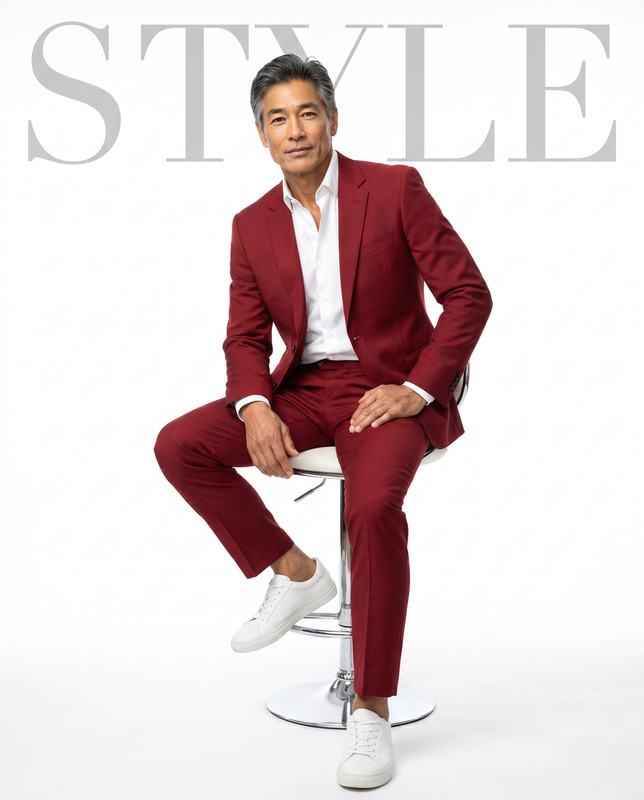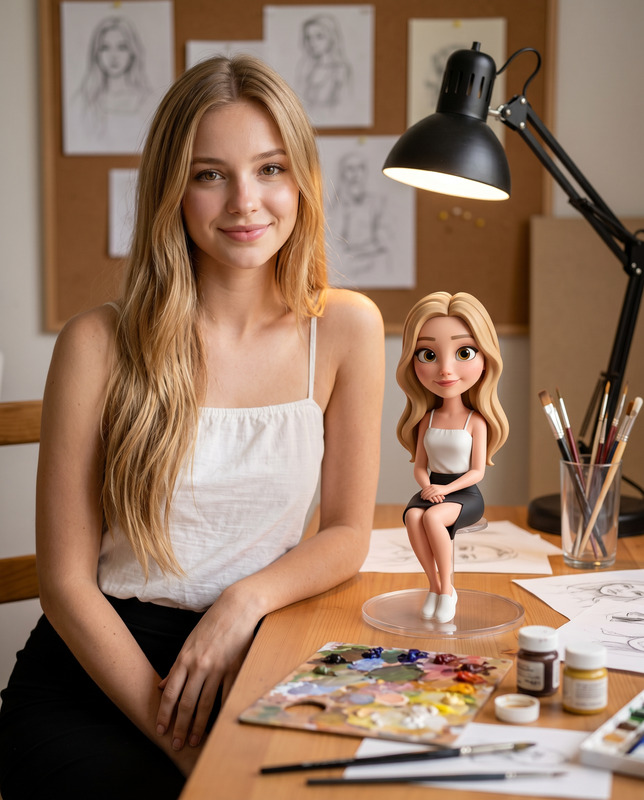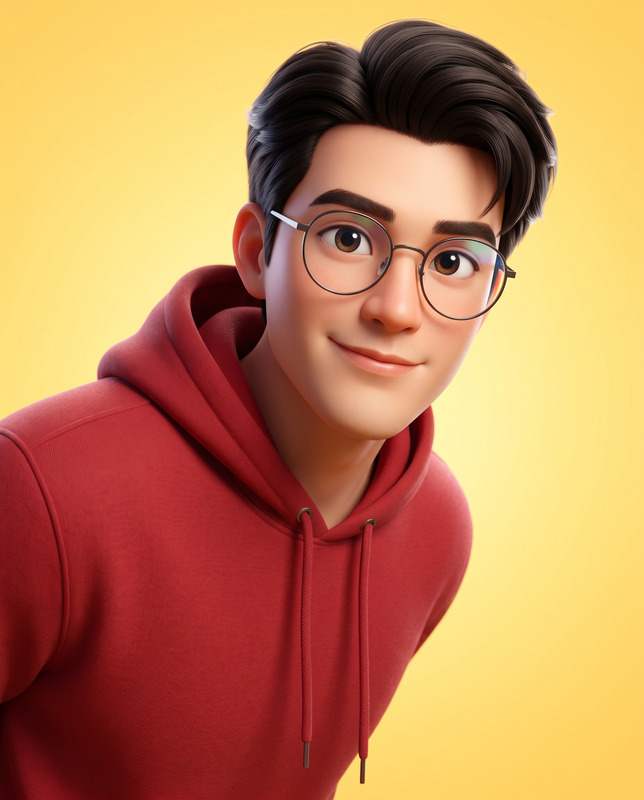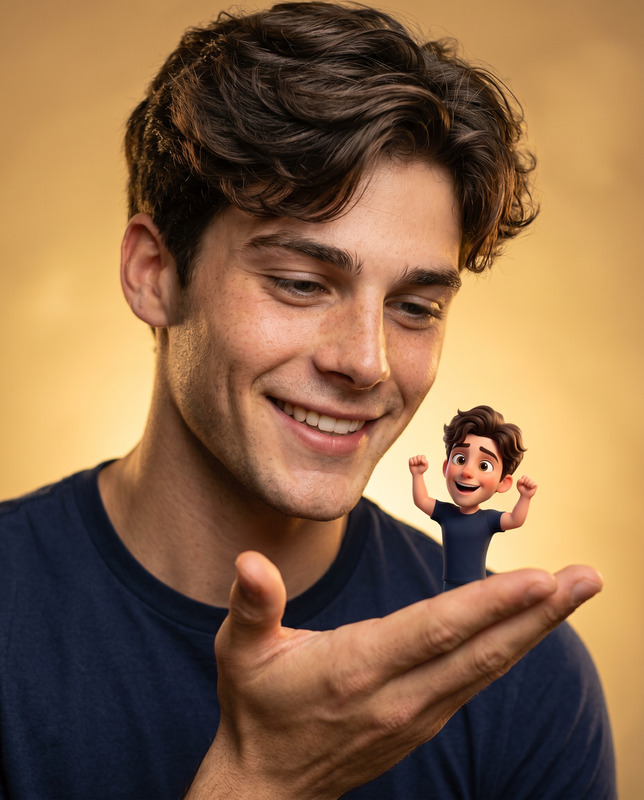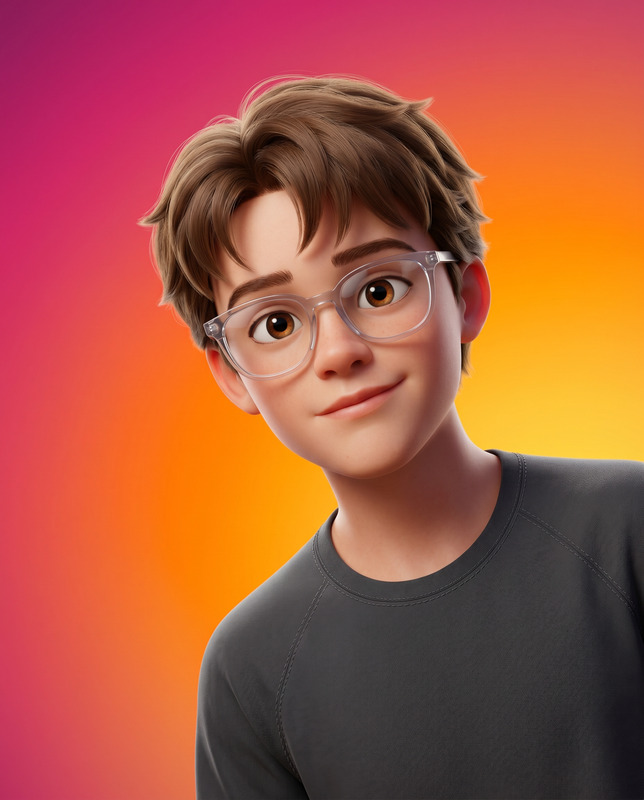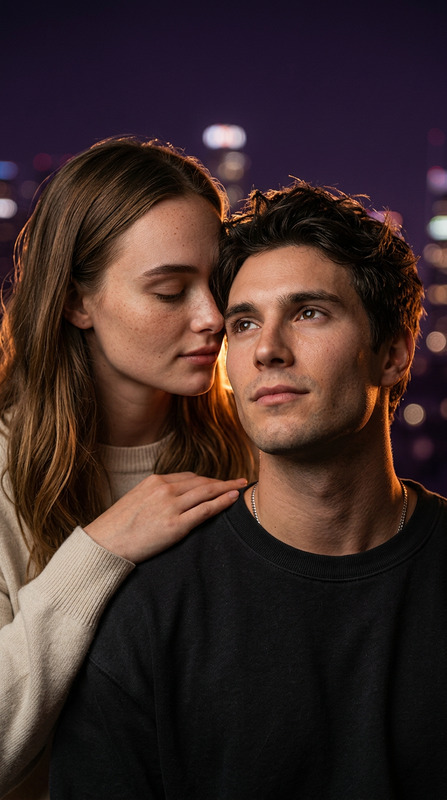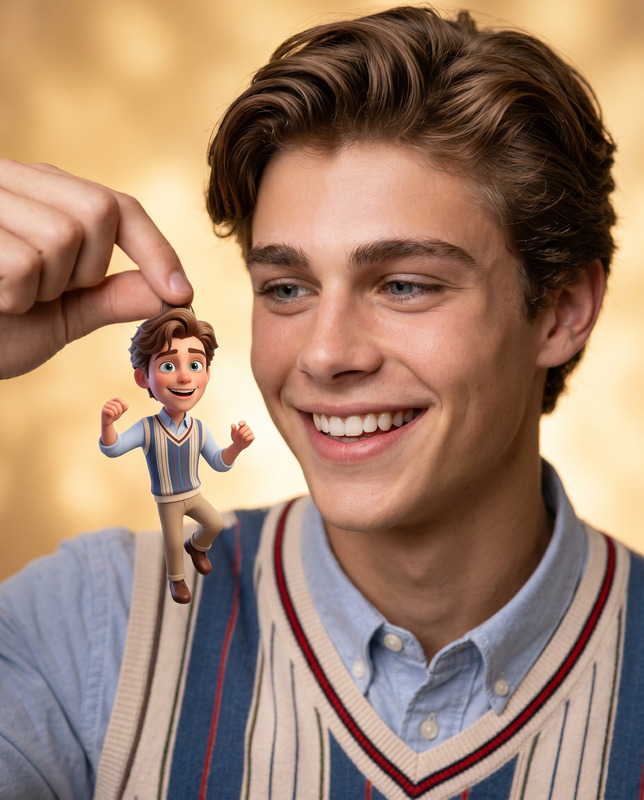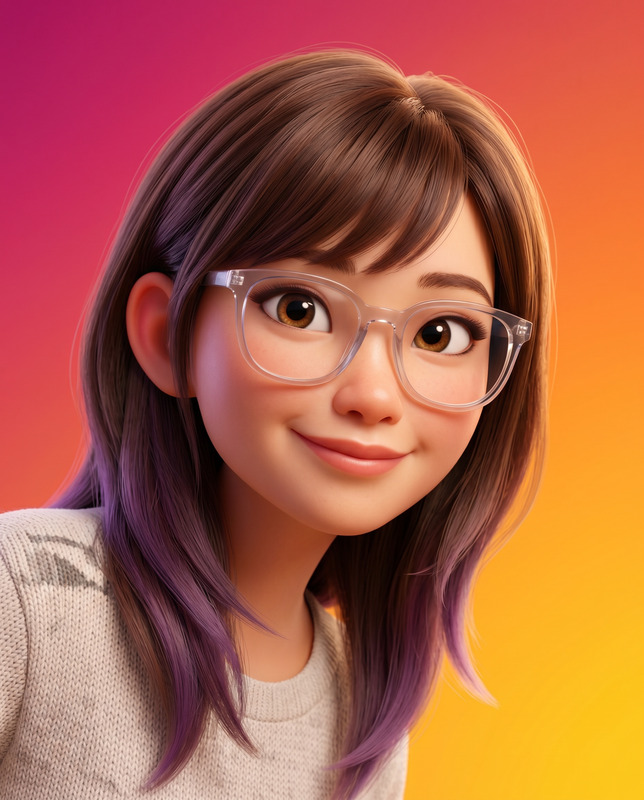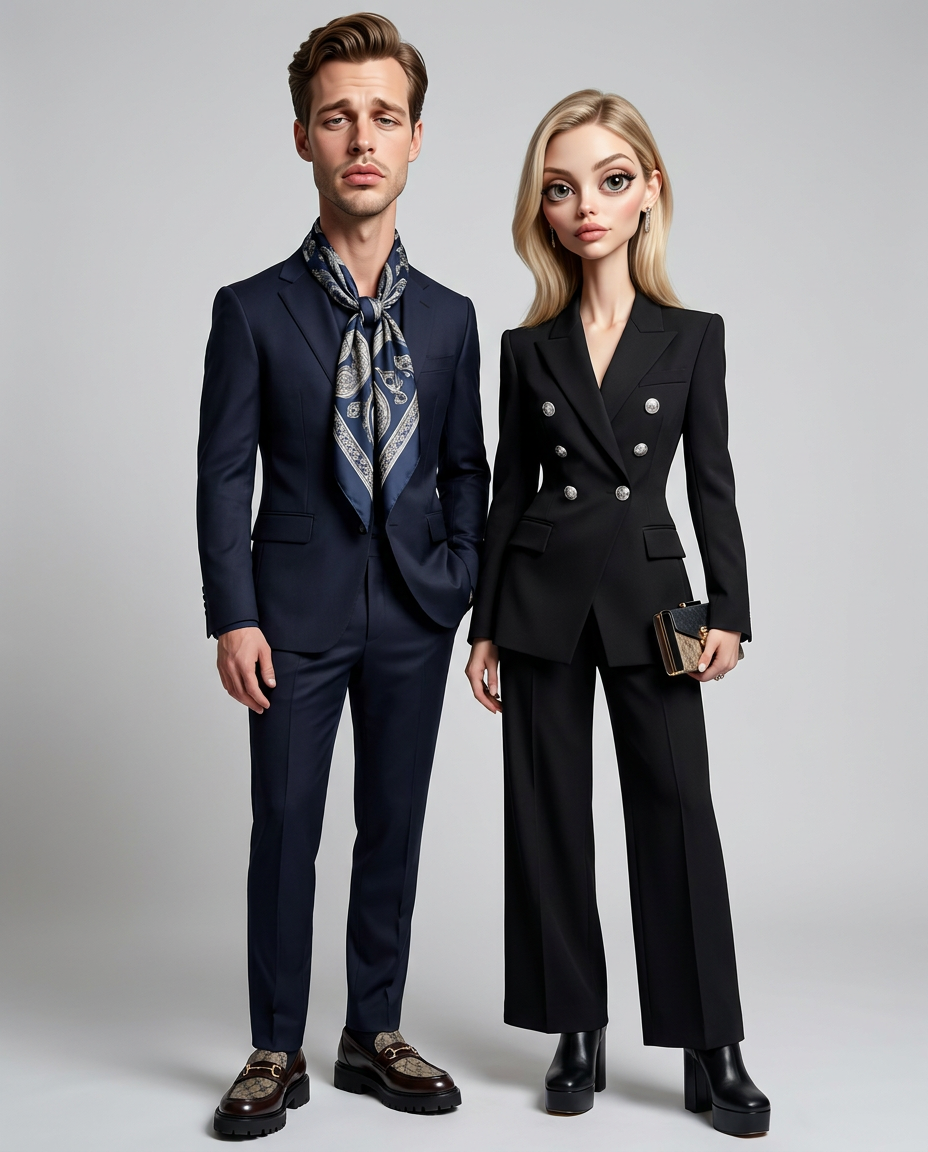
Editorial Avatars
- Model
- Nano Banana Pro
- Image
- 928 × 1152 px
Prompt
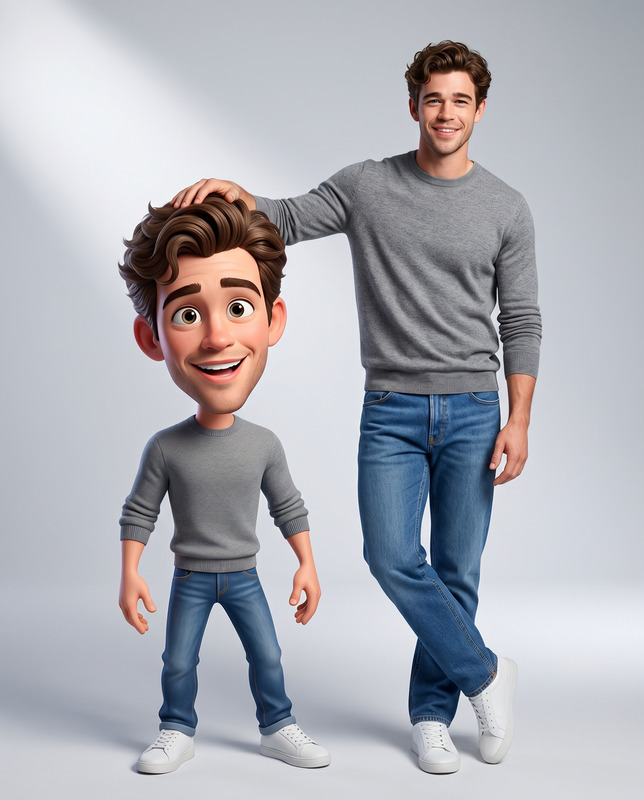
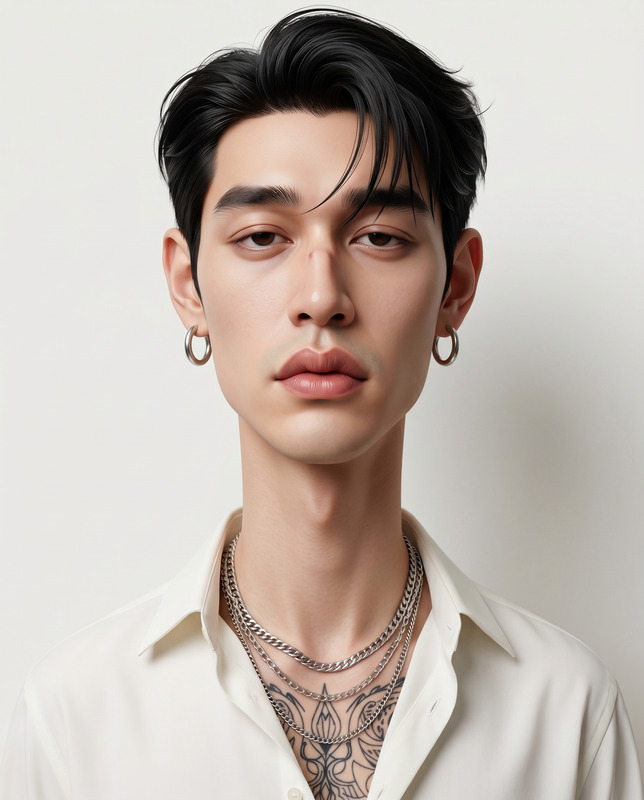
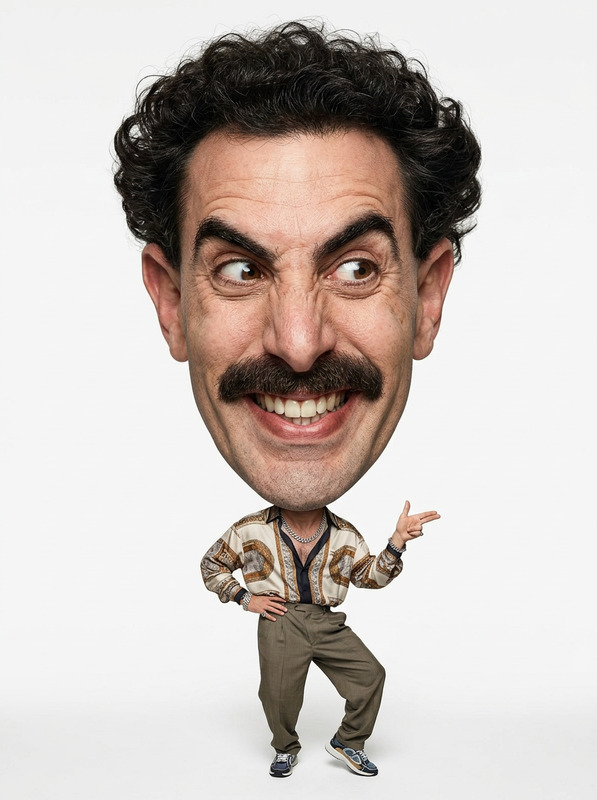
Create an exaggerated, stylized 3D caricature portrait of the two people in the attached reference photo, Full-body (head-to-toe) shot. Preserve both subjects' identities, facial likenesses, skin tones, and defining features, but reinterpret them into bold, caricatured 3D forms with full-body proportions. Apply strong, intentional deformation to each character, including elongated necks, oversized head-to-neck ratios, droopy eyelids, heavy lips, and subtle facial asymmetry. Extend the exaggeration into their full-body proportions so the stylization feels cohesive from head to toe. Slight proportional variations between the two characters should enhance individuality and personality contrast while keeping them visually harmonious. They must remain human-like but clearly stylized, expressive, and artistically exaggerated. Position them in a dynamic, character-driven full-body composition that reflects chemistry and connection — standing close, subtly interacting, or posed in a high-fashion editorial stance. Their body language should feel intentional and cohesive rather than romanticized or cute. The camera angle must be eye-level, aligned naturally with the characters’ faces to maintain presence and balance. Use a straight-on perspective with no dramatic tilt, distortion, or extreme wide-angle effects. The framing should capture both characters fully from head to toe while maintaining proportional clarity and compositional symmetry. Dress both characters in coordinated luxury fashion with bold, high-end accessories. Their styling should complement each other while maintaining individuality, creating a weird, fashion-forward, collectible aesthetic that feels elevated and character-driven rather than realistic or cartoonish. Use a clean, controlled surface finish with smooth, studio-quality skin for both subjects. Avoid random textures, blemishes, freckles, dirt, grain, speckling, or noise. Materials should appear polished, premium, and carefully designed, with subtle subsurface scattering and realistic skin shading. Illuminate the scene with neutral studio lighting, soft diffused shadows, and even illumination with no harsh contrast. Use a plain neutral gray or off-white background. Render in ultra-high definition 4K quality with extreme detail, sharp focus, and cinematic clarity. Include micro-surface detail, high-resolution textures, physically based rendering (PBR), global illumination, soft reflections, and refined material definition. The image should appear crisp, clean, noise-free, and professionally studio-rendered. No text, logos, or watermarks. Aspect ratio: 4:5. Negative prompt: Cropped frame, low quality, head crop, toe crop
Any aspect ratio
Overview
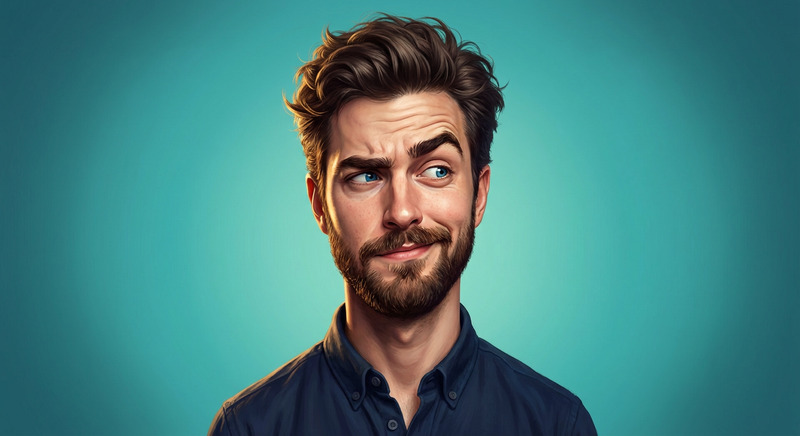
Create strikingly stylized 3D caricature portraits that capture the essence and personalities of your subjects with the Editorial Avatars template. As an AI Image Editor tool powered by the robust nano-banana-pro model, this template transforms everyday photos into bold, editorial-quality images with extreme detail and artistic flair.
What It Does
This template intelligently morphs the identities of two individuals in a reference photo into exaggerated 3D caricatures. It respects their core features while artistically deforming proportions, including oversized heads and elongated forms, to create a balanced and harmonious full-body composition. The result is a vibrant, fashion-forward image positioned in dynamic poses with eye-level camera angles.
Who It's For
The Editorial Avatars template is ideal for artists, graphic designers, and brands seeking high-fashion, high-impact visuals. It's particularly suited for use in advertising, editorial spreads, or any creative project requiring expressive, stylized images. Agencies looking to craft unique and memorable brand imagery will find this AI Image Editor tool invaluable.
Summary
Transform photographs into unique 3D caricatures with a cohesive and artistic touch using the Editorial Avatars template. Designed for high-definition production, it generates personalized, stylized portraits seamlessly integrated into your creative projects. Explore more tools like the AI Talking Photo and Image to Video for broader creative capabilities.
How-To
Choose the Template

Customize Your Input

Generate and Download

Use Cases
Editorial Campaigns
- Showcase products with artistic imagery
- Capture audience attention with personalized designs
Social Media Content
- Improve engagement with stylistic visuals
- Stand out among typical photo content
Brand Identity Projects
- Add stylistic consistency to banners and website imagery
- Personalize promotional materials
Best Practices
Choose High-Quality Photos
For best results, use clear and well-lit reference photos. Ensure the subjects' features are distinct to enhance caricature effects.Mind the Composition
Keep the subjects’ pose dynamic and engaging. Use the exaggerated proportions to reflect their chemistry and enhance narrative depth.Balance in Styling
While creating a bold aesthetic, ensure the characters’ outfits and accessories complement each other to maintain visual harmony.