Panda
- Model
- Nano Banana 2
- Image
- 768 × 1376 px
Prompt
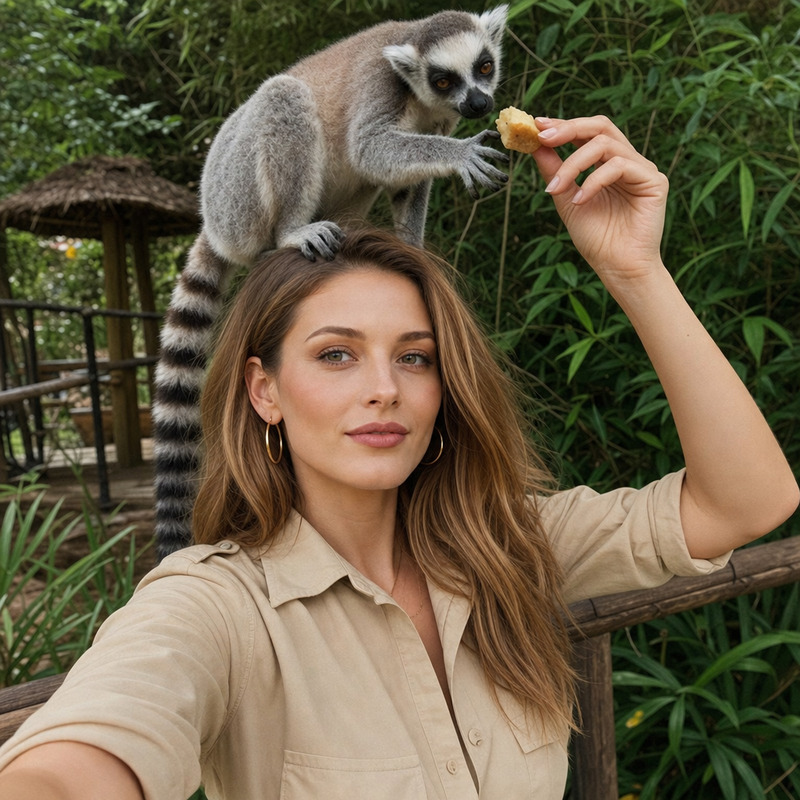
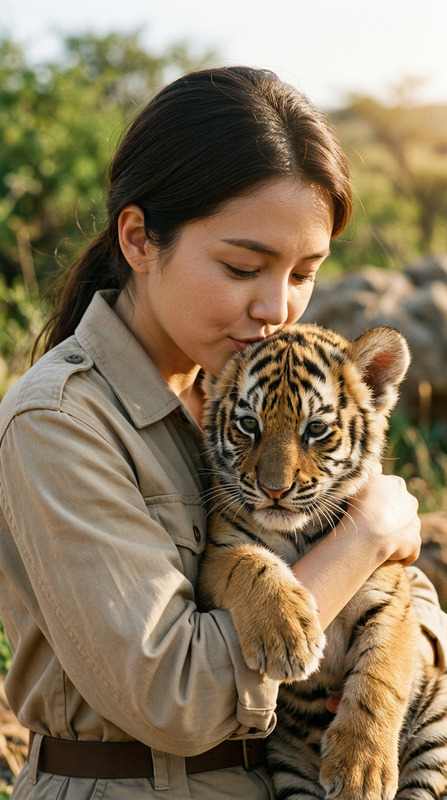
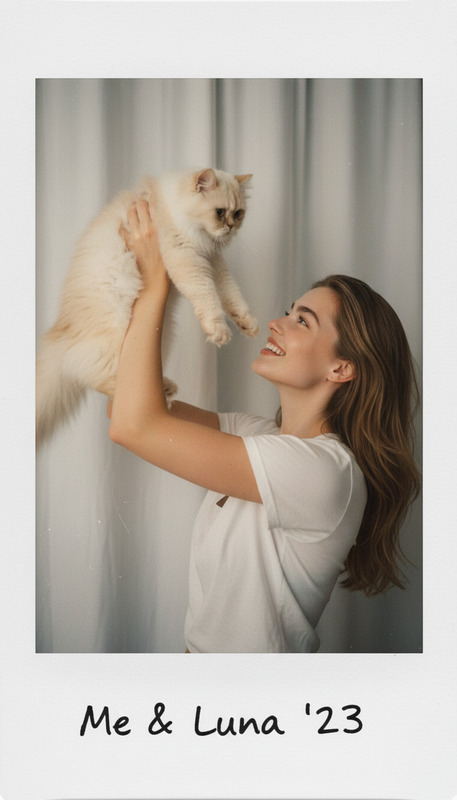
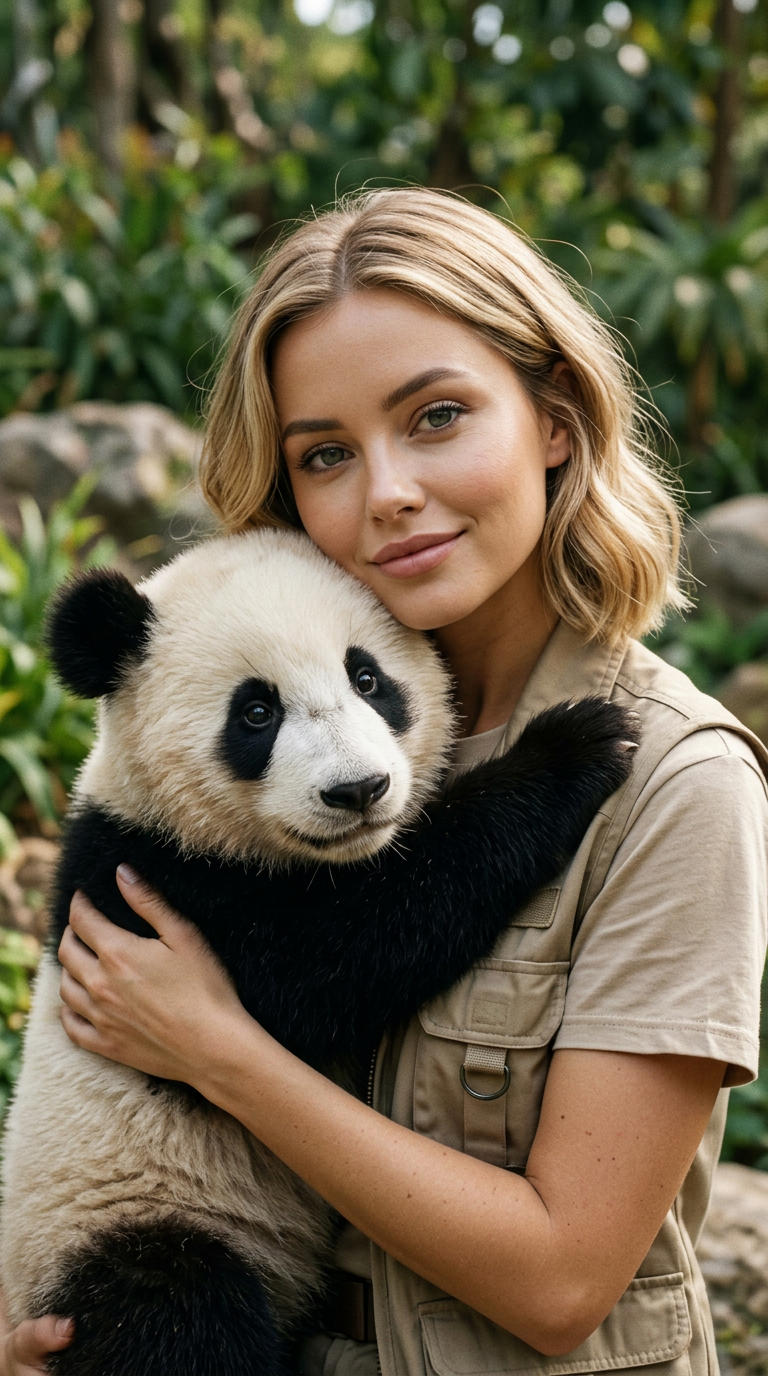
Use the uploaded photo as the only identity reference, preserving the face, structure, makeup, and natural skin texture exactly without altering expression, keeping a soft natural smile and relaxed gaze slightly toward the camera. Create an ultra-realistic vertical 9:16 medium close-up portrait of a woman in an authentic beige safari park outfit gently hugging a young panda, whose front paws rest naturally on her shoulders, with both faces clearly visible and the panda appearing fully realistic with accurate anatomy and fur. The scene is outdoors in a sanctuary with soft greenery, natural daylight, shallow depth of field, and a subtle warm analog film look, full-bleed with no borders or margins.
Any aspect ratio
Overview
The "Panda" AI Image Editor template creates ultra-realistic portraits by combining human elements with wildlife in a harmonious scene. It uses advanced algorithms to maintain facial expressions and compositions while integrating stunning details of a panda interaction, all set against a tranquil sanctuary backdrop.
What It Does
This template utilizes the nano-banana-2 model to craft lifelike images that preserve the subject's unique features. It generates a medium close-up portrait with a woman and a panda, capturing intricate facial details and natural textures without changing expressions. The result is a seamless blend of accurate anatomy and stunning environmental context.
Who It's For
This tool is perfect for photographers, marketers, and content creators seeking to produce unique visual storytelling imagery. Whether you're crafting ads for wildlife conservation campaigns or designing creative content for social media, this template offers a rich, engaging backdrop for immersive visuals. Consider exploring the AI Image Editor for further creative enhancements.
Summary
The "Panda" template provides a sophisticated solution for fashioning captivating portraits featuring humans and wildlife together. It guarantees a highly detailed and realistic portrayal, ideal for commercial uses and conservation storytelling. With options for further customization through tools like the AI GIF Generator and AI Video Generator, users can expand their creative possibilities.
How-To

Customize

Generate

Use Cases
Wildlife Conservation Campaigns
- Highlight human-animal bonding.
- Use in digital and print media.
Social Media Content
- Ideal for Instagram posts and stories.
- Increase engagement with dynamic visuals.
Advertising and Marketing
- Develop eye-catching ad campaigns.
- Combine real-world elements with creative storytelling.
Best Practices
Select High-Quality Images
Ensure the uploaded image is high resolution to enhance details and features of both the subject and the panda.Mind the Lighting
Match the lighting conditions of the uploaded photo to the natural daylight setting of the template for consistency.Emphasize Details
Pay attention to the subtle elements like facial expressions and textures to achieve a more convincing and fluid integration.