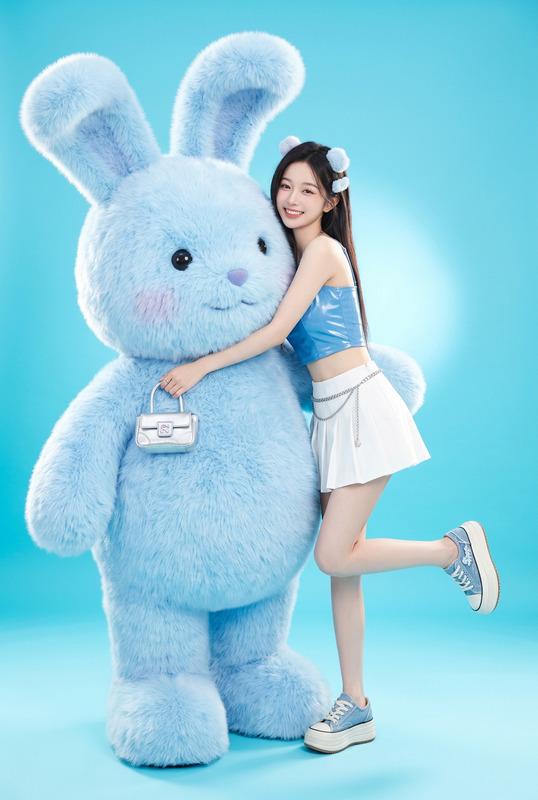
Glossy Blue Bear Fashion Studio
- Model
- Nano Banana 2
- Image
- 768 × 1365 px
Prompt
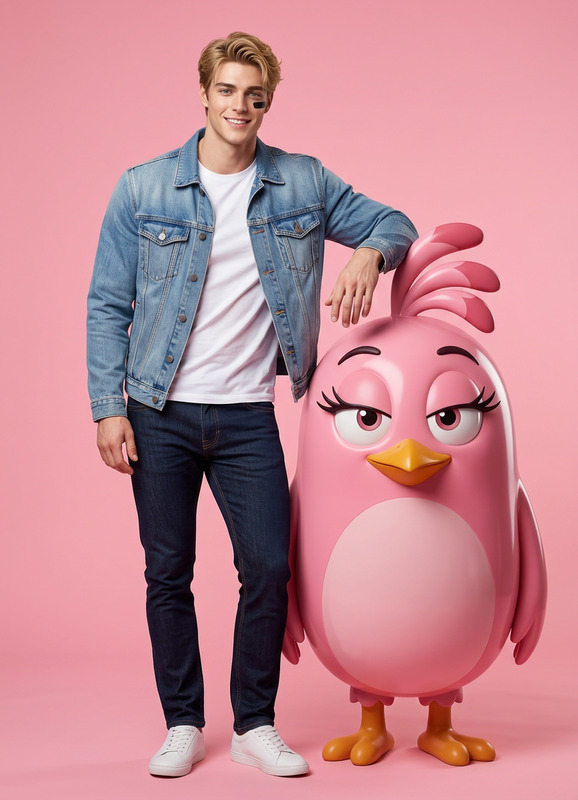
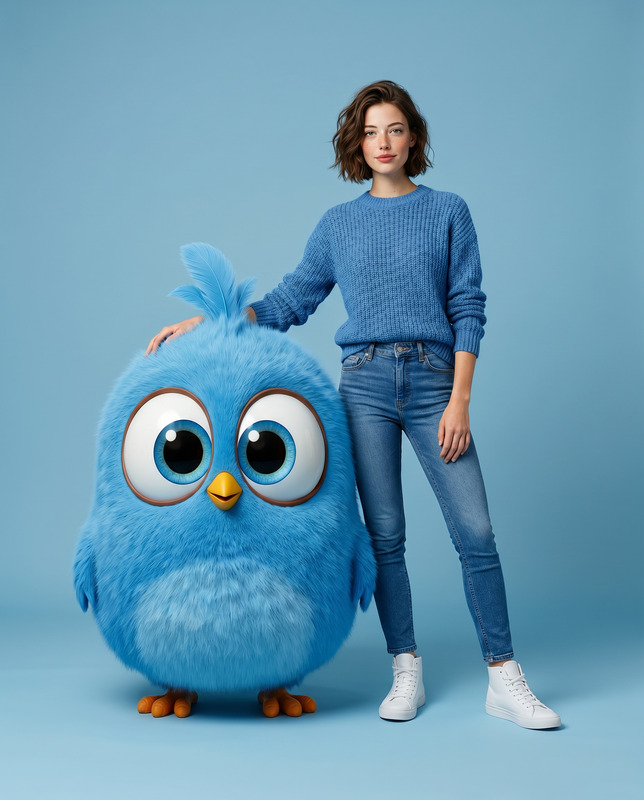
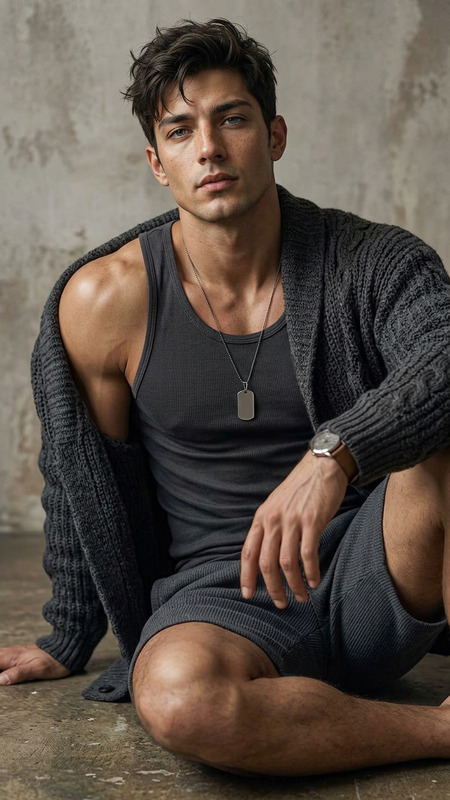
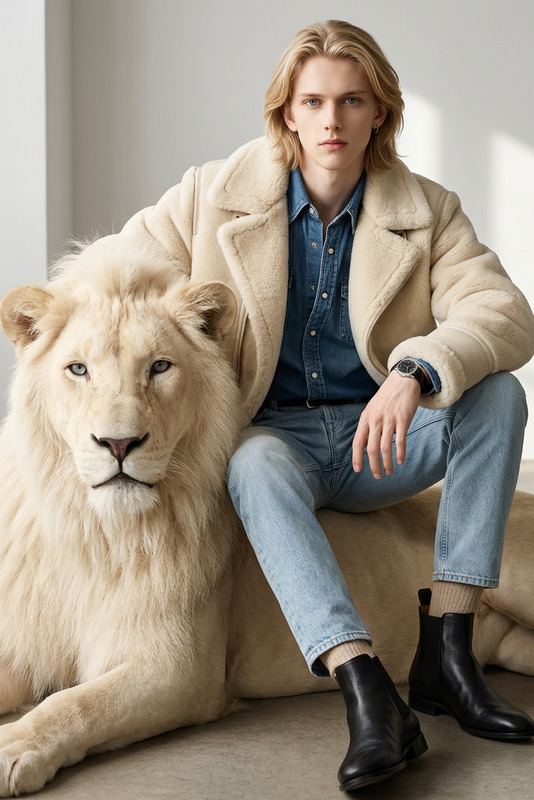
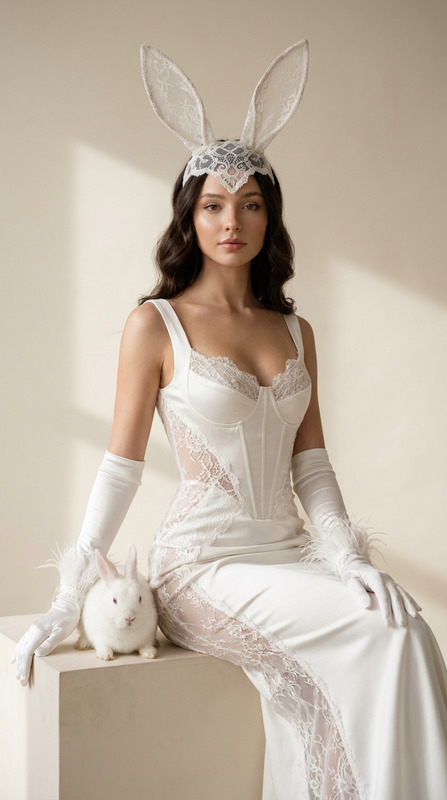
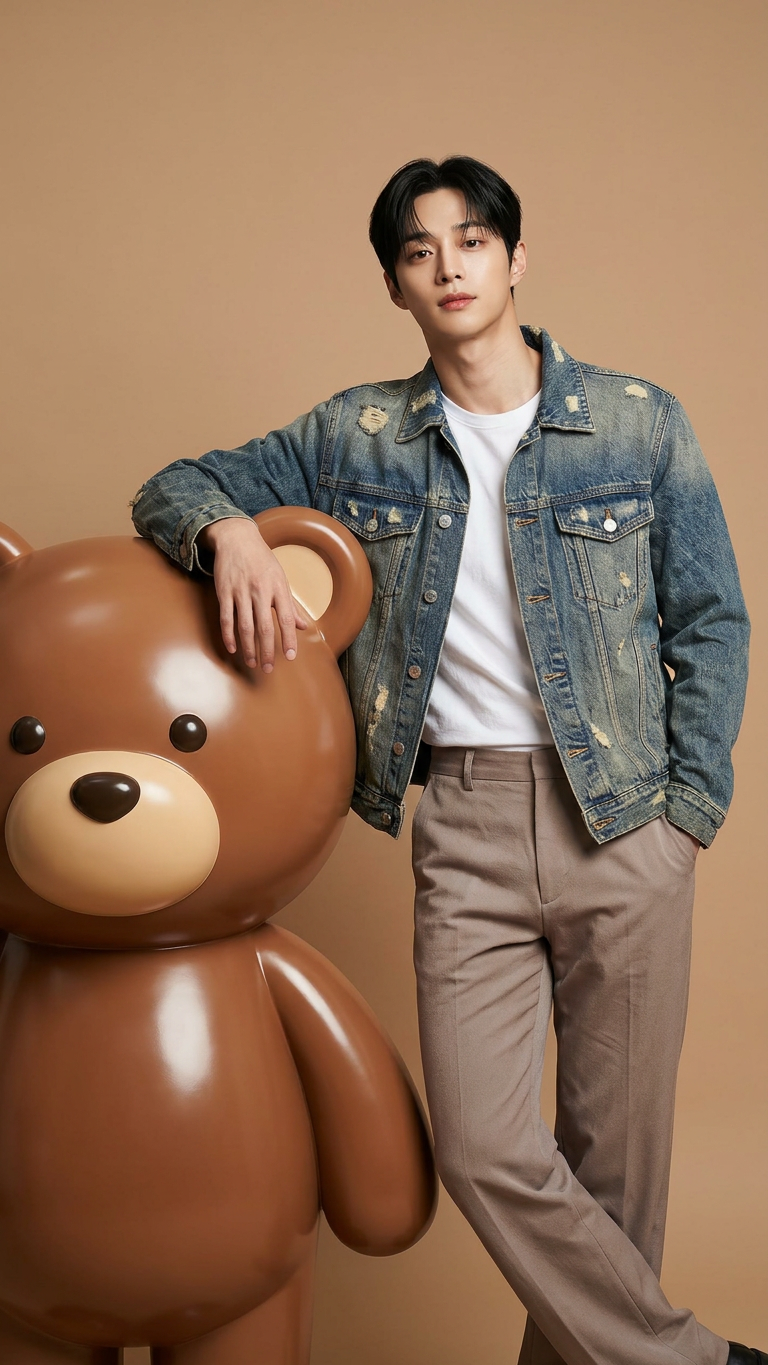
A stylish subject with the exact same face as the reference photo (100% face match), standing confidently with one arm resting casually on a giant glossy 3D brown teddy bear character, posing naturally together. The subject wears a modern cool-toned outfit (denim, white, or icy brown palette) with a relaxed, confident expression. The scene is set in a professional photo studio with a seamless solid vibrant light brown backdrop matching the character. Lighting is soft, evenly diffused, creating clean highlights and minimal shadows. The style is modern fashion photography—playful, fresh, and stylish—with hyper-realistic skin texture, sharp fabric details, and accurate reflections on the glossy 3D bear. Ultra-detailed, clean, and polished aesthetic.
Any aspect ratio
Overview
Welcome to the Glossy Blue Bear Fashion Studio template, designed to transform your reference photos into eye-catching fashion scenes. Utilizing the AI Image Editor capabilities of the nano-banana-2 model, this template brings a blend of creativity and precision to your projects. Start enhancing your photography with modern and stylish imagery in no time.
What It Does
This template enables photographers and designers to craft high-end fashion images by integrating subjects with 3D elements. The AI Image Generator within this template ensures a 100% match in facial likeness to the reference photo while adding a chic, modern outfit and posing the subject in a dynamic studio environment alongside a glossy teddy bear. This setup is perfect for creating playful yet sophisticated images tailored for fashion showcases.
Who It's For
Glossy Blue Bear Fashion Studio is ideal for fashion photographers, digital artists, and creative directors seeking to elevate their visual content. Whether working in traditional studios or virtual settings, this template provides tools to create polished images fitting for editorial spreads, online portfolios, or social media promotion. Even if you're new to AI Product Photography, this template is intuitive and accessible.
Summary
With the Glossy Blue Bear Fashion Studio template, you can effortlessly produce sophisticated fashion imagery with a playful twist. Perfect for professionals and beginners alike, this AI-driven tool combines cutting-edge technology with creative flexibility. Explore its features to enhance your projects with hyper-realistic elements, ensuring each image stands out with vibrant color and intricate detail.
How to Use
Choose the Template

Customize Your Scene

Generate and Download

Use Cases
Fashion Editorials
- Vibrant backdrop and stylish outfits
- 100% face match for continuity
Portfolio Enhancements
- Polished and professional layouts
- Detailed textures and reflections
Social Media Content
- Modern and playful aesthetics
- Perfect for Instagram and Pinterest
Best Practices
Ensure High-Quality Reference Images
Use clear, high-resolution images for best results. This helps in achieving a precise face match and enhances the overall quality of the final output.Experiment with Wardrobe Colors
While the template suggests a cool-toned palette, don't hesitate to try different combinations to see what best complements your subject and intended mood.Utilize Studio Lighting
Proper lighting settings in the image can highlight the textures and details provided by the template, ensuring a professional-looking photograph.