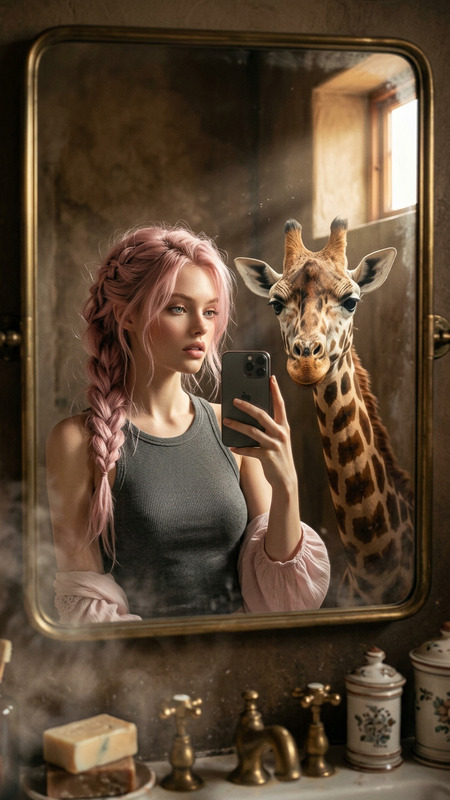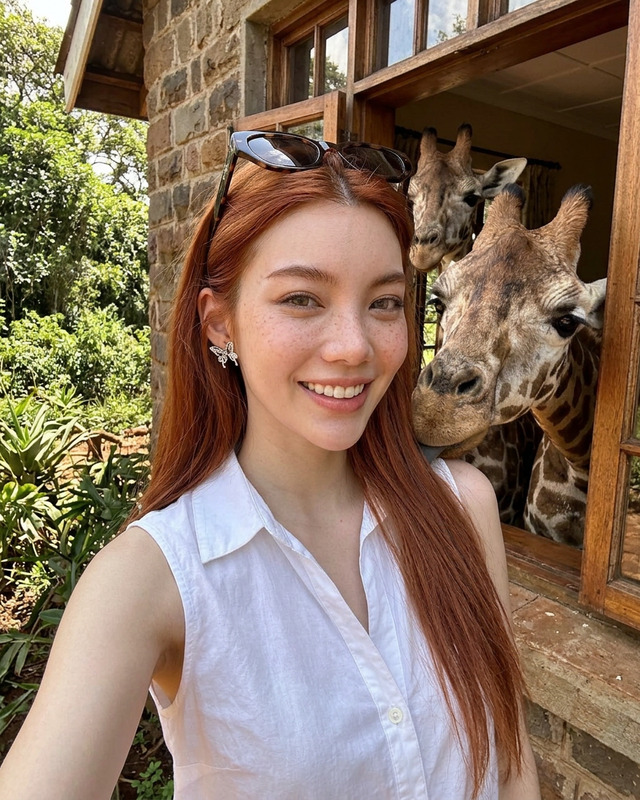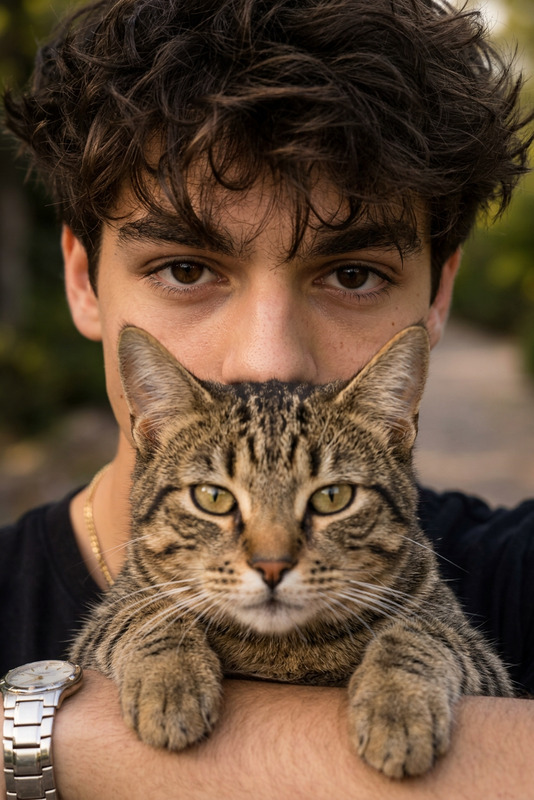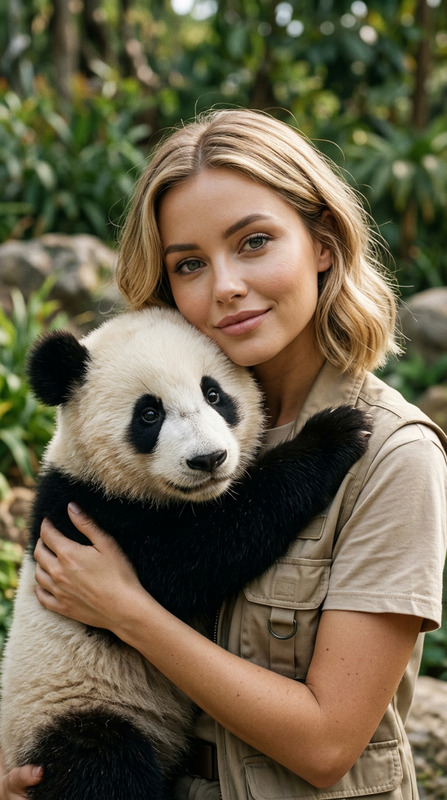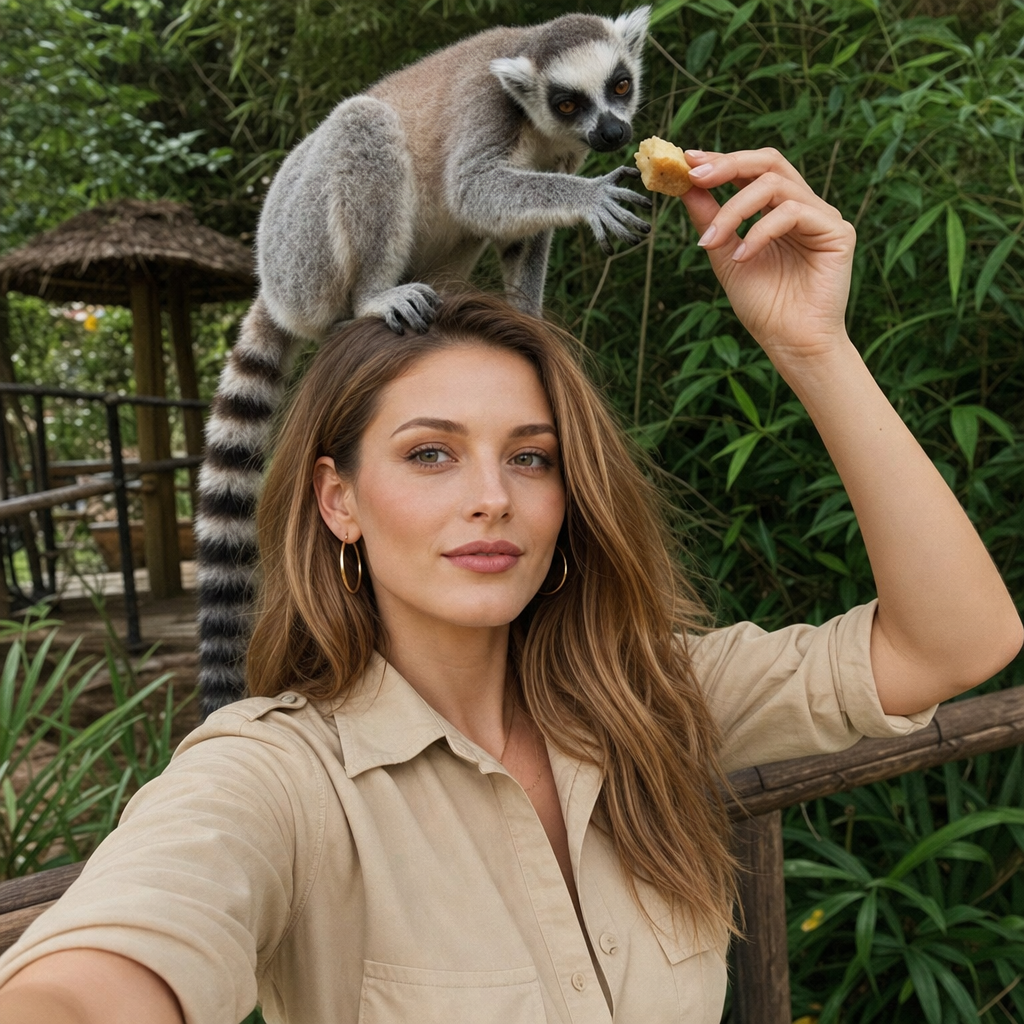
Lemurs
- Model
- GPT Image 2
- Image
- 1024 × 1024 px
Prompt
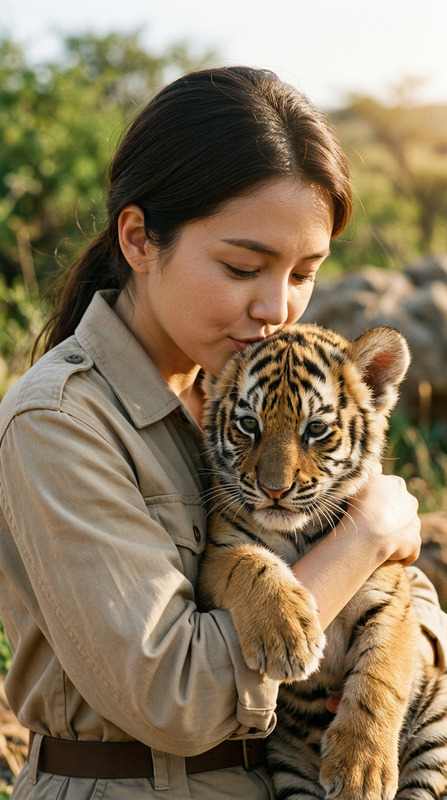
Use the uploaded photo as the only identity reference, preserving the face, structure, makeup, and natural skin texture exactly, with a very subtle closed-mouth smile, relaxed eyes, and a natural direct gaze into the camera. Create an ultra-realistic vertical 9:16 selfie-style portrait of a woman in a beige safari outfit feeding a real ring-tailed lemur sitting calmly on her head, its striped tail hanging behind, while it reaches for fruit in her hand, with both faces clearly visible and sharp. The scene is set in a tropical sanctuary with soft greenery, natural daylight, shallow depth of field, and a subtle warm analog film look, full-bleed with no borders or margins.
Any aspect ratio
Overview
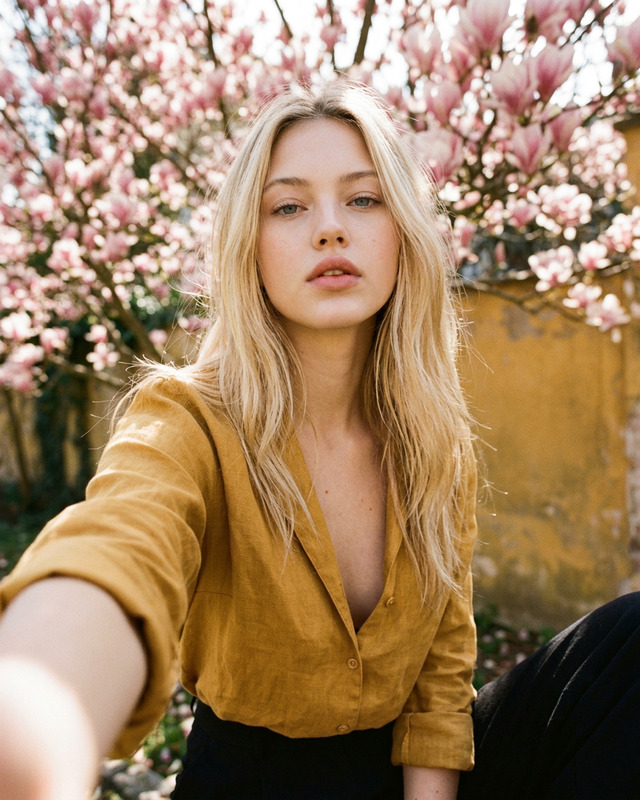
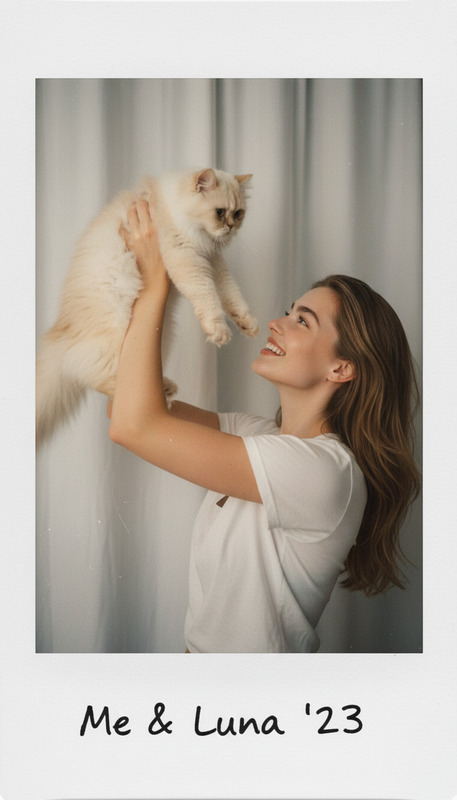
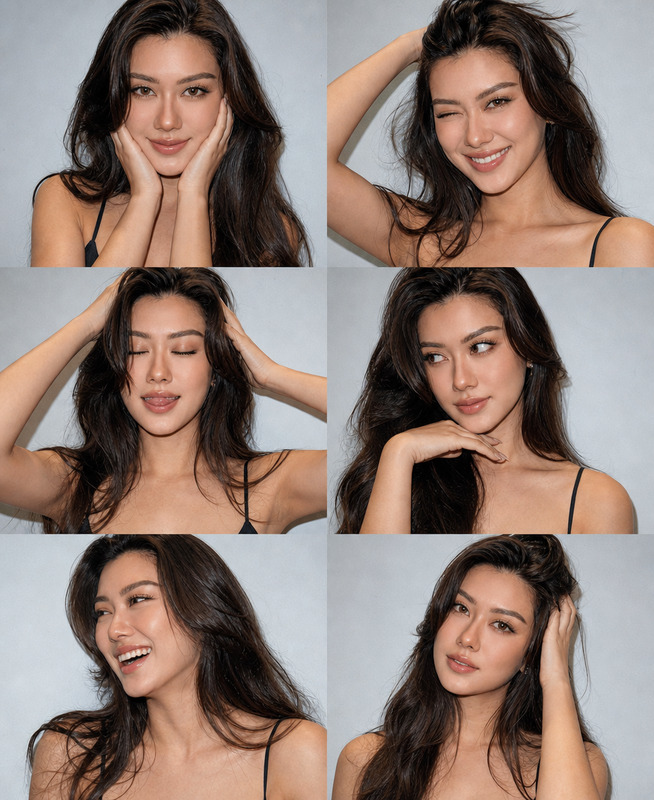
The 'Lemurs' AI Image Editor template leverages the power of the gpt-image-2 model to craft ultra-realistic images with precise control over facial features and expressions. Designed to transform your photos into picturesque scenes, this template focuses on generating a vibrant interaction between a woman and a ring-tailed lemur.
What It Does
This template ensures the preservation of facial identity while adding imaginative elements. It creates a selfie-style portrait capturing a woman and a lemur in a serene tropical setting. The AI Image Upscaler might enhance the resolution of the final image, making it perfect for personal keepsakes or social media sharing.
Who It’s For
Perfect for photographers, influencers, and content creators aiming for narrative-driven visuals. Whether you're creating content for social media ads or simply want a unique personal photo, this template offers an artistic touch for anyone looking to bring a touch of wildlife adventure to their imagery.
Summary
Embrace the fusion of realism and imagination with the 'Lemurs' template. It brings the magic of safari adventures within reach, allowing for personal expression through customized AI-generated images. Paired with tools like the AI Profile Picture Generator, it elevates standard photos into storytelling masterpieces.
How to
Choose Your Template

Customize Your Image

Generate Your Portrait

Use Cases
Travel Blogs
Social Media Content
Themed Invitations
Best Practices
Focus on Image Quality
For the best results, ensure your uploaded reference photo is high resolution. Consider using the AI Image Upscaler to improve clarity.Experiment with Lighting
Adjust the lighting settings subtly to highlight the natural daylight and emphasize the safari atmosphere.Use Clear Prompts
Clarify any specifics in your prompt to control elements such as setting details and lemur interactions.