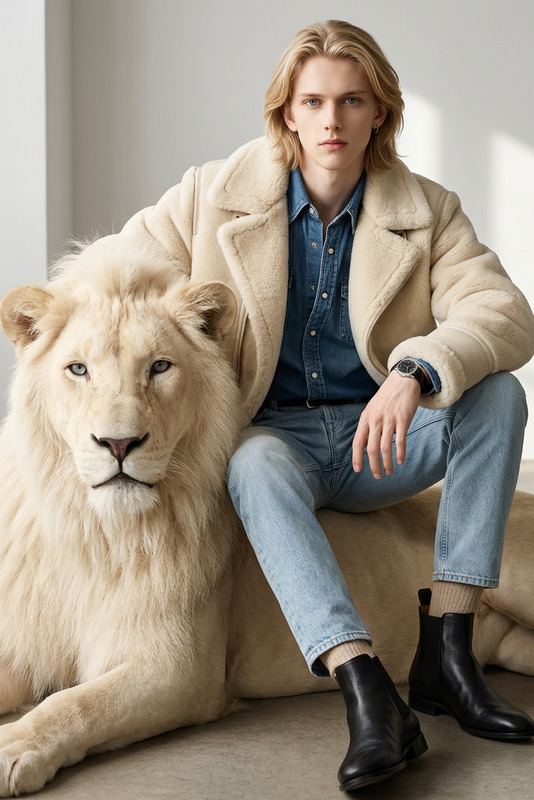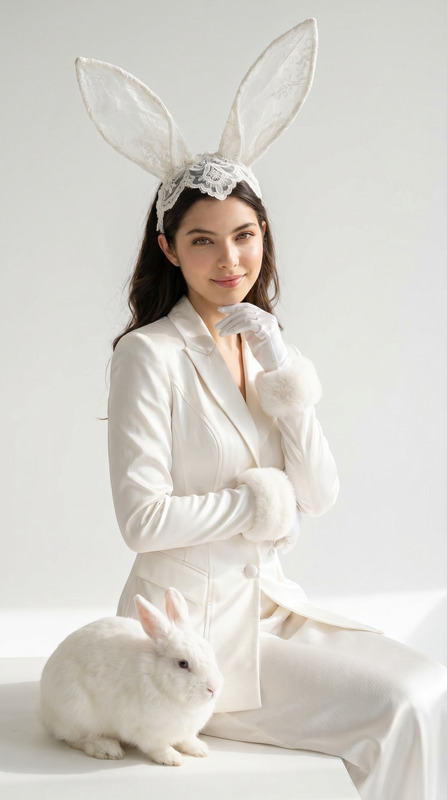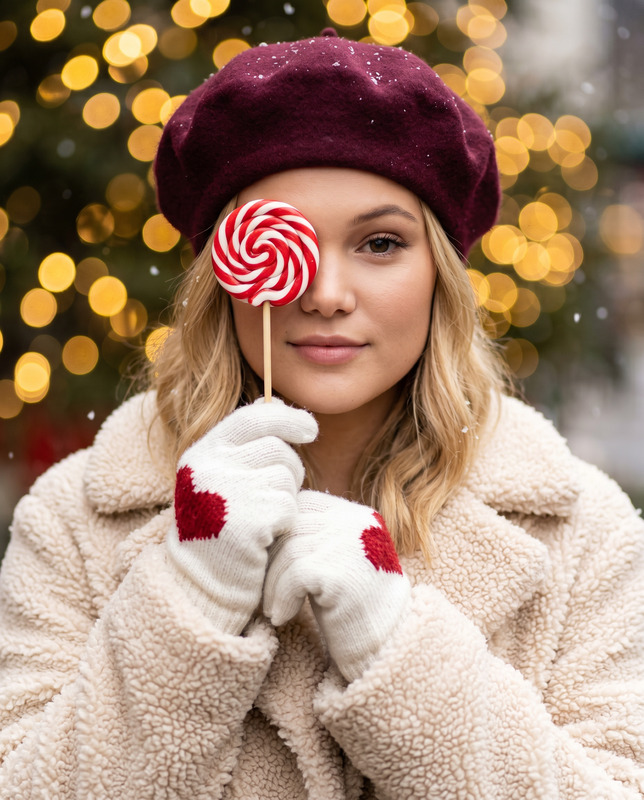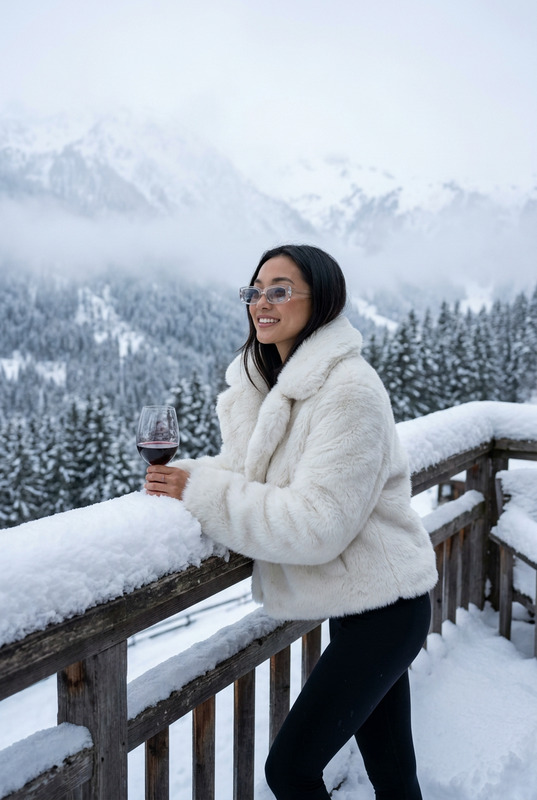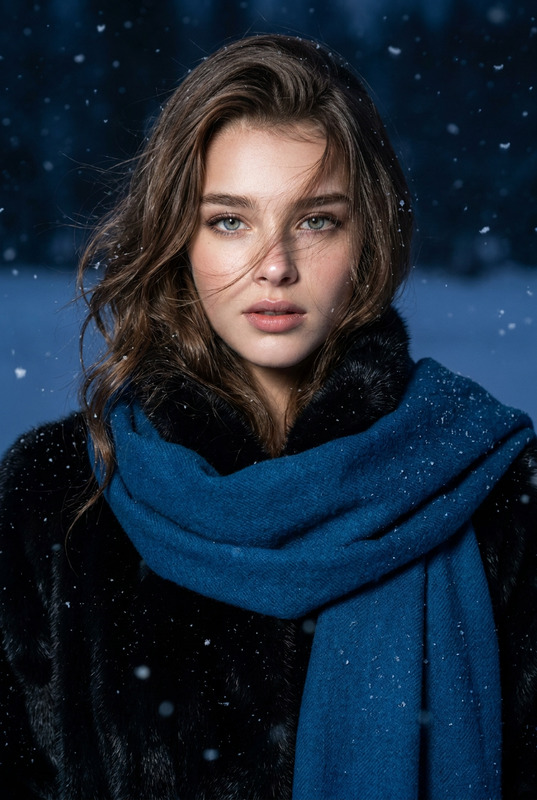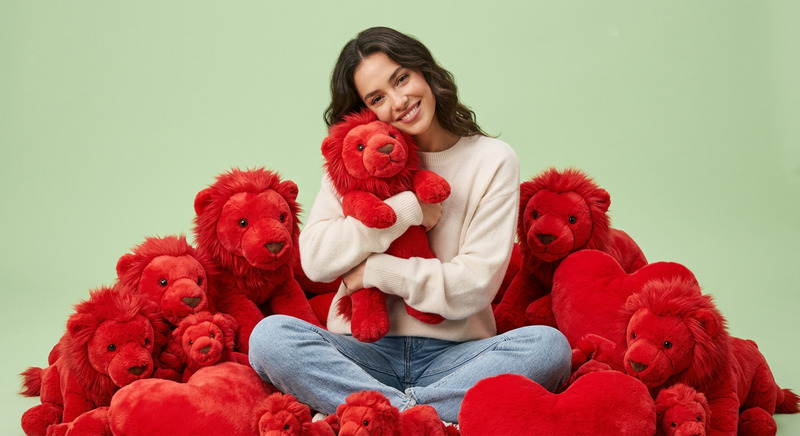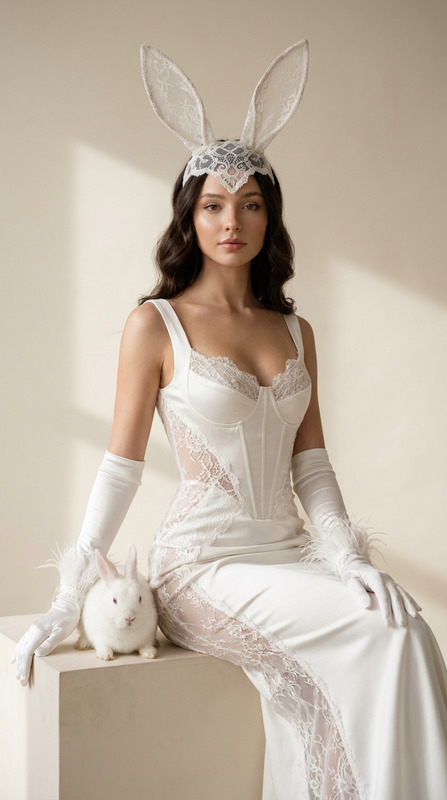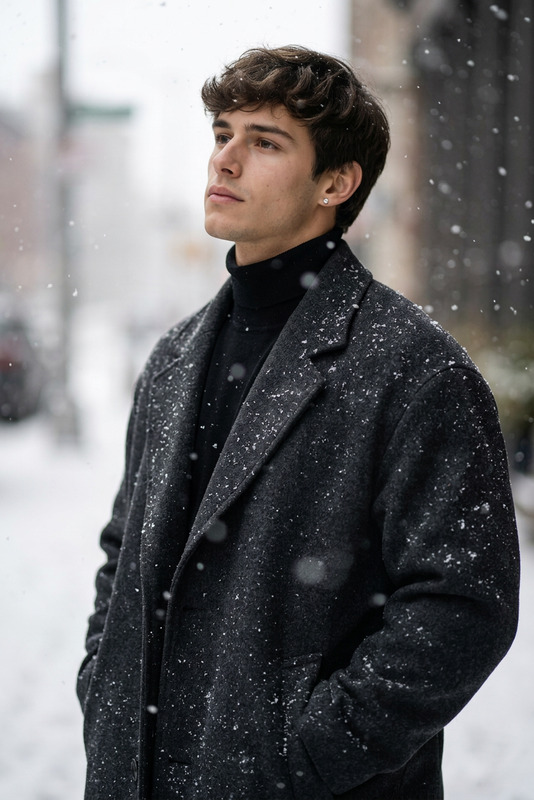
Winter Leopard Portrait
- Model
- Nano Banana Pro
- Image
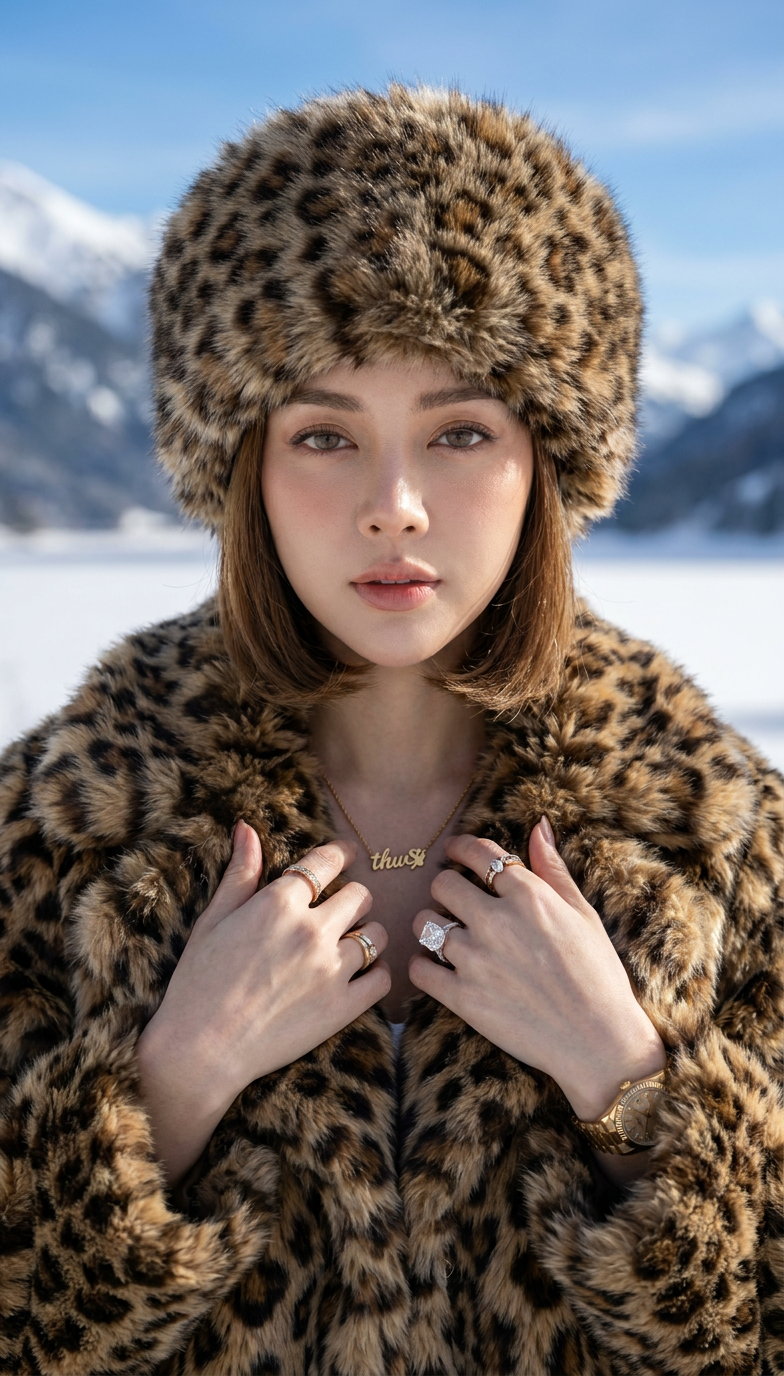
- 784 × 1376 px
Prompt
Use the uploaded photo and create a portrait: Pose: woman facing the camera directly, shoulders slightly raised, hands gently touching her chest under the fur collar; lips slightly parted, gaze steady and captivating. Outfit: luxurious winter outfit - oversized leopard-pattern fur coat with thick texture, complemented by a matching large fur hat. Accessories: a gold wristwatch and elegant rings, adding subtle details that enhance sophistication. Lighting: natural cold daylight, diffused by the snow and sky, highlighting the softness of the fur and warmth of the skin tone. Camera: close-up portrait, 85mm lens, shallow depth of field (f/2.0); sharp focus on eyes and fur texture. Background: snowy alpine landscape with mountains, frozen lake, and clear blue sky, softly blurred for depth.
Any aspect ratio
Overview
The Winter Leopard Portrait template lets you transform your photos into elegant winter-themed portraits with the magic of AI. Utilizing the robust capabilities of the nano-banana-pro model, this template crafts captivating images with precise details, emphasizing luxurious fur textures and stunning backgrounds.
What It Does
This AI Image Editor template takes an uploaded photo and recreates it into a sophisticated winter portrait. The process captures a woman in an oversized leopard-pattern fur coat complemented by a matching hat. This tool emphasizes elements such as a gold wristwatch and elegant rings, portrayed under natural cold daylight for an enhanced photographic feel.
Who It's For
This template is ideal for fashion photographers, social media influencers, and branding experts looking to create high-end, visually stunning winter portraits. It is also perfect for users of the Image to Video tool who want to enrich their AI Video Ads with exquisite images.
Summary
The Winter Leopard Portrait template is a go-to option for editing enthusiasts seeking to generate breathtaking images that evoke luxury and elegance. With its intuitive design, it allows users to focus on details that matter, producing images resonant with allure and sophistication.
How To
Choose

Customize

Generate

Use Cases
Fashion Photography
- Create glamorous winter portraits for magazine features
- Design captivating images for fashion campaigns
Social Media Content
- Capture captivating images for Instagram posts
- Design profile pictures that stand out
Brand Advertising
- Use in ads for winter clothing lines
- Enhance video content for brand promotions
Best Practices
Focus on Detail
Ensure your uploaded image has high resolution to capitalize on the detailed editing capabilities.Optimize Lighting
Consider how natural lighting in your photo will interact with the AI enhancements for optimal results.Integrate with Other Tools
Combine your results with tools such as the AI GIF Generator for dynamic content creation.