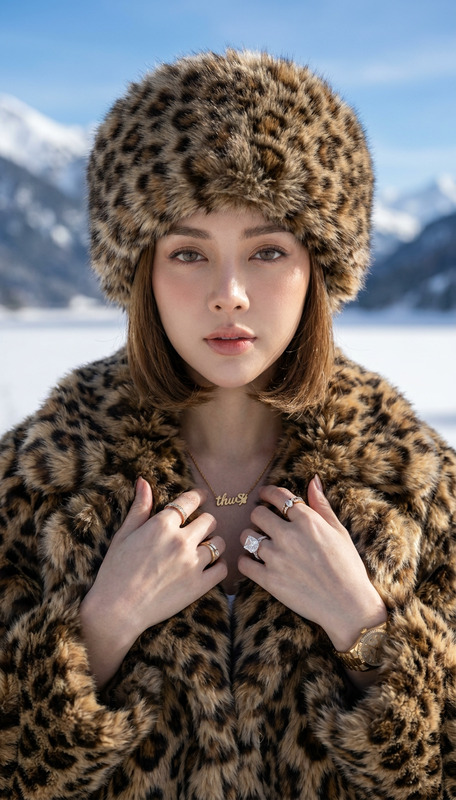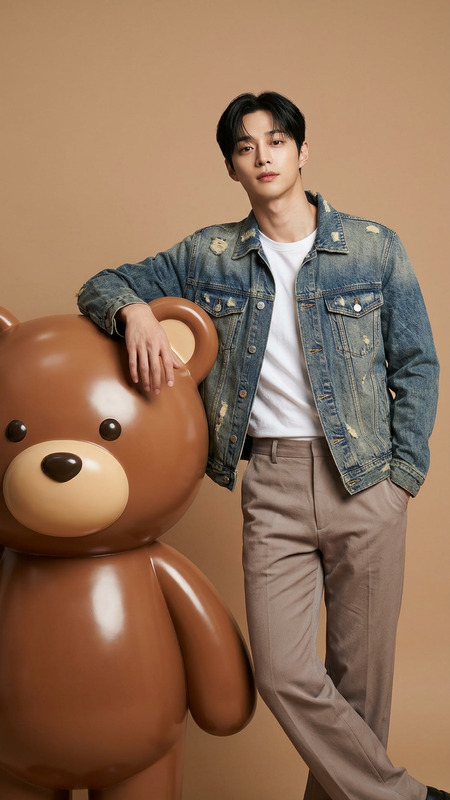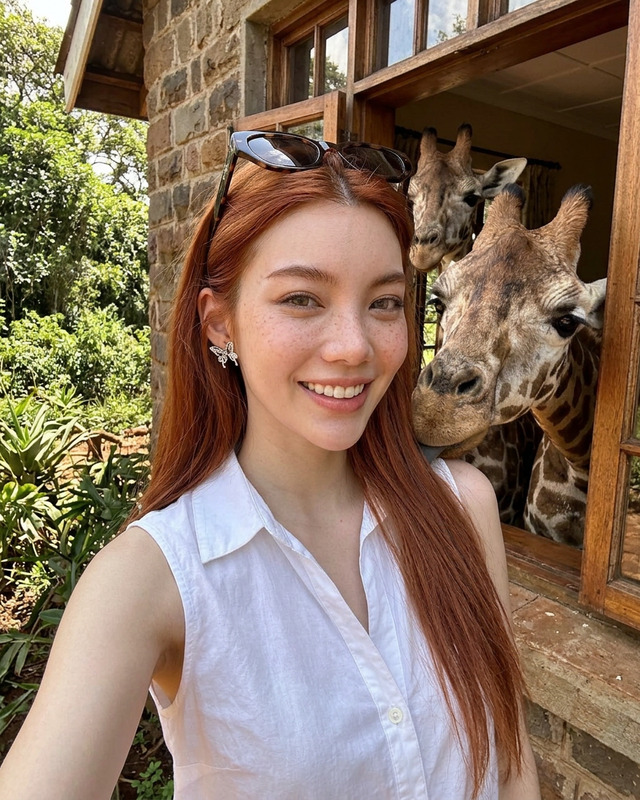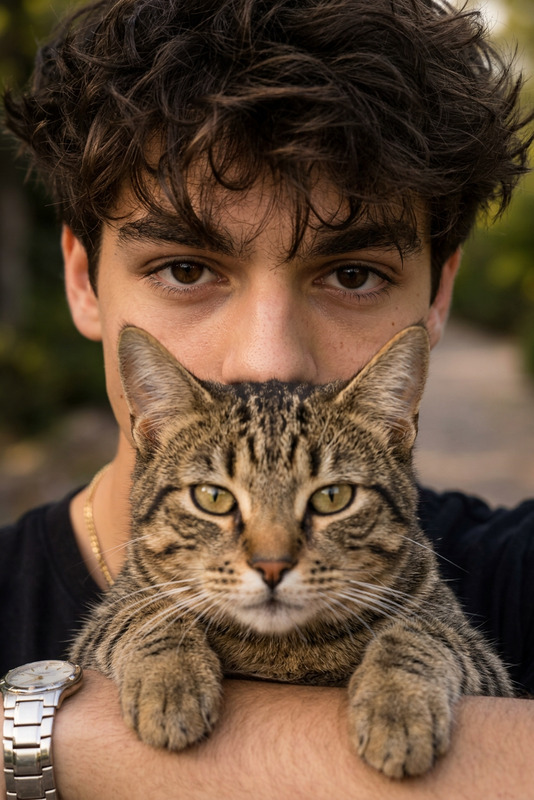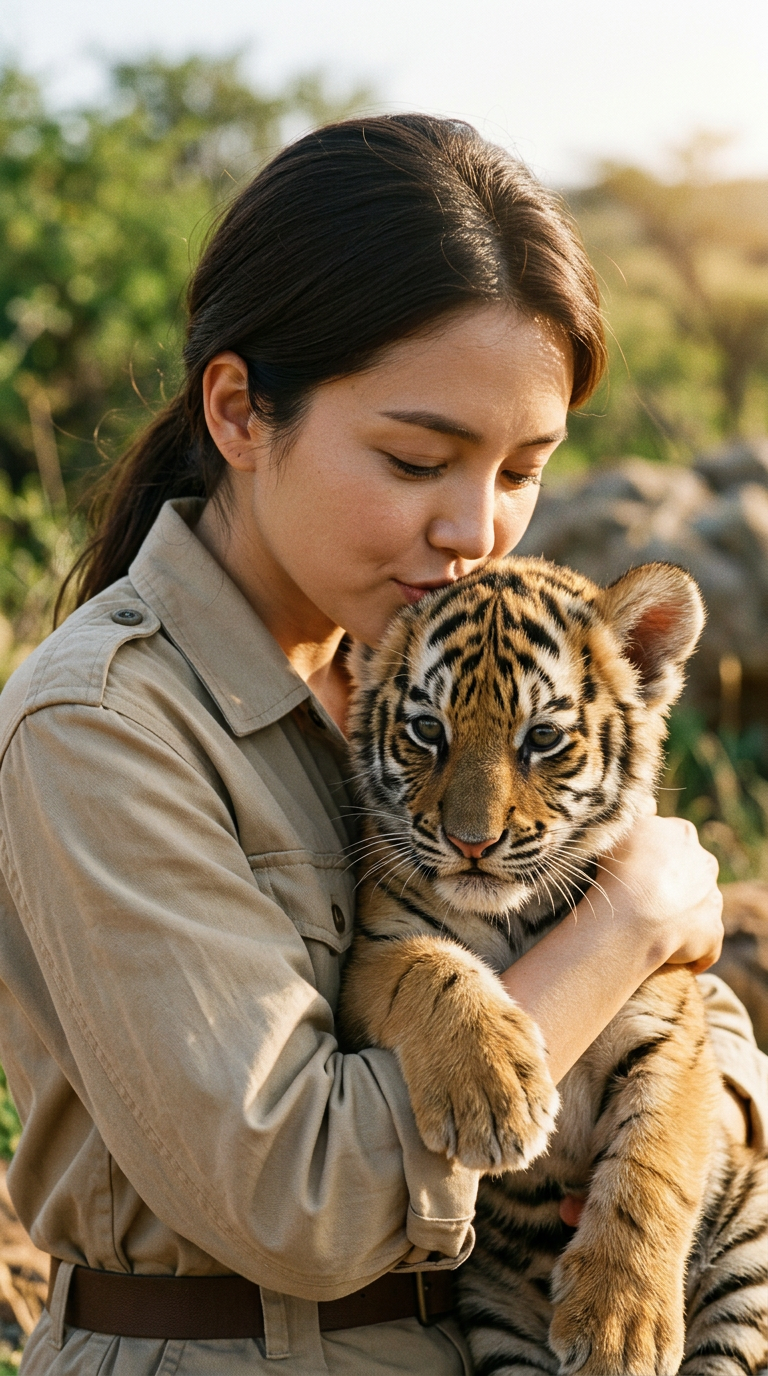
Tiger Cub Kid
- Model
- Nano Banana 2
- Image
- 768 × 1376 px
Prompt
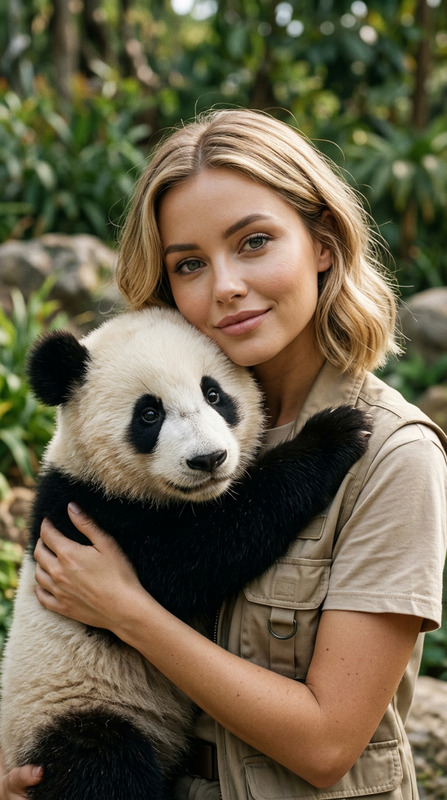
Use the uploaded photo as the only identity reference, preserving the face, structure, makeup, and natural skin texture exactly, with a soft natural smile, relaxed eyes, and a gentle affectionate expression without altering facial features. Create an ultra-realistic vertical 9:16 medium close-up portrait of a woman in a beige safari outfit holding a young tiger cub against her chest, its paws resting naturally over her arm as she gently tilts her head and softly kisses the cub’s head, with both faces clearly visible and the cub appearing fully realistic. The scene is set in an open natural environment with greenery and soft earthy tones, natural sunlight, shallow depth of field, and a subtle warm analog film look, full-bleed with no borders or visible barriers.
Any aspect ratio
Overview
Transform your images into captivating scenes with the "Tiger Cub Kid" AI Image Editor template. Utilizing the nano-banana-2 model, this template is designed to render ultra-realistic portrayals while maintaining the integrity of the original facial features. Perfect for professionals requiring lifelike edits with a naturalistic touch.
What It Does
This AI Image Editor template allows you to create stunning portraits featuring a woman and a tiger cub in a serene outdoor setting. It faithfully maintains the original characteristics of the subject's face, ensuring natural expressions with a gentle smile and relaxed eyes. The template achieves a high level of realism, perfect for applications needing an artistic yet believable representation.
For further image enhancement, consider pairing this template with our AI Image Upscaler to ensure your images are depicted in the highest quality.
Who It's For
This template is ideal for photographers, digital artists, and content creators who need to generate realistic compositions for advertising, storytelling, or personal projects. It's also suited for marketers looking to create engaging visual content without compromising on detail or natural aesthetics.
Summary
With its precise feature preservation and realistic rendering, "Tiger Cub Kid" offers a unique opportunity to craft compelling imagery. This tool sits well alongside others like the AI Face Editor and Image to Video to streamline various creative processes, making it an essential addition to any digital toolkit.
How To
Choose Your Template

Customize Your Image

Generate and Download

Use Cases
Advertising Campaigns
- Realistic imagery for print and digital ads
- High-quality features that captivate target audiences
Social Media Content
- Engaging posts for platforms like Instagram and Facebook
- Attractive visuals increase viewer interaction
Digital Storytelling
- Visual narratives for blogs and articles
- High-impact images to support written content
Best Practices
Focus on Authenticity
Always use high-quality reference photos to maintain expression accuracy and detail in the final image.Experiment with Lighting
Utilize natural sunlight setups to get the most realistic look when generating images.Work in High Resolution
Ensure your original files are of high resolution to accommodate large-scale prints if needed.