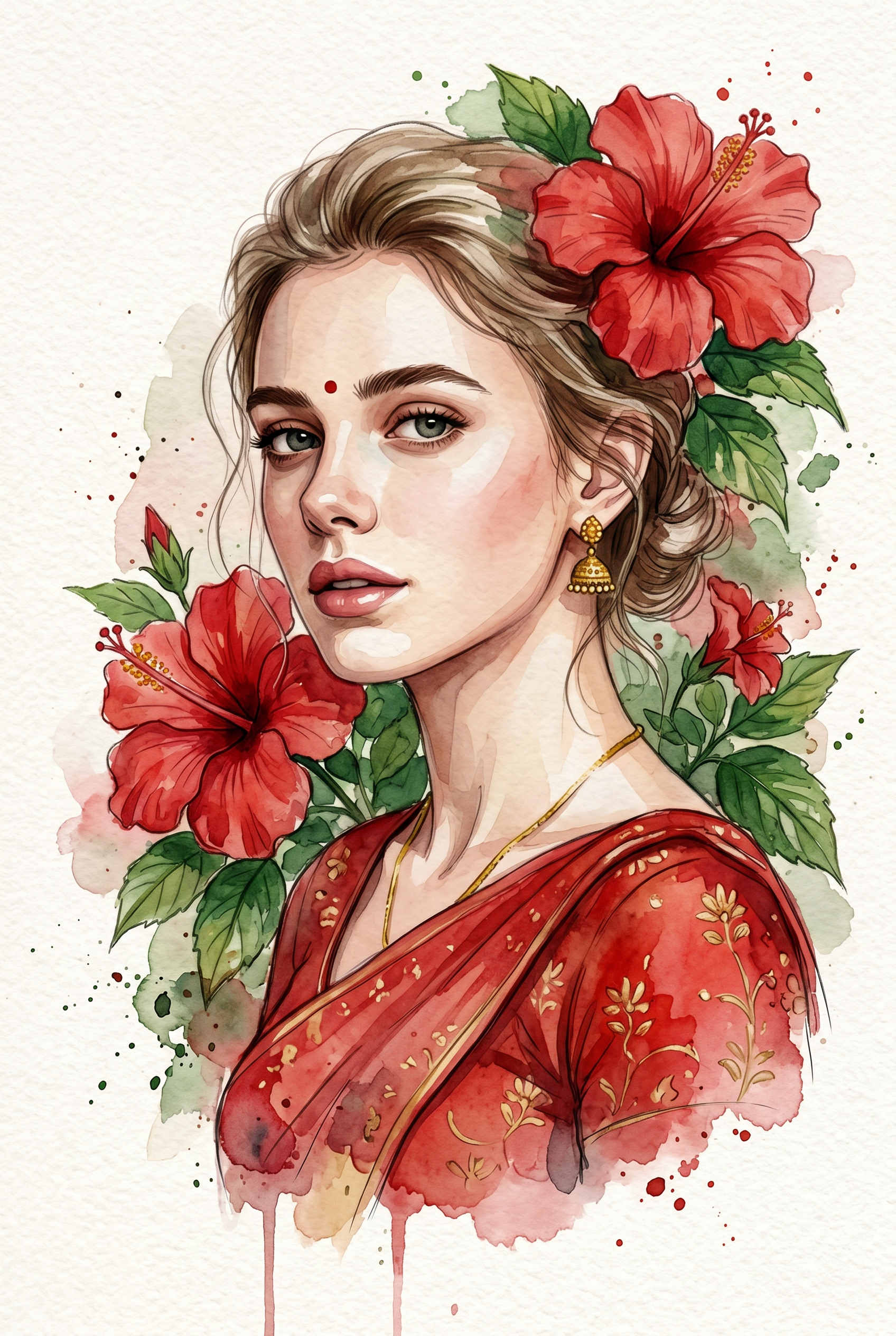
The Hibiscus Portrait
- Model
- Nano Banana 2
- Image
- 1696 × 2528 px
Prompt
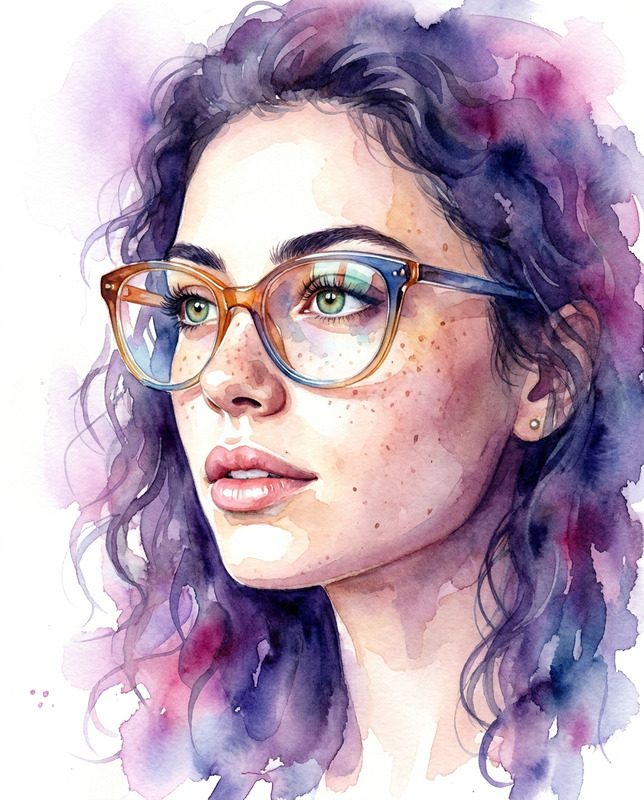
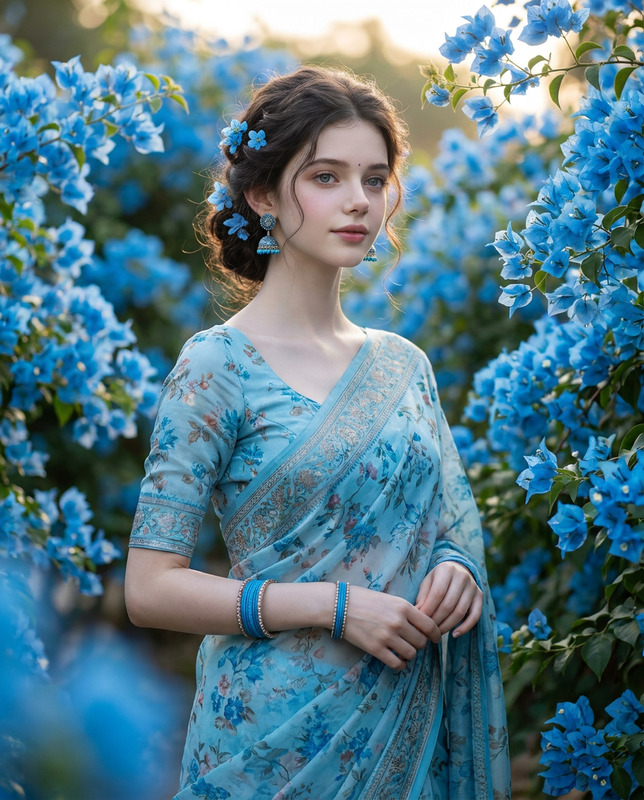
Use the uploaded image as the only face reference. Create a stylized digital watercolor illustration of a young woman with soft yet realistic facial features, expressive almond-shaped eyes, and natural skin tones. Her Natural color hair is loosely tied back, with a few gentle strands framing her face. She wears a traditional red Indian sari/blouse with subtle gold floral detailing, paired with delicate gold jewelry including small jhumka earrings, a thin necklace, and a tiny red bindi on her forehead. Large red hibiscus flowers with lush green leaves surround her head and shoulders, organically blending into the background using watercolor washes, ink splashes, and soft brush textures. The flowers feel integrated into the portrait rather than placed separately, creating a natural, flowing composition. The background is light, textured off-white paper, with visible watercolor bleeding, soft stains, and painterly imperfections. The overall mood is dreamy, poetic, and elegant, with a slightly tilted composition that enhances the artistic feel. Style emphasizes hand-painted watercolor illustration, soft edges, layered pigments, and gentle contrast—no photorealism. Aspect ratio: 2:3 (vertical)
Any aspect ratio
Overview
Transform your ordinary photos into beautifully stylized digital watercolor portraits with The Hibiscus Portrait template in the AI Image Editor. Using the power of the nano-banana-2 model, this template captures the essence of traditional artistry while blending it with modern technology. Embrace the elegance of natural beauty adorned with cultural intricacies.
What It Does
The Hibiscus Portrait template utilizes AI-driven design to convert your images into sophisticated watercolor illustrations. Featuring a young woman in a traditional Indian sari, this template emphasizes almond-shaped eyes and gentle features with a lush backdrop of red hibiscus flowers. The model creates an intricate fusion of natural and ornamental elements, set against a light, textured background reminiscent of fine art.
The approach leverages the nano-banana-2 model, offering a seamless balance of vibrant watercolor techniques and layered pigments to achieve soft yet striking contrasts.
Who It's For
This template is ideal for artists, illustrators, and photographers who want to expand their creative outputs with ease. It's particularly useful for those in cultural and fashion domains seeking an artistic touch for their projects. By recreating intricate details effortlessly, the tool provides an enhanced option for product portraiture that reflects culture and elegance.
Summary
The Hibiscus Portrait offers a unique artistic solution to transforming photos into watercolor masterpieces. With delicate attention to cultural elements and artistic techniques, this tool captures more than just an image—it captures the story and essence behind the face. Discover similar creative transformations in our AI Image Generator collection.
How To
Choose Your Template

Customize Your Design

Generate Your Portrait

Use Cases
Artistic Printing
- Perfect for personal artworks or gallery displays
- Ideal for cultural presentations
Fashion and Editorial Features
- Adds a unique illustrative layer to fashion editorials
- Enhances storytelling with cultural artwork
Online Cultural Showcases
- Highlights traditional attire and elegant compositions
- Engages viewers with detailed imagery
Best Practices
High-Quality Source Image
Start with a clear and well-lit photo to maximize detail capture and ensure accurate watercolor blending.Color and Contrast Optimization
Adjust color tones for balance in pigmentation and ensure softer contrasts align with the watercolor style.Cultural Ornamentation Detailing
Meticulously review the sari and jewelry details to capture the intricate designs authentically.