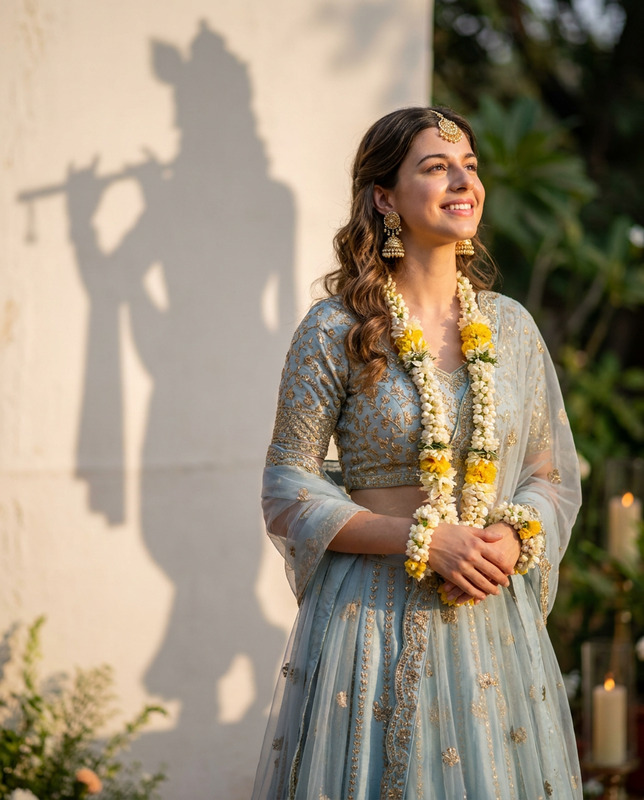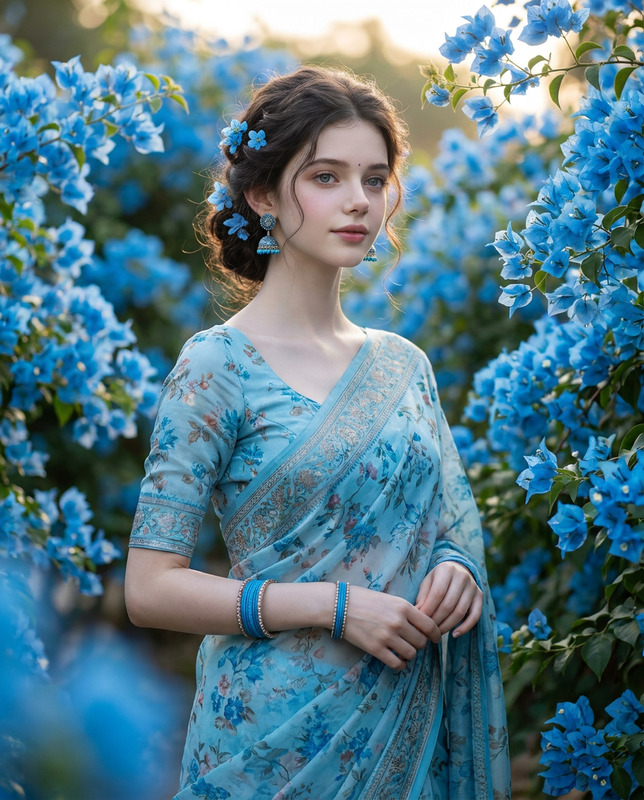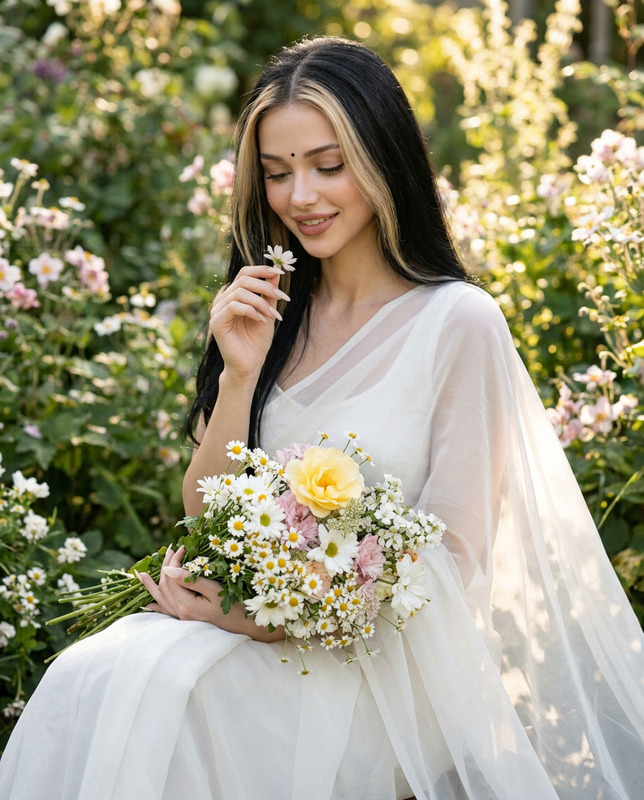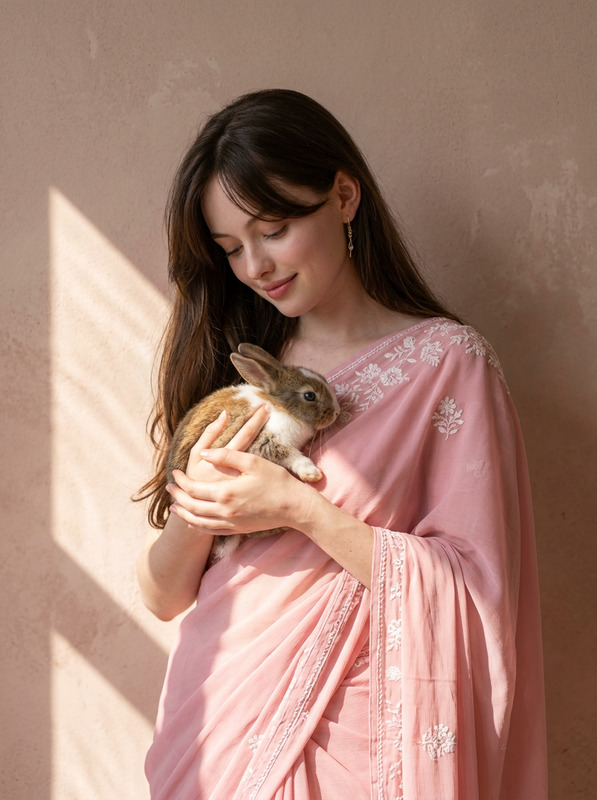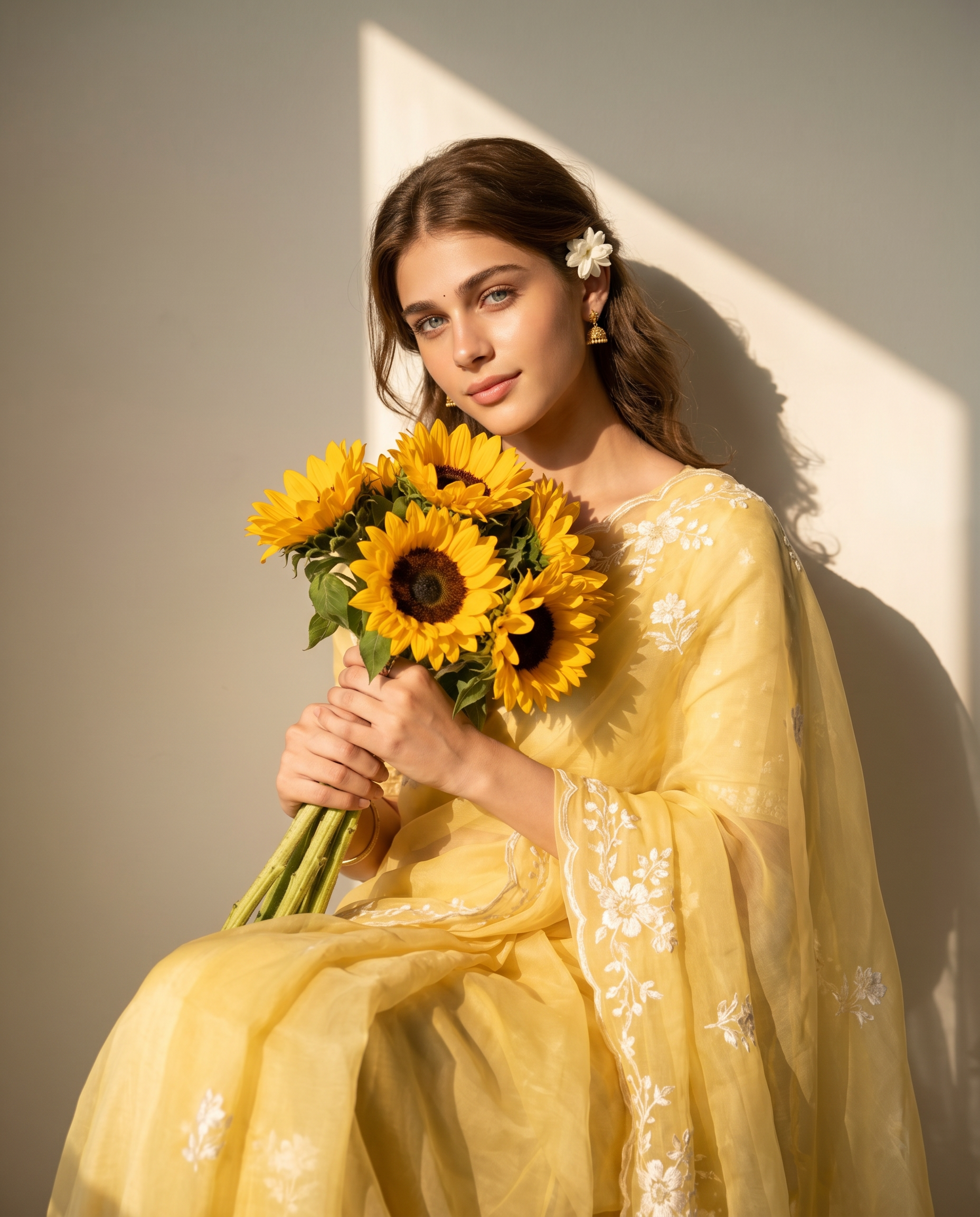
Yellow Saree with sunflowers
- Model
- Nano Banana 2
- Image
- 1856 × 2304 px
Prompt
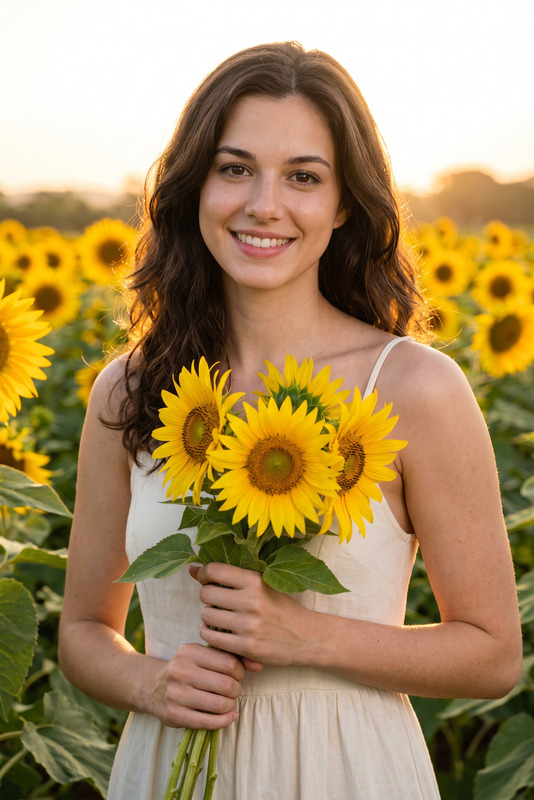
Use the uploaded image as the ONLY face & identity reference. Create a soft, sunlit portrait of the subject wearing a flowing sheer yellow saree with delicate white floral embroidery. The mood is serene, poetic, and romantic with a warm golden glow. Pose & Expression: She is seated gracefully against a plain wall, body slightly angled, holding a bouquet of sunflowers close to her chest with both hands. Expression is calm, gentle, and softly confident, with a subtle, natural smile. Eyes are relaxed and looking directly into the camera. Outfit & Styling: Elegant yellow saree with sheer drape and fine embroidery details. Loose, softly styled hair with a small white flower tucked behind the ear. Minimal traditional jewelry (earrings). Composition & Framing: Waist-up to mid-thigh portrait (seated framing), vertical 4:5 ratio. Subject slightly right of center with balanced negative space. Lighting: Warm natural sunlight coming from the side, creating a strong triangular patch of light on the wall. Soft highlights on face and saree, with gentle shadow falloff adding depth and mood. Background: Minimal plain wall with artistic sunlight-shadow pattern. Clean, distraction-free environment. Mood & Style: Dreamy, golden-hour aesthetic with soft contrast, natural skin texture, and cinematic warmth. Technical Details: Ultra-realistic, high detail, soft shadows, natural color grading, 85mm lens look, shallow depth of field.
Any aspect ratio
Overview
Transform your photos with the Yellow Saree with Sunflowers template, part of the AI Image Editor collection on Magic Hour. This template invites you to create a soft, sunlit portrait infused with a romantic and serene ambiance. Perfect for capturing moments with a dreamy, golden-hour aesthetic, this approach ensures your subject stands central against a minimalist backdrop, radiating warmth and gentle confidence.
What It Does
This AI Image Editor template uses the state-of-the-art nano-banana-2 model to artistically stylize your facial images into ultra-realistic, high-detail sunlit portraits. The subject wears a flowing yellow saree with white floral embroidery, styled with natural, soft lighting that emphasizes tranquil expressions and warm tones. Leveraging a cinematic warm color palette and gentle shadowing, the template crafts an exquisite visual narrative.
Who It's For
The Yellow Saree with Sunflowers template is ideal for photographers, designers, and hobbyists who are passionate about creating sophisticated and artistic portraits. Whether you're working on personal projects, professional portfolios, or enhancing images for events, this template is a perfect choice for those seeking a romantic yet professional finish. It is also a boon for content creators focused on fashion and lifestyle.
Summary
Capture the essence of serene elegance with the Yellow Saree with Sunflowers template. This AI-powered tool enables you to depict subjects in a natural and creatively lit setting, enhancing their graceful, gentle demeanor. Available within the AI Image Editor suite, this template enriches your ability to produce visually stunning, high-quality images with minimal effort.
How-To
Choose Template

Customize Inputs

Generate Image

Use Cases
Fashion Photoshoots
- Capture the true essence of ethnic wear.
- Stylize editorial content with soft lighting.
Digital Art Projects
- Add depth to character illustrations.
- Enhance mood boards with romantic visuals.
Lifestyle Blogging
- Feature unique content on social media.
- Develop consistent blog imagery.
Best Practices
Select the Right Photo
Choose high-quality images with consistent lighting to maximize realism and detail in the final edit.Focus on Light and Shadows
Adjust the position of your subject to the light source in your image to maintain realistic lighting effects.Mind the Details
Pay attention to the subject's pose and clothing details—small adjustments can significantly affect the final image's elegance and depth.