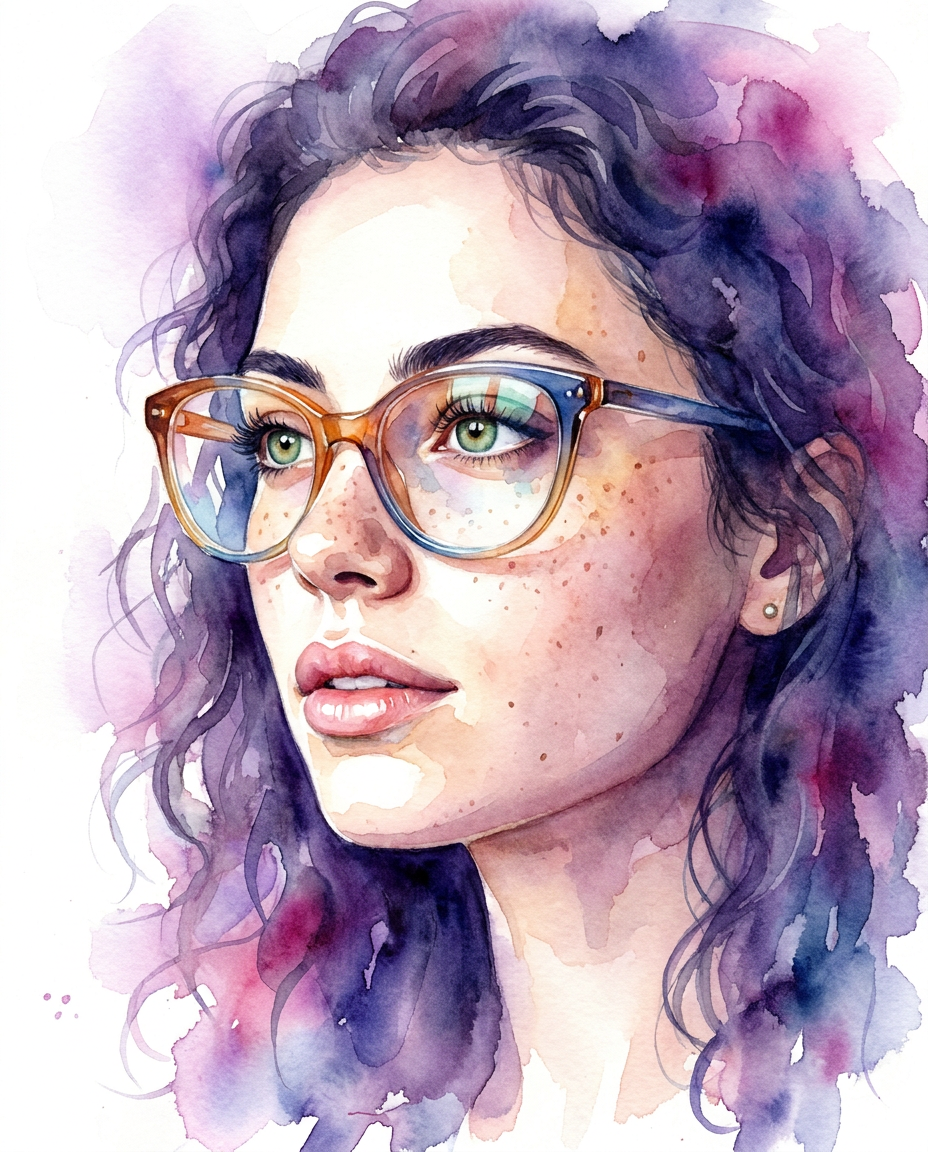
Watercolor Identity
- Model
- Nano Banana Pro
- Image
- 928 × 1152 px
Prompt
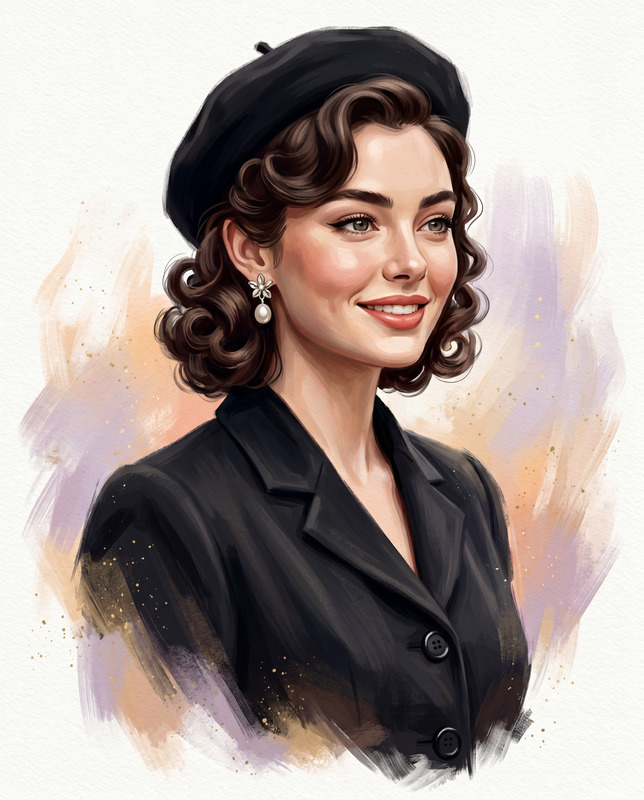
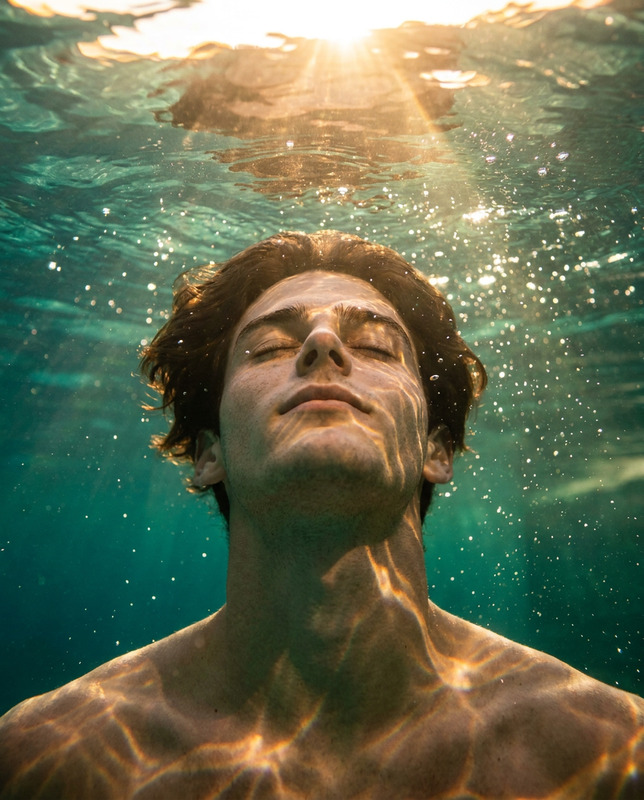
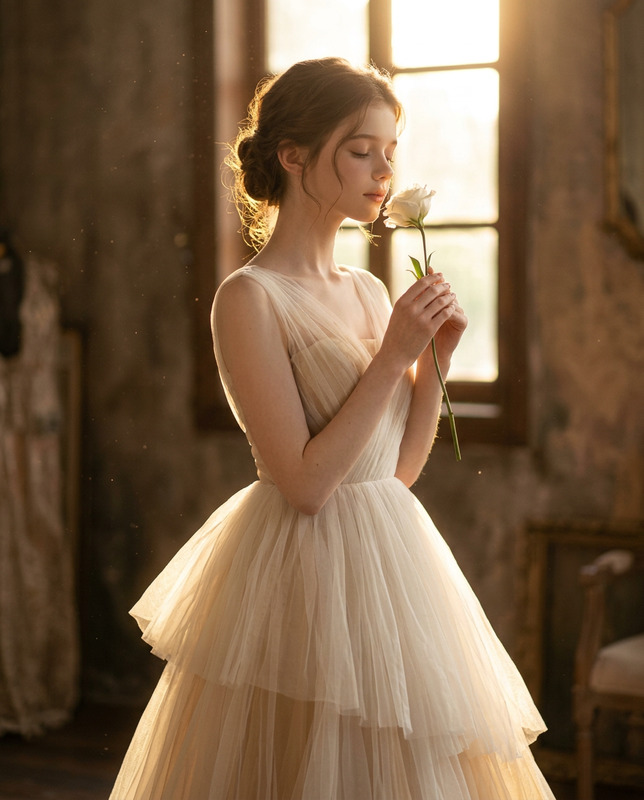
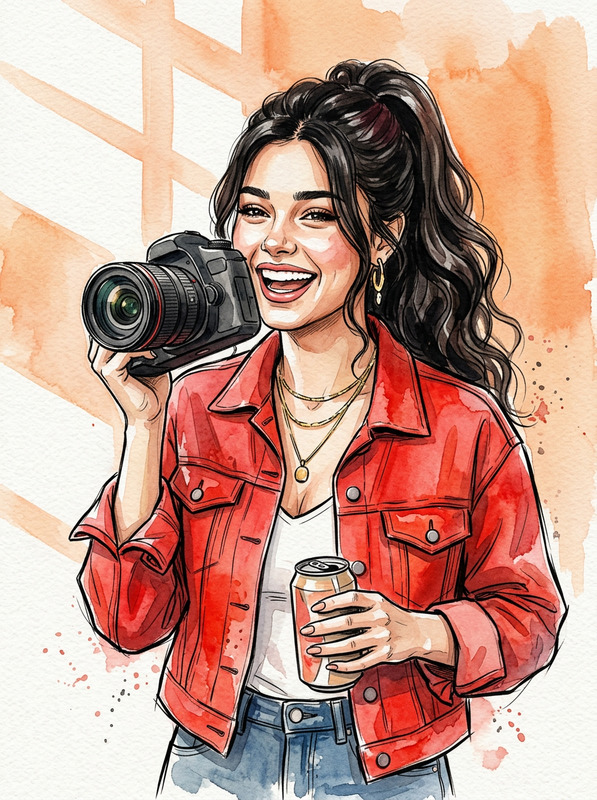
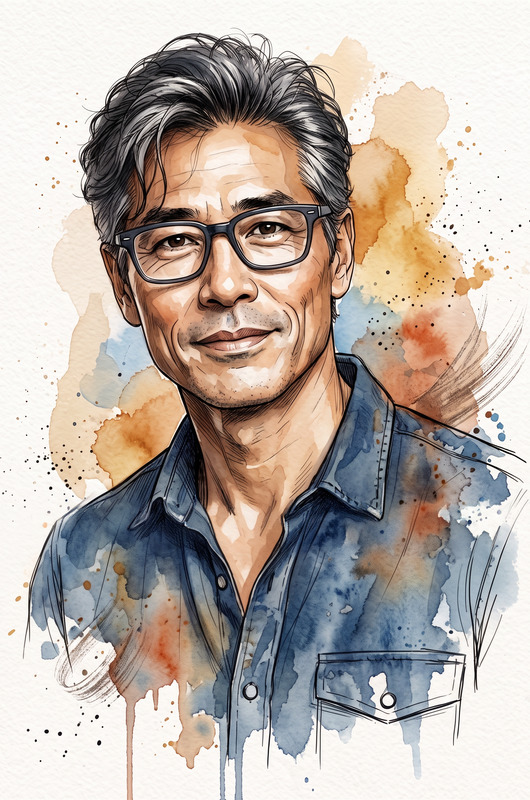
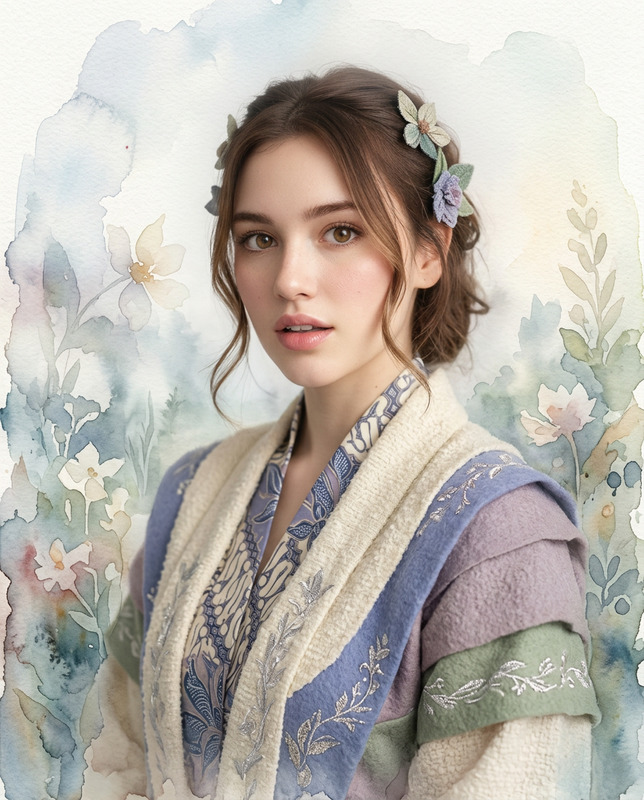
Create a high-definition, High quality, highly detailed image of this person in the above image in 4:5 aspect ratio, with 8k resulation with glossy lighting, ,Use the uploaded reference image as the primary identity anchor. Preserve the exact facial structure, bone proportions, skin tone, eye shape, eyebrows, nose, lips, and overall likeness with absolute precision. Do not alter identity under any circumstances.Generate images: Use the uploaded image as the ONLY facial and identity reference. The subject must look exactly like the person in the reference image—preserve identity, proportions, skin tone, and all facial features. Do not alter, beautify, or replace any facial details. Create a high-key, ultra-detailed watercolor-style portrait of the subject in a vertical 4:5 composition. The framing is a close-up (head and upper neck visible). Pose & Direction: Subject is shown in a slight side profile (around 20–30° turn) on center, not facing directly toward the camera. Slightly head up. The gaze is directed off-camera, creating a natural, thoughtful, and editorial feel. Expression: Soft, calm, and neutral with a subtle emotional depth (not exaggerated). Eyewear (Stylized Element): Slightly oversized, rounded glasses with a subtle cat-eye shape. Frames are translucent with a smooth gradient transition (warm tone on one side blending into cool tone on the other). Include realistic lens reflections and light refraction. Hair (Flexible but Controlled): Soft, slightly messy hairstyle with natural strands falling around the face. Hair should partially blend into the watercolor background with fine wisps crossing the face for realism. Watercolor Style & Technique: Blend photorealistic facial rendering with fluid watercolor effects Soft wet-on-wet color bleeding in background (purples, pinks, indigo, subtle warm tones) Sharp wet-on-dry detailing for eyes, lips, and glasses Smooth “lost and found” edges (jawline and neck fading into background) Background & Composition: Minimal, abstract watercolor wash with strong white negative space. Colors softly diffuse outward with no hard edges. Background should enhance subject focus, not distract. Lighting: Soft, diffused, high-key lighting from front-above. No harsh shadows. Maintain bright, airy, premium artistic feel. Style Keywords: watercolor realism, soft gradients, high-key portrait, ethereal, fluid paint blending, premium illustration, minimal background, artistic fade edges, Original
Any aspect ratio
Overview
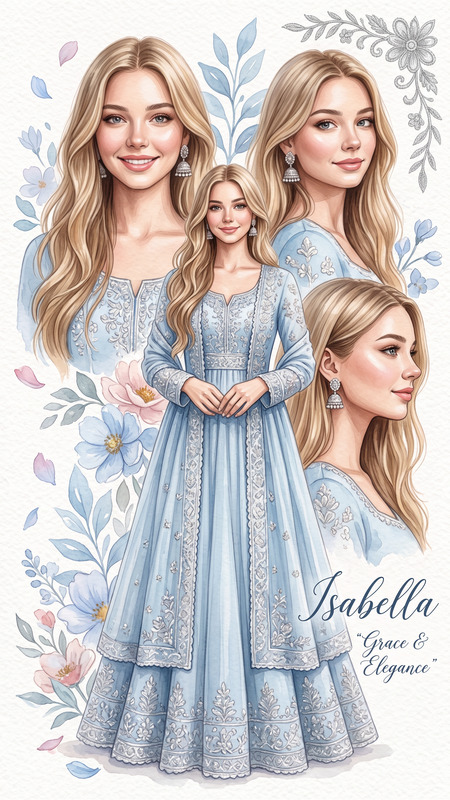
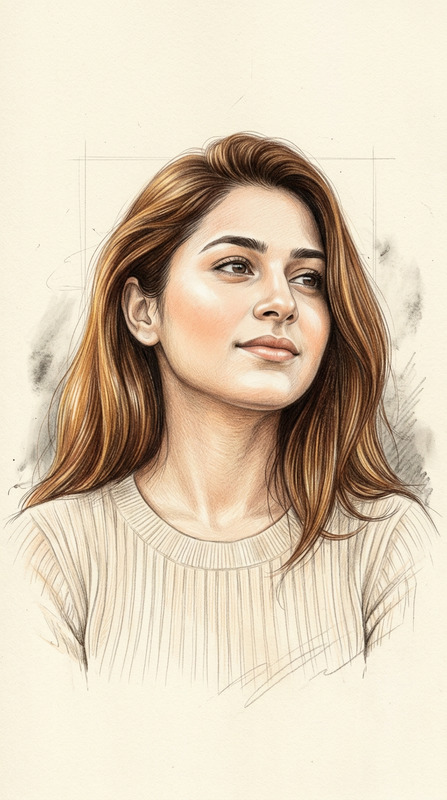
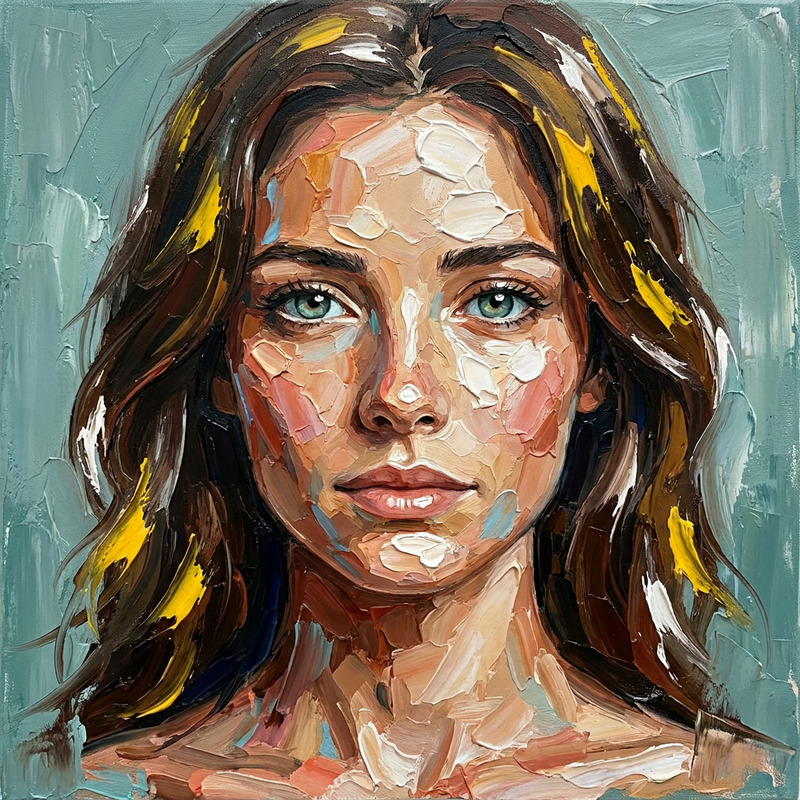
The "Watercolor Identity" template offers users the unique capability to transform any uploaded portrait into an ethereal watercolor-style image while retaining the subject's exact identity features. Designed using the advanced nano-banana-pro model, this AI Image Editor template blends photorealistic details with artistic fluidity for stunning visual results.
What It Does
The template captures high-definition facial details with exact precision, ensuring that the identity aspects like bone structure, skin tone, and facial features are unaltered. It integrates watercolor realism to provide a high-key portrait with soft gradients and minimal background distractions, perfect for creative professionals seeking to add a premium artistic touch.
Who It's For
This tool is ideal for artists, illustrators, and creative professionals who need to merge realism with artistic styles. It's particularly beneficial for designers working on mood boards, editorial illustrations, and visual storytelling that requires maintaining strong facial likeness in a stylized format.
Summary
With "Watercolor Identity," creators can achieve a refined balance between photorealism and watercolor artistry. This template is part of our comprehensive AI Image Generator suite, designed for high-quality outputs with artistic elegance. It ensures that every detail is preserved while offering creative freedom through watercolor effects.
How-To
Choose Your Image

Customize Image Details

Generate and Download

Use Cases
Editorial Illustrations
- Add a sophisticated touch to fashion spreads
- Complement editorial content with creative visuals
Artistic Portrait Commissions
- Offer a premium feel with watercolor effects
- Retain the original identity while adding artistic flair
Mood Boards
- Capture the essence of your concepts
- Variety in style between realism and art
Best Practices
Select High-Quality Images
For optimal results, use images with clear and well-lit facial features.Pay Attention to Background
Ensure that your background choice complements the subject without being a distraction.Use Recommended Aspect Ratios
Stick to the 4:5 ratio for a balanced and visually appealing composition.