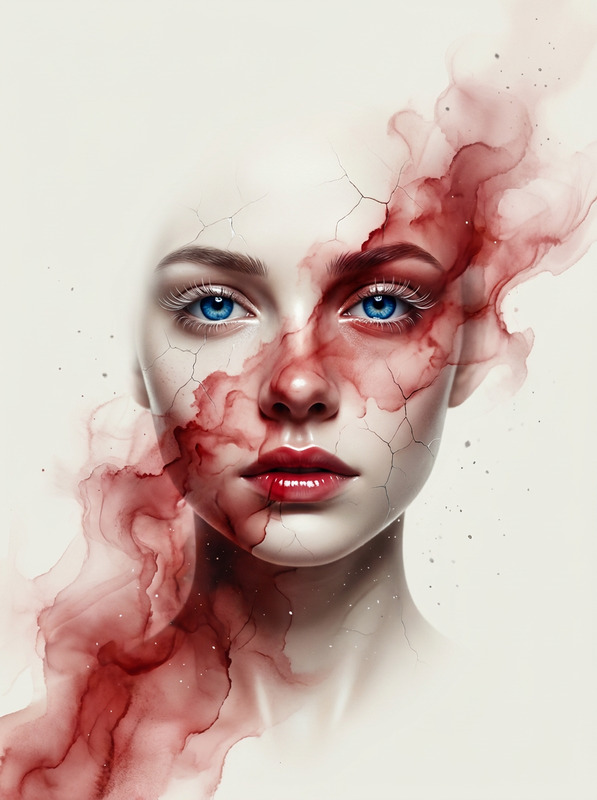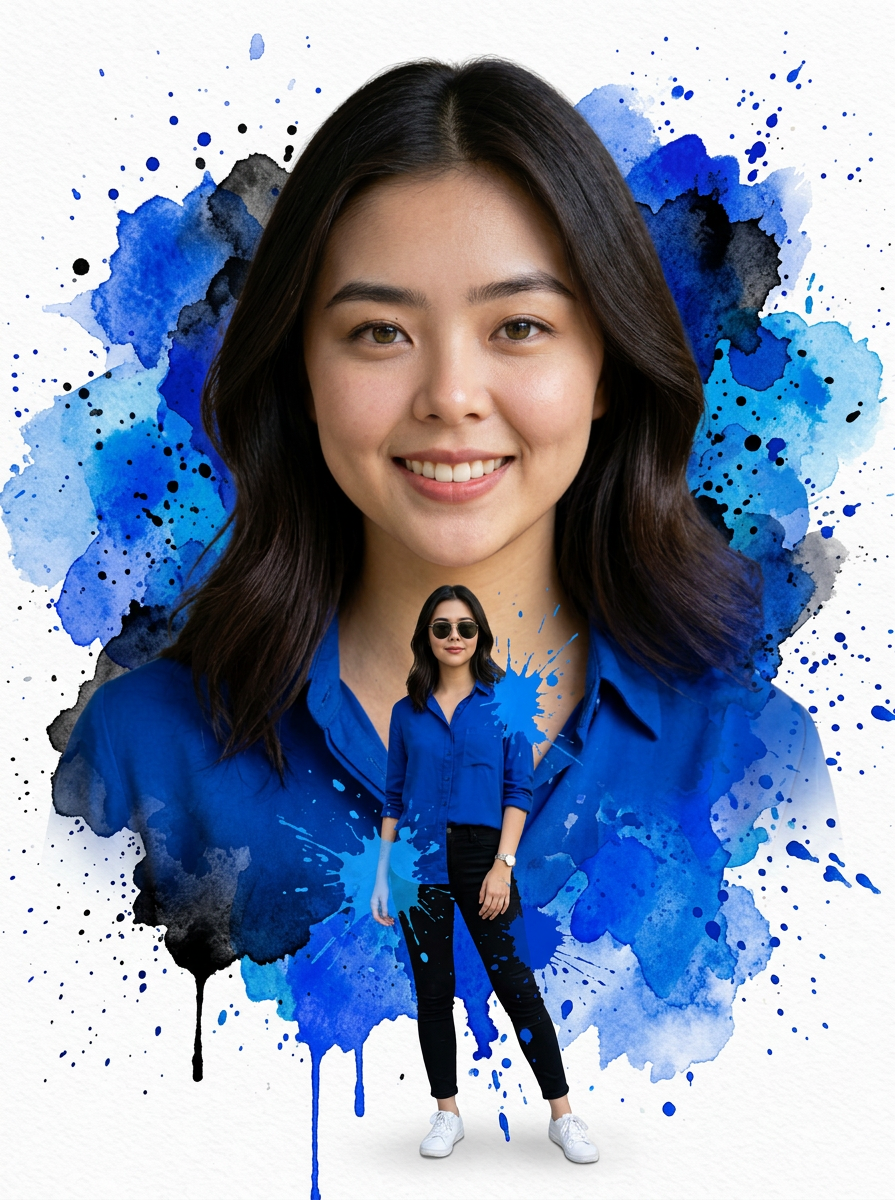
Watercolor Double Exposure
- Model
- Nano Banana 2
- Image
- 895 × 1200 px
Prompt
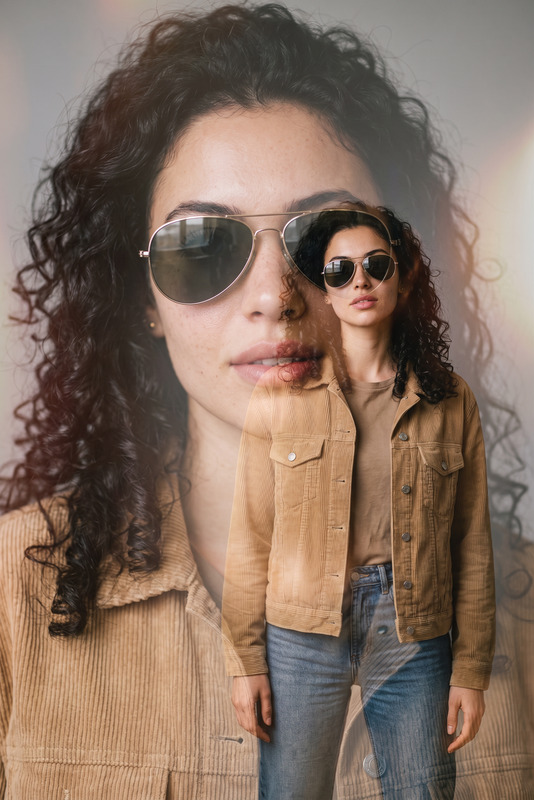
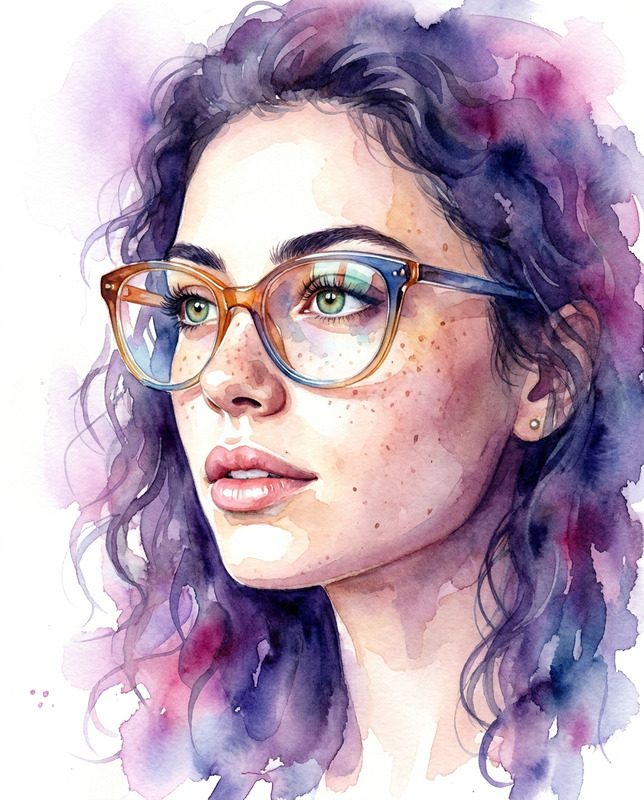
A stunning double exposure watercolor portrait art of a young woman with dark brown shoulder-length hair, hazel-green eyes, natural makeup, soft smile, wearing a royal blue button-up casual shirt. Large close-up face portrait blended seamlessly with a full-body shot of the same woman wearing sunglasses, black slim pants, white sneakers and a wristwatch, standing in a relaxed pose with one leg crossed. Background is pure white with dramatic royal blue and cobalt watercolor ink splashes, blooms, and drips cascading down. Watercolor paint splatters in varying shades of blue — cobalt, indigo, cerulean — scattered across the white canvas. Paint drips running vertically downward. The portrait and full-body figure emerge organically from the watercolor splashes. Ultra-realistic photographic face with painterly watercolor body transition. High detail, sharp focus on face, soft artistic edges blending into watercolor. Editorial art style, white background, blue ink wash aesthetic.
Any aspect ratio
Overview
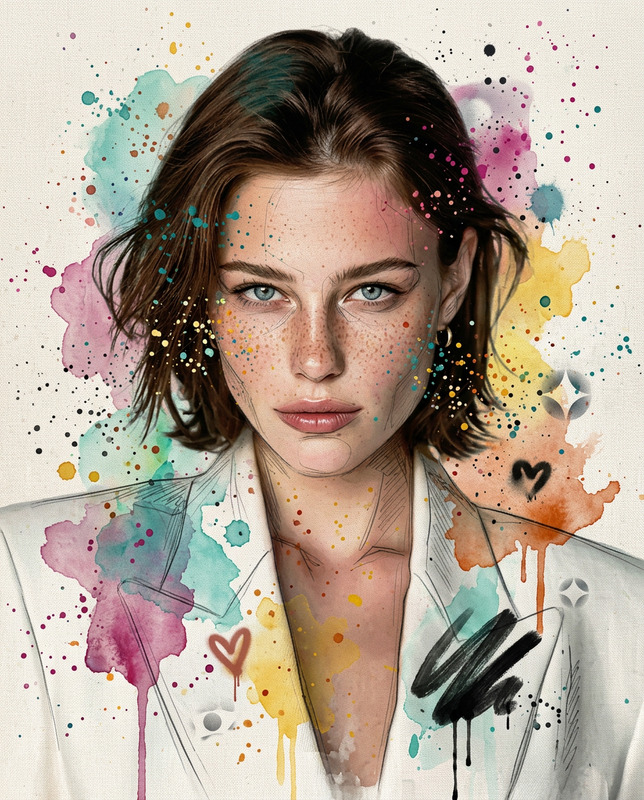
The Watercolor Double Exposure template offers an artistic blend of realism and painterly styles. Leveraging the power of our AI Image Editor, this template transforms your photos into stunning double exposure artworks. With its focus on watercolor aesthetics, this tool is ideal for creating expressive portraits with a bold art style.
What It Does
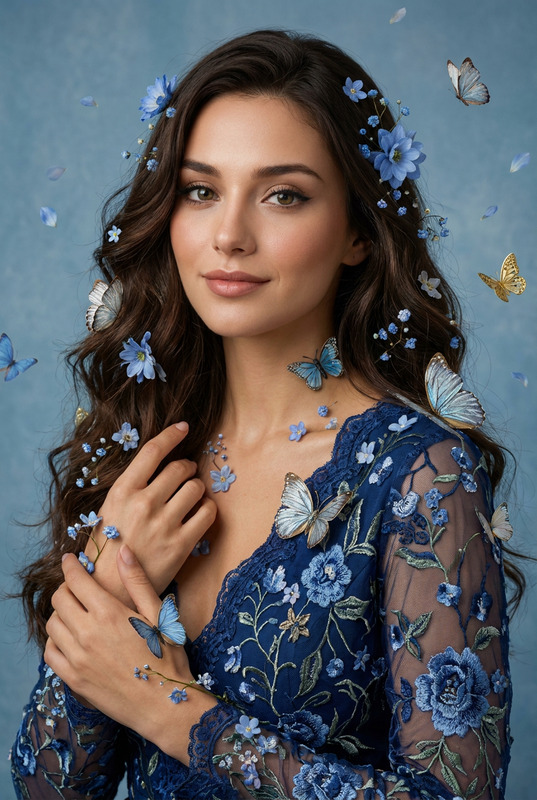
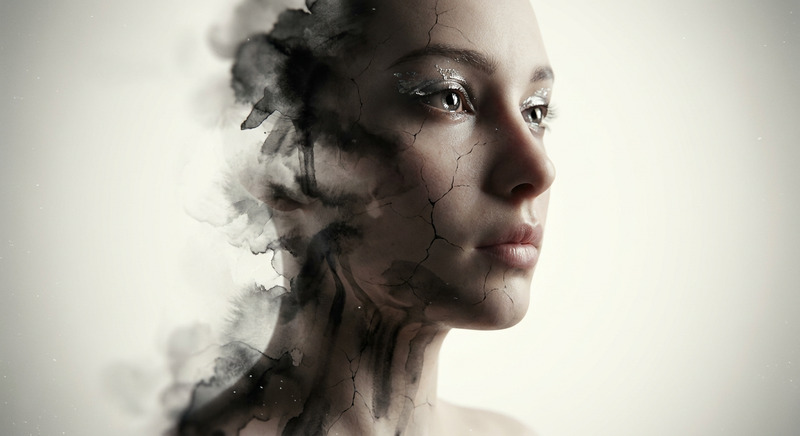
This AI Image Editor template generates a dual-layer watercolor effect combining a close-up face portrait and a full-body shot. Designed for high detail, the face retains photographic sharpness while the rest of the body merges with vibrant watercolor splashes. This effect results in an ultra-realistic face transitioning to an artistic body, set against a dramatic blue-themed ink wash.
Who It's For
Ideal for designers and artists aiming to create unique editorial pieces, the Watercolor Double Exposure template caters to creatives in need of high-quality, distinct visual effects. Whether you're crafting cover art for fashion publications or designing promotional materials, this tool brings a sophisticated artistic flair to your projects.
Summary
Combine photographic realism with watercolor abstraction using our AI Image Editor's Watercolor Double Exposure template. Suitable for both digital and print design realms, it helps bring out the natural elegance and creativity in every project. Start exploring other innovative tools like the AI Image Generator or the Photo Colorizer to expand your artistic repertoire.
How To
Choose Template

Customize Your Image

Generate Your Artwork

Use Cases
Fashion Editorials
- Dramatic covers
- Detailed editorials
Marketing Materials
- Brochures
- Posters
Artistic Portfolios
- Striking portfolios
- Unique designs
Best Practices
Select High-Quality Images
To achieve the best results, use images with clear details and contrasting elements for the watercolor transition.Experiment with Colors
Try different palettes if the default blue doesn’t suit your project. Adjusting colors can add personal flavor and ensure it fits your project's theme.Control Watercolor Spread
Utilize the sliders to control the extent of the watercolor effect. Subtle adjustments can dramatically change the final visuals.