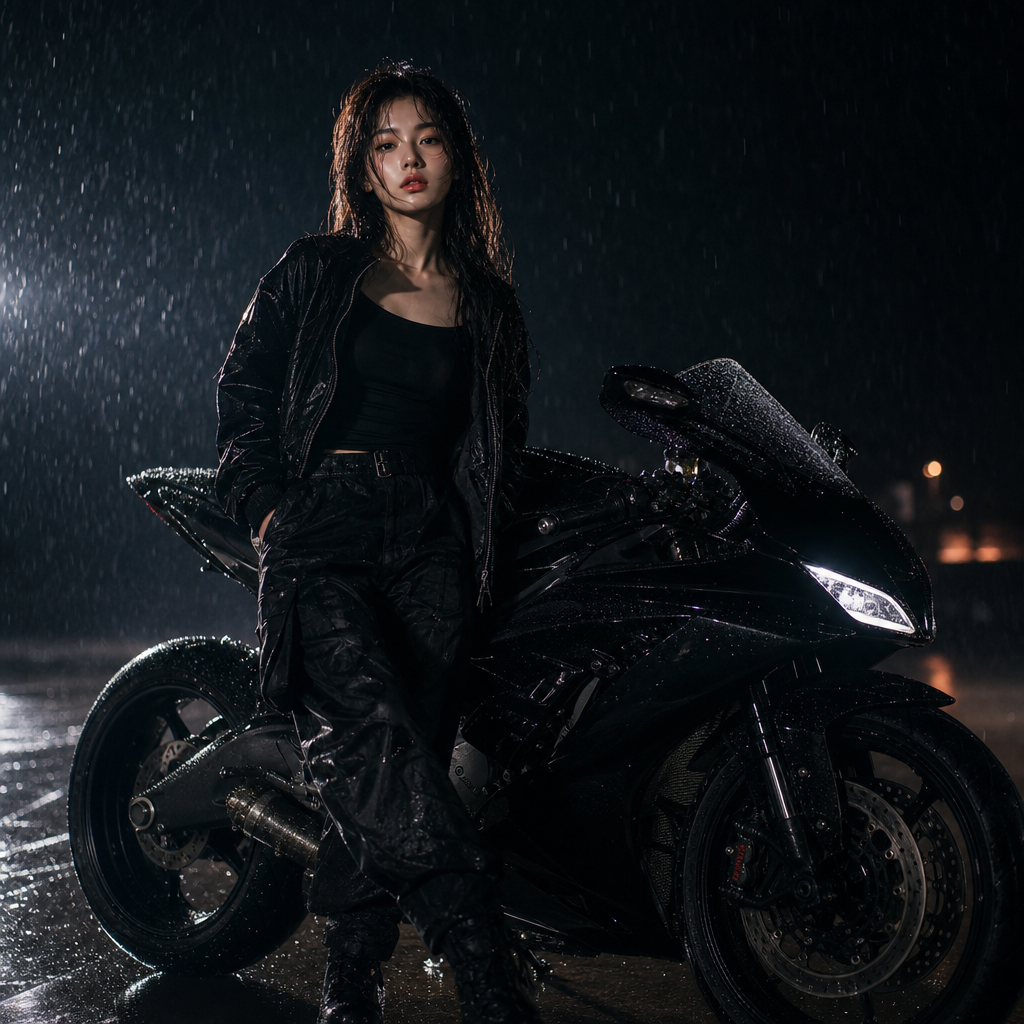
Moto Rain
- Model
- GPT Image 2
- Image
- 1024 × 1024 px
Prompt
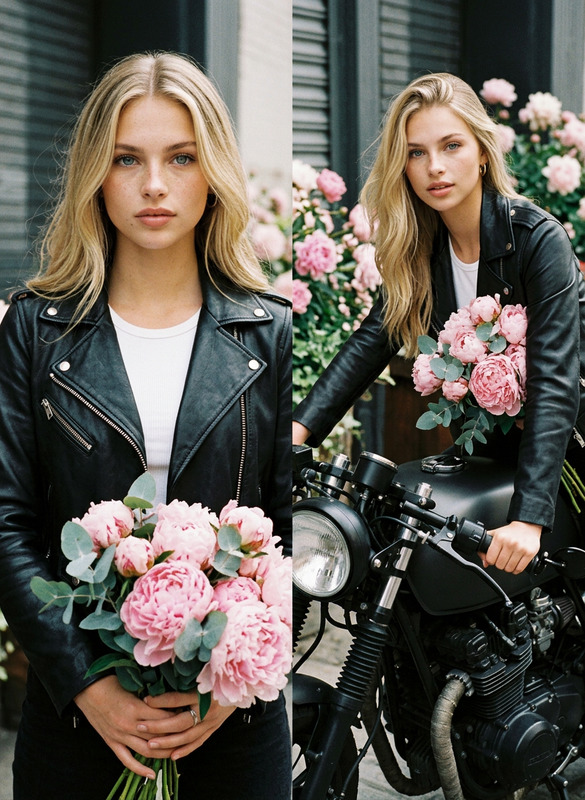
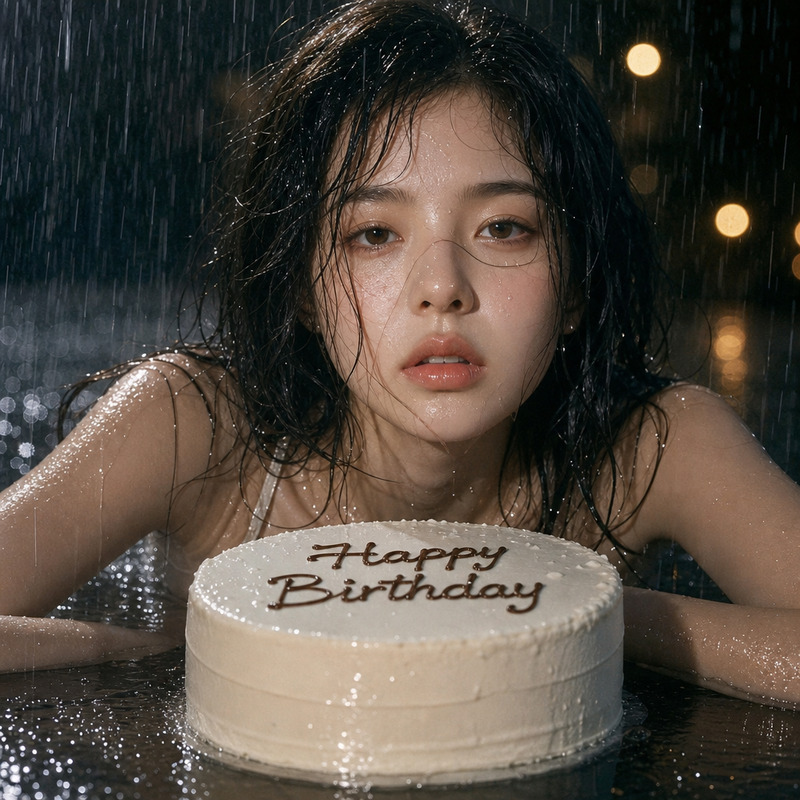
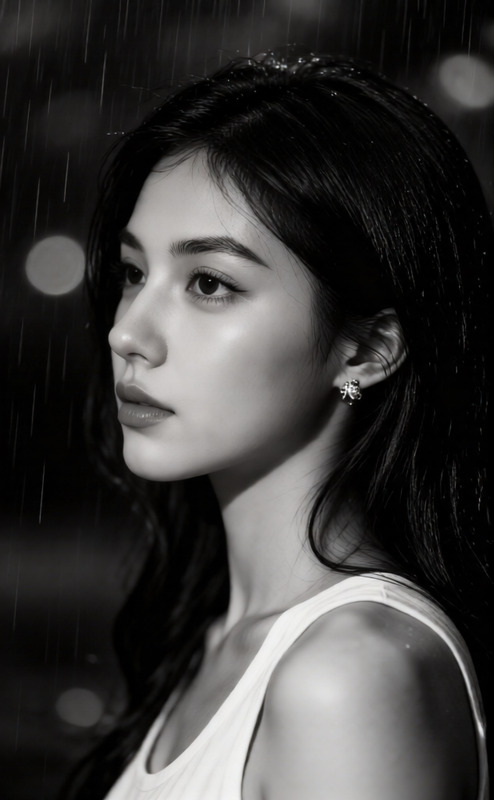
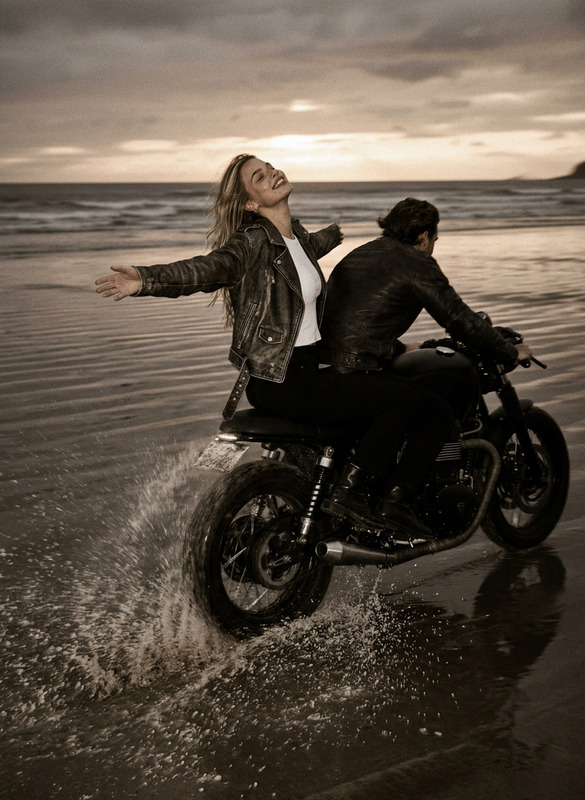
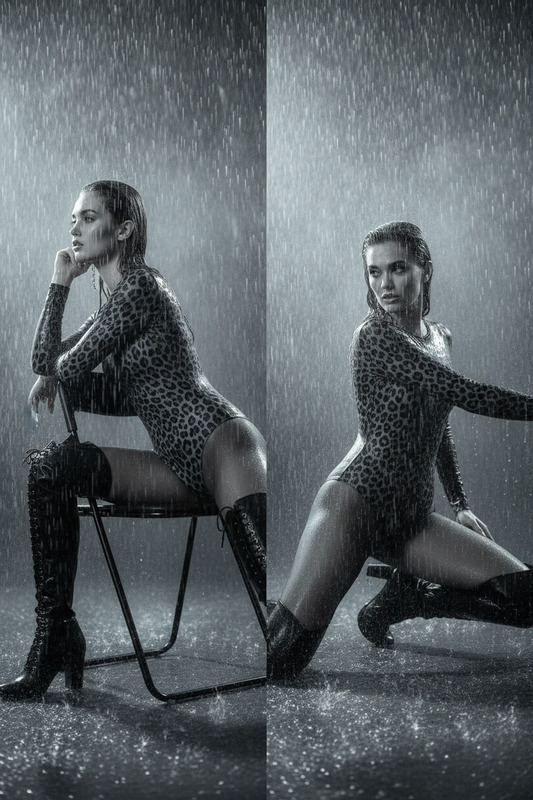
A highly artistic nighttime photoshoot of a reference character next to a glossy black sports bike in the rain. The character, dressed in black, stands confidently with one foot forward, raindrops creating glittering reflections on the body, clothing, and bike. Dramatic lighting and a dark, minimalist background emphasize the cinematic, elegant atmosphere.
Any aspect ratio
Overview
Capture the mystique and allure of a dramatic nighttime setting with the Moto Rain template, designed for the AI Image Editor. Perfect for creating cinematic, high-fashion images, this template turns your photos into a scene dripping with style and intensity.
What It Does
The Moto Rain template elevates your imagery by superimposing a stylishly dressed character next to a glossy black sports bike, under the glistening aesthetics of a rainy night. Designed using the GPT-Image-2 model, it emphasizes dramatic lighting to highlight details and create reflective surfaces that accentuate both the character and the bike.
Who It's For
This template is ideal for photographers, digital artists, and filmmakers working on projects that require a rich, sophisticated aesthetic. Whether you're creating imagery for a eCommerce ad or conceptualizing a scene for a short film, the Moto Rain template offers the refined touch you need.
Summary
With the Moto Rain template in the AI Image Editor, you can craft stunning visuals that tell a story of elegance and power. Utilize it to create high-quality visuals that captivate and engage your audience.
How To

Customize

Generate

Use Cases
Fashion Editorials
- Highlight clothing and accessories under dramatic lighting.
- Enhance the model's features with reflective rain effects.
Film Posters
- Set the mood with a dark and mysterious background.
- Use character and bike for an enthralling scene.
Social Media Campaigns
- Craft eye-catching posts that stand out.
- Leverage the emotional impact of dramatic imagery.
Best Practices
Lighting Adjustments
Fine-tune the lighting to enhance the drama and ensure the subject stands out against the dark background.Focus on Details
Utilize the gloss and reflections on the bike and character's clothing to create depth and interest.Maintain Theme Consistency
Ensure all elements in the scene contribute to the overall cinematic and minimalist theme.