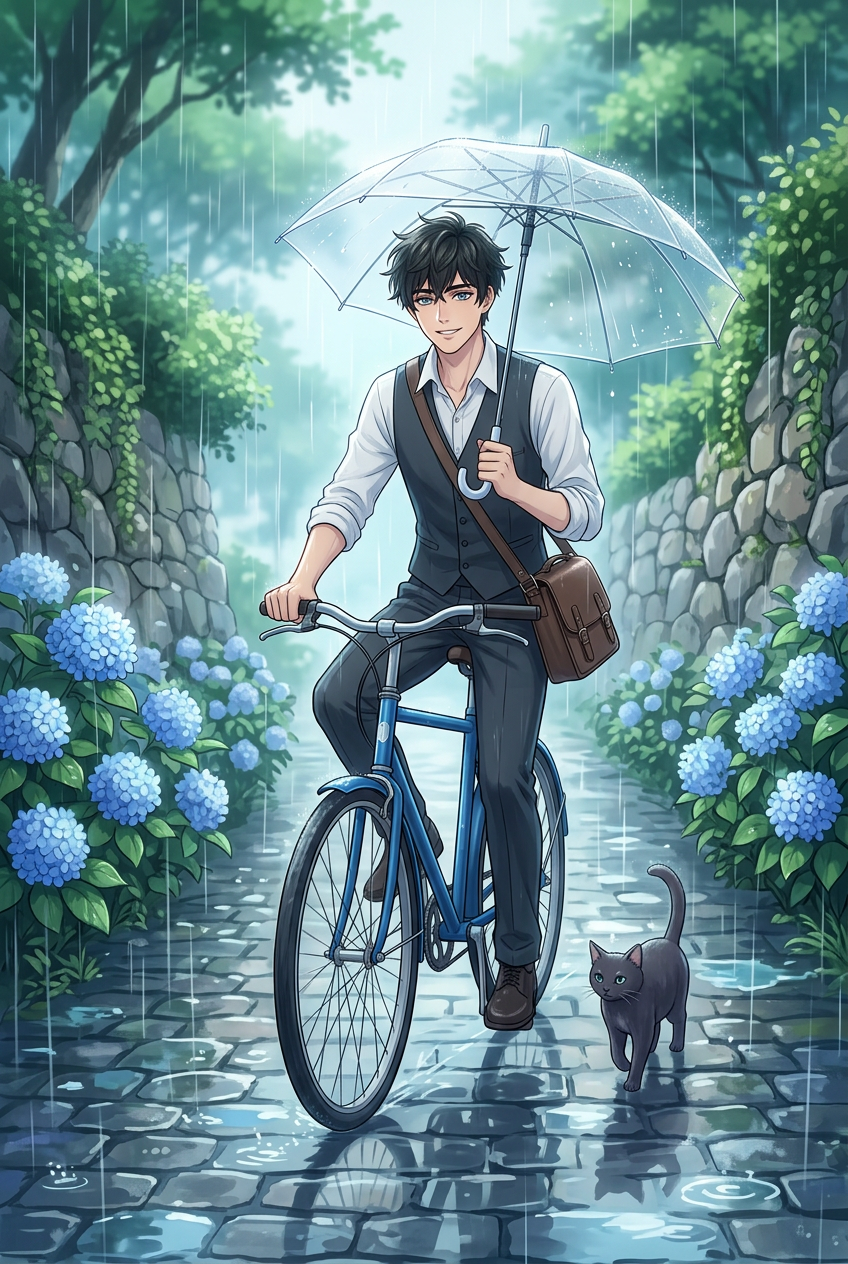
Rainy Hydrangea Dream Ride
- Model
- Nano Banana 2
- Image
- 848 × 1264 px
Prompt
Subject depicts anime-inspired scene riding a blue bicycle along a wet cobbled path, carrying a satchel and holding a transparent umbrella. A small dark companion walks alongside. Surroundings feature blooming blue hydrangeas on both sides with natural stone walls and lush greenery. Heavy rain falls with reflective surfaces and soft textures. Atmosphere is calm, peaceful, and dreamlike with ethereal glow, romantic and surreal mood. Delicate lighting highlights raindrops and reflections, with cinematic composition, rich detail, and harmonious, mysterious ambiance.
Any aspect ratio
Overview
Welcome to the Rainy Hydrangea Dream Ride — a unique AI Image Editor template designed for creators who value detail and mood in their visuals. Utilizing the robust AI Image Editor, this template brings anime-inspired imagery to life, embedding a sense of tranquility and imagination in each scene.
What It Does
This template allows you to transform static images into immersive, anime-style visuals. With elements like a blue bicycle, wet cobbled paths, and blooming hydrangeas, the scene is deeply enriched by nature's vibrant colors. The model used here, nano-banana-2, excels in rendering wet and reflective surfaces to produce a cinematic composition with lush textures and delicate lighting.
Who It's For
Ideal for artists, content creators, and video editors, this template caters to those seeking to add a magical touch to their narratives. Whether you're developing content for meme videos or crafting detailed storyboards, the Rainy Hydrangea Dream Ride provides a perfect blend of fantasy and reality for your projects.
Summary
The Rainy Hydrangea Dream Ride is your tool for creating atmospheric scenes with rich details and harmonious ambiance. It integrates seamlessly with our AI GIF Generator and other Magic Hour tools, offering endless possibilities for elevating your creative storytelling with an ethereal glow and romantic mood.
How To
Choose Your Template

Customize Inputs

Generate Your Image

Use Cases
Anime Scenes for Videos
- Anime series production
- Fan-made anime music videos
- Anime-themed social media posts
Promotional Materials
- Video teasers
- Social media ads
- Event posters
Storytelling and Narrative
- Short films
- Digital storytelling
- Vlog backgrounds
Best Practices
Leverage Lighting Effects
Experiment with lighting settings to accentuate the raindrops and reflections, enhancing the overall atmosphere of your scene.Combine with Other Effects
Use this template alongside other tools like the AI Clothes Changer to modify character appearances for a cohesive story.Optimize for Different Outputs
Consider the end-use — whether it's a video or static image — to select the appropriate resolution and format compatible with your output platform.