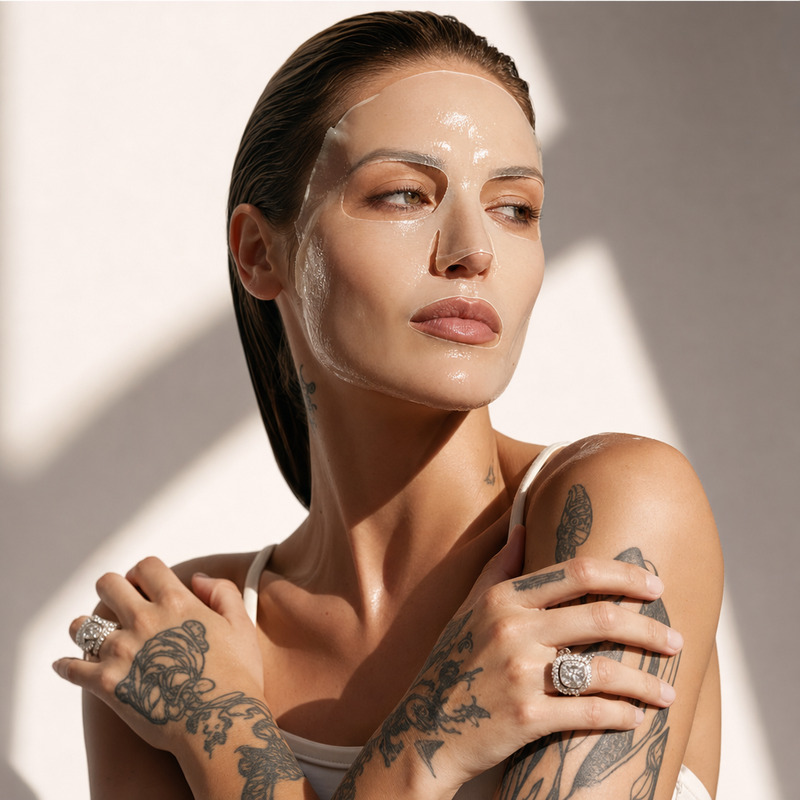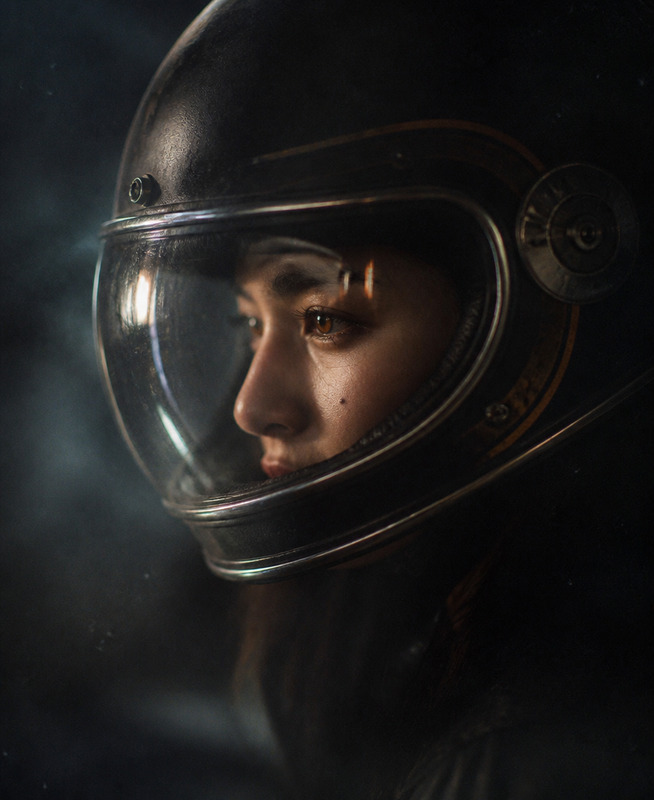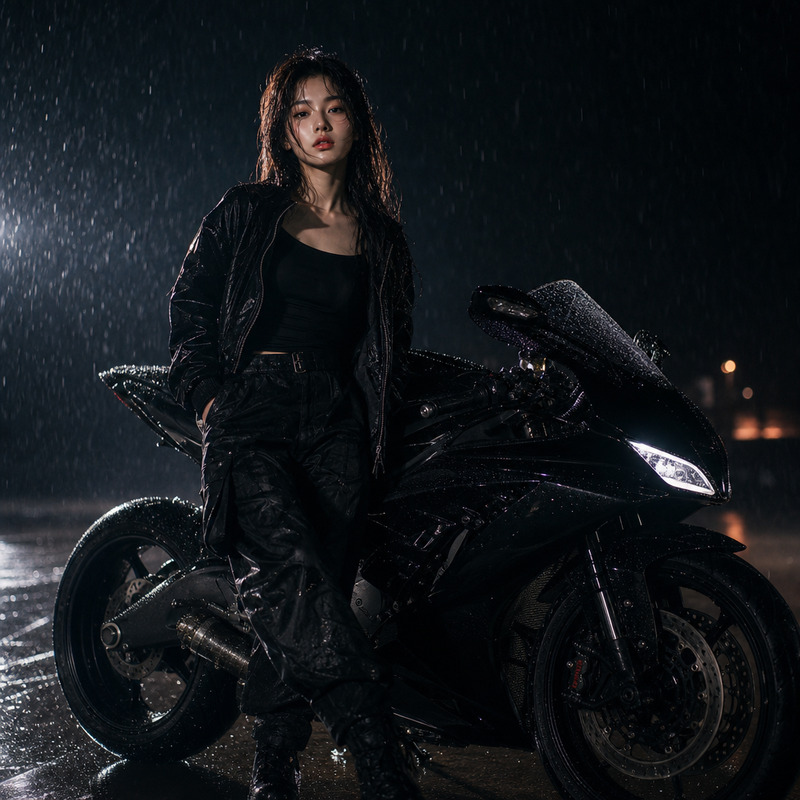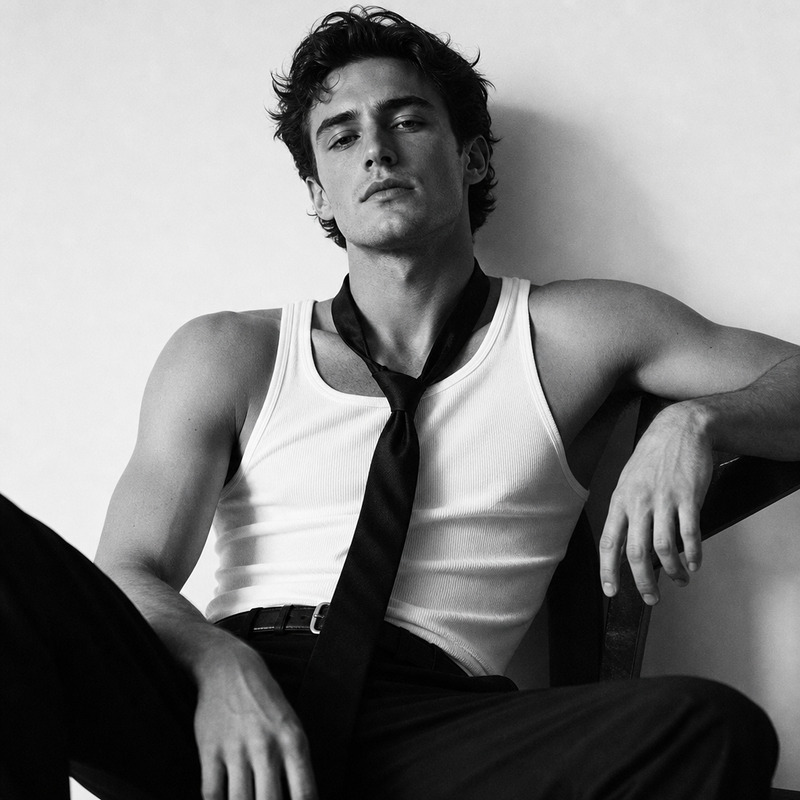
Moto Studio
- Model
- GPT Image 2
- Image
- 1024 × 1024 px
Prompt
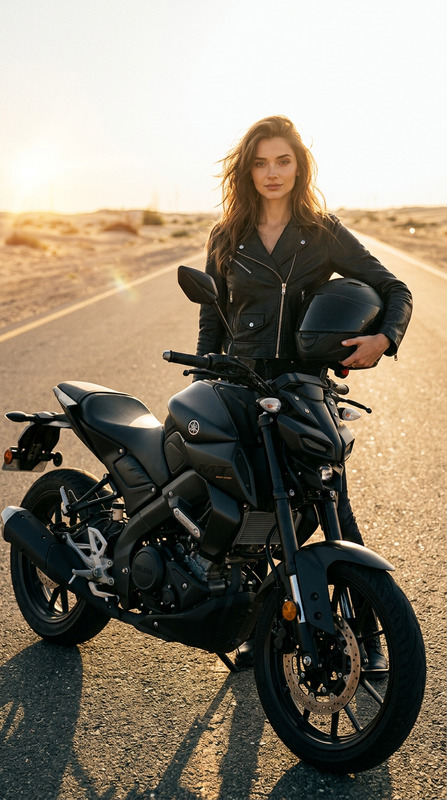
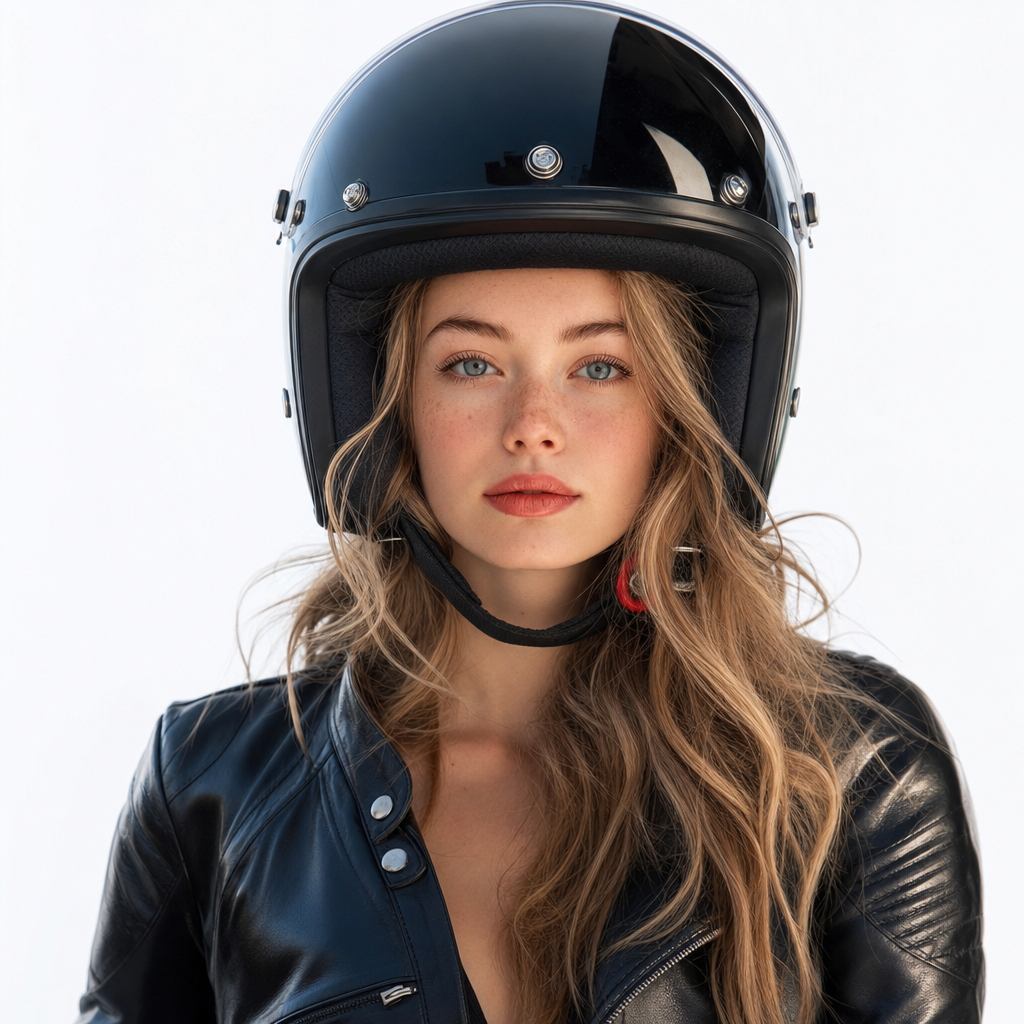
An ultra-realistic studio portrait: the subject wears a glossy black motorcycle helmet with the visor up, the face is completely exposed and accurately matches the reference, the pose is confident and expressive. A seamless white background, contrasting light with cool color correction, glossy reflections, and subtle film grain create the atmosphere of a modern, luxury biker shoot.
Any aspect ratio
Overview
Transform your studio photography with the Moto Studio template. This AI Image Editor tool uses the advanced capabilities of the gpt-image-2 model to craft ultra-realistic studio portraits. Capture the essence of luxury biker shoots with glossy reflections and a modern aesthetic.
What It Does
The Moto Studio template generates stunning images featuring your subject in a glossy black motorcycle helmet. With the visor up, the face is clearly visible, ensuring an expressive and confident pose that accurately matches your reference photo. The white background and cool color correction blend to emphasize the luxury of the shoot.
Take advantage of features like glossy reflections and film grain to add depth and sophistication to your portraits. This is all part of the AI editing experience within the AI Image Editor.
Who It's For
This template is perfect for photographers, designers, and content creators seeking to add a polished, professional touch to their projects. Whether you're producing images for advertising or creating content for social media, the Moto Studio template provides quality results. It's particularly beneficial for those working in visual arts and advertising.
Summary
With the Moto Studio template, you can achieve a high-end, cinematic look for your images, making them ideal for promotional materials or portfolio enhancements. Paired with compatible tools like the AI Image Generator or AI Photo Relighting, you can explore new creative possibilities and take your imagery to the next level.
How To
Choose the Template

Customize Your Inputs

Generate and Download

Use Cases
Advertising Campaigns
- Automotive industry promos
- Luxury brand partnerships
- Fashion editorials
Social Media Content
- Instagram posts
- Facebook ads
- Creative storytelling
Portfolio Enhancement
- Photography portfolios
- Art exhibitions
- Client presentations
Best Practices
Use High-Quality Reference Images
Ensure your reference image is high resolution to achieve the most accurate and detailed outputs.Fine-Tune Color Settings
Adjusting light and color settings during customization can vastly improve the outcome, especially when aiming for a specific mood or aesthetic.Layer with Complementary Tools
Combine the template with other tools like AI Image Upscaler and AI Face Editor to refine and enhance details after generation.