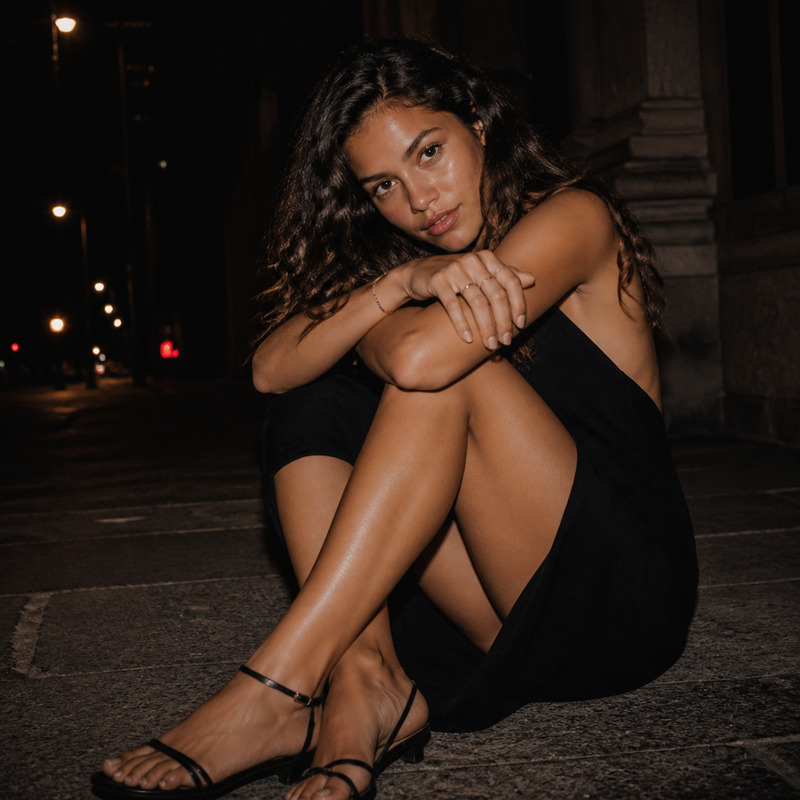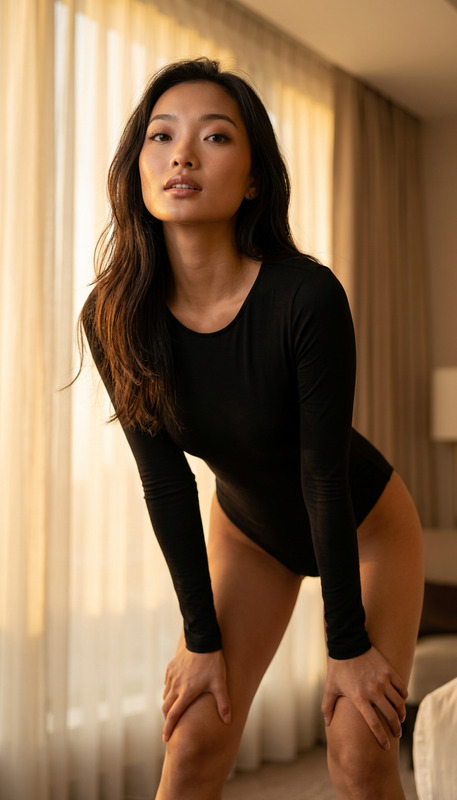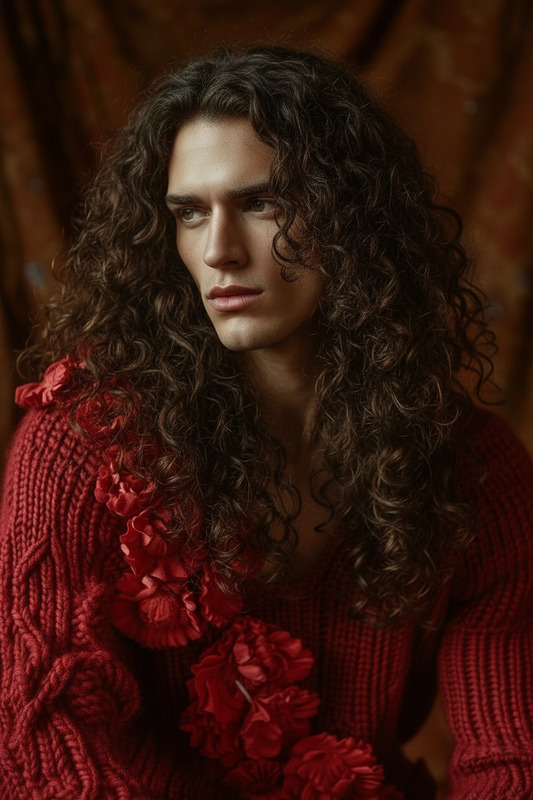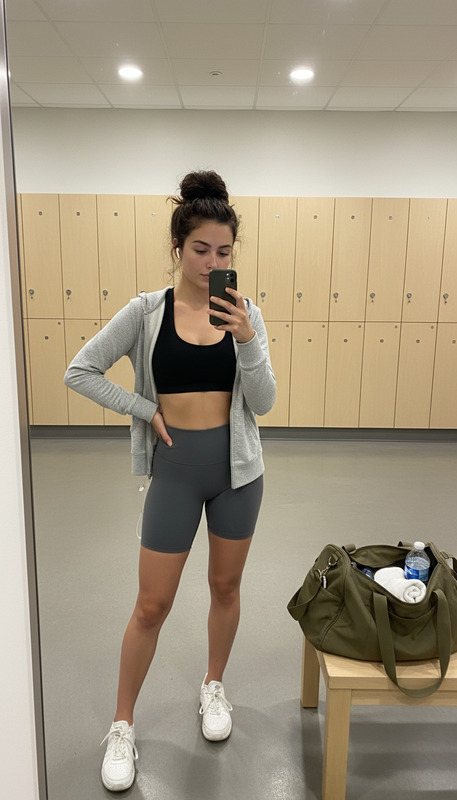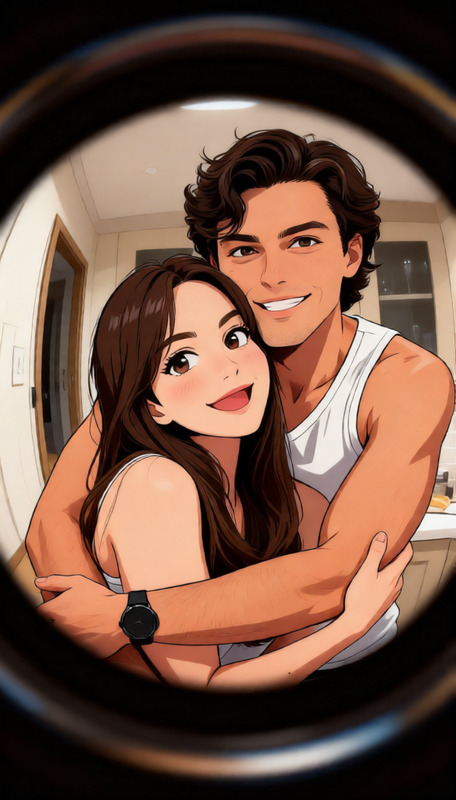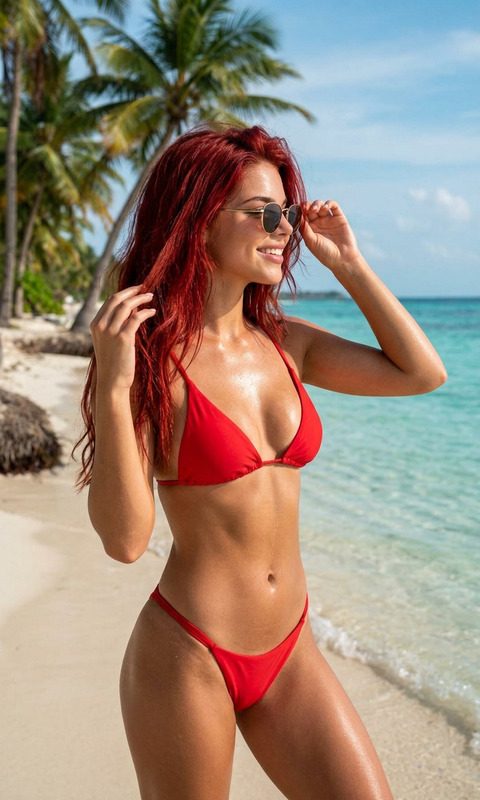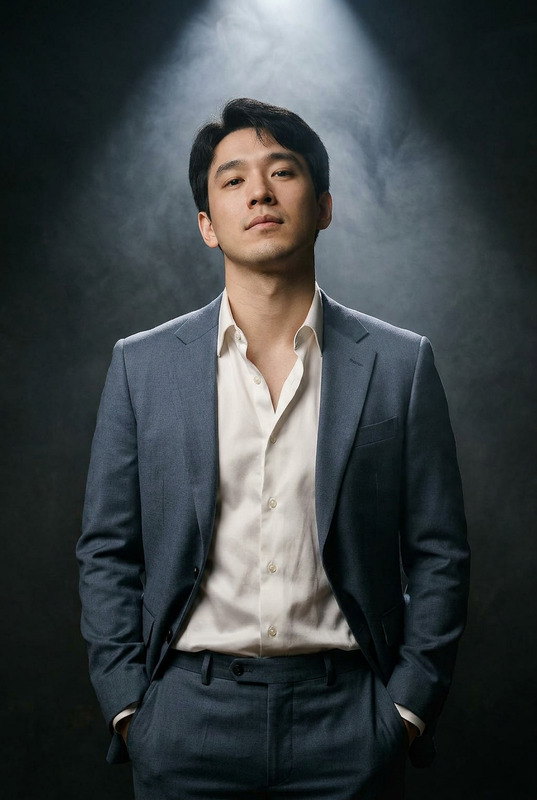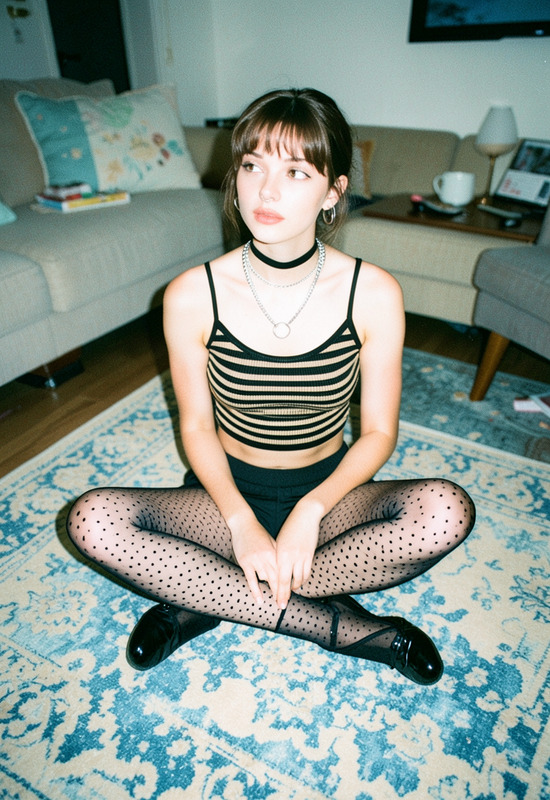
Artistic Slip
ai-image-editor
Any aspect ratio
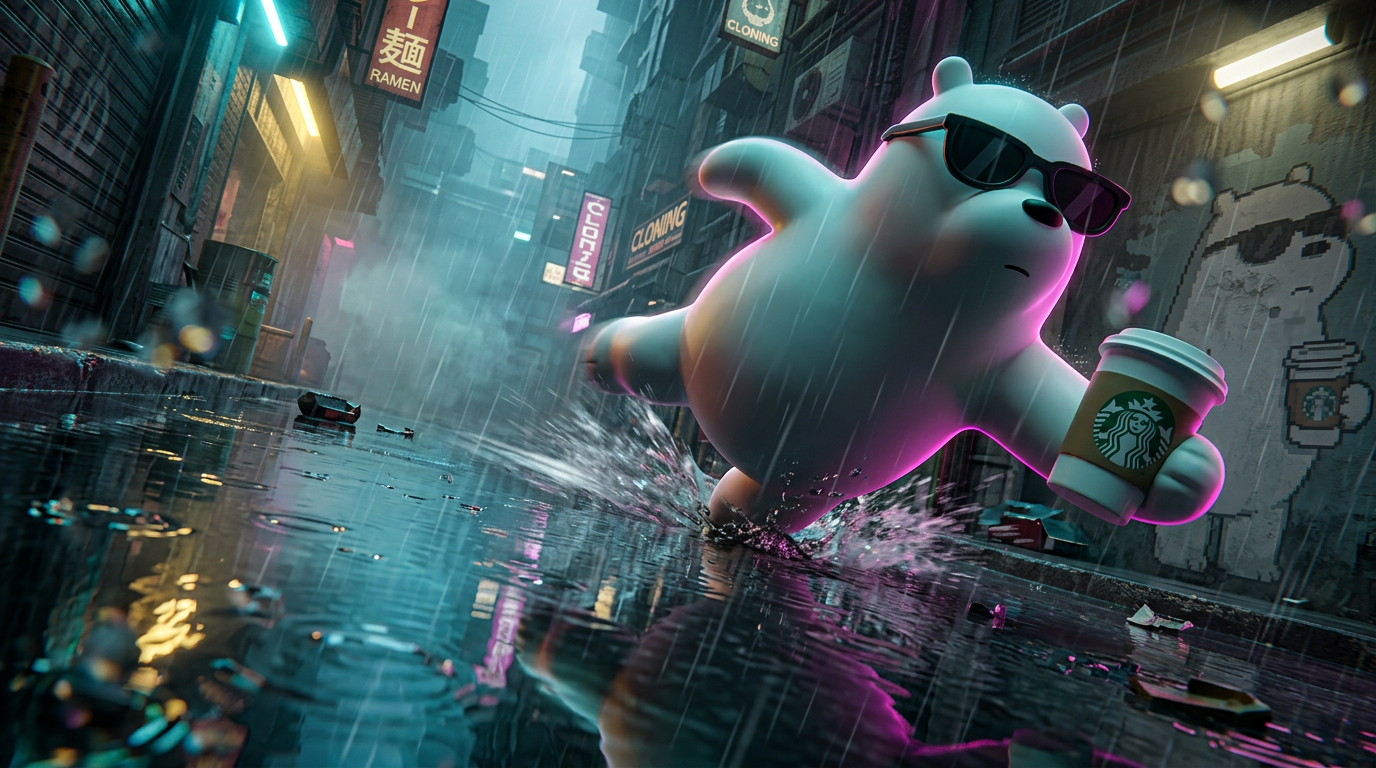
Cinematic ultra-low-angle (18–20mm) shot of a reference character mid-slide on a rain-soaked neon cyberpunk street, slight Dutch tilt, diagonal composition with the character in the upper frame and a sharp, distorted reflection below; identity must be perfectly preserved (no redesign, no humanization), converting 2D to 3D only by adding physical depth while keeping exact proportions and stylization. The pose is unstable and high-speed: torso pitched forward, one limb striking the ground with splash and friction streaks, the other extended, asymmetrical legs, off-center weight, head leading motion, with one limb enlarged near the lens for perspective. Strong directional neon lighting (cyan, magenta, yellow), sharp rim light, deep shadows, hyper-reflective wet pavement with ripples and rain impact, heavy rain and mist with volumetric beams. Background includes a faded, non-glowing pixel-art mural of the same character, identity-accurate but worn and desaturated, set deep with haze. Foreground features blurred droplets, splashes, and debris crossing the lens with slight refraction for layered depth. Motion blur trails limbs while face/upper torso stays sharp. Mood: urgency, instability, high-speed chase. Negative: no centered framing, no balanced pose, no dry or clean surfaces, no flat lighting. ar 16:9
AI Image Editor Template: Fast, Precise Image Editing for Modern Creators
Use this AI Image Editor–based template to rapidly clean up, modify, and enhance images for campaigns, pitch decks, product launches, and social content—without opening Photoshop or writing a single line of code.
This template is built on Magic Hour’s AI Image Editor, designed for creators and teams who need reliable, repeatable edits at scale. You can use it as-is, or quickly remix it into your own custom workflow.
What You Can Do With This Template
This template is ideal for:
- Product & marketing visuals
- Clean up product shots
- Remove distracting objects or backgrounds
- Add or adjust on-brand backgrounds using the AI Background Generator
- Creator & personal brand content
- Refine thumbnails and social images using the Thumbnail Maker
- Adjust portraits for LinkedIn, websites, and investor decks with the AI Headshot Generator
- Design & concept work
- Iterate on concepts for landing pages, ads, or app mockups
- Turn rough ideas into polished visuals with the AI Art Generator and refine them in the editor
- Content repurposing
- Take a single hero image and generate multiple variations for different platforms
- Prepare assets for video workflows like Image to Video or Text to Video
If your work involves iterating on images—whether for a startup, agency, or solo practice—this template gives you a repeatable, fast path from “rough asset” to “publish-ready.”
How to Remix This Template in Magic Hour
You can clone this template and adapt it to your own use case in a few steps:
Open the template in Magic Hour
- Sign in to Magic Hour and open this AI Image Editor template.
- Review the example prompt and included assets to understand the transformation it performs.
Swap in your own source images
- Replace the placeholder image with:
- Product photos
- Portraits / selfies
- Marketing or brand visuals
- Reference art from the AI Photo Generator or AI Anime Generator
- Replace the placeholder image with:
Adjust the editing prompt for your use case
- Refine the text instructions to match your objectives:
- E-commerce: “Clean background to light gray, increase clarity, keep true product colors.”
- B2B decks: “Make the image look like a polished SaaS landing page asset, clean lighting, minimal gradients.”
- Creator content: “Convert this photo into a bold, high-contrast YouTube thumbnail style, add soft vignette.”
- Keep your prompt specific about style, lighting, and what should stay unchanged (e.g., “do not change the face,” “keep logo intact”).
- Refine the text instructions to match your objectives:
Chain it with other Magic Hour tools (optional)
- After editing with the AI Image Editor, you can:
- Turn images into short loops with the AI GIF Generator
- Animate portraits using AI Talking Photo
- Upgrade image quality with the AI Image Upscaler
- Remove unwanted elements using the AI Remover or Remove Object from Photo
- After editing with the AI Image Editor, you can:
Save your remix as a reusable template
- Once your edits behave the way you want:
- Save your version as a new template inside Magic Hour.
- Reuse it across campaigns, clients, or projects so your team can run the same transformations in a few clicks.
- Once your edits behave the way you want:
Example Use Cases and Remix Ideas
Use these as starting points when you remix the template:
1. Product and E‑commerce Workflows
- Use the AI Image Editor to:
- Clean up product shots and remove messy backgrounds
- Standardize lighting and perspective across your catalog
- Then:
- Generate on-brand backgrounds using the AI Background Generator
- Upscale final assets for marketplaces or print with the AI Image Upscaler
- Turn hero products into animated promos with Image to Video or AI GIF Generator
2. Founders, Consultants, and Personal Brands
- Start with a casual photo and:
- Clean up the background
- Adjust colors and contrast for a professional look
- Then:
- Generate polished headshots with the AI Headshot Generator
- Create matching avatars using the Avatar Generator
- Turn a portrait into a talking intro clip with AI Talking Photo
3. Creative Concepts and IP Development
- Use the AI Image Editor to iterate on:
- Character designs (paired with the AI Character Generator or Animated Characters Generator)
- Fantasy or game art (with the DND AI Art Generator, Fantasy Map Generator, or Dark Fantasy AI)
- Comic or manga layouts (via the Comic Book Generator or AI Manga Generator)
- Refine, recolor, and adjust style inside the AI Image Editor until the design matches your visual system.
4. Social, Meme, and Growth Content
- Take raw screenshots, photos, or brand assets and:
- Clean them in the AI Image Editor
- Add subtle stylistic changes for each platform
- Then:
- Generate memes with the AI Meme Generator
- Design album-style posts or campaign art via the Album Cover Generator
- Create eye-catching covers for content with the Book Cover Generator or Thumbnail Maker
Recommended Workflows Combining Image Editing and Video
If your end goal is video, this template is a solid starting point in a multi-step workflow:
Face-driven content
- Edit your base face image with the AI Image Editor or AI Face Editor
- Turn it into a talking video with:
- Combine with cloned voices from the AI Voice Cloner or AI Voice Generator
Hero images to motion
- Polish stills in the AI Image Editor
- Animate them with:
- Add subtitles at scale with the Auto Subtitle Generator
- Enhance footage using the Video Upscaler
Power Features for Advanced Users
If you’re a developer, marketer, or power user, this template is particularly useful because:
It’s prompt-driven
- You can standardize prompts and share them with your team so everyone gets consistent results.
- You can maintain internal “prompt catalogs” for:
- Brand image treatments
- Campaign-specific styles
- Client-specific look & feel
It fits into multi-step content pipelines
- Use it at the “image cleaning & styling” stage before:
- Generating avatars (Avatar Generator)
- Creating marketing visuals (AI Logo Generator, AI Icon Generator)
- Producing experimental content (e.g., Optical Illusion Generator, Pokemon Generator, Emoji Generator)
- Use it at the “image cleaning & styling” stage before:
It complements restoration and cleanup tools
- Run legacy or low-quality images through:
- Then fine-tune them visually in the AI Image Editor and save the whole process as your own template.
Best Practices for Strong Results
To get reliable, production-worthy outputs when you remix this template:
Be explicit in your instructions
- Specify what should change and what must remain untouched.
- Mention style, lighting, mood, and any brand constraints.
Use good source images
- Clear subjects, minimal motion blur, and decent resolution always improve results.
- If your source is weak, run it through the AI Image Upscaler or Unblur Image first.
Standardize for your team
- Once you land on a prompt and workflow that works:
- Save it as a named template
- Document when to use it (campaign type, channel, asset type)
- Share it across your marketing, design, or growth team
- Once you land on a prompt and workflow that works:
Where to Go Next
If you like this AI Image Editor template, you might also want to explore:
- AI Image Editor — the core product behind this template
- AI Face Editor — for precise face-level edits
- AI Background Remover and Watermark Remover — for fast clean-up workflows
- AI Image Generator and AI Photo Generator — to generate base images and then refine them with this template
Clone this template, swap in your assets, refine the instructions, and save your remix as a reusable building block in your own Magic Hour toolkit.