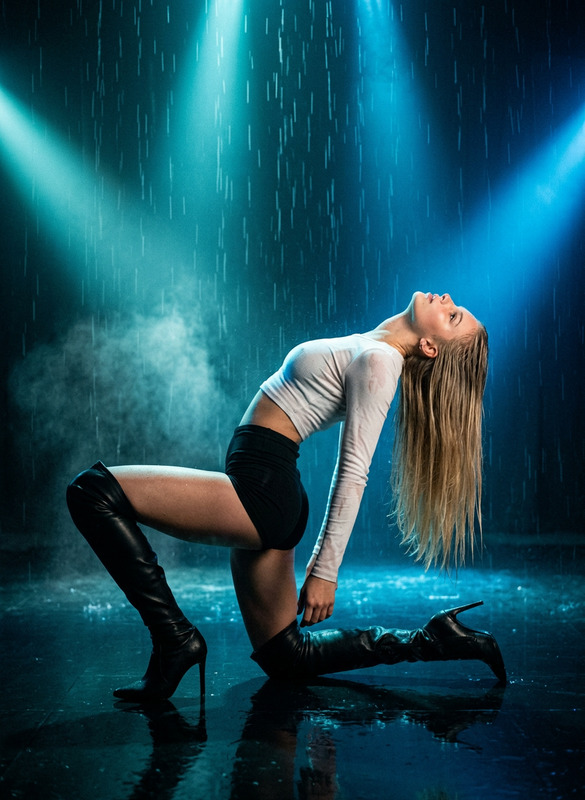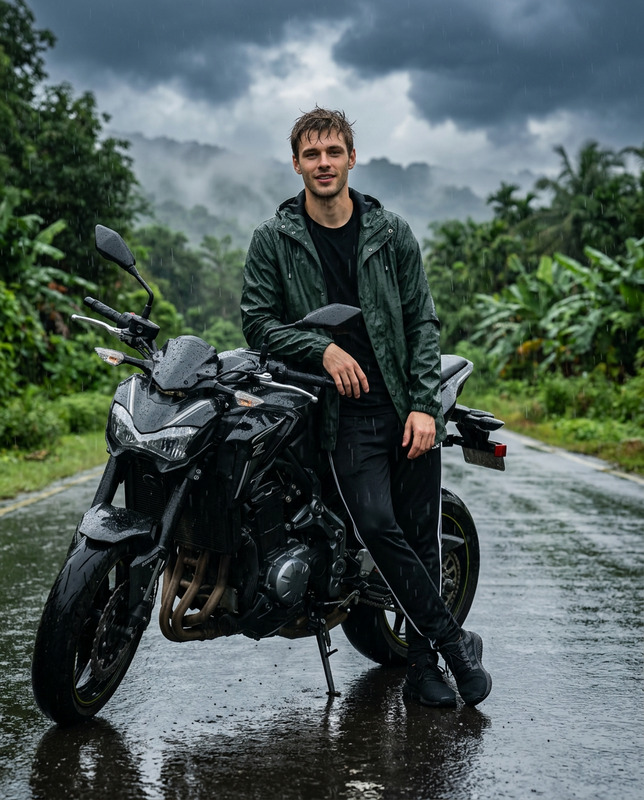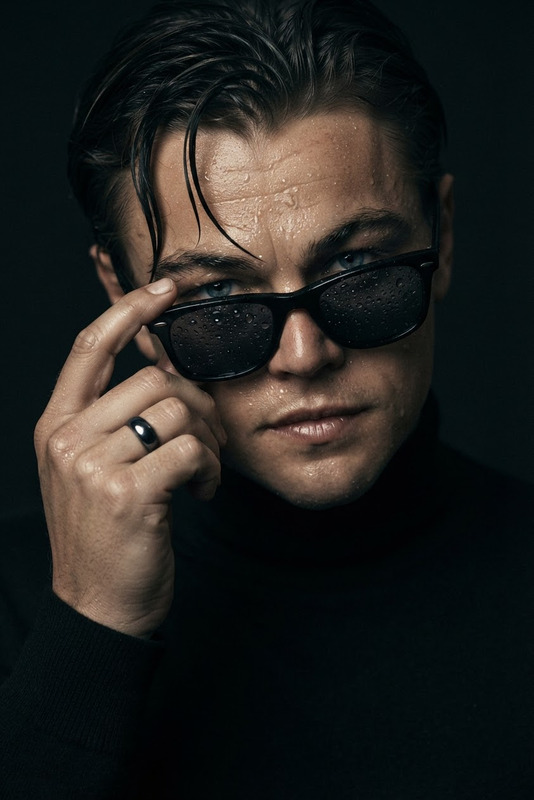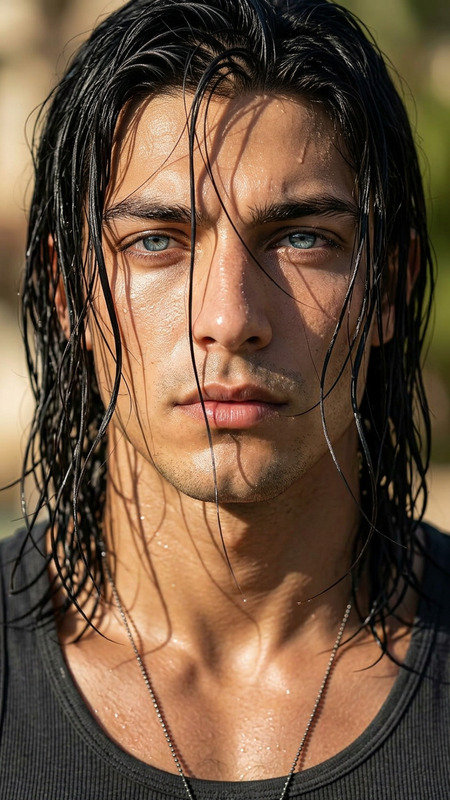
Lost In Dramatic Rain
- Model
- Nano Banana 2
- Image
- 928 × 1152 px
Prompt
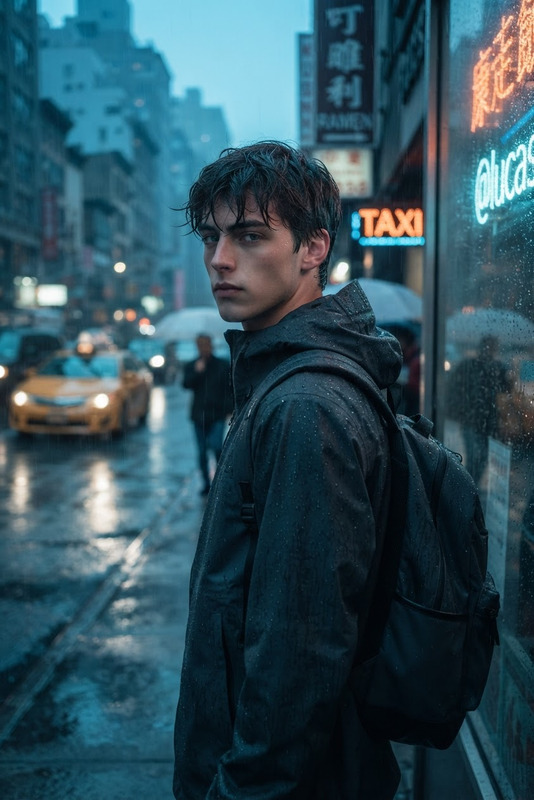
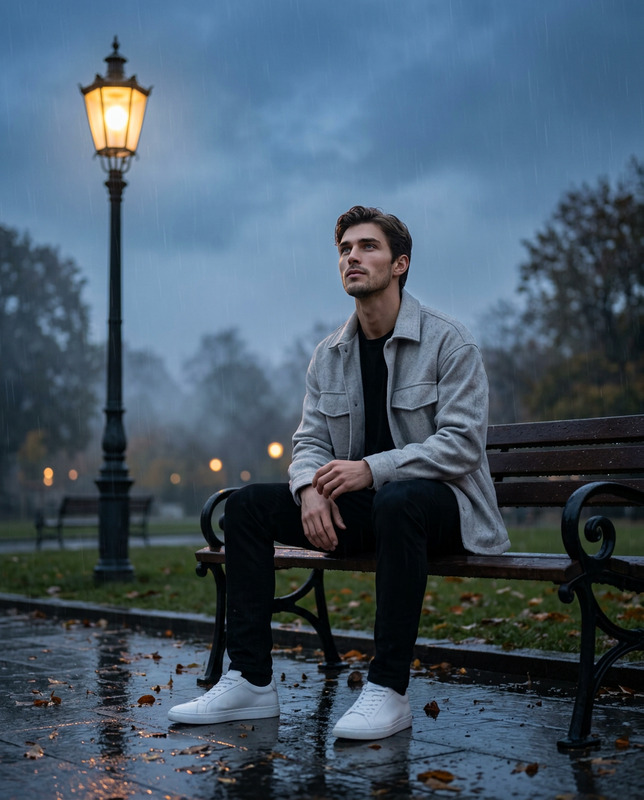
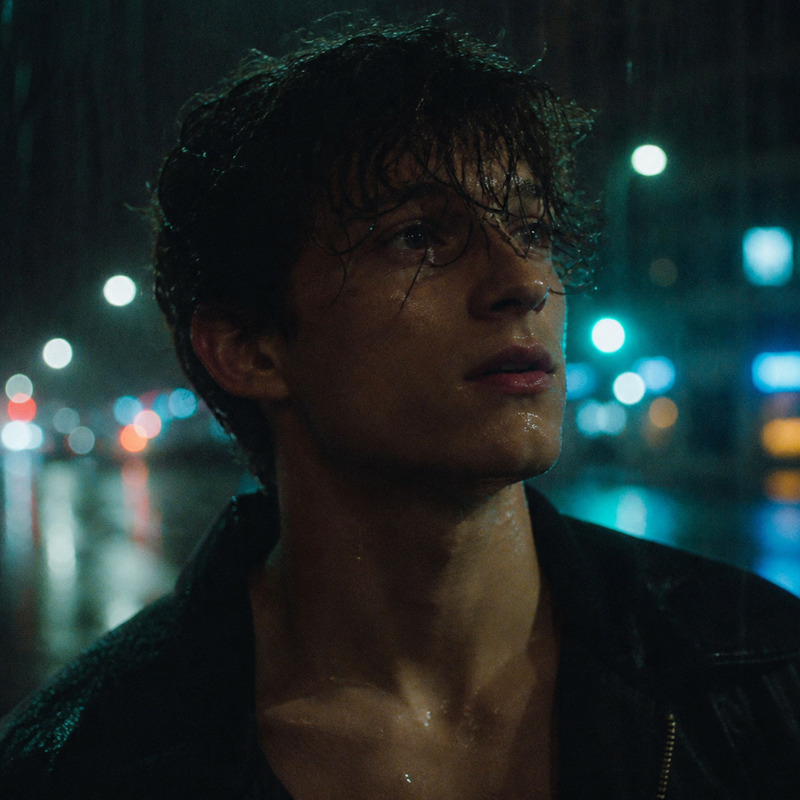
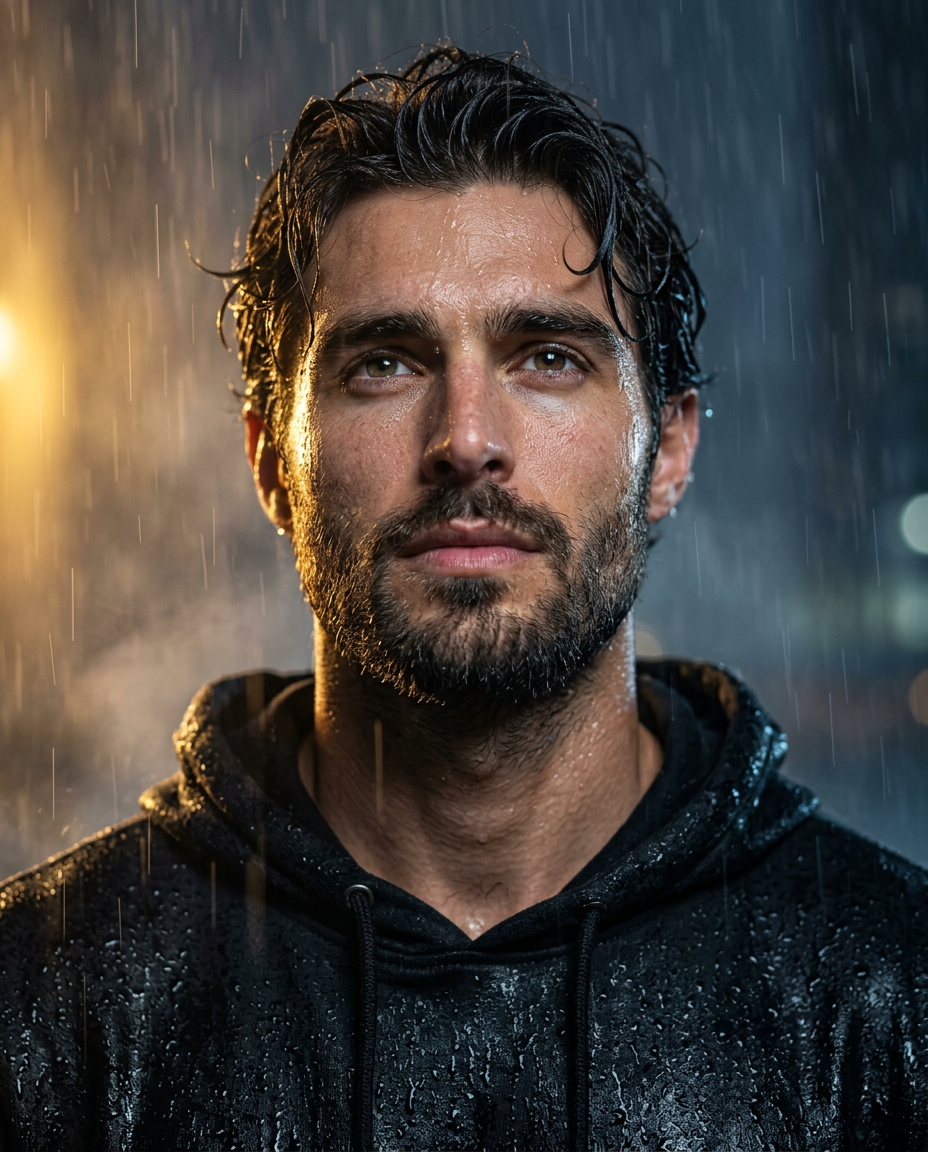
Create a hyper-realistic cinematic close-up portrait of a man(face match) standing in heavy rain at night, with wet, tousled hair, deep expressive eyes. He wears a soaked black hooded sweatshirt covered in realistic water droplets, with the hood resting behind his neck. His head is slightly tilted upward as he gazes into the distance with a calm, intense, reflective expression. Rainwater runs naturally across his forehead, cheeks, neck, and clothing, creating detailed wet skin texture and realistic specular highlights. Dramatic warm golden light glows from the left side, illuminating the edge of his face and creating soft cinematic bokeh, while a cool dark blue-grey stormy background fills the right side. Strong warm-and-cool colour contrast, atmospheric rain streaks, subtle mist, shallow depth of field, sharp focus on the eyes and facial details, cinematic moody lighting, realistic skin pores, detailed hair strands, natural anatomy, ultra-detailed photorealism, high dynamic range, 8K resolution, professional editorial photography, tight chest-up portrait, slightly low camera angle, 85mm lens, f/1.8 aperture, vertical composition, aspect ratio 4:5.Maintain natural skin texture; avoid a plastic or overly smooth appearance.
Any aspect ratio
Overview
"Lost In Dramatic Rain" leverages the cutting-edge capabilities of the nano-banana-2 model to transform your images into a riveting cinematic experience. Designed for the AI Image Editor template, this tool captures the emotion and atmosphere of a man caught in the midst of a heavy night rainstorm, creating a hyper-realistic portrait with fine details and dynamic lighting.
What It Does
This template creates a cinematic close-up of a man standing in the rain at night. By integrating features like realistic water droplets, expressive eyes, and vivid light contrasts, the result is a portrait that feels vividly lifelike. The template can enhance your project with professional quality, offering sharp focus on facial elements while preserving natural details like skin pores.
Who It's For
Ideal for photographers, visual artists, and content creators seeking to explore the depths of portrait photography through AI. It's particularly beneficial for those involved in editorial, advertising, or storytelling domains who need to create compelling visual narratives that stand out. The template pairs well with the AI Product Photography tool to ensure consistency in high-quality outputs.
Summary
Enhance your creative projects with "Lost In Dramatic Rain," a tool that combines cinematic aesthetics and realistic effects. Fine-tuned for users who seek dramatic visual storytelling, this template harnesses the potential of AI for artistic portrait enhancement. For a complementary tool that boosts image quality, explore our AI Image Upscaler as well.
How To
Choose the Template

Customize Your Image

Generate and Download

Use Cases
Editorial Portraits
Advertising Campaigns
Book Covers
Creative Projects
Best Practices
Focus on Expression
Ensure the subject's facial expressions align with the dramatic theme to create a compelling story.Highlight with Lighting
Leverage lighting contrasts to accentuate key features and enhance the scene's mood.Preserve Natural Textures
Maintain the natural texture of the subject's skin to avoid an artificial look, adding depth to the image.