Giant in a Tiny Library
- Model
- GPT Image 2
- Image
- 1024 × 1024 px
Prompt
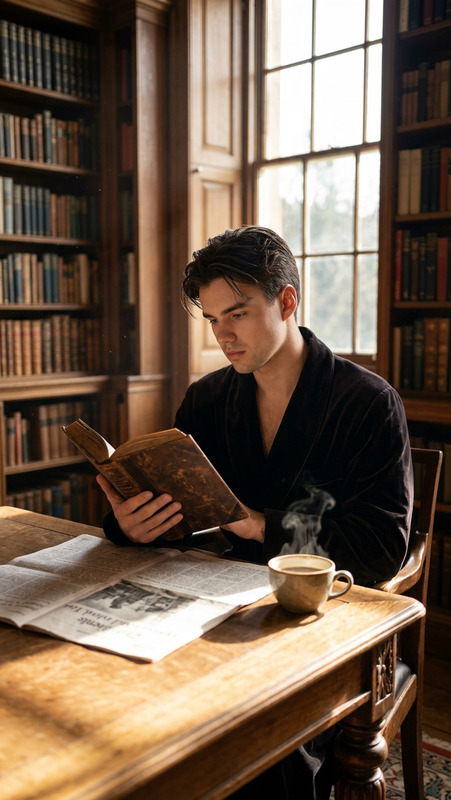
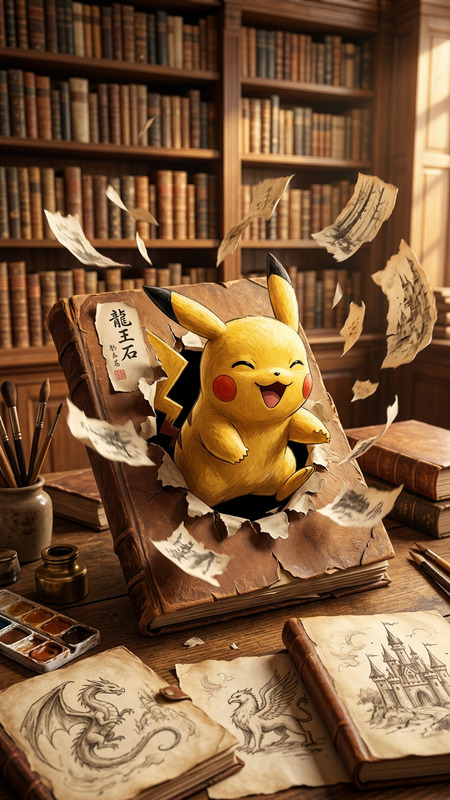
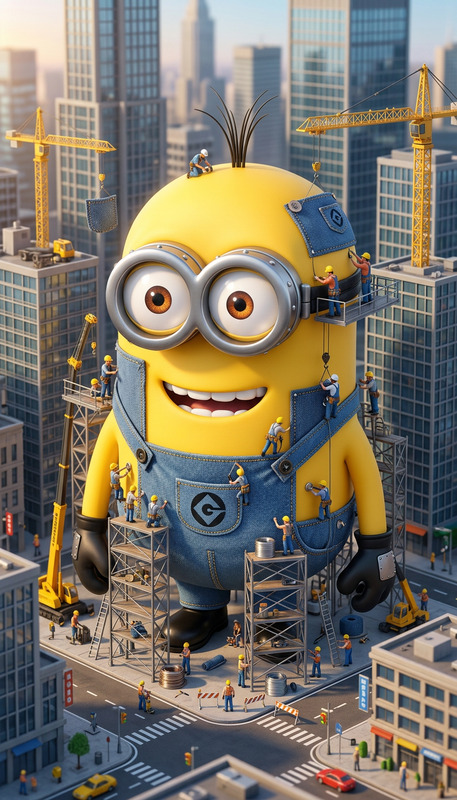
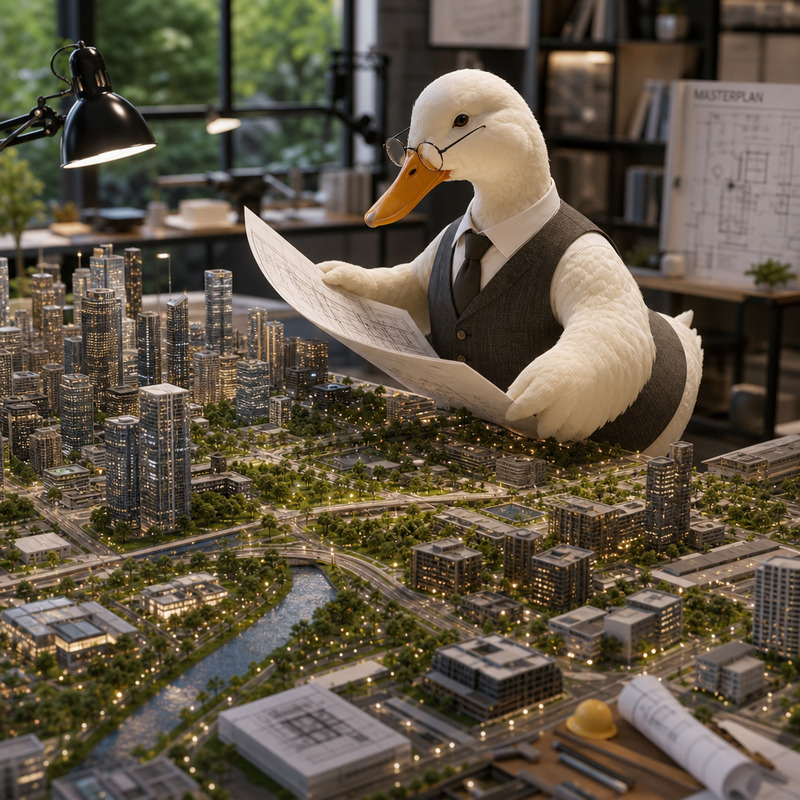
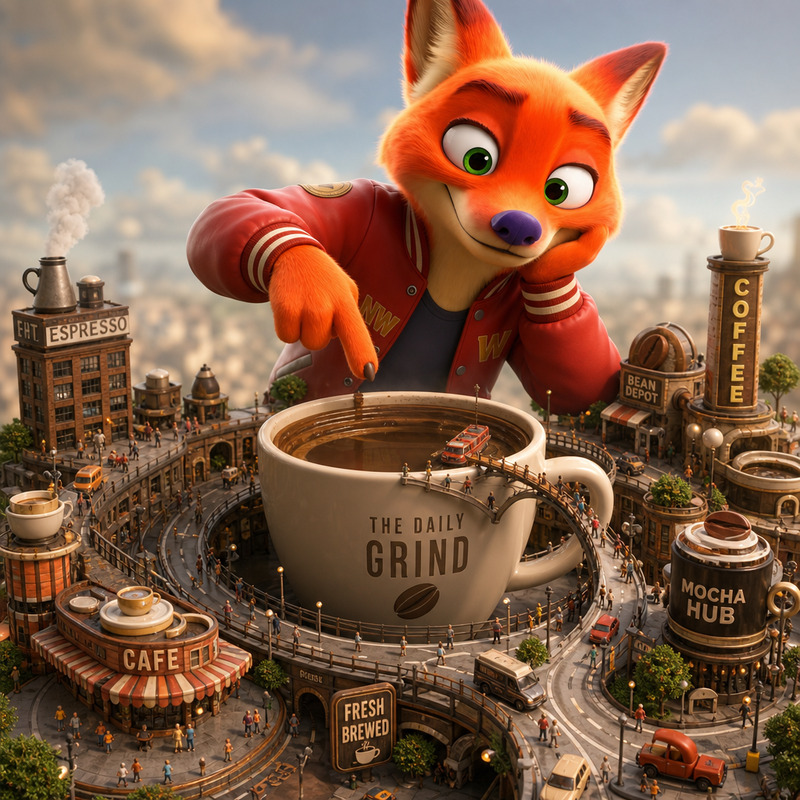
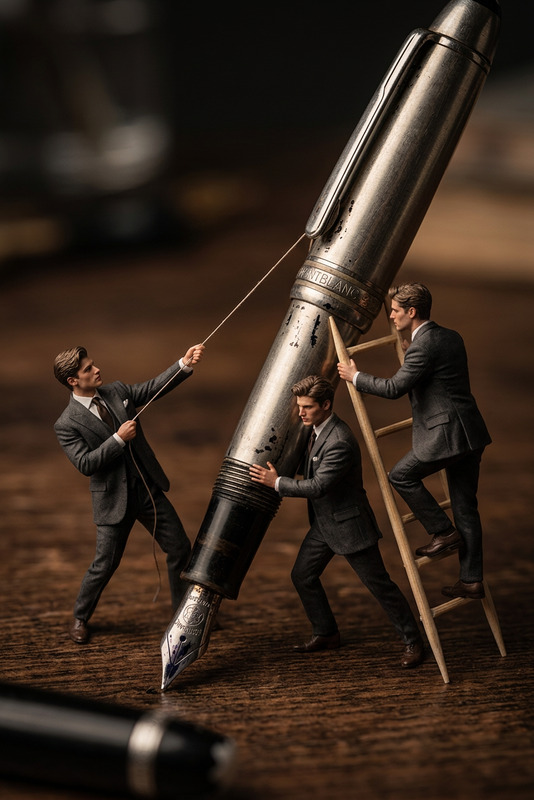
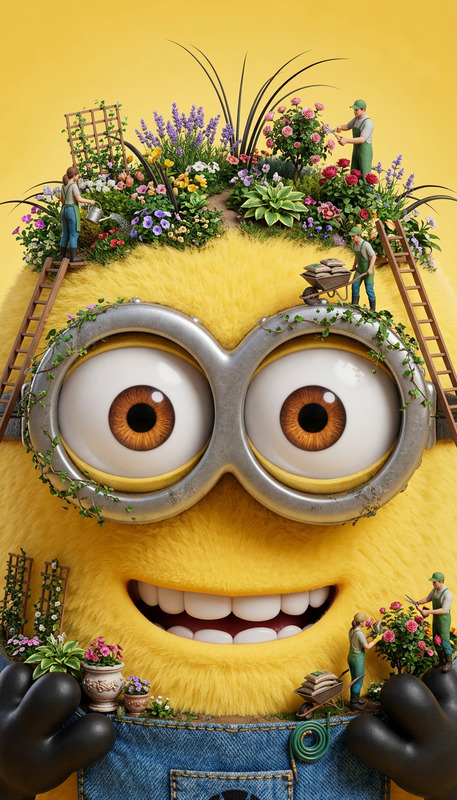
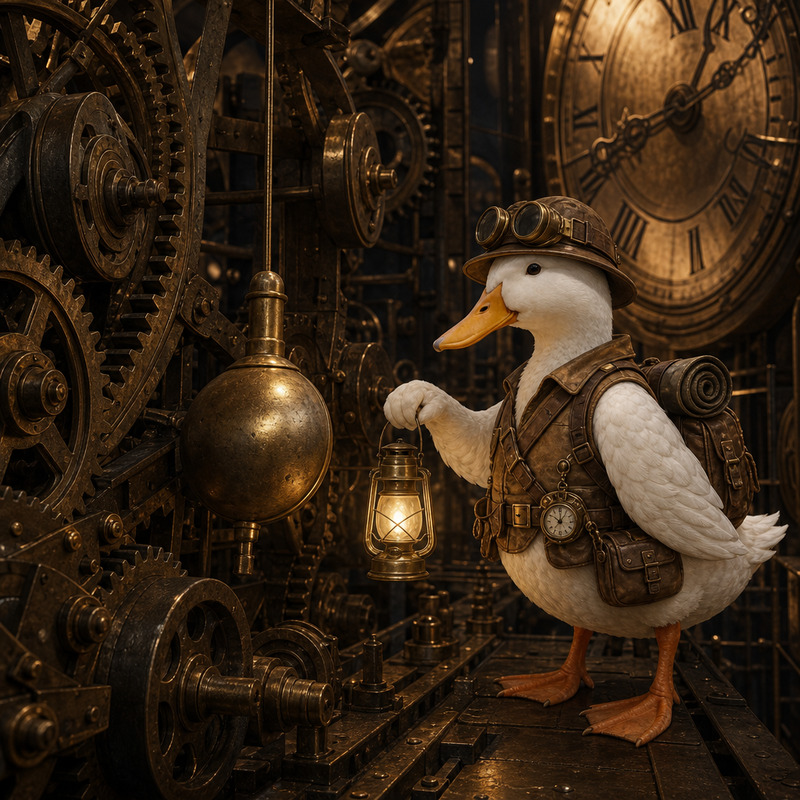
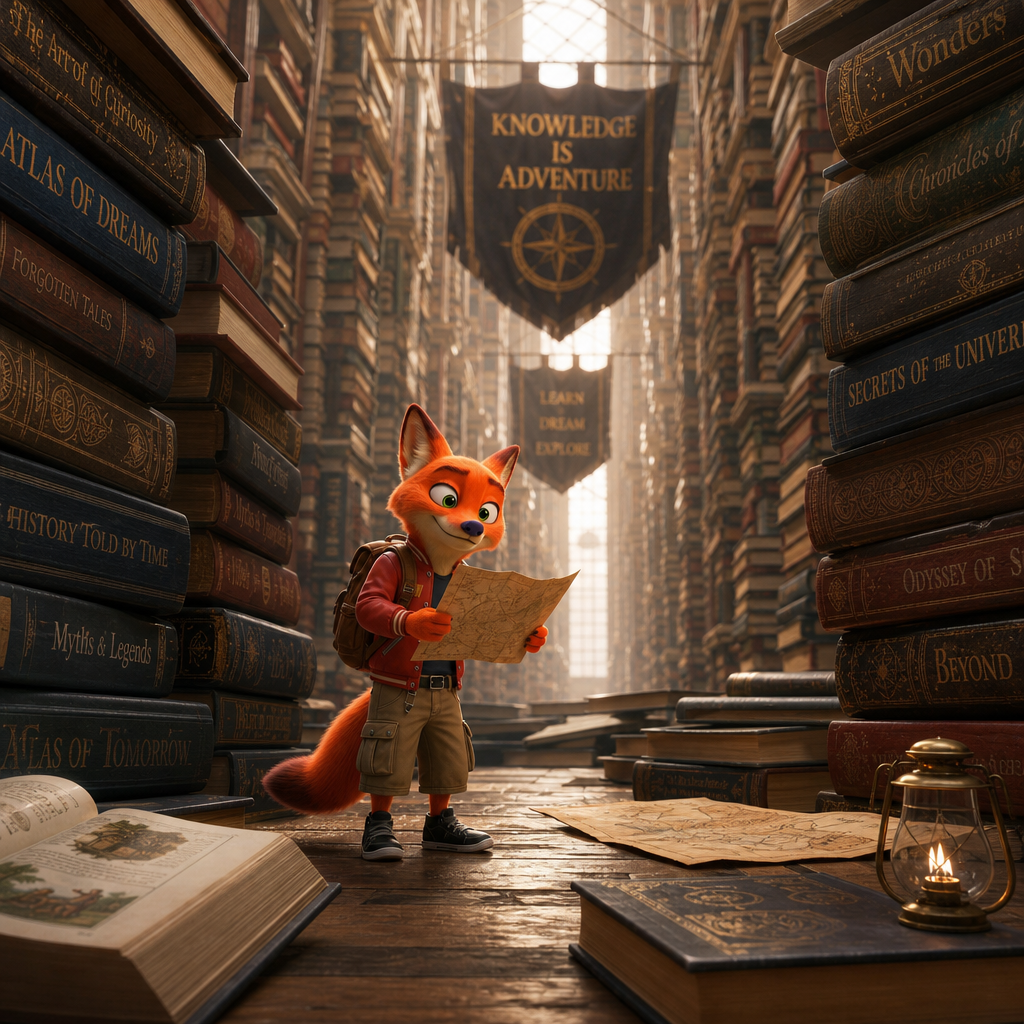
Transform the subject into a miniature person exploring a massive library where books tower like skyscrapers and bookshelves stretch endlessly into the distance.
Any aspect ratio
Overview
The Giant in a Tiny Library template is part of the AI Image Editor suite on Magic Hour. Designed using the gpt-image-2 model, this template enhances creative storytelling by transforming the ordinary into extraordinary visuals. Experience your subjects as miniature explorers wandering through vast, towering libraries where every book is a colossal monument.
What It Does
This template lets you transform a regular photo into a whimsical scene where the subject appears tiny against the backdrop of an enormous library. Books become skyscrapers and shelves seem endless, inviting viewers on a journey of the imagination. Alongside similar transformative tools like the Face Swap or AI Clothes Changer, this template offers a unique twist on digital storytelling.
Who It's For
Giant in a Tiny Library is perfect for content creators, educators, and anyone in need of visually striking, imaginative content. Whether you're designing for a child's book, detailing a whimsical story, or creating engaging social media content, this tool provides an unparalleled visual impact. It's particularly useful for those involved in explainer videos and reel creation.
Summary
Explore realms of creativity with the Giant in a Tiny Library template. Built for flexibility and artistry, it transforms mundane settings into engaging visual narratives. Easily integrated with other Magic Hour tools, such as the AI Video Generator, it offers endless possibilities for enhancing your creative projects.
How to Use
Choose Your Template

Customize Your Image

Generate Your Output

Use Cases
Social Media Content
- Create eye-catching Instagram posts
- Enhance storytelling in Facebook content
Children's Books
- Illustrate fairy tales with creative visuals
- Develop unique book covers
Marketing Materials
- Design striking promotional banners
- Craft engaging digital ads
Best Practices
Select High-Quality Images
Ensure the original image is of high resolution to maintain clarity after transformation.Emphasize Scale
Highlight the contrast between the subject and the library to maximize visual impact.Use Thoughtful Composition
Frame the subject and background strategically to tell a cohesive story.