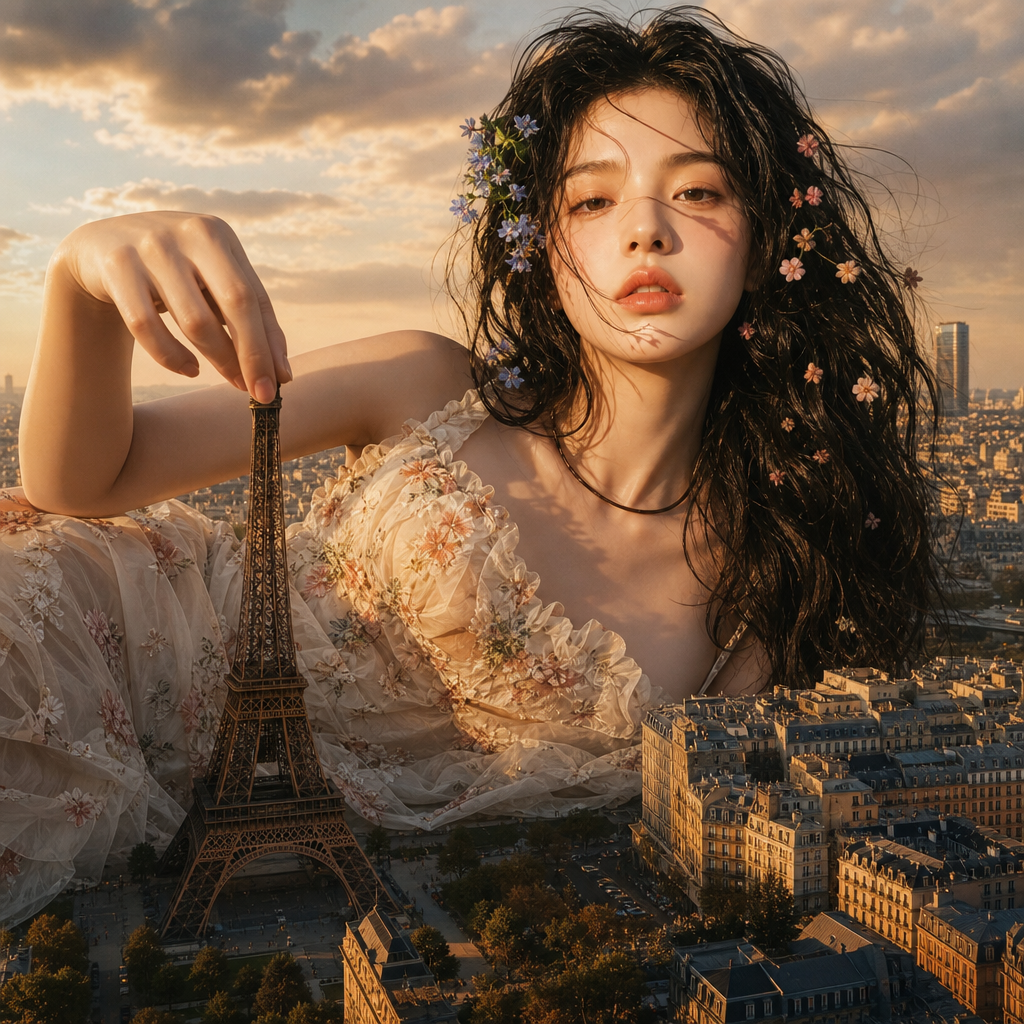
Big In The City
- Model
- GPT Image 2
- Image
- 1024 × 1024 px
Prompt
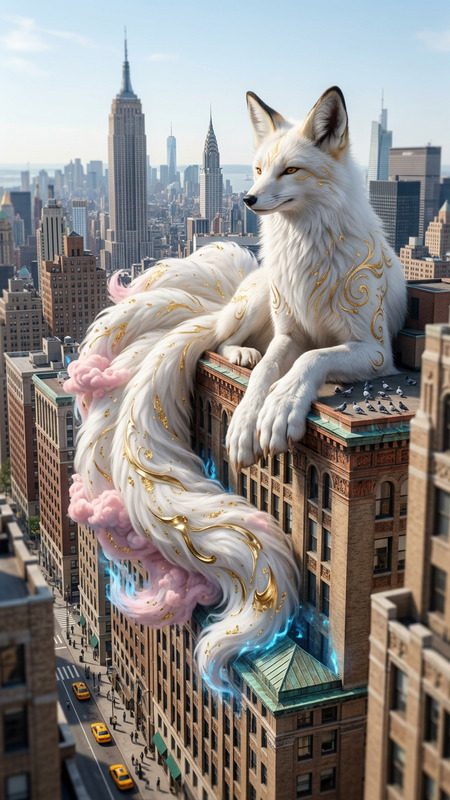
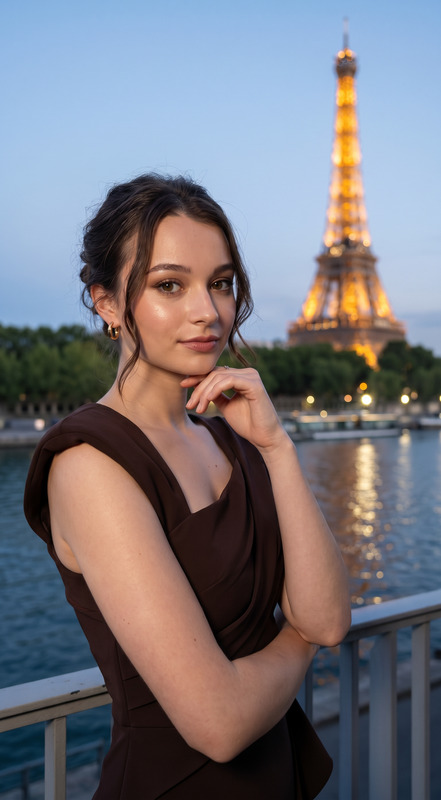
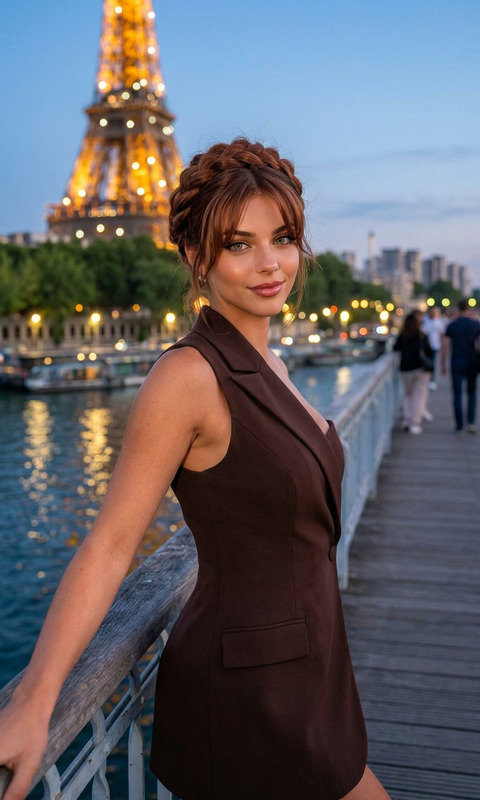
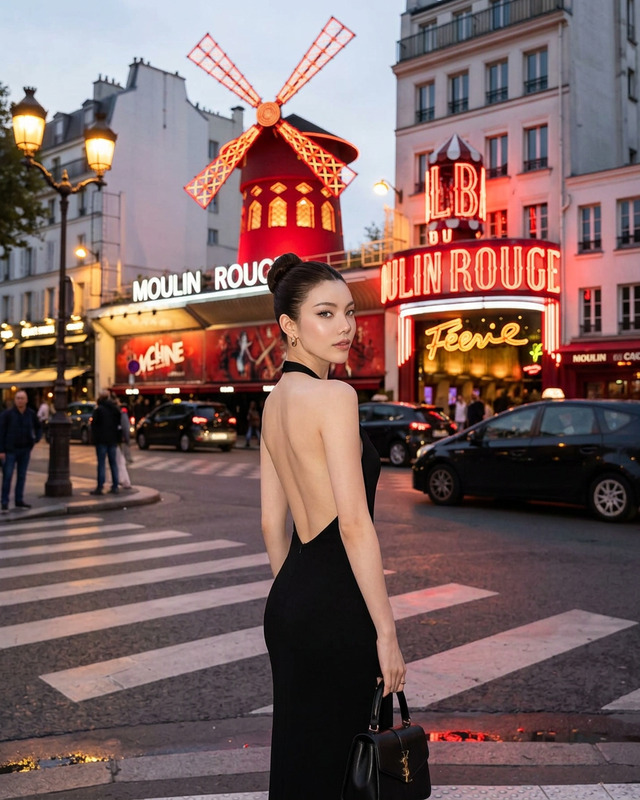
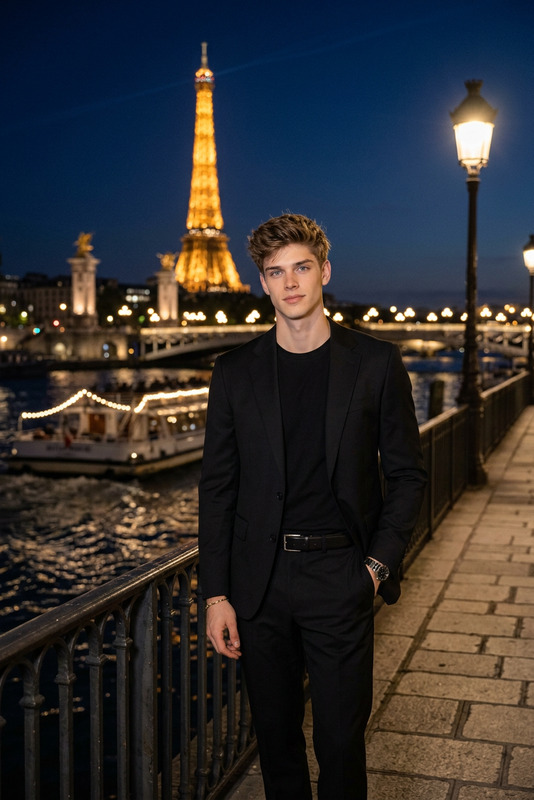
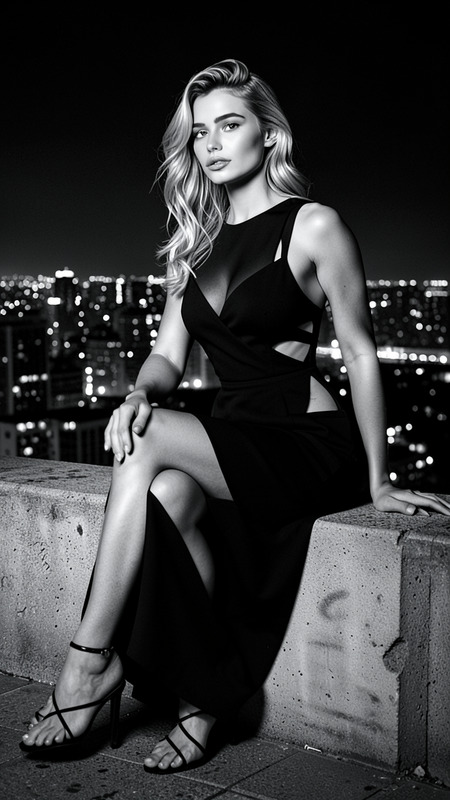
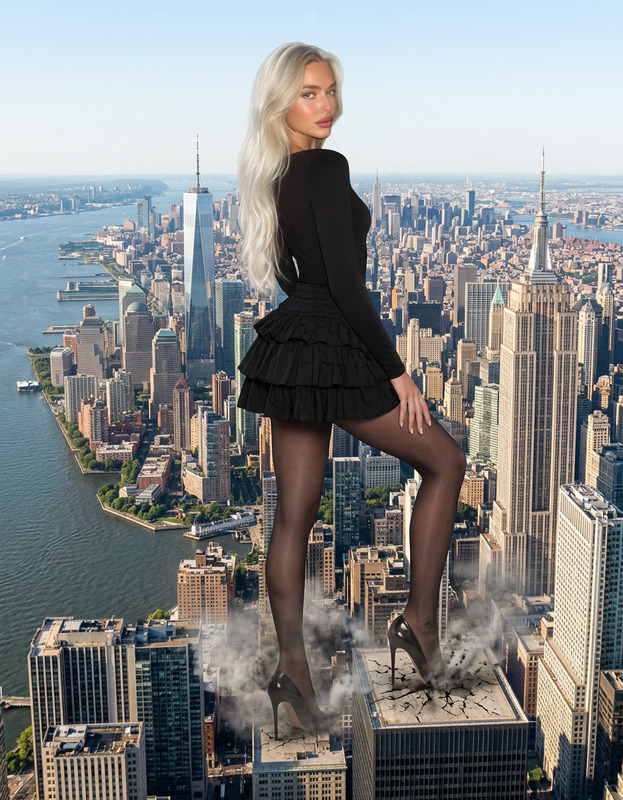
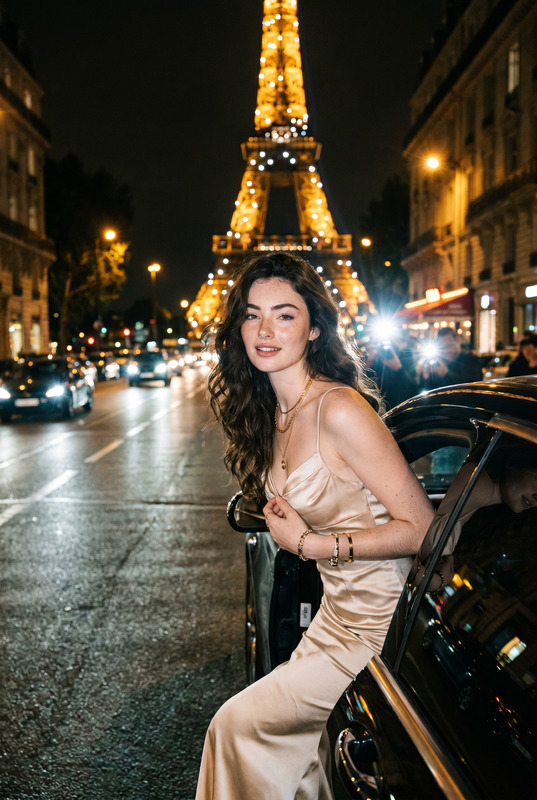
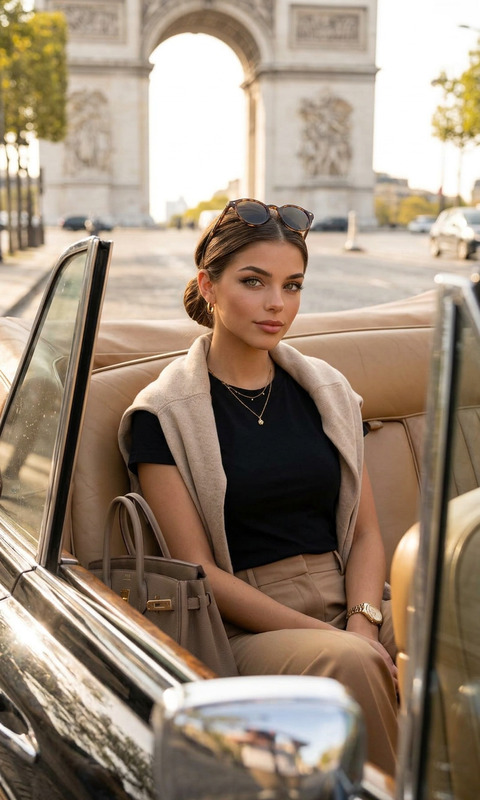
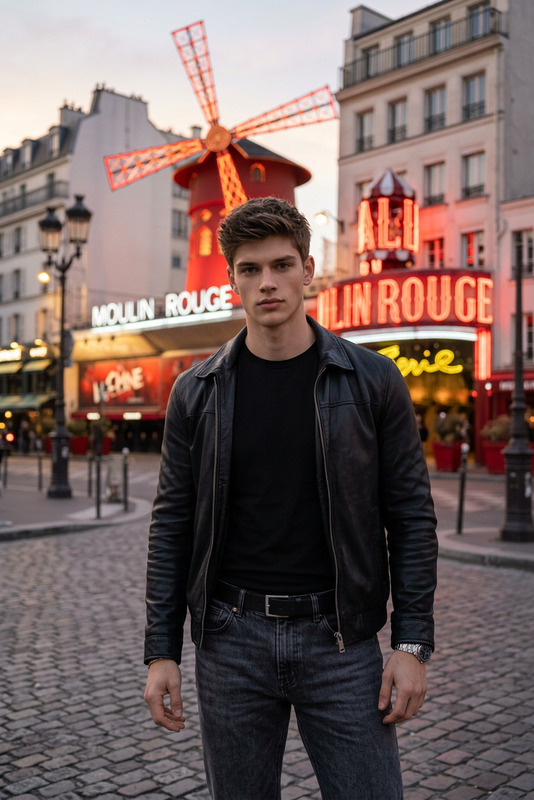
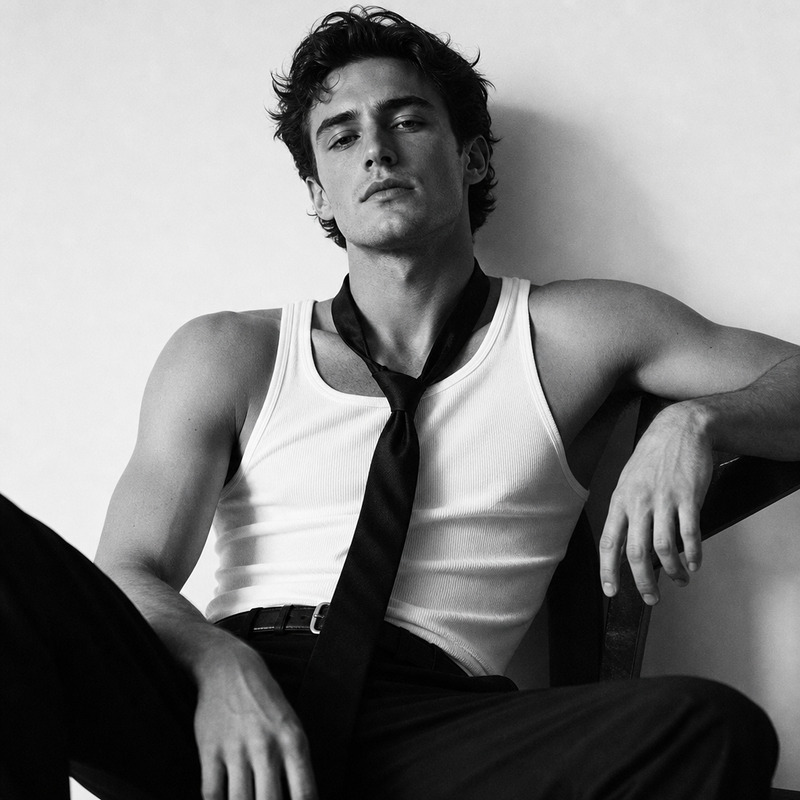
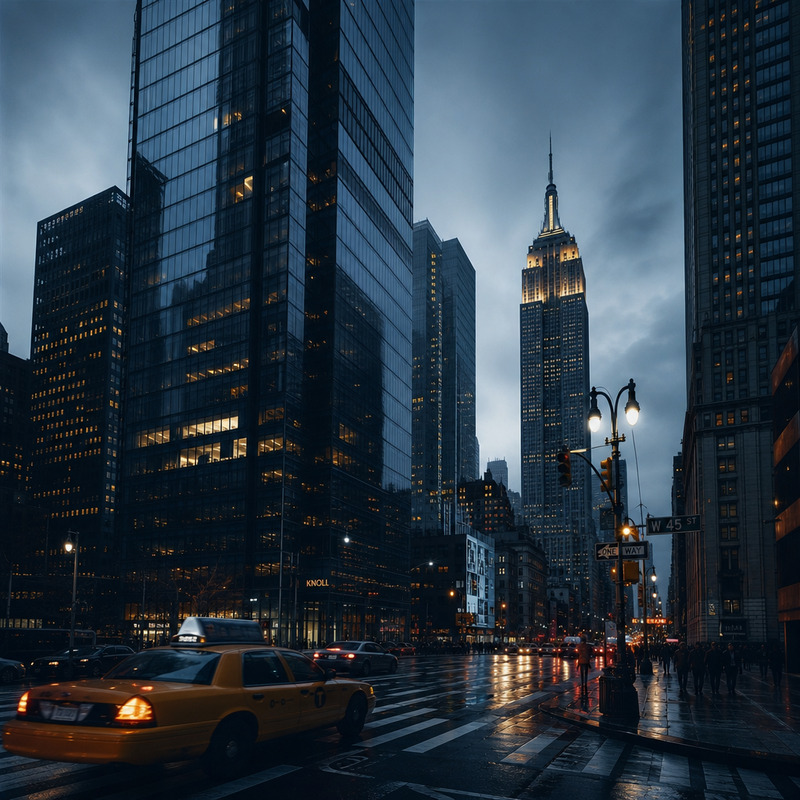
A surreal fashion scene: the reference character is depicted as a giant over Paris during golden hour, reclining above the city and playfully holding the Eiffel Tower between his fingers, looking at the camera with a confident, slightly mischievous expression. The shot is framed like a luxurious fashion shoot, with warm lighting, a realistic urban background, and a cinematic atmosphere that emphasizes scale and elegance.
Any aspect ratio
Overview
Welcome to the "Big In The City" template, a unique tool using the gpt-image-2 model to create surreal fashion scenes. Envision your subject as a towering giant over Paris, playfully interacting with its iconic skyline.
What It Does
This template elevates your images by transforming the subject into an imaginative giant in a luxurious fashion setting. It combines elements like warm lighting, urban backdrops, and cinematic framing to deliver visuals that emphasize scale with elegance.
Perfect for those looking to experiment with visual storytelling, it can add a dreamy yet sophisticated touch to any fashion-oriented project. Consider blending this with our AI Face Editor for detailed enhancements, or explore the AI Image Generator for creative inspiration.
Who It's For
"Big In The City" is ideal for photographers, fashion designers, and marketers who aim to showcase their subjects in a larger-than-life context. Creatives who enjoy merging fantasy with reality will find this template particularly appealing.
Additionally, this tool can enhance projects like marketing campaigns or fashion editorials, encouraging exploration of unique concepts. Pair it with the Image to Video converter to bring still images into dynamic motion scenes.
Summary
With the "Big In The City" template, you can craft surreal urban fashion images where grandeur meets elegance. Leveraging the power of gpt-image-2, this tool helps you redefine visual narratives.
Discover other options like AI Product Photography to broaden your creative toolkit.
How-To
Choose Your Template

Customize Your Scene

Generate Your Image

Use Cases
Fashion Editorials
- Add surreal elements to high fashion photography
- Engage viewers with unique concepts
Marketing Campaigns
- Enhance brand storytelling
- Draw in audiences with striking images
Storyboard Development
- Explore fantastical settings
- Create preliminary visuals
Best Practices
Use High-Quality Images
Ensure your input images are high-resolution for the best output quality.Experiment with Lighting
Play with lighting settings to enhance the surreal and luxurious feel.Pair with Other Tools
Combine with tools like the AI Image Upscaler for improved detail and definition.