Architect of a Miniature City
- Model
- GPT Image 2
- Image
- 1024 × 1024 px
Prompt
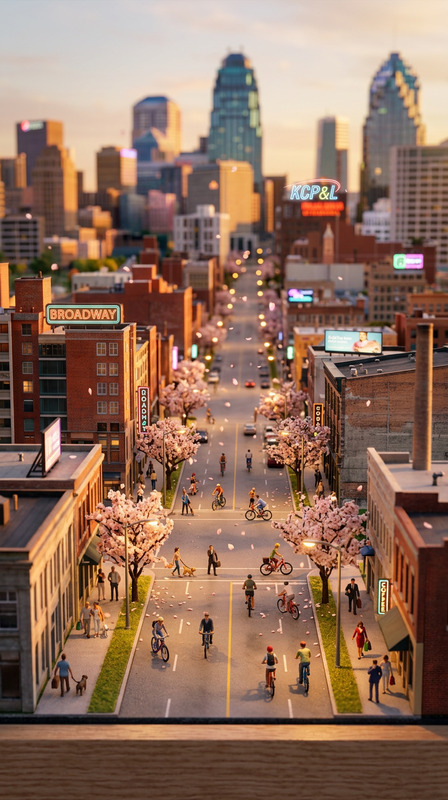
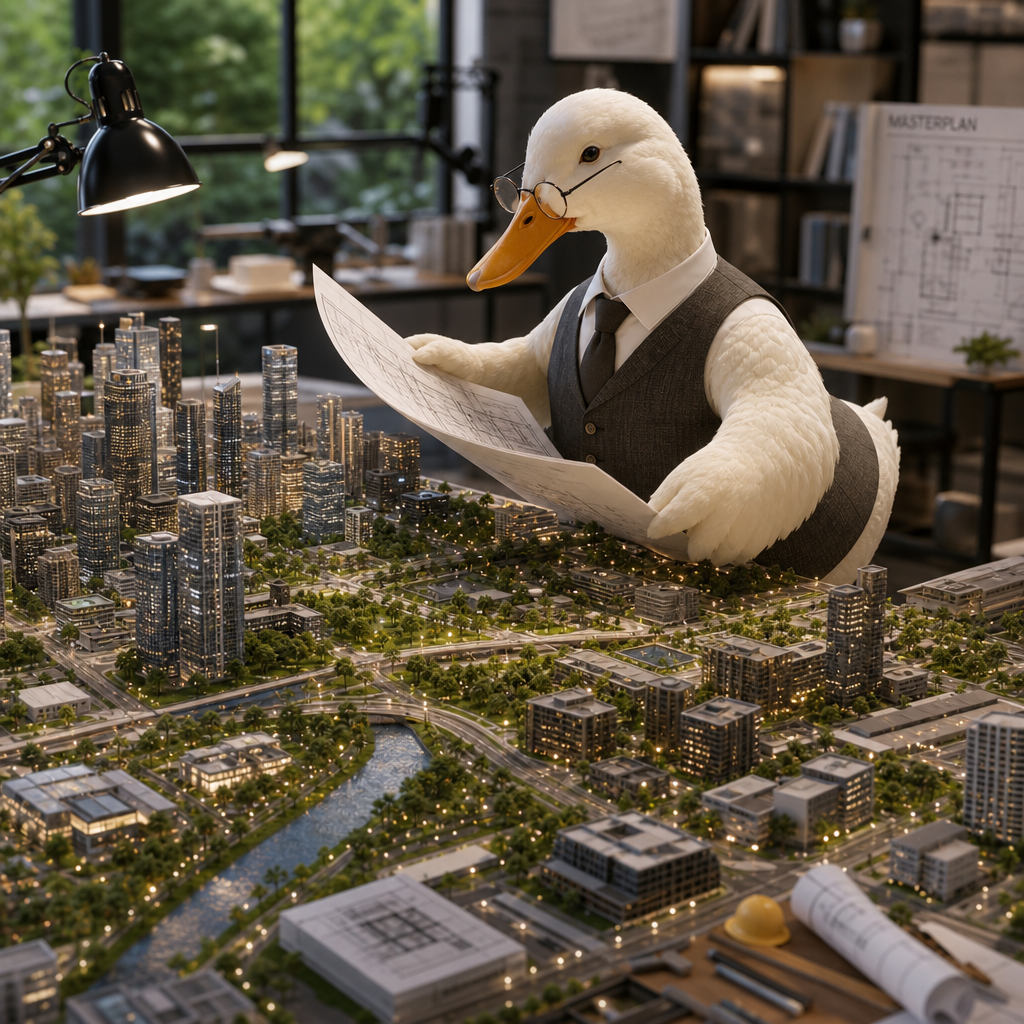
Transform the subject into an architect reviewing a highly detailed miniature city built across a giant worktable. Skyscrapers, roads, and parks stretch across the desk like a living metropolis.
Any aspect ratio
Overview
The "Architect of a Miniature City" template uses the AI Image Editor model gpt-image-2 to transform your images into captivating architectural scenes. This template allows you to visualize a miniature cityscape sprawling across a worktable, ideal for professionals in architecture and design.
What It Does
This template can take any photo containing a subject and morph it into a scene where they appear to be an architect inspecting detailed models of skyscrapers, roads, and parks. It harnesses the power of AI Image Editor capabilities to produce visuals that are both high-quality and imaginative, suitable for presentations or creative brainstorming sessions.
Who It's For
Architects, designers, and creative professionals will find this template particularly useful for showcasing planning ideas or city designs in a visually engaging manner. It's also fitting for educators in urban planning to use for teaching purposes, allowing students to visualize city layouts in a creative context. Explore related tools like the Image to Video function for enhancing presentations further.
Summary
"Architect of a Miniature City" is a powerful tool for anyone involved in the design and architecture space who wishes to create immersive and detailed city scenes easily. The result is a striking and detailed image that stands out in any professional setting. Consider using complementary tools like the AI GIF Generator to bring still scenes to life.
How To
Choose Template

Customize Inputs

Generate Image

Use Cases
Architectural Presentations
- Create compelling visuals for pitches
- Engage your audience with innovative layouts
Creative Brainstorming
- Inspire new urban layouts
- Collaborate on design aspects
Educational Tools
- Bring static lessons to life
- Encourage interactive learning
Best Practices
Select High-Quality Images
Ensure the original image is clear and well-lit to allow for the best possible transformation results.Customize Thoughtfully
Adjust parameters to highlight specific elements of the city or blend backgrounds for a seamless look.Experiment with Angles
Try different perspectives to add depth and dimension to your miniature city scenes.