Walking Out of a Photograph
- Model
- Nano Banana 2
- Image
- 768 × 1365 px
Prompt
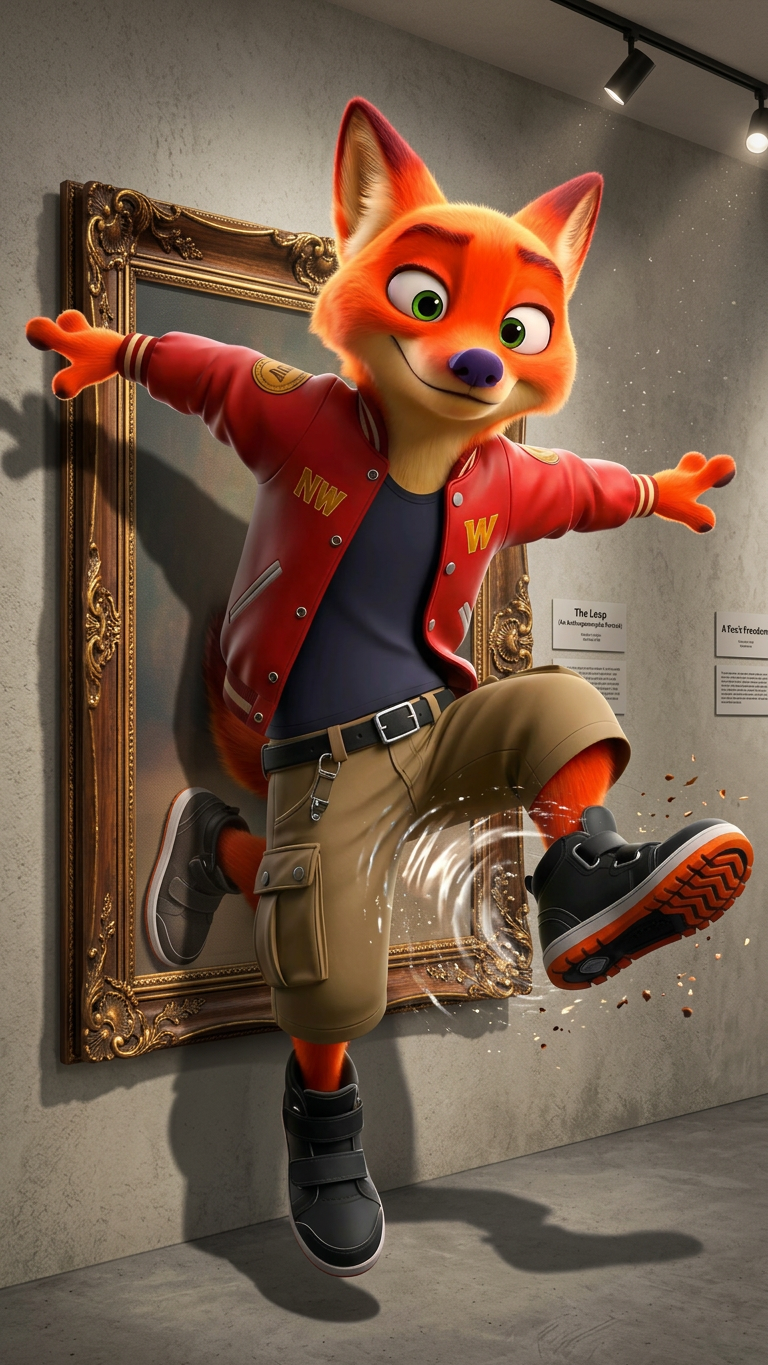
Transform the subject as if stepping out from a framed photograph mounted on a gallery wall. One foot remains inside the image while the rest of the body enters the real world, seamless visual illusion.
Any aspect ratio
Overview
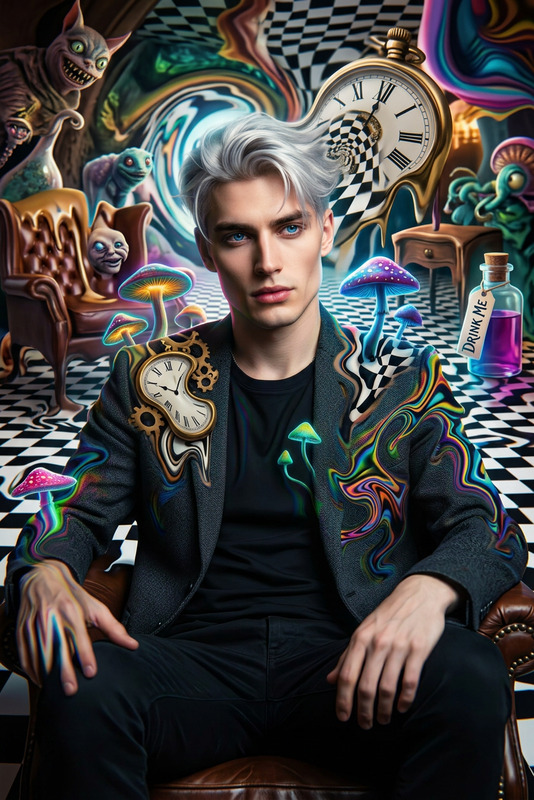
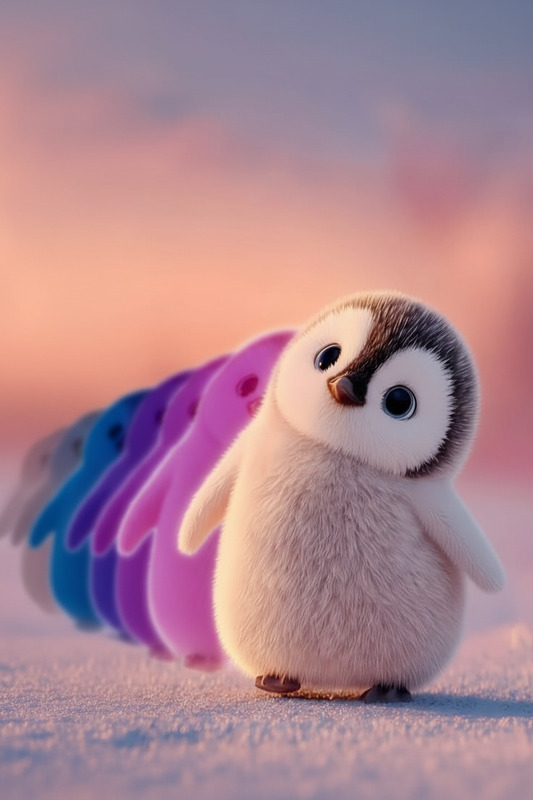
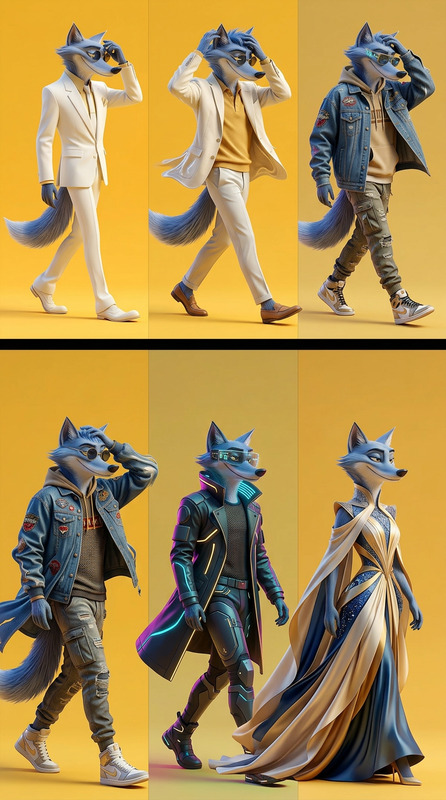
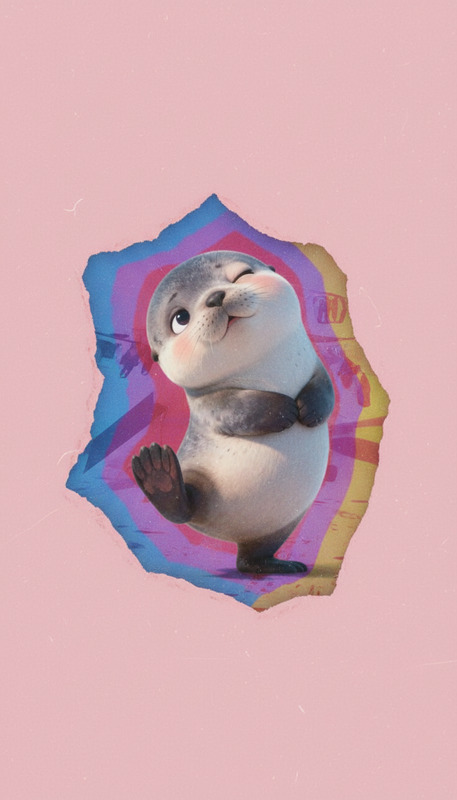
The "Walking Out of a Photograph" template is a captivating take on image editing, designed specifically for creating a visual effect where the subject seems to be stepping out of a framed photograph. Using the advanced nano-banana-2 model, this template provides an inventive touch to static images, transforming them into dynamic pieces of art.
What It Does
This template allows users to craft the illusion of a subject stepping out from a traditional framed photograph into reality. Key elements such as one foot remaining inside the frame while the rest of the body appears to enter the real world are crucial for the effect. The result is a seamless blend that creates a stunning visual narrative.
Experience the unparalleled capabilities of AI Image Editor to breathe life into your images, seamlessly integrating motion with still photographs.
Who It's For
This template is perfect for content creators and photographers looking to add a surreal element to their work. It's ideal for social media influencers, digital artists, and promotional content producers who want to engage their audience through creative visual storytelling.
Additionally, those involved in product video creation can enhance their projects by incorporating dynamic imagery into their advertising campaigns.
Summary
The "Walking Out of a Photograph" template is designed to elevate ordinary images into extraordinary experiences. Leveraging the cutting-edge features of the AI Image Editor, users can bridge the gap between stillness and motion, creating art that captivates viewers and sparks imagination.
How To
Choose Your Template

Customize Your Image

Generate Your Creation

Use Cases
Social Media Enhancement
- Capture audience attention with innovative visuals.
- Increase engagement through eye-catching content.
Digital Art Projects
- Add depth and expression to digital canvases.
- Develop unique art styles through innovative effects.
Advertising Campaigns
- Make product ads more interactive and lively.
- Convey an additional narrative through visuals.
Best Practices
Select High-Quality Images
Use high-resolution images to ensure clarity and detail when applying the effect.Define Clear Subject Boundaries
Ensure the subject is clearly distinguishable from the background to enhance the illusion.Experiment with Angles and Perspectives
Try different perspectives for a more dynamic effect, elevating the visual intrigue.