World Shift
- Model
- Nano Banana
- Image
- 768 × 1344 px
Prompt
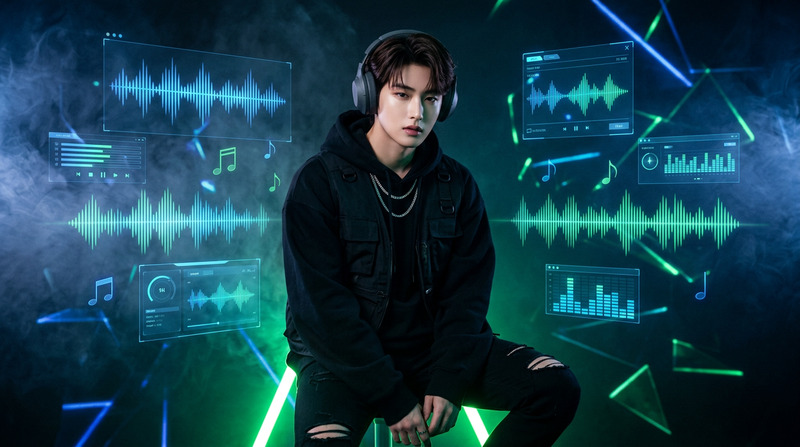
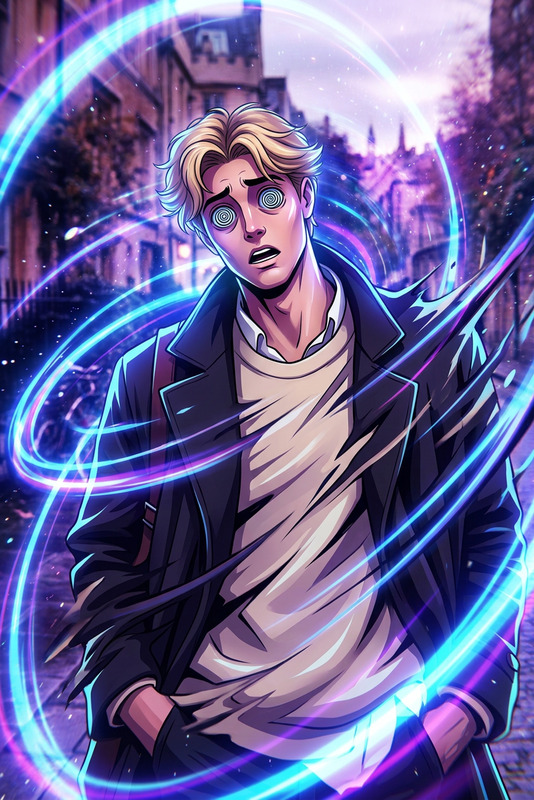
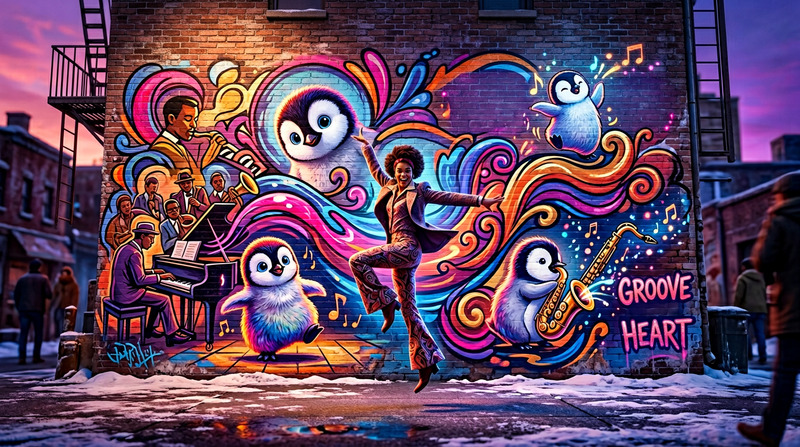
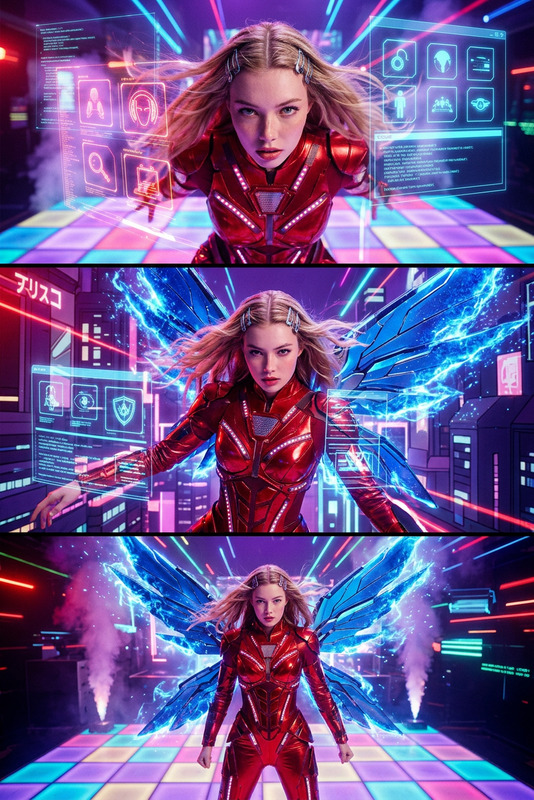
A subject stands in place performing rhythmic foot taps and subtle bouncing synced to a smooth jazz beat. Each footstep triggers an instant seamless transformation of the background into different environments like city streets, beach, forest, desert, and neon cyberpunk. The subject remains fixed in position and scale while lighting adapts realistically to each scene. Fluid transitions, cinematic style, groovy motion, high detail, dynamic visual effects.
Any aspect ratio
Overview
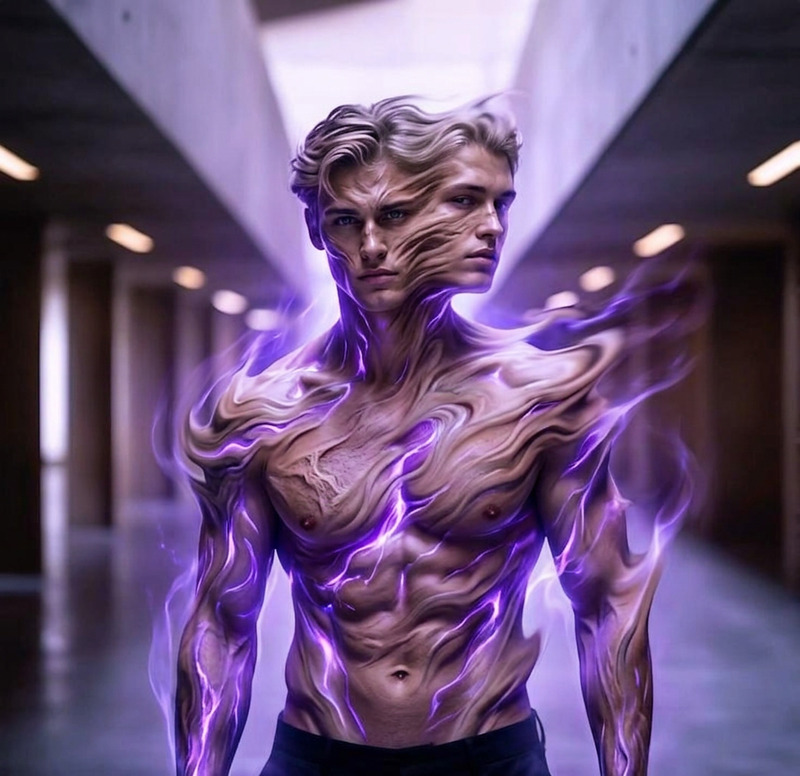
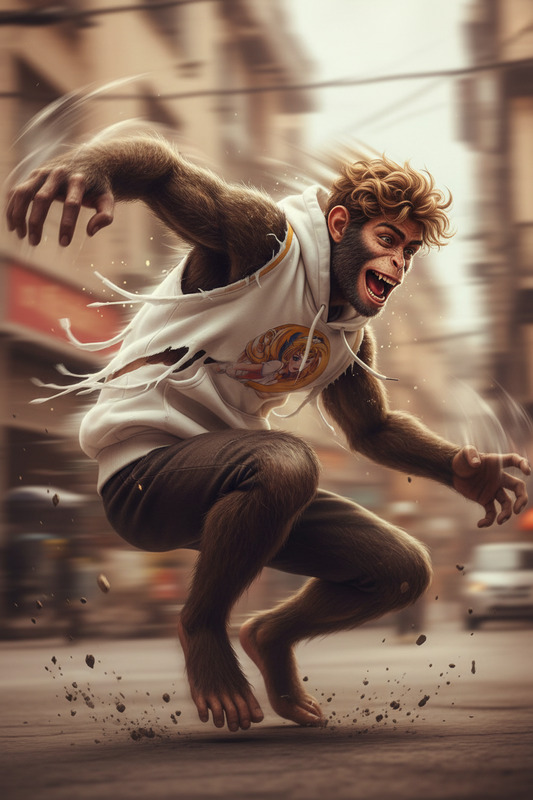
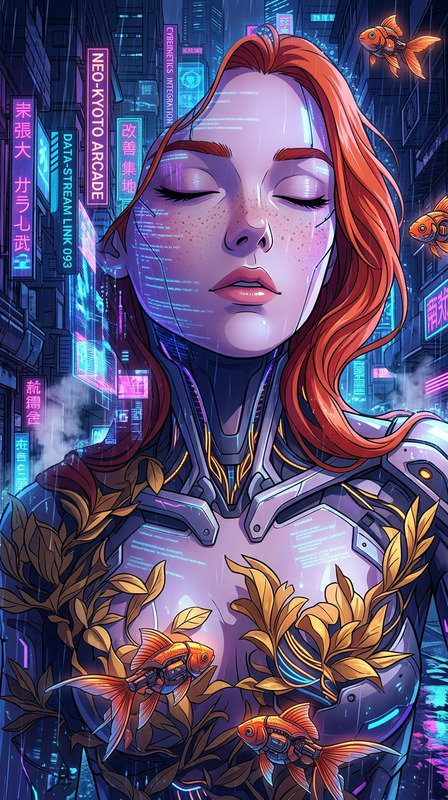
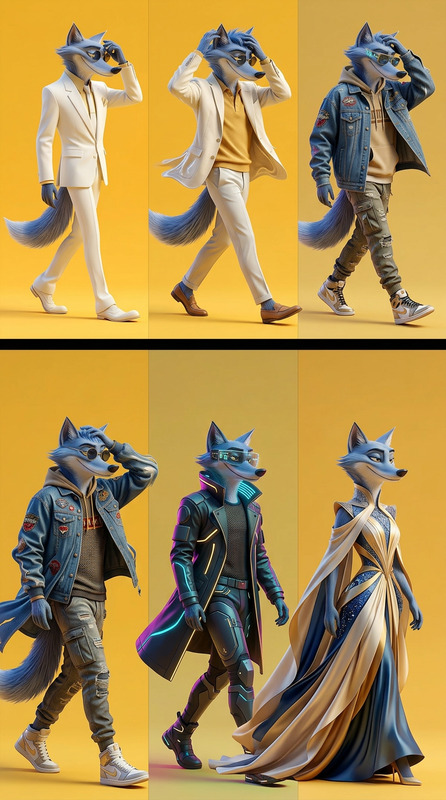
World Shift is a powerful tool under the AI Image Editor category, designed to revolutionize your visual projects. By harnessing the nano-banana model, it allows creators to inject dynamic backgrounds with seamless transitions into static subjects, creating a vivid and engaging experience.
What It Does
World Shift transforms simple images into immersive visual stories. The template utilizes sophisticated algorithms to maintain the subject's position while rhythmically changing backgrounds with fluid transitions. Whether it's a bustling cityscape or a serene beach, each shift in environment adapts the lighting and effects to maintain a cohesive and realistic scene.
Who It's For
Ideal for content creators looking to add an artistic flair to their projects, World Shift is perfect for those in the film, advertising, and art industries. It's especially useful for video creators who leverage tools like Audio to Video to synchronize sound with visuals.
Summary
World Shift empowers users to produce high-quality, dynamic visuals that capture the audience's attention. With capabilities that align with professional standards, including a Lip Sync feature for enhancing performances, this tool is a must-have for any multimedia arsenal.
How to Use World Shift
Choose Your Template

Customize Your Scene

Generate and Download

Use Cases
Social Media Content
- Visual storytelling that captivates viewers
- Appealing effects for shareable content
Marketing Campaigns
- Enhance product showcase with intriguing backgrounds
- Effectively convey brand stories
Music Videos
- Perfect rhythm and transitions
- Cinematic flair to music compositions
Best Practices
Select Cohesive Backgrounds
Choose backgrounds that complement the subject and fit the narrative flow.Optimize Lighting Settings
Ensure each scene's lighting adapts naturally to create seamless transitions.Use High-Resolution Images
Starting with high-quality images improves the overall output and detail.