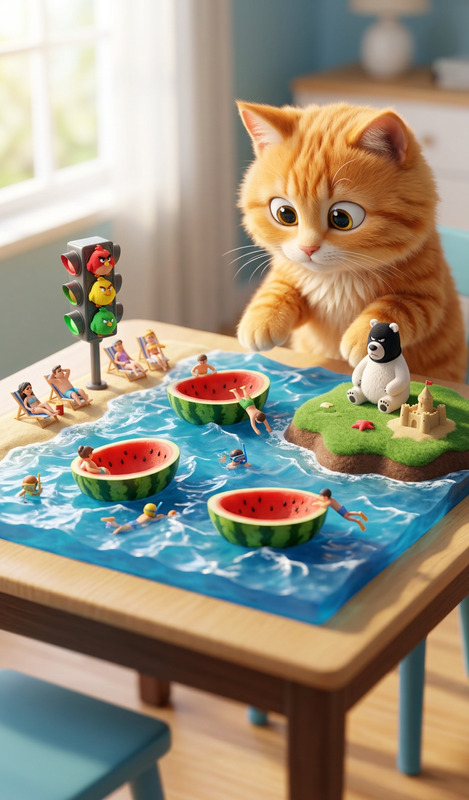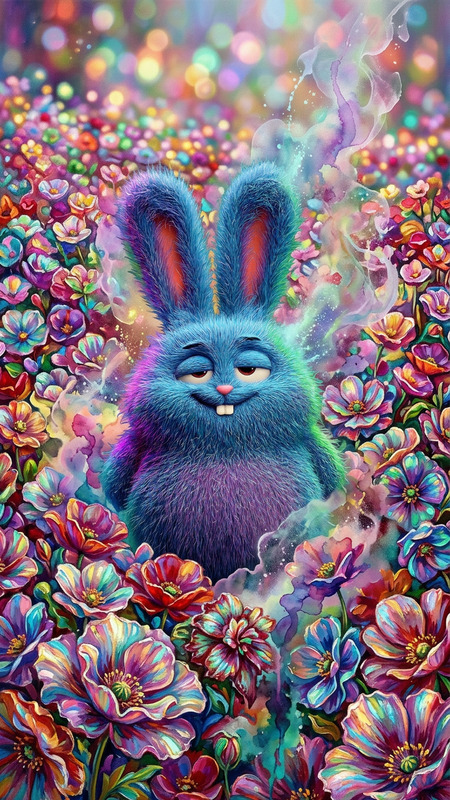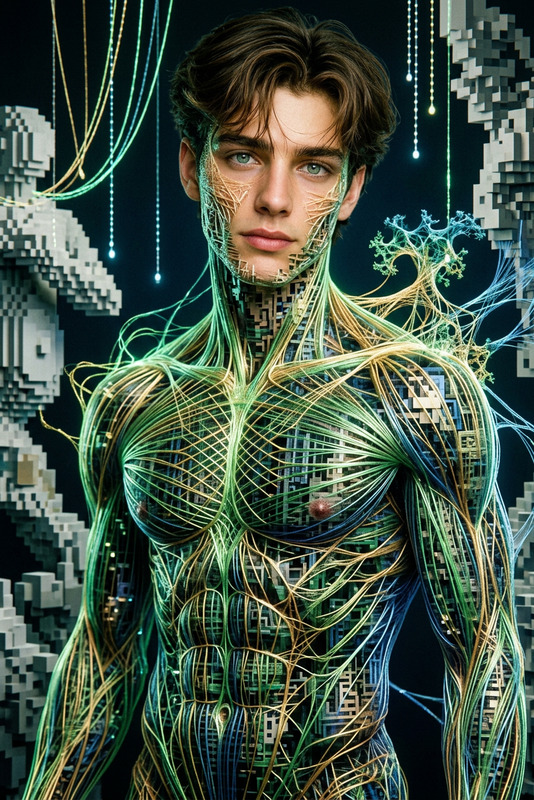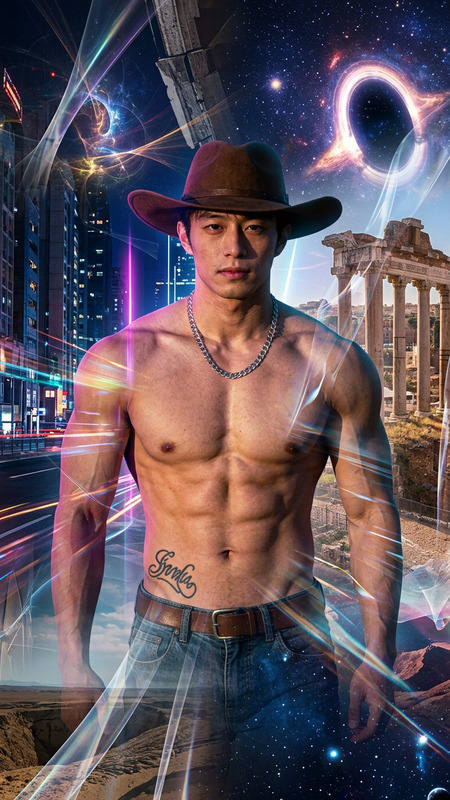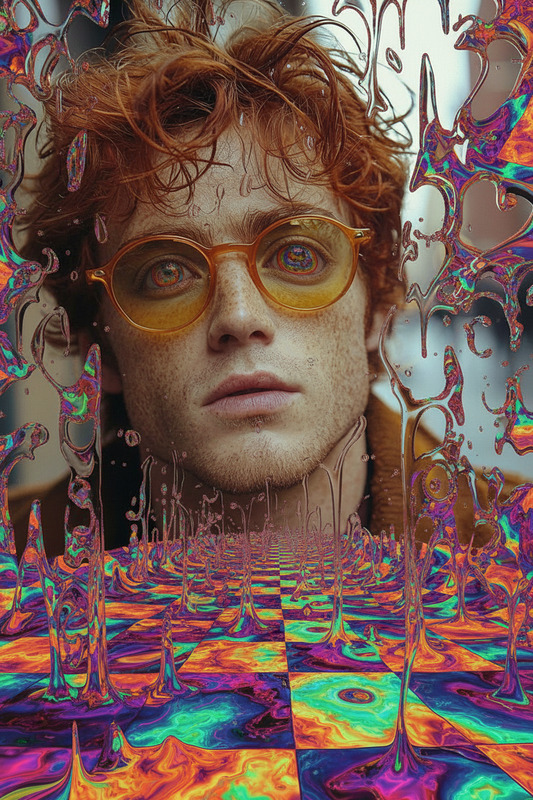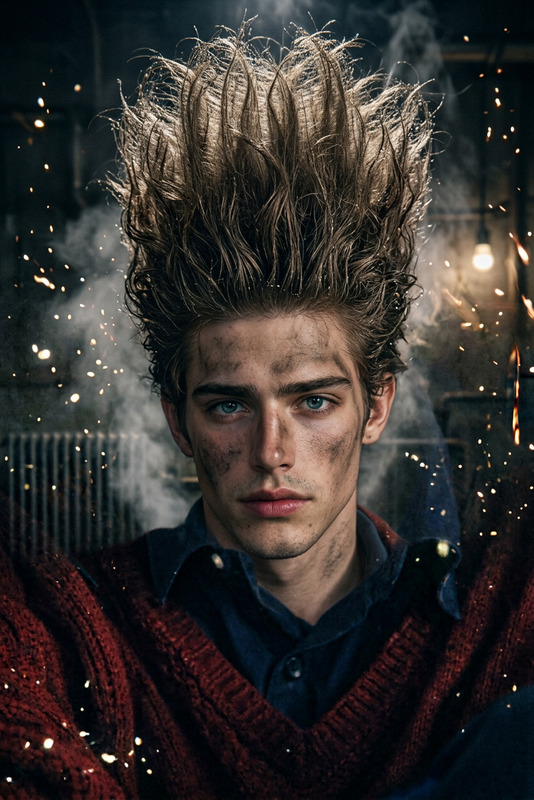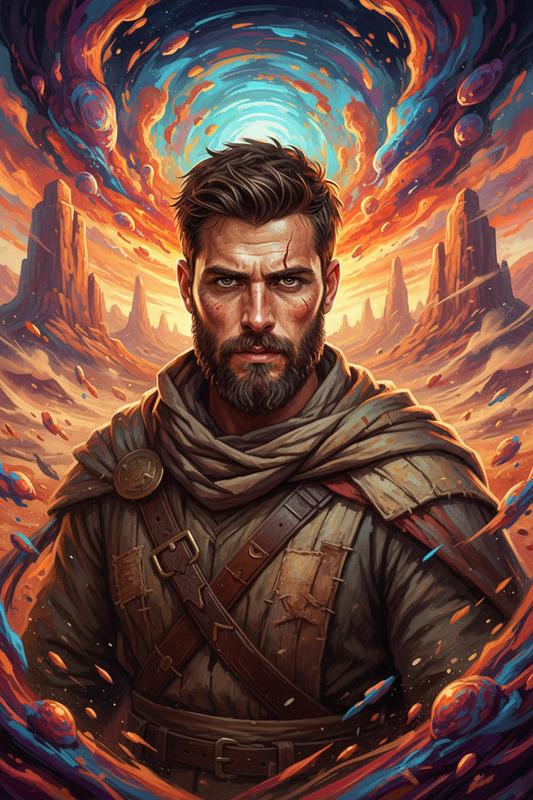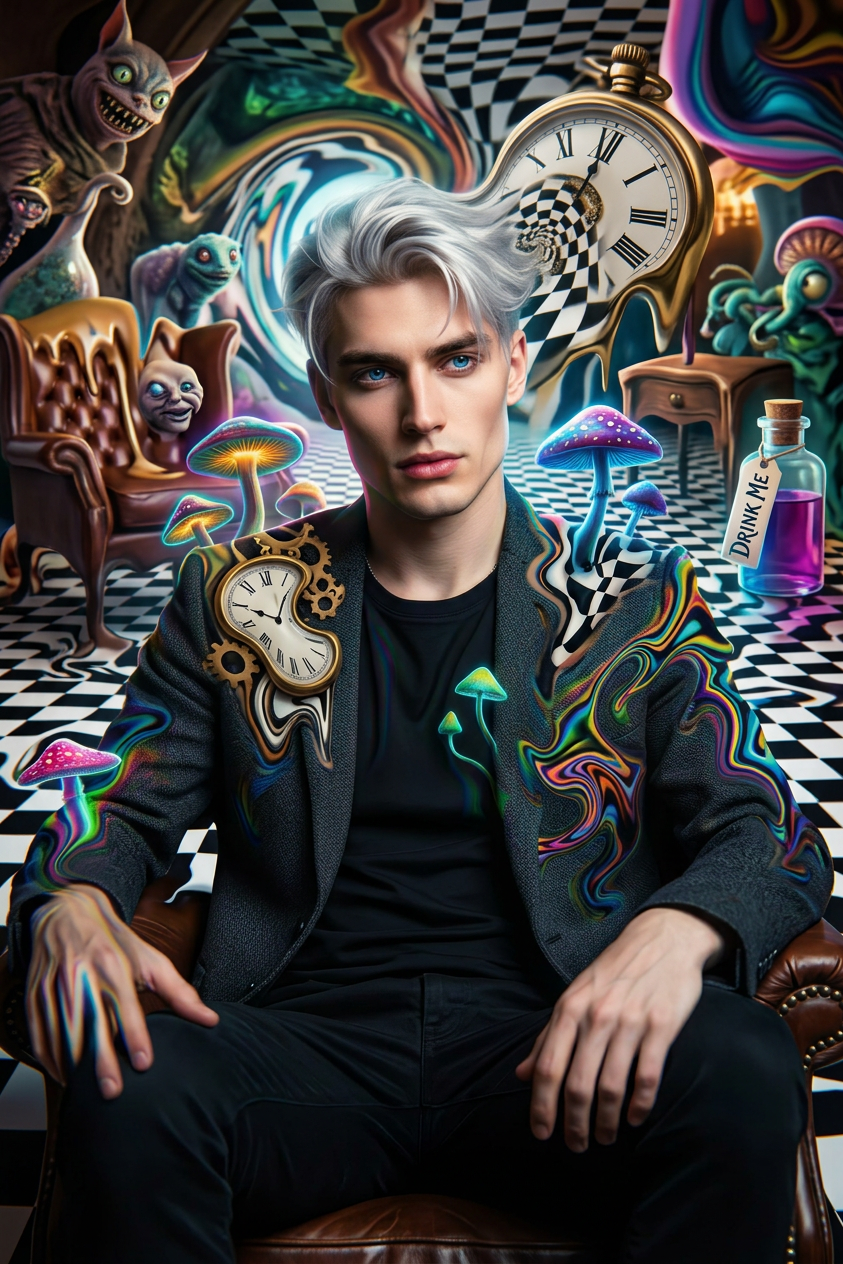
Wonderland
- Model
- Nano Banana 2
- Image
- 843 × 1264 px
Prompt
Surreal shot of a subject in a twisted Wonderland, reality bending into warped colors and distorted forms. The subject subtly warps into the environment as psychedelic patterns shift chaotically. Disorienting, dreamlike nightmare vibe, ultra-realistic, HDR, shallow depth of field.
Any aspect ratio
Overview
The "Wonderland" template within the AI Image Editor transforms your visuals into an ultra-realistic, dreamlike realm inspired by surreal, psychedelic art. Core to its design is the nano-banana-2 model, known for its precision in creating visually striking HDR imagery with a surreal twist.
What It Does
This template allows for the modification of images to blend subjects into twisted and vibrant dreamscapes, ideal for projects that require a psychotropic, disorienting feel. Whether for personal creative projects or professional visuals needing an artistic edge, Wonderland leverages advanced AI to achieve a high-impact visual experience, compatible with a wide range of imagery needs.
Who It's For
The "Wonderland" template is perfect for artists, filmmakers, and digital content creators looking to add a unique, otherworldly element to their projects. It's also a powerful tool for marketers and advertisers crafting visually arresting campaigns. If you're building stunning visuals with AI GIF Generator or need captivating images for product demo videos, this template offers the creative flexibility and depth needed.
Summary
With the "Wonderland" template, you can transform ordinary scenes into extraordinary visions of chaos and beauty. It's a gateway to creativity for those who dare to explore the boundaries of digital art, offering application-specific insights for both experimental and professional projects framed within the capabilities of AI Video Generator technologies.
How To
Choose Wonderland

Customize Your Creation

Generate Your Image

Use Cases
Artistic Projects
- Surreal landscapes
- Dreamlike portraits
- Conceptual art pieces
Advertising Campaigns
- Brand promotions
- Event posters
- Creative social media ads
Video Production
- Music videos
- Film projects
- Short animations
Best Practices
Focus on Contrast
Ensure good contrast between the subject and the background; this helps in emphasizing the warped effect and psychedelic elements.Mind the Color Palette
Select colors that enhance the surreal vibe. Striking and bold colors work best for a psychedelic impact.Layer Complexity
For enhanced depth, layer your images with varying complexities to take full advantage of HDR capabilities.