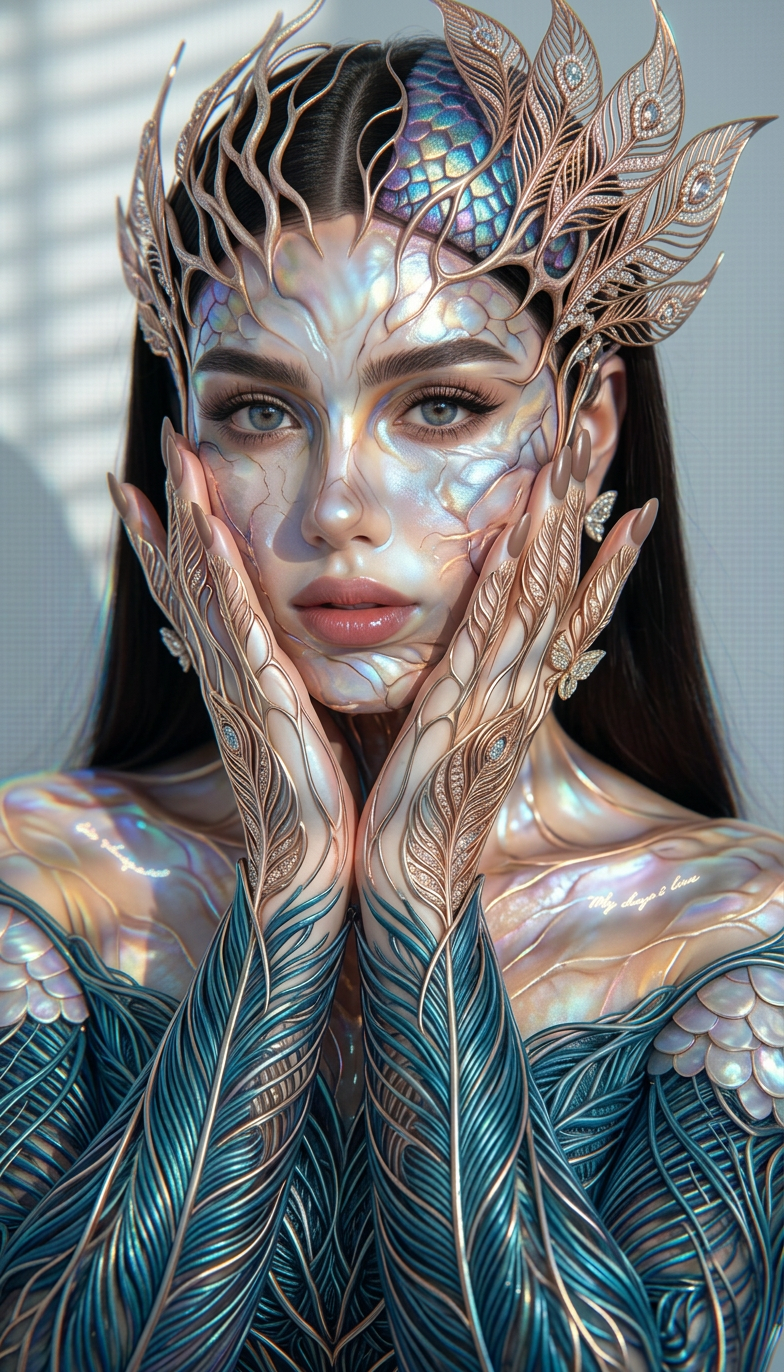
Holographic Vogue Fusion
ai-image-editor
Any aspect ratio
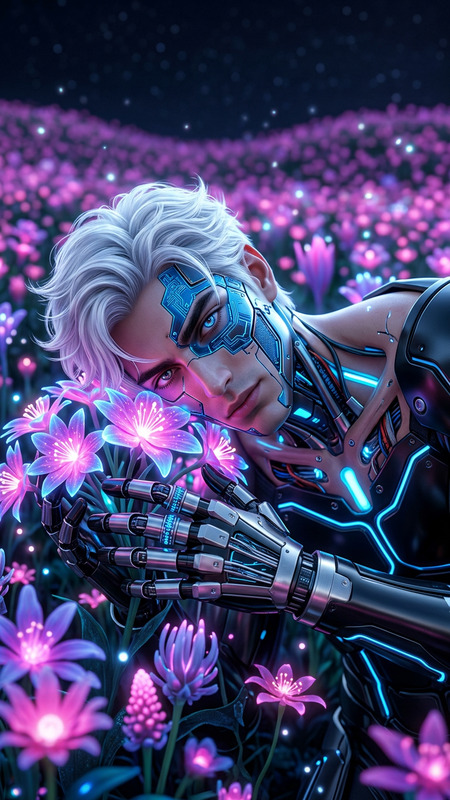
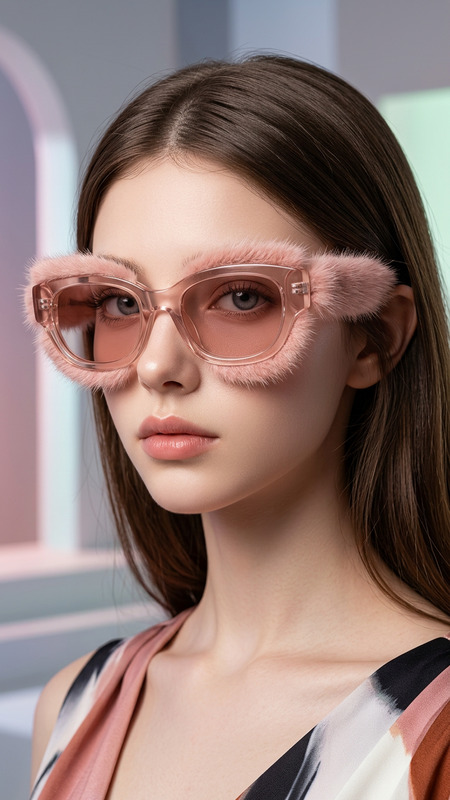
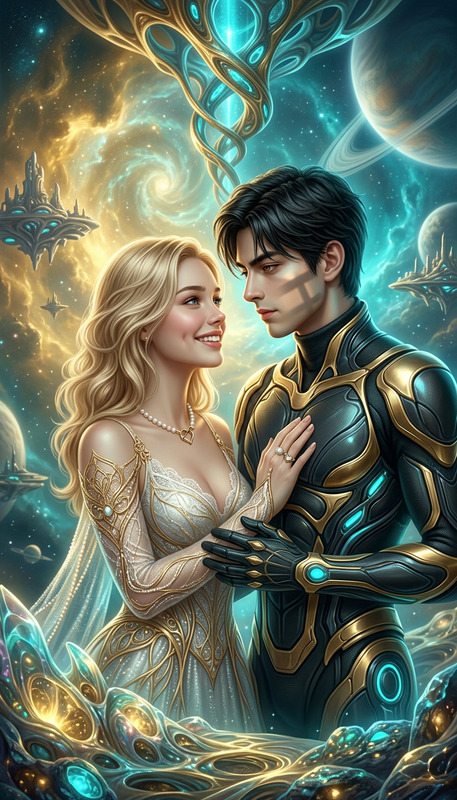
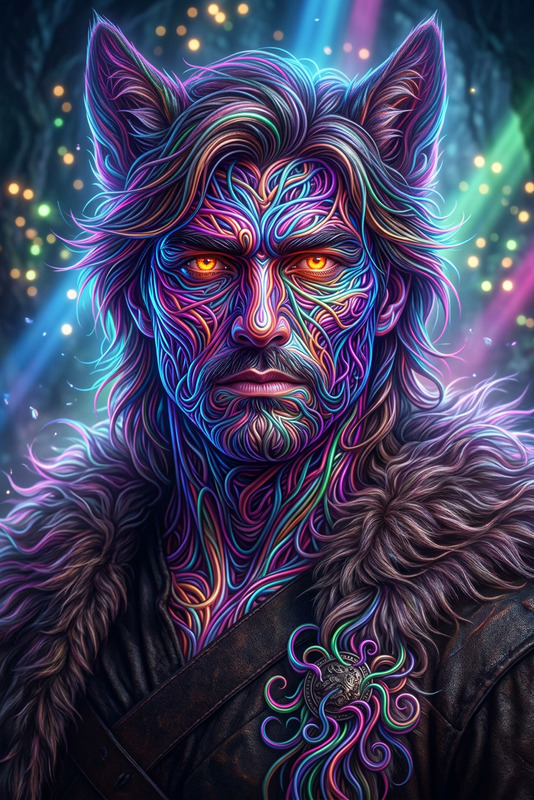
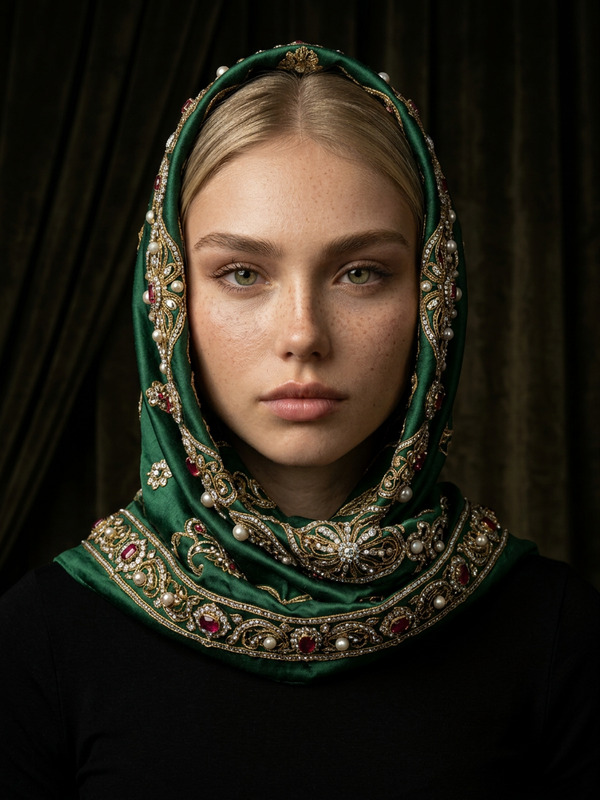
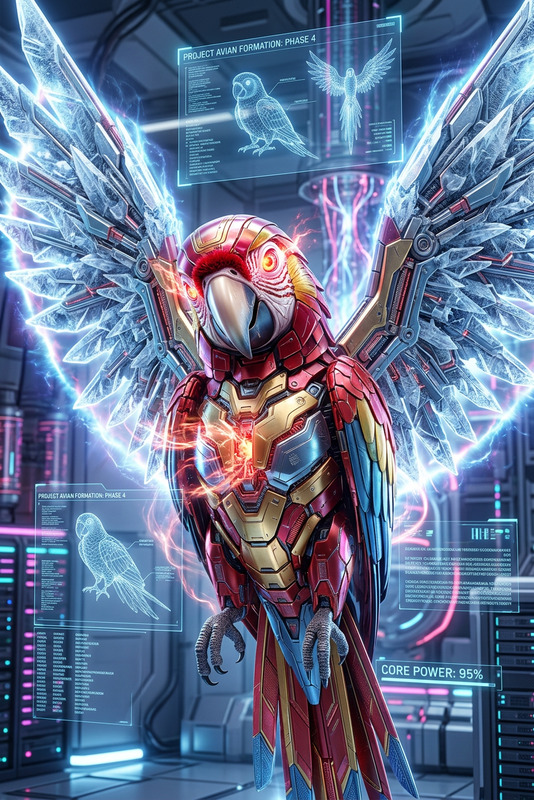
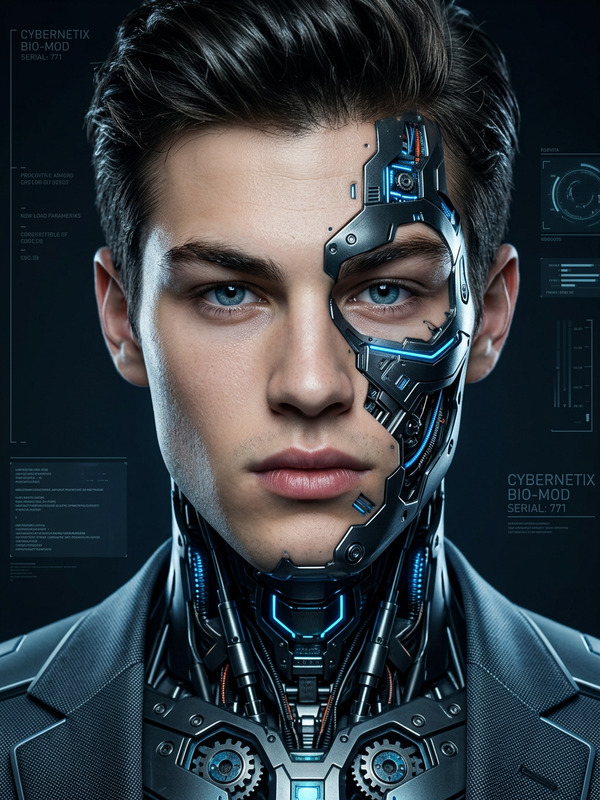
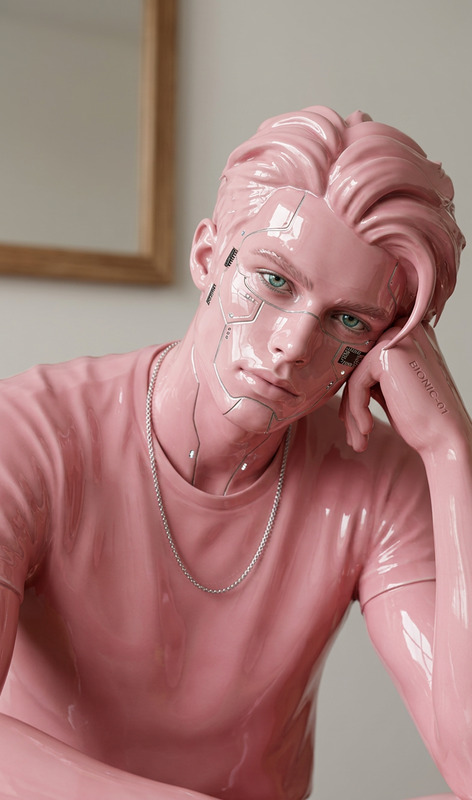
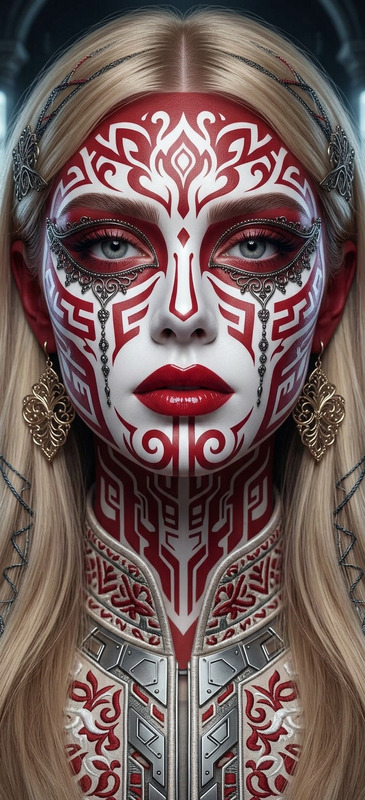
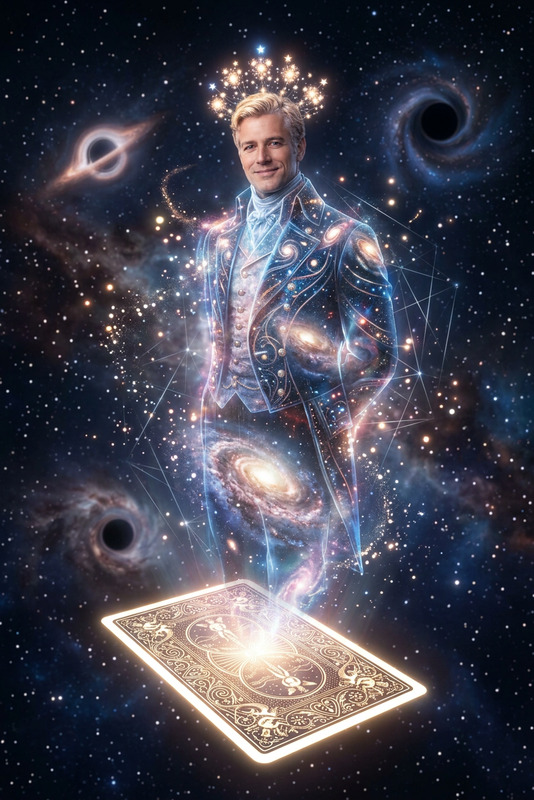
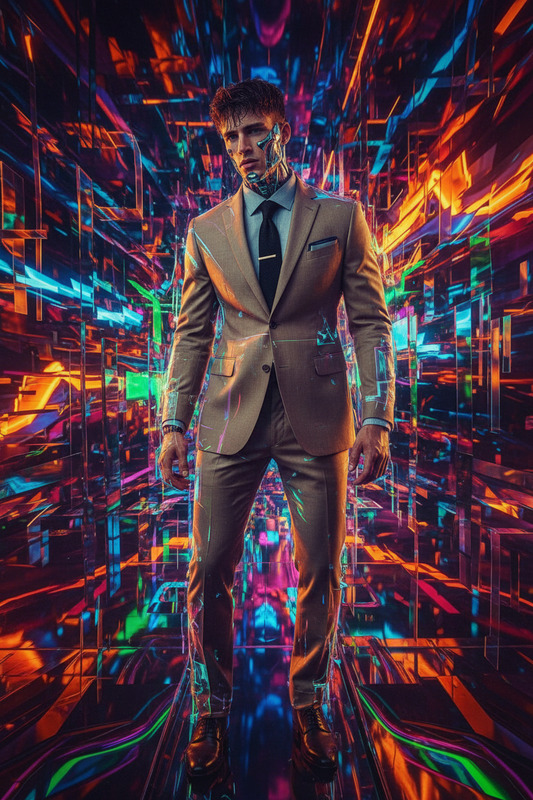
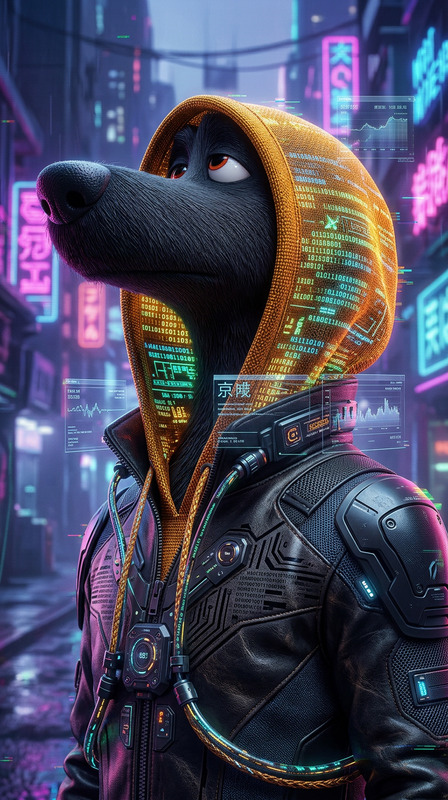
Subject depicts ultra-realistic hologram of a fantastical fusion form combining elegant organic and avian-inspired elements, styled with avant-garde vogue aesthetics. Composition shows eccentric fashion presence making direct eye contact, infused with luxury color palette and intricate details
AI Image Editor Template: Edit Any Image in Seconds
Use this template to transform, fix, or extend any image in a few clicks with Magic Hour’s AI Image Editor. It’s built for creators, marketers, designers, and founders who need fast, high‑quality edits without opening Photoshop.
This template is ideal for:
- Removing or replacing objects, people, or backgrounds
- Extending images for social posts, ads, and thumbnails
- Cleaning up product photos and UGC
- Quickly iterating creative concepts, mockups, and campaign visuals
What You Can Do With This Template
Because this template is powered by the AI Image Editor, you can:
Remove distractions from photos
- Erase logos, clutter, strangers in the background, reflections, or text
- Use alongside AI Remover and Remove Object from Photo for more targeted clean‑up
Change or generate new backgrounds
- Swap plain backdrops for branded, lifestyle, or seasonal scenes
- Combine with AI Background Generator or Image Background Remover to go from cut‑out → new environment
Edit faces and people
- Light retouching, expression tweaks, or subtle style changes
- For more advanced facial edits, try AI Face Editor, AI Face Generator, or Gender Swap
Fix and restore photos
- Patch damaged areas, remove watermarks from your own assets, and upscale low‑res images
- Pair with Unblur Image, Old Photo Restoration, Photo Colorizer, or AI Image Upscaler
Design for marketing and content
- Create variations of hero images, ad creatives, and thumbnails
- Combine with Thumbnail Maker, Album Cover Generator, Book Cover Generator, or AI Logo Generator
Concept art, characters, and IP exploration
- Quickly test alternate outfits, props, or environments
- Use with AI Character Generator, Animated Characters Generator, AI Anime Generator, or DND AI Art Generator
How to Use and Remix This Template in Magic Hour
You can either use this template as‑is or treat it as a starting point for your own custom editing workflow.
Start from this template
- Open the template in Magic Hour.
- Upload the image you want to edit (product photo, portrait, social creative, screenshot, etc.).
Describe the edit you want
- Use natural language:
- “Remove the person on the left and fill in the background.”
- “Change the background to a modern office with soft daylight.”
- “Turn this selfie into a professional LinkedIn headshot.”
- For inspiration, look at what’s possible in AI Photo Generator, AI Art Generator, or AI Illustration Generator.
- Use natural language:
Refine and iterate
- Generate multiple versions, pick the best, then run further edits on top.
- Use small, focused prompts for precision (e.g., “remove logo on shirt,” then “change background to solid brand blue”).
Remix into your own template
- Once you like the workflow (e.g., “clean product photo → swap background → upscale”), save or duplicate it as your own reusable template.
- You can chain it with:
- AI GIF Generator for animated loops
- Image to Video or Text to Video for short clips
- AI Meme Generator for fast content variations
Popular Use Cases for Professionals
For marketers and growth teams
- A/B test creatives by quickly changing backgrounds, props, or themes
- Localize visuals for different regions (environment, signage, architecture)
- Generate social‑first crops and variants from one master image
Often combined with:
- AI Outfit Generator and AI Fashion Generator for apparel brands
- AI QR Code Generator to embed trackable links into newly edited images
- Auto Subtitle Generator when those images are turned into short videos
For founders, product teams, and indie hackers
- Create app store screenshots and pitch visuals without a designer
- Rapidly mock up product UIs inside real‑world scenes
- Clean up quick photos into polished website assets
Useful complementary tools:
- AI Icon Generator for product UI
- Architecture Generator and AI Interior Design Generator for real estate/proptech
- Fantasy Map Generator and Comic Book Generator for game or narrative products
For creators and storytellers
- Turn sketches or rough photos into stylized art
- Design characters and then edit scenes around them
- Produce visual worlds for games, comics, or campaigns
Consider experimenting with:
- Graffiti Generator
- Superhero Generator
- Disney AI Generator
- Dark Fantasy AI
- Optical Illusion Generator
Connect Image Editing With Video, Voice, and Animation
This template is a strong entry point if you want to later move from static images to dynamic content:
Animate edited characters or portraits
- Use AI Talking Photo to make a still image speak
- Turn your edited character into motion with the Animation template or Image to Video
Create short form videos from edited images
- Use Text to Video and Video to Video for stylized clips
- Improve quality with Video Upscaler
Add voices and lip‑sync
- Clone or generate voices with AI Voice Cloner and AI Voice Generator
- Use Lip Sync to match your edited faces to audio
Advanced face and identity workflows
- Swap faces across images or GIFs with Face Swap and Face Swap GIF
- Build face‑driven videos with Face Swap Video
Tips for High‑Quality Edits
Start from the best source image you have
- Higher resolution input → better inpainting and background replacement
- If needed, first enhance with AI Image Upscaler or Unblur Image
Use clear, specific language in your prompt
- Describe what to remove and what to fill it with
- Mention style, mood, or environment if relevant (e.g., “studio lighting,” “minimalist, high‑end product shot”)
Think in steps, not one giant edit
- Remove unwanted elements first → then change background → then polish details
- Save intermediate results so you can branch into multiple versions
Respect rights and safety
- Only edit images you have permission to use
- Avoid misleading or harmful manipulations, especially with real people or brands
Related Templates and Workflows to Explore
If this AI Image Editor template fits your workflow, you may also want to explore:
- Face Swap Video – Turn edited portraits into face‑swapped videos
- Lip Sync – Make edited faces speak your script or audio
- Video to Video – Restyle existing videos to match the look of your edited images
- Animation – Animate characters or scenes you created with the editor
Use this template as a reusable building block: clean and transform your images here, then send them into other Magic Hour tools to build full campaigns, character pipelines, or automated creative systems.