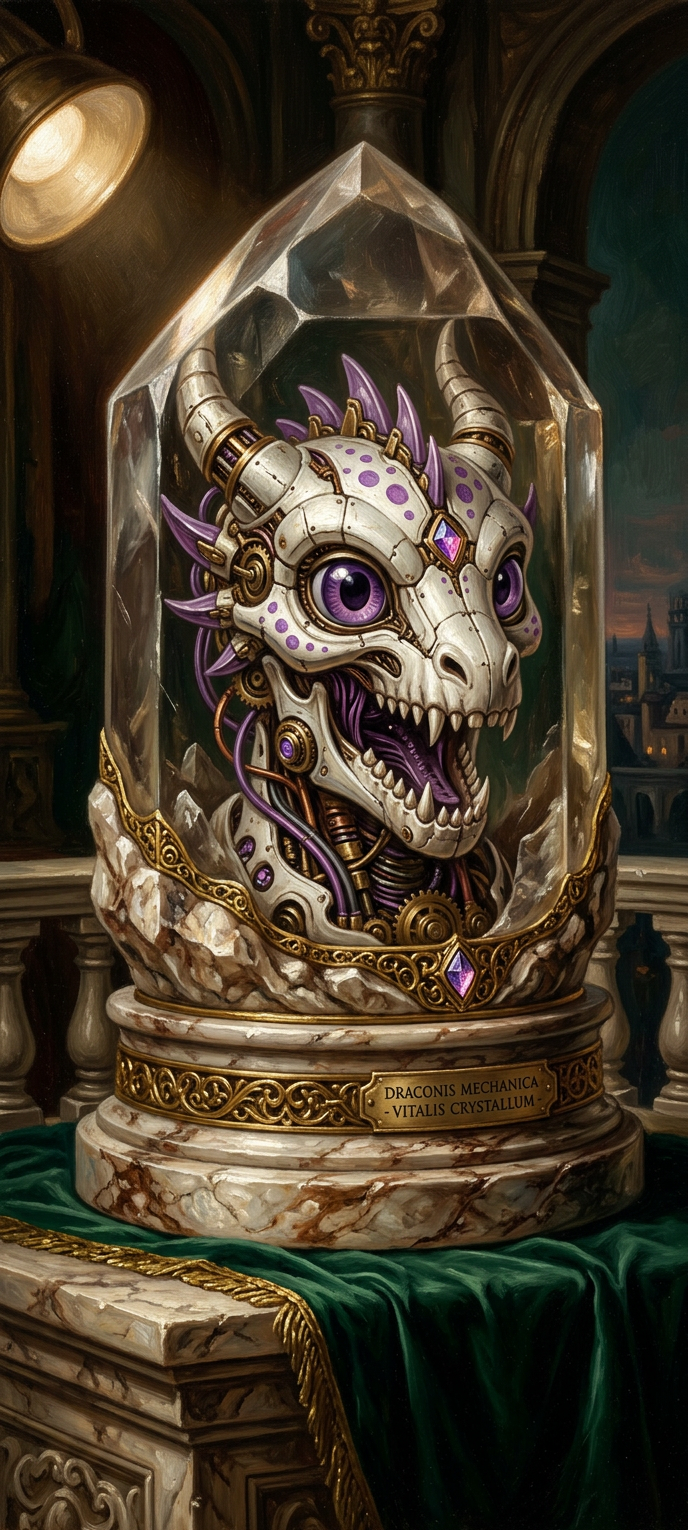
Chiaroscuro Biomech Skull
ai-image-editor
Any aspect ratio
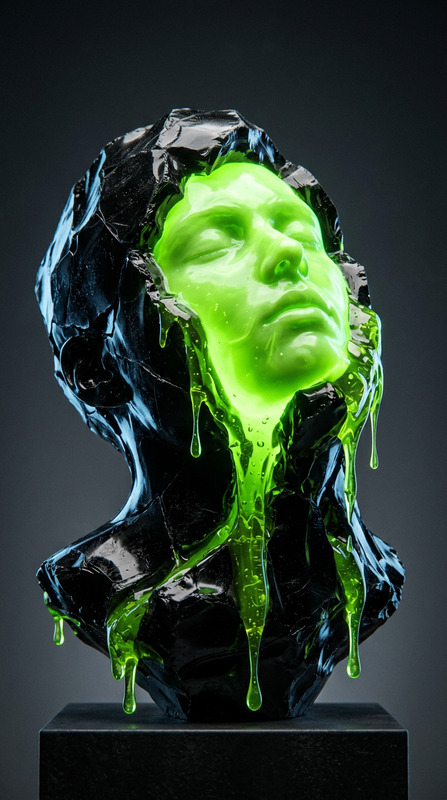
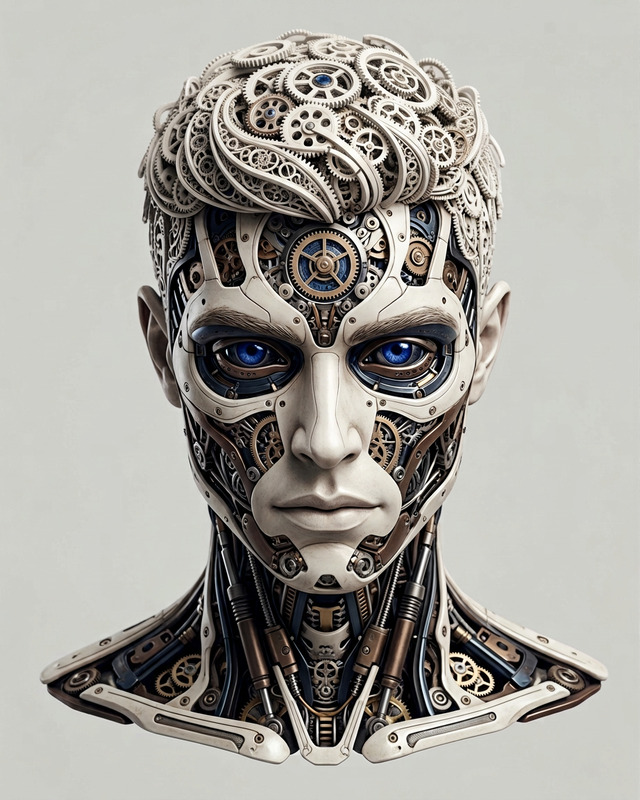
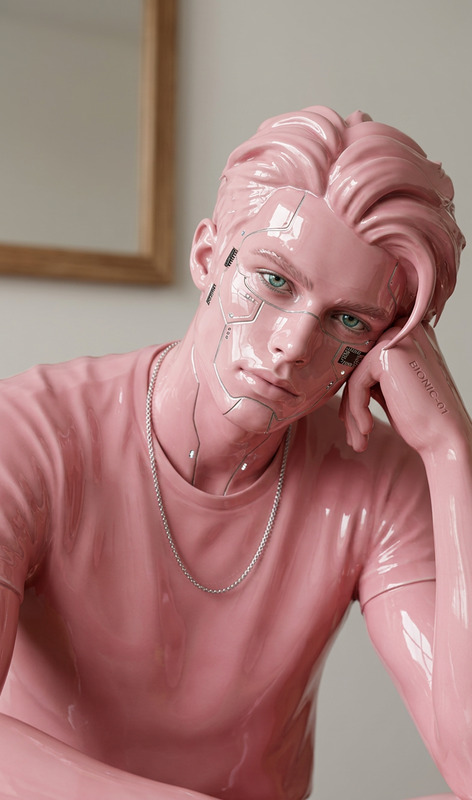
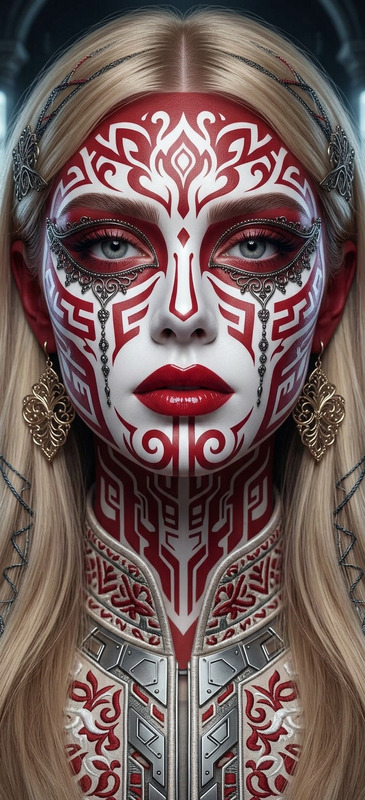
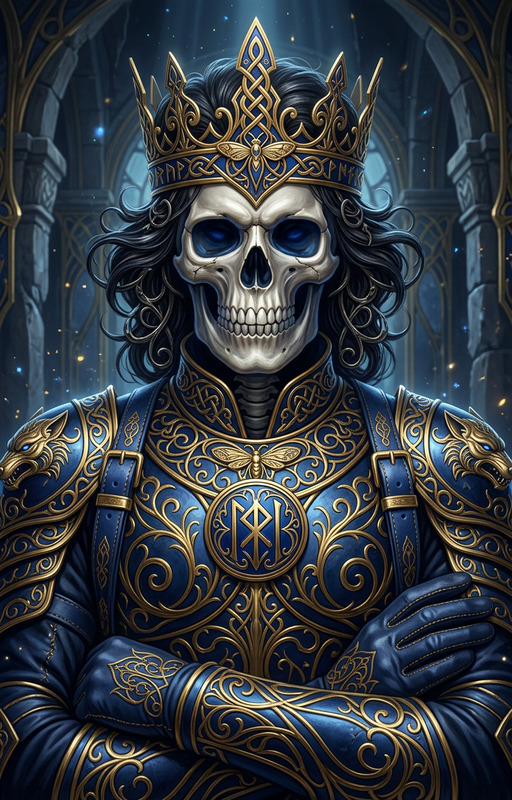
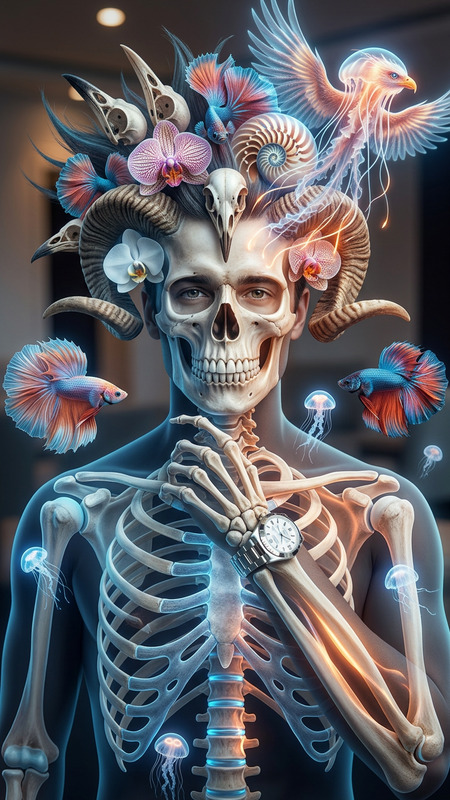
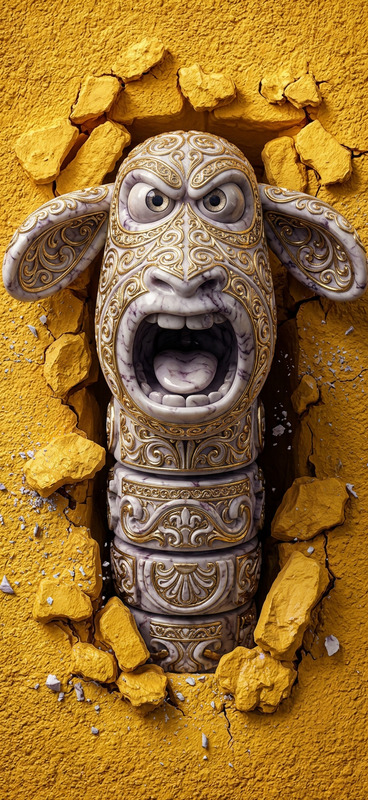
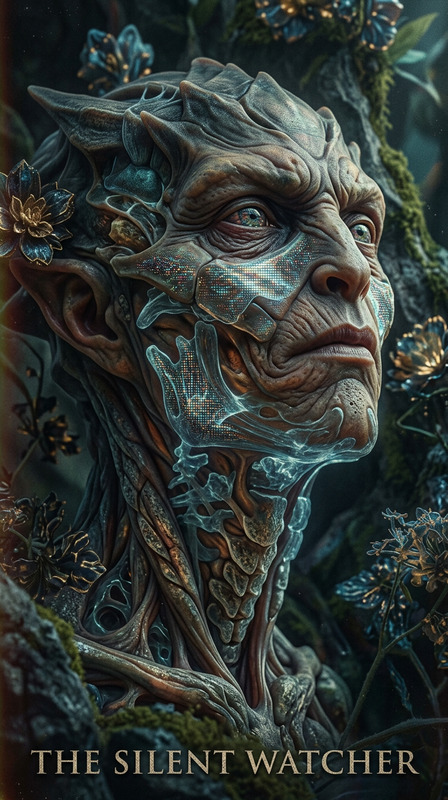
Subject depicted as a biomechanical skull embedded in crystal, resting on a marble balcony; rendered in a dramatic chiaroscuro oil-painting style with deep emerald and burnt umber tones; thick, visible brushwork and rich tactile texture; ornate gold accents catching a single focused light source; strong contrast between illuminated surfaces and deep shadow; museum-like depth, refined composition, and classical yet futuristic atmosphere.
AI Image Editor Template: Remixable AI-Enhanced Product Shot
Create studio-quality product shots in minutes by remixing this AI Image Editor template. Use it to clean up backgrounds, remove distractions, upgrade lighting, or completely restyle your product photos for ecommerce, ads, pitch decks, and landing pages—without needing Photoshop or a design team.
What This Template Does
This template is built with the AI Image Editor and is optimized for:
Background cleanup & replacement
Turn messy or low-quality product photos into clean, on-brand images. Drop your product into a solid color, gradient, or realistic environment (studio, lifestyle, flat lay, etc.) using AI-powered editing.Lighting & quality enhancement
Improve contrast, sharpness, and perceived resolution so your products look like they came from a professional shoot. For extra detail, you can pair results with the AI Image Upscaler.Object and distraction removal
Instantly remove hands, props, logos, or random objects using AI. For more targeted cleanup workflows, you can also use the dedicated AI Remover or Remove Object from Photo.Brand-consistent variations
Generate multiple versions of a product image—different backgrounds, aesthetics, and compositions—while keeping the product itself recognizable and consistent.
This is ideal for Shopify/BigCommerce/WooCommerce stores, Amazon/eBay sellers, indie founders, DTC brands, and marketers who need fast, repeatable visual assets that still look premium.
How to Remix This Template in Magic Hour
You can turn this template into your own reusable workflow in a few steps:
Open the template in Magic Hour
- Start from this template entry point in your Magic Hour workspace.
- If you want to build something similar from scratch, begin with the AI Image Editor.
Upload your source image
- Use a clear photo of your product (phone, beverage can, cosmetics, sneakers, gadget, etc.).
- For better AI results, use images with:
- Minimal motion blur
- The product mostly visible (not fully cropped out)
- Reasonable lighting
Define your editing goal in natural language
In the AI Image Editor, you can describe exactly what you want. Examples you can copy-paste and adapt:- “Remove the background, keep the product, replace with a clean light-gray studio background with soft shadows.”
- “Turn this product shot into a lifestyle scene on a wooden table near a window, natural daylight, shallow depth of field.”
- “Remove the hand and props, center the product, add a white background with a subtle drop shadow.”
- “Make this look like a high-end cosmetics brand campaign shot with soft, diffused lighting and pastel background.”
Iterate and save your best version
- Generate multiple variations and keep the ones that match your brand.
- Save that prompt and editing flow as your own “house style” template you can reuse for future product shots.
Reuse at scale
- Apply the same editing prompt to new photos to keep your catalog visually consistent.
- For animated or video-based campaigns, consider extending these images into motion using:
- Image to Video – turn a polished product image into a short motion clip
- AI GIF Generator – create looping GIFs for social, email, and ads
- Animation Templates – use pre-made animation flows for promos and explainers
Recommended Workflows & Combos
To get the most out of this template, you can chain it with other Magic Hour tools:
Product → Clean Image → Upscaled Asset
- Edit with AI Image Editor using this template
- Enhance resolution with AI Image Upscaler for marketplace or print assets
Static Photo → Animated Promo
- Use this template to create the hero image, then animate it with:
- Image to Video
- Video-to-Video Templates to stylize existing product clips
- Use this template to create the hero image, then animate it with:
Founders & Team → Professional Profile Assets
- For startups needing consistent visuals of founders, combine:
- AI Image Editor to adjust backgrounds and lighting
- AI Headshot Generator for additional professional portraits
- For startups needing consistent visuals of founders, combine:
Brand Story Content
- Turn edited product stills into:
- Talking product explainers with AI Talking Photo
- Meme-style assets for social with the AI Meme Generator
- Turn edited product stills into:
Practical Use Cases
This template is especially useful for:
Ecommerce product pages
- Replace low-quality supplier photos with clean, brand-coherent images.
- Quickly adapt one base product shot to multiple marketplaces (e.g., white background for Amazon, lifestyle for your DTC site).
Ad creatives
- Produce multiple ad variations to A/B test: different backdrops, colors, and moods from the same core product image.
- Combine edited images with Text-to-Video or Animation Templates for complete ad units.
Launch campaigns & pitch decks
- Create consistent visuals for landing pages, one-pagers, and investor decks without hiring a designer.
- Use the Thumbnail Maker and Album Cover Generator to turn product imagery into eye-catching cover assets.
Rebranding & visual refresh
- Apply new brand colors and backgrounds across your existing photo library in a fraction of the time.
- Use AI Background Generator to ideate new backdrop styles before applying them with the AI Image Editor.
Tips for Better Results
Start with the clearest image you have
AI works best when your product is reasonably visible. If the image is very blurry, first run it through Unblur Image or restore old assets with Old Photo Restoration.Be specific in your instructions
Mention:- Background color or type (“plain white”, “pastel gradient”, “minimalist studio”, “urban outdoor”)
- Mood and lighting (“soft daylight”, “high contrast”, “moody shadows”)
- What should stay untouched (“keep the label text sharp”, “do not change the logo”)
Maintain brand consistency
- Reuse the same descriptive language for your brand look (e.g., “warm neutral tones”, “clean, tech-y, minimal”) across all edits.
- Save your preferred prompt as a reusable pattern in your Magic Hour workflows.
Use templates together
- If you’re also working with faces (e.g., models holding products), you can explore:
- Face Swap or Face Swap GIF for creator-friendly campaigns
- Face Swap Video Templates if you need motion assets with consistent talent
- If you’re also working with faces (e.g., models holding products), you can explore:
Who This Template Is For
This AI Image Editor template is designed for:
- Founders & startup teams who need professional visuals without hiring an agency.
- Performance marketers running fast experiments across Meta, TikTok, YouTube, and display.
- Designers & content leads who want to standardize product imagery while speeding up production.
- Developers & product builders who care about high-quality visuals but don’t want to manage complex design tools.
Use this template as a base, then remix it to match your brand, your products, and your channel strategy. Because it’s built on Magic Hour’s AI Image Editor, you can adapt it to new use cases over time—without starting from zero each time.