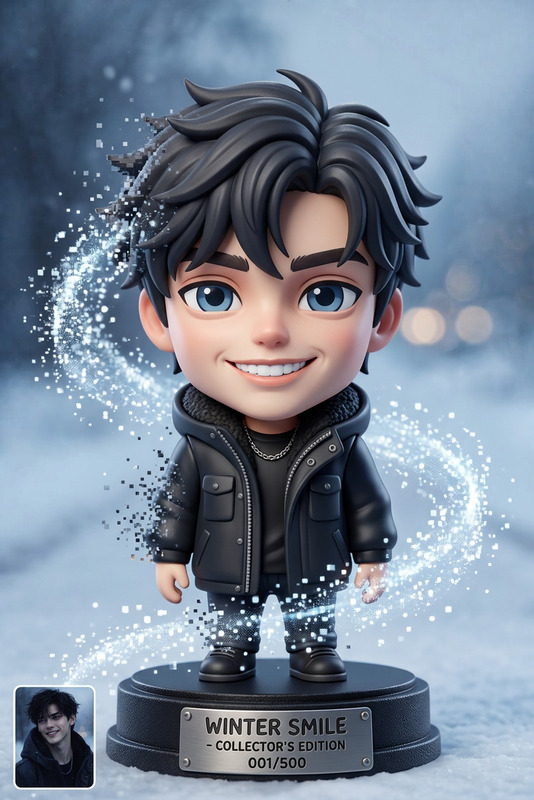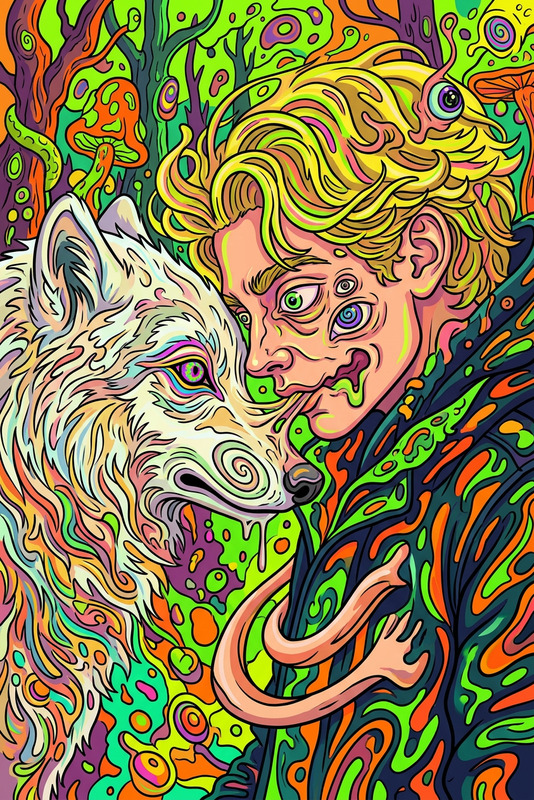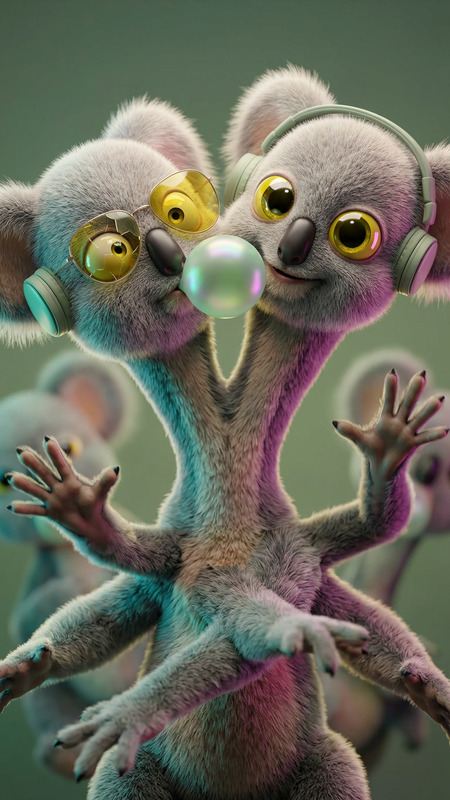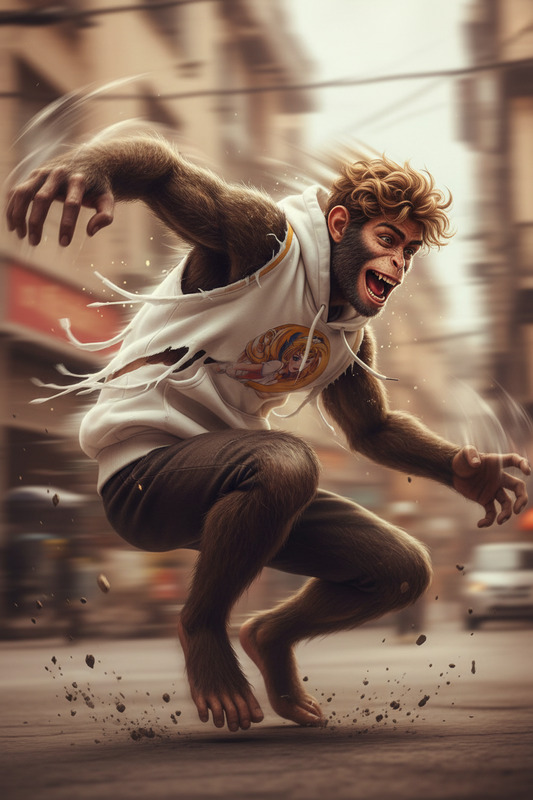
Big Head Shrink Shift
- Model
- Nano Banana 2
- Image
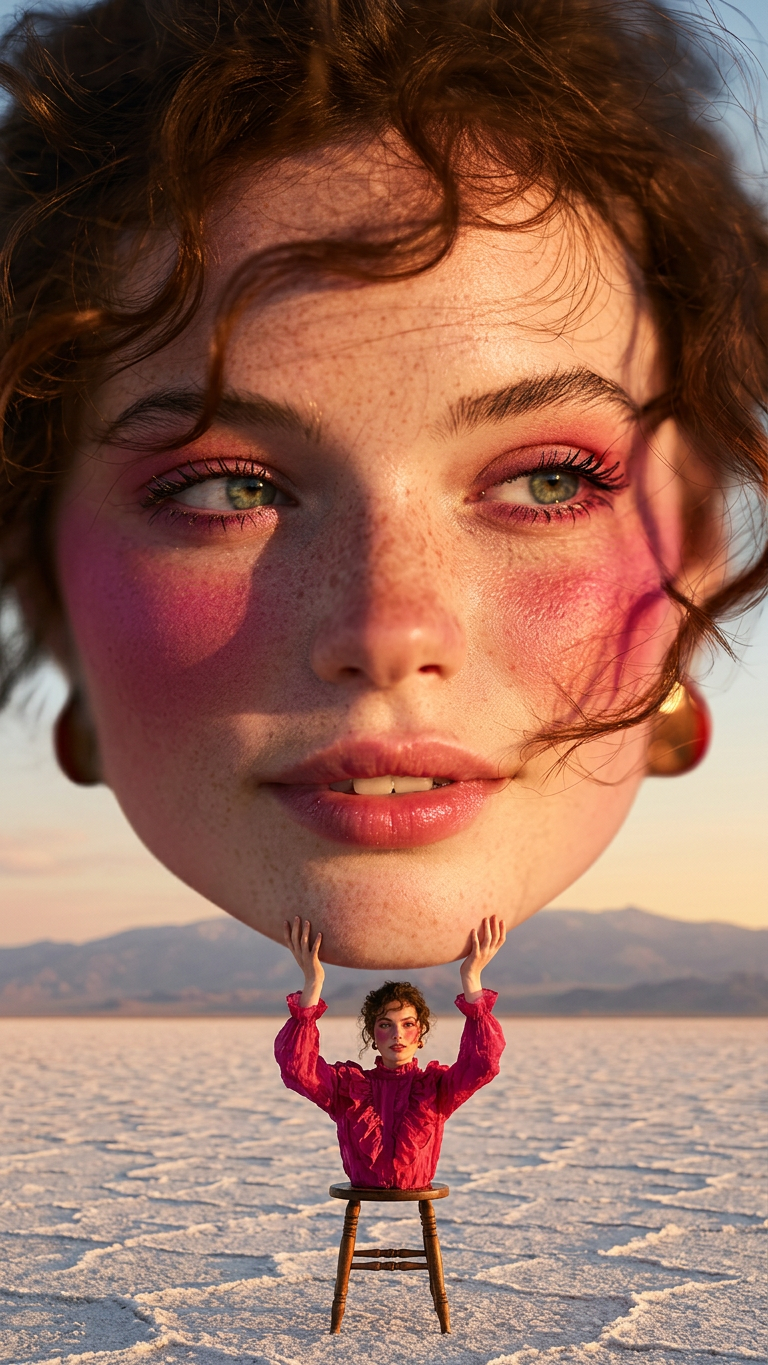
- 768 × 1365 px
Prompt
A surreal transformation where the subject’s head rapidly expands into an oversized proportion while the body shrinks into a tiny form, creating a comedic big-head, small-body effect. Cinematic, smooth morphing motion, exaggerated scale distortion, ultra-detailed, surreal humorous tone, high resolution.
Any aspect ratio
Overview
The Big Head Shrink Shift template leverages the power of AI to infuse humor and creativity into your videos. Part of the AI Image Editor suite, this template allows you to morph facial features and body proportions for a unique visual effect, adding a surreal and comedic touch to your project.
What It Does
This template transforms a subject's head and body proportions, making the head appear overwhelmingly large while the body appears tiny. It creates a smooth morphing motion and exaggerated scale distortion for a high-resolution, cinematic effect. Ideal for adding a humorous tone, this transformation is guided by cutting-edge AI models like nano-banana-2, ensuring ultra-detailed results.
Who It's For
Whether you are a content creator, video producer, or marketer, the Big Head Shrink Shift template offers a fun way to enhance your video content. Perfect for those seeking to create engaging social media content, eye-catching ads, or simply experimenting with creative visual effects. It pairs well with projects focusing on entertainment, comedy, and advertisement, akin to using tools like the AI Video Generator.
Summary
The Big Head Shrink Shift is your go-to for surreal and comedic video transformations. By leveraging AI, it provides a distinctive effect that stands out in any project, integrating smoothly within the AI Image Generator and similar systems. Its emphasis on exaggerated proportions makes it suitable for various creative needs, ensuring your content captures attention.
How to Use
Choose the Template

Customize Your Inputs

Generate and Download

Use Cases
Social Media Content
- Stand out with engaging visuals
- Tap into viral trends
Advertisement Campaigns
- Boost engagement
- Ensure memorable impressions
Personal Creative Projects
- Develop a unique personal style
- Explore new creative pathways
Best Practices
Select High-Quality Images
Start with high-resolution images for the best results. This ensures the final video maintains detail and clarity.Experiment with Proportions
Test various head and body ratio settings to find the most comedic or visually appealing outcome.Incorporate Motion Elements
Consider using the AI Talking Photo tool to animate still images, adding life to your transformations.