Snow Puppy Dream Editorial

Snow Puppy Dream Editorial

ai-image-editor

1 clip
8 uses

Any aspect ratio

Prompt

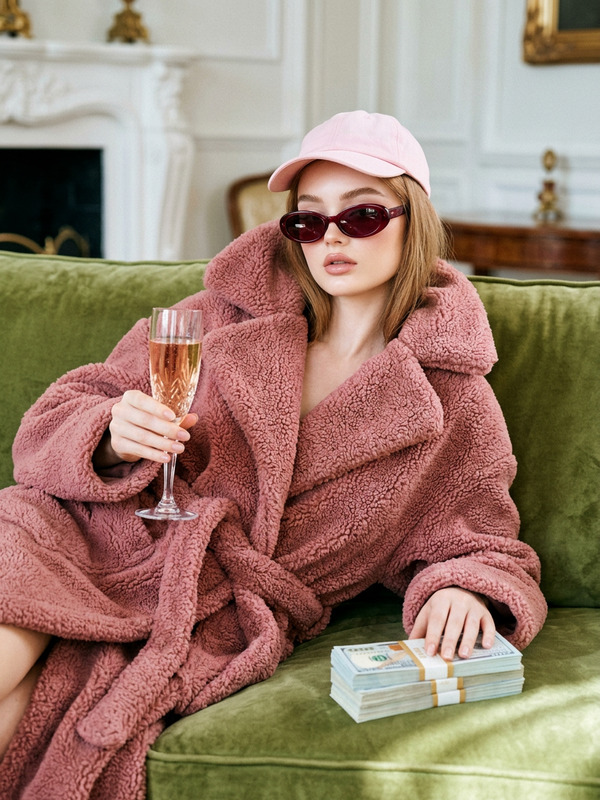
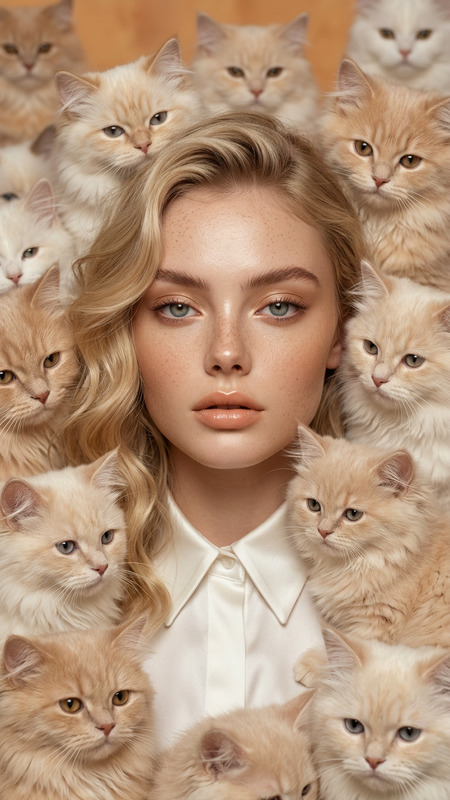
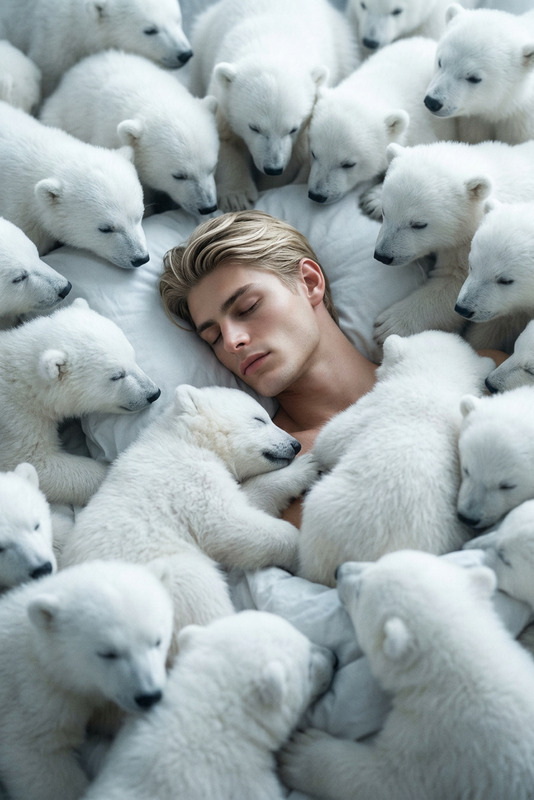
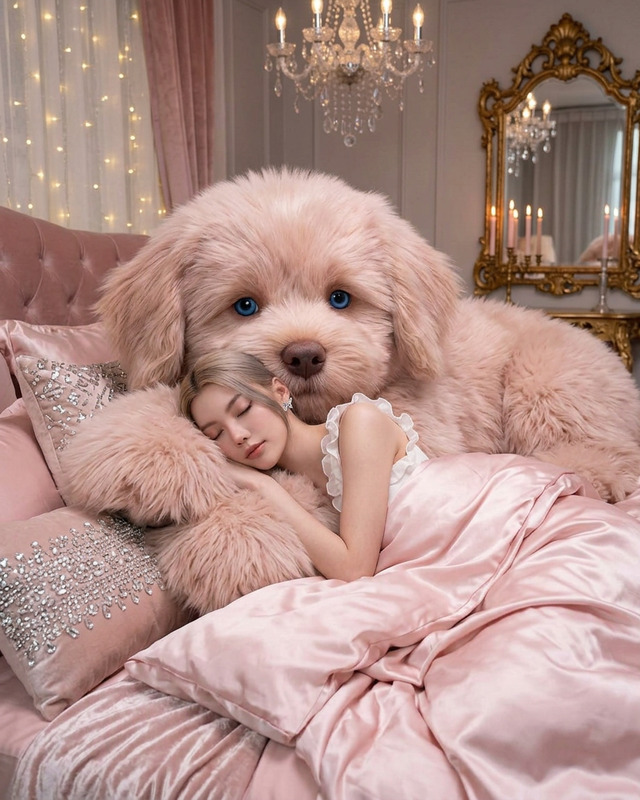
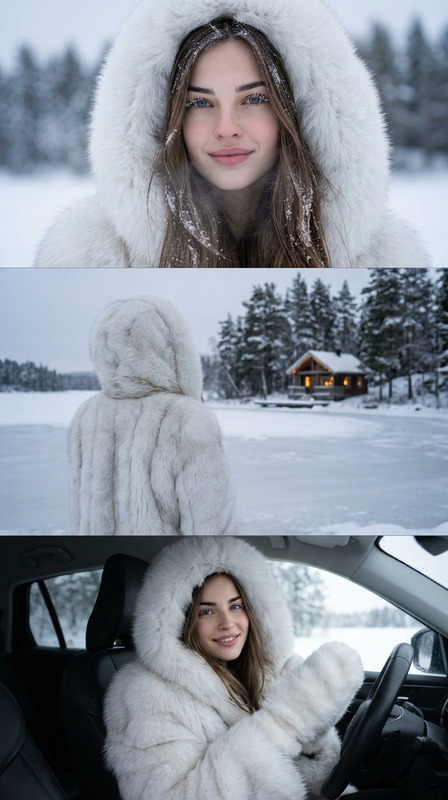
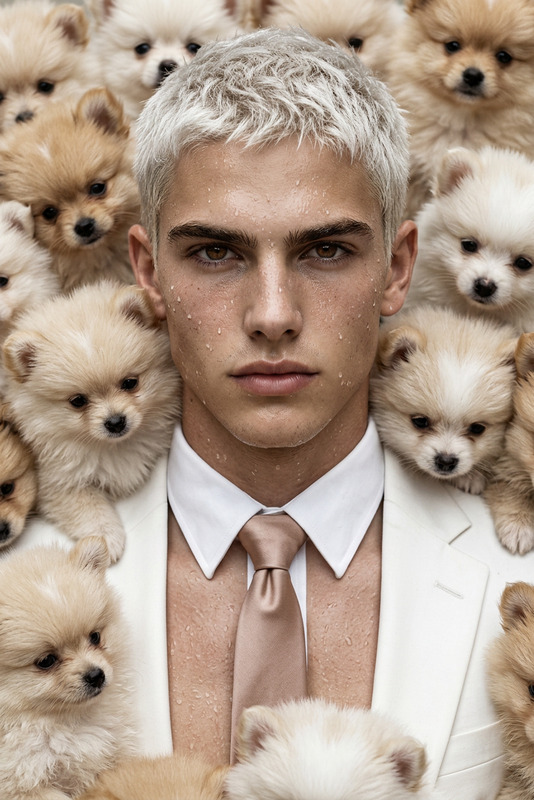
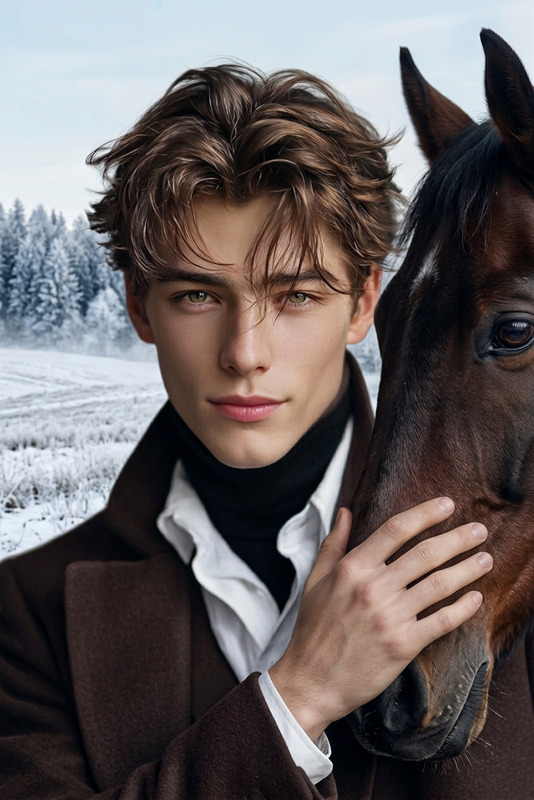
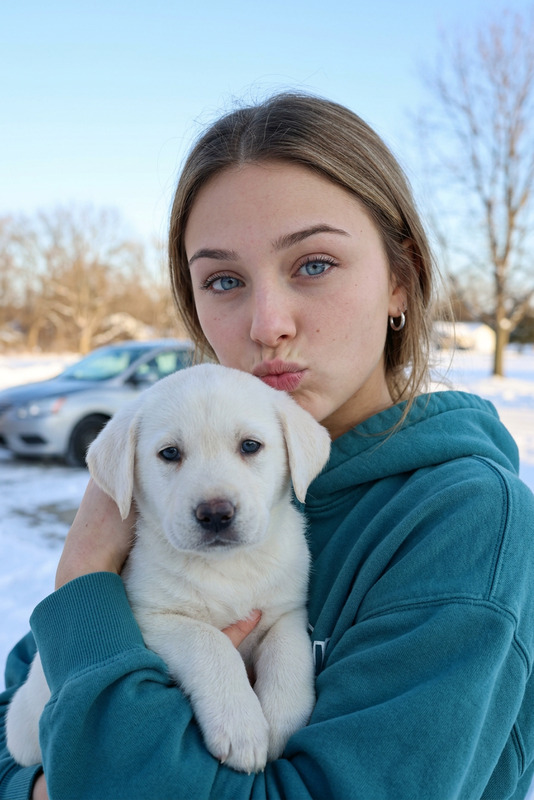
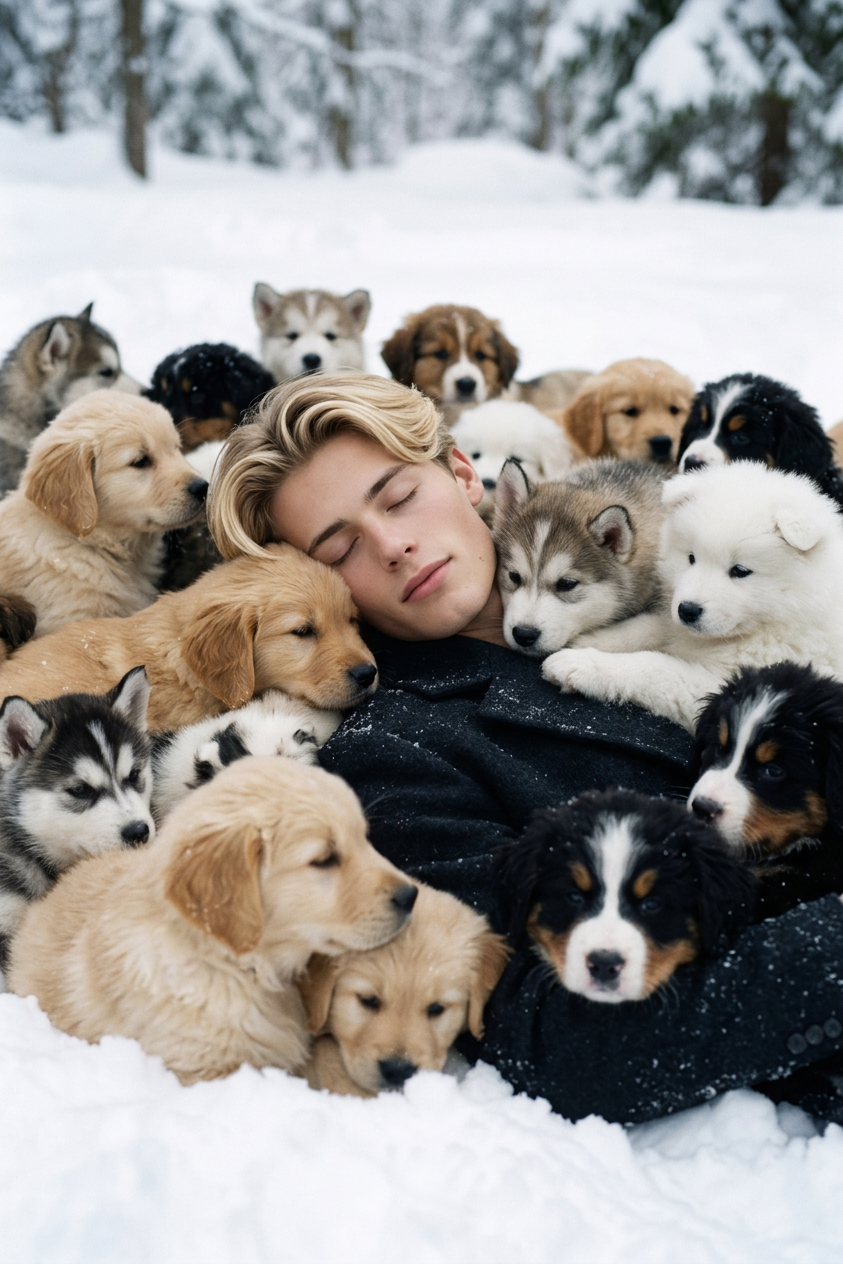
High-fashion surreal editorial scene of a subject lying peacefully in soft snow, surrounded by dozens of fluffy puppies of different breeds and colors creating a dense, dreamlike composition. The puppies gently gather and envelop the subject, forming a soft, warm textured contrast against the icy environment. Calm relaxed expression and serene sleeping posture, cinematic stillness. Monochromatic snow whites and cool blue tones contrasted with warm fur colors and skin tones, dreamy atmospheric lighting, shallow depth of field, ultra-realistic 8K, soft film grain, ethereal surreal fashion editorial style, intimate and tranquil winter mood.

AI Image Editor Template: Turn Any Image Into High-Impact Visuals in Minutes

Use this template as a fast starting point for editing, enhancing, and transforming images with Magic Hour’s AI Image Editor. Whether you’re iterating on brand visuals, fixing photos for campaigns, or prototyping creative concepts, this template shows what’s possible—and how to remix it into your own workflow.


What This Template Is For

This template is designed for:

  • Creators and designers who need production-ready visuals quickly
  • Marketers and growth teams testing multiple creative variants
  • Developers and startup teams prototyping product shots, UI mockups, or concepts
  • Anyone who wants to transform, clean up, or restyle existing images with AI

Typical use cases include:

  • Reframing or re-styling product photos for different campaigns
  • Creating multiple creative variants from a single hero shot
  • Quickly removing distracting elements and fixing backgrounds
  • Turning rough sketches or basic renders into polished assets
  • Updating colors, moods, or styles to align with brand guidelines

How to Remix This Template in Magic Hour

You can create your own version of this template in a few steps:

  1. Open AI Image Editor
    Go to the AI Image Editor. This is the core tool used by this template.

  2. Upload Your Base Image

    • Use a product photo, headshot, marketing asset, UI screen, or concept art.
    • For best results, start with a reasonably sharp image; you can improve quality further with the AI Image Upscaler if needed.
  3. Define the Edit You Want
    Use natural language to describe what you want to change or create. Examples:

    • “Remove the background and replace it with a clean, light-gray studio backdrop.”
    • “Turn this daytime outdoor photo into a moody cyberpunk night scene.”
    • “Convert this photo into a flat illustration style for a pitch deck.”
    • “Make the colors more vibrant and consistent with a tech brand landing page.”
  4. Iterate & Remix Variations

    • Generate multiple variations and pick the best-performing version for your campaign or project.
    • Use the output as a new input image to push the style further or test an adjacent direction.
    • Combine with other Magic Hour tools to build complete creative pipelines (examples below).
  5. Export & Integrate Into Your Workflow
    Download the final asset and plug it into your ad platform, website, deck, prototype, or social content.


Powerful Ways to Extend This Template

You can chain AI Image Editor with other Magic Hour tools to turn this template into a flexible creative system.

1. From Static Image to Video

  • Start with this template in AI Image Editor.
  • Convert your edited image into motion with:
    • Image to Video – turn a static visual into a short, animated clip.
    • Text to Video – generate cinematic sequences around the edited image or concept.
    • Animation Templates – use pre-built animation flows for characters, logos, or scenes.

This is especially useful for ad creatives, product launches, social content, and explainers.

2. Create Characters, Avatars, and Faces You Can Reuse

This stack is ideal for virtual influencers, customer support avatars, educational content, and character-driven marketing.

3. Worldbuilding, Concept Art, and Visual R&D

Use this template as part of a more advanced visual exploration flow:

This is useful for game studios, indie creators, and product teams visualizing future features or environments.


Tactical Use Cases by Role

For Marketers & Growth Teams

  • Rapidly generate and test creative variants for:
    • Paid social ads (Facebook, Instagram, TikTok, LinkedIn, X)
    • Landing page hero sections and illustrations
    • Email headers and lifecycle campaign visuals
  • Use Thumbnail Maker for YouTube or webinar thumbnails and refine them in AI Image Editor.
  • Turn top-performing images into short assets for performance tests with Image to Video.

For Founders & Startup Builders

  • Quickly produce pitch deck visuals using:
  • Generate and refine UI mockups, product renders, or future feature concepts.

For Creators & Designers

For Developers & Technical Teams


Practical Tips for High-Quality Results

While you don’t need to tweak internal settings, a few best practices help:

  • Start with a clear subject
    Images with a well-defined subject (person, product, scene) tend to edit more predictably. If your image is low-res or blurry, improve it first with the Unblur Image or AI Image Upscaler.

  • Use specific, action-oriented prompts
    Instead of “make it better,” try:

    • “Convert this into a minimal, flat illustration with pastel colors.”
    • “Make this look like professional ecommerce photography on a white background.”
    • “Turn this into cinematic, high-contrast lighting inspired by sci-fi films.”
  • Refine in stages
    Break complex transformations into smaller steps:

    1. Clean and remove objects
    2. Adjust background or style
    3. Fine-tune color, mood, and detail
  • Leverage specialized tools when needed


Related Templates and Flows to Explore

If you like this AI Image Editor template, you may want to explore:


Example Remix Workflows

Here are a few high-impact remix patterns you can replicate:

  1. Ecommerce & DTC Brands

    • Clean product photo → edit styles in AI Image Editor → generate seasonal or themed scenes with AI Background Generator → promote on social and paid.
  2. Personal Branding & Headshots

  3. Content & Education


Start Remixing This Template

  1. Open the AI Image Editor.
  2. Upload an image that matches your use case (product, face, environment, UI, or concept).
  3. Describe the transformation you want in clear, specific language.
  4. Iterate, save the best outputs, and combine with other Magic Hour tools to build complete image, video, and character workflows.

Use this template as a repeatable pattern: start from a real or generated image, refine it with AI Image Editor, then extend it into full creative assets across video, avatars, and campaigns.

More Like This