Yellow Bloom Ride
- Model
- Nano Banana Pro
- Image
- 1696 × 2528 px
Prompt
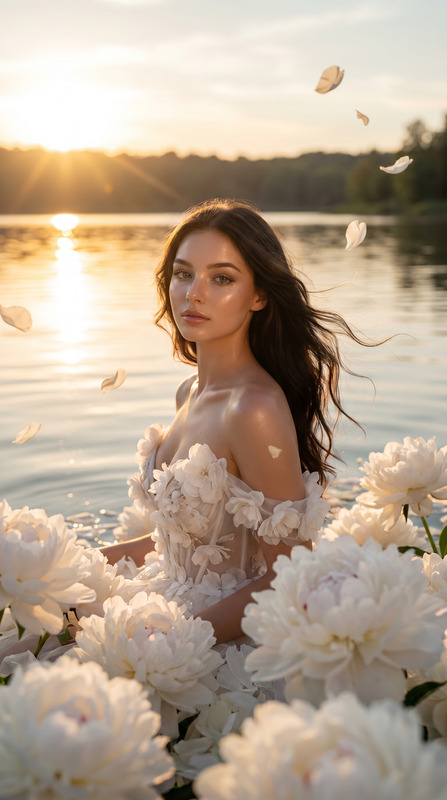
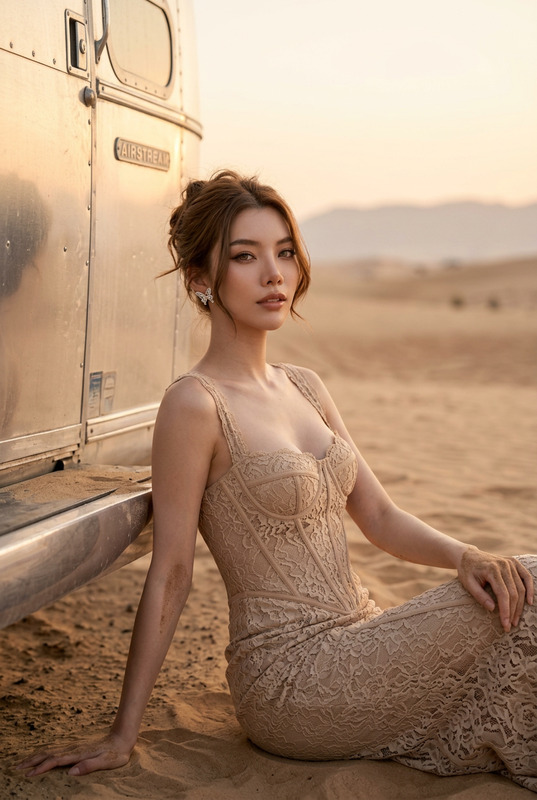
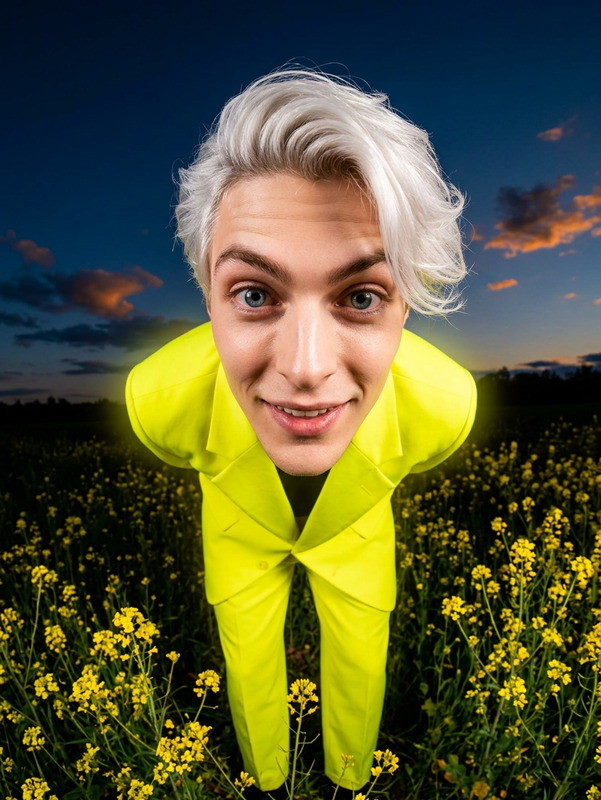
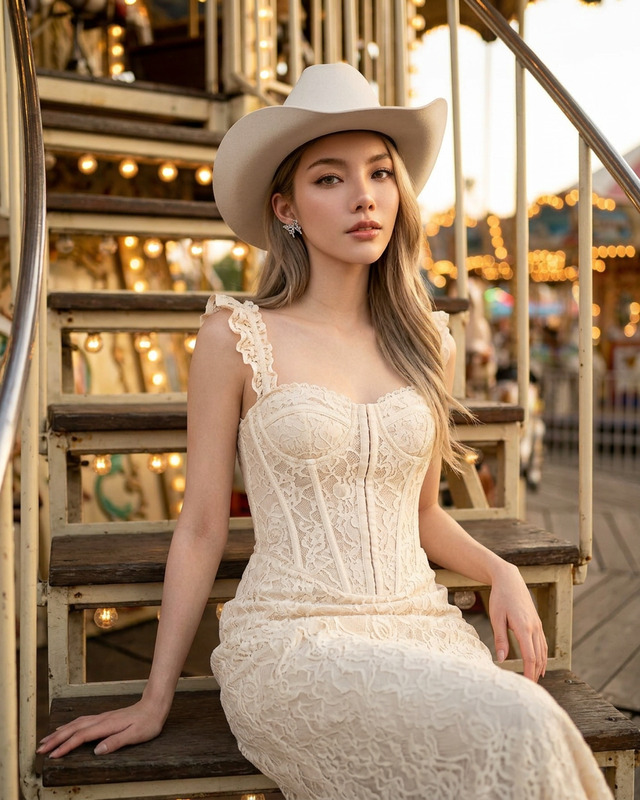
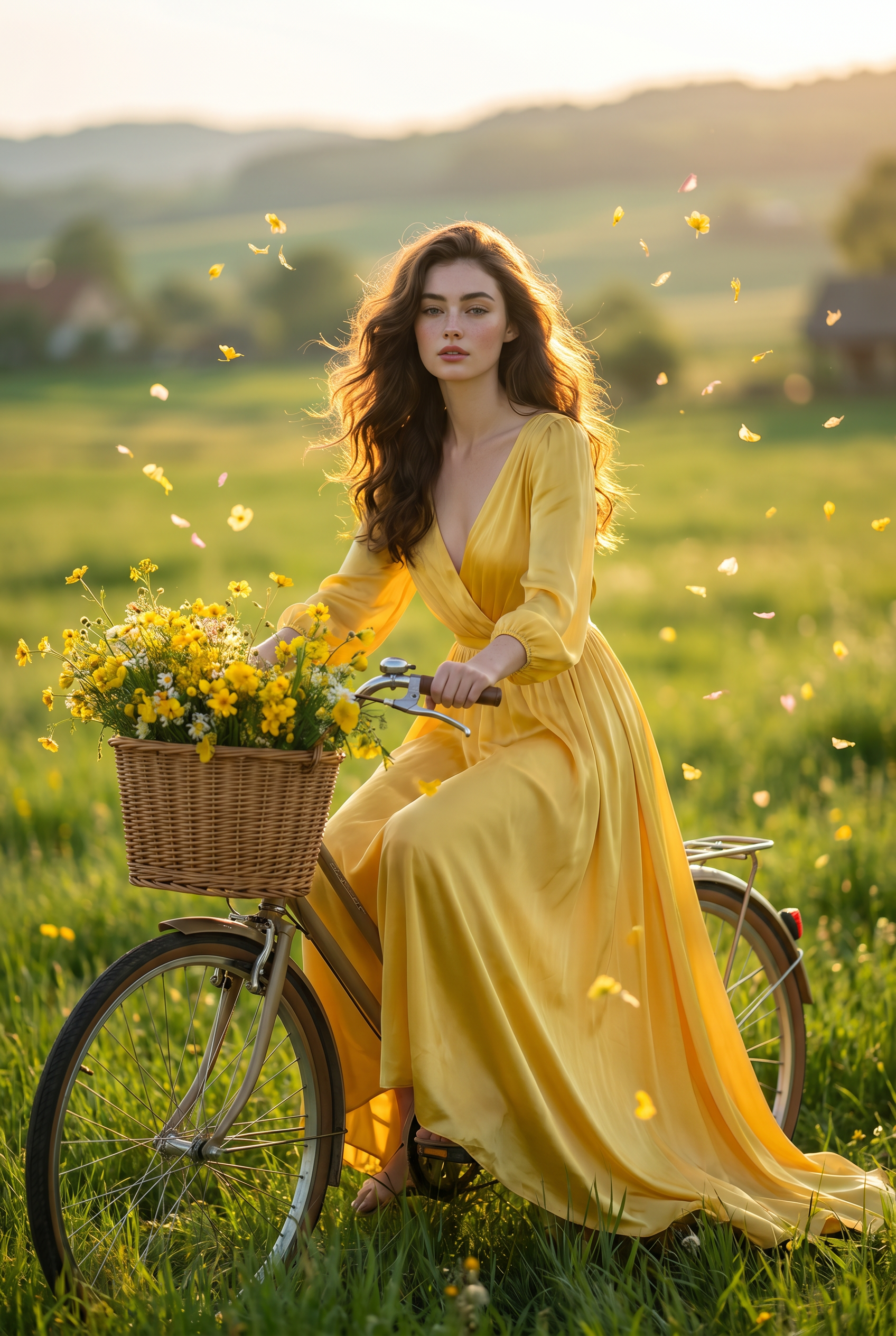
Put the uploaded face into a luxury countryside editorial featuring a beautiful woman on a vintage bicycle with a basket of yellow wildflowers in a vast green meadow at golden hour, cinematic sunlight, flowing yellow dress, dreamy cottagecore aesthetic, ultra realistic skin texture, Vogue fashion campaign photography, magical floating flower petals, shallow depth of field, premium color grading, masterpiece editorial portrait, luxury summer storytelling.
Any aspect ratio
Overview
Yellow Bloom Ride is a versatile AI Image Editor template designed to elevate your visual storytelling. Integrating faces into a luxury countryside scene, it transforms standard images into cinematic masterpieces. This template leverages the power of the nano-banana-pro model, perfect for crafting vivid, ethereal scenes that enchant your audience.
What It Does
This template places uploaded faces seamlessly into a narrative rich with vintage romance. The scene features a woman with a basket of yellow wildflowers on a vintage bicycle amidst a golden meadow. The aesthetic embodies a dreamy, cottagecore style, exuding warmth and nostalgia. With premium color grading and ultra-realistic skin textures, your images will capture the essence of a Vogue fashion campaign.
Who It's For
Yellow Bloom Ride is ideal for content creators, photographers, and brands looking to infuse a sense of luxury into their visuals. Whether you're developing product launch videos or luxury editorials, this template provides the tools to create visually stunning content that stands out. It's perfect for vlogs, travel blogs, and anyone wanting to evoke a sense of enchanted storytelling in their media.
Summary
With Yellow Bloom Ride, turn ordinary images into a mystical visual experience. Utilize the AI Image Editor to create ultra-realistic, cinematic visuals that captivate your audience. Embrace the glowing beauty of golden hour in your projects, perfect for showcasing your creative vision.
How to Use Yellow Bloom Ride
Choose the Template

Customize Your Inputs

Generate Your Visual

Use Cases
Travel and Lifestyle Blogs
- Create vlogs with high-end visual effects
- Exemplify the luxury aesthetic of your travel stories
Fashion Editorials
- Highlight fashion campaigns with a unique, story-driven approach
- Stand out in visual marketing channels
Event Marketing
- Elevate promotional materials with cinematic imagery
- Invoke emotional engagement through storytelling
Best Practices
Select High-Quality Source Images
Use images with good resolution to ensure the output maintains clarity and detail, particularly in skin texture.Align with Aesthetic Context
Adjust input prompts to perfectly match the idyllic, cottagecore theme of the template.Evaluate Lighting Conditions
Ensure your source images have neutral lighting to blend seamlessly with the template's golden hour effect.