Sphinx Frame
- Model
- Nano Banana 2
- Image
- 800 × 1333 px
Prompt
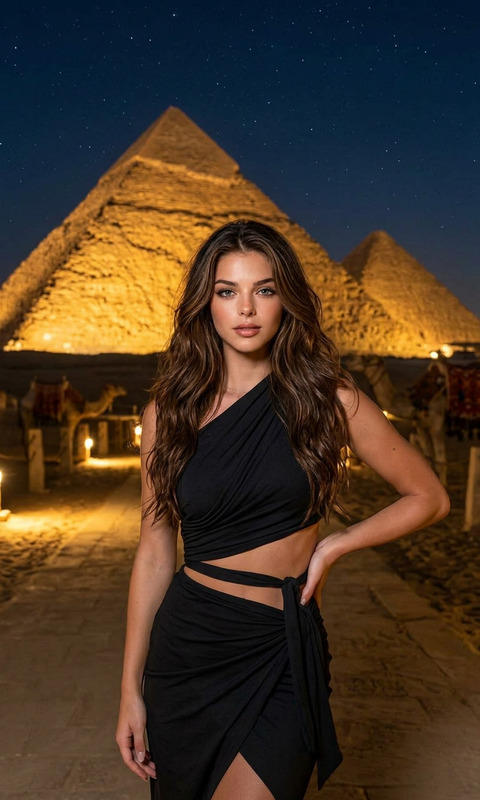
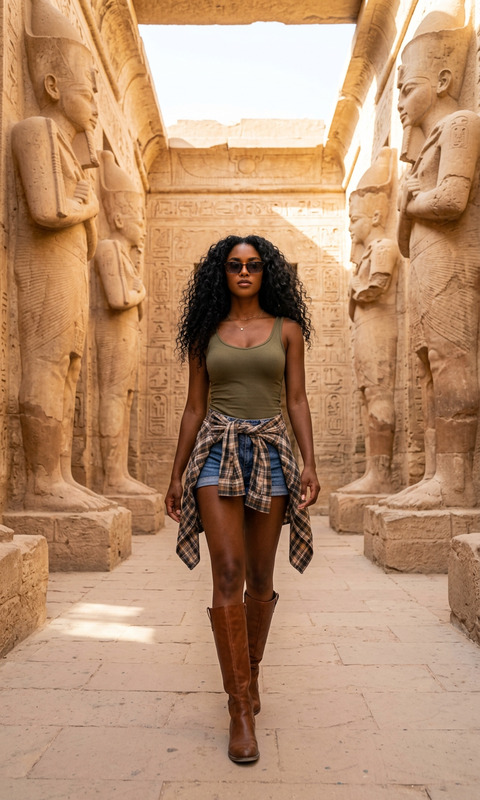
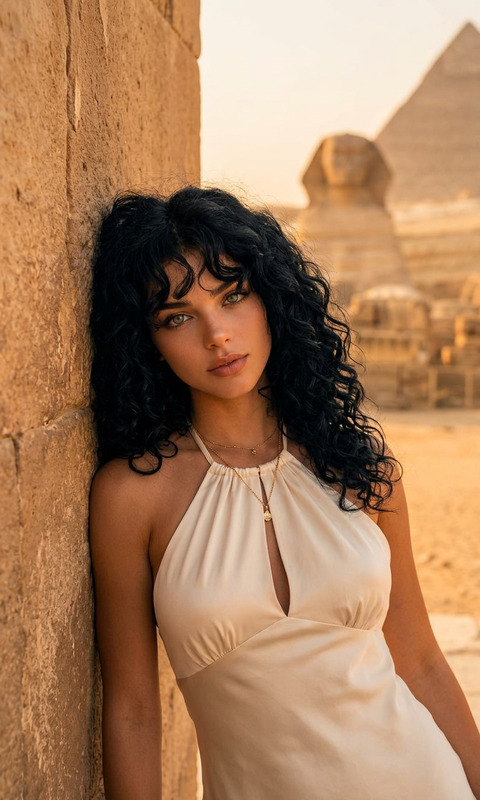
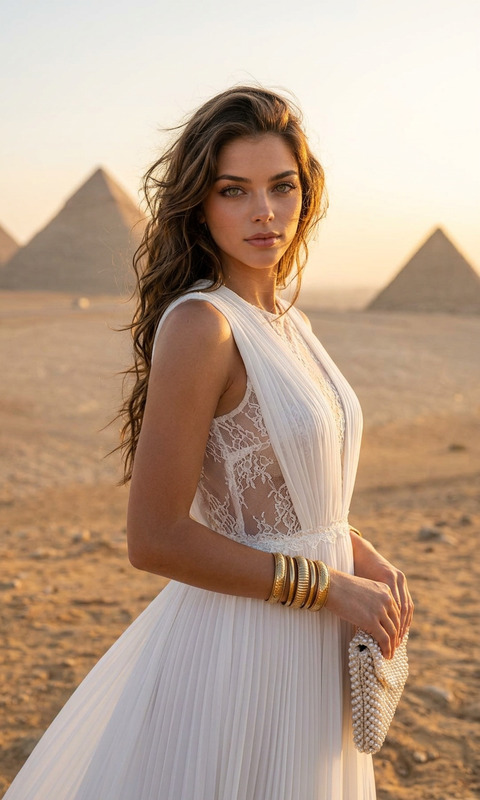
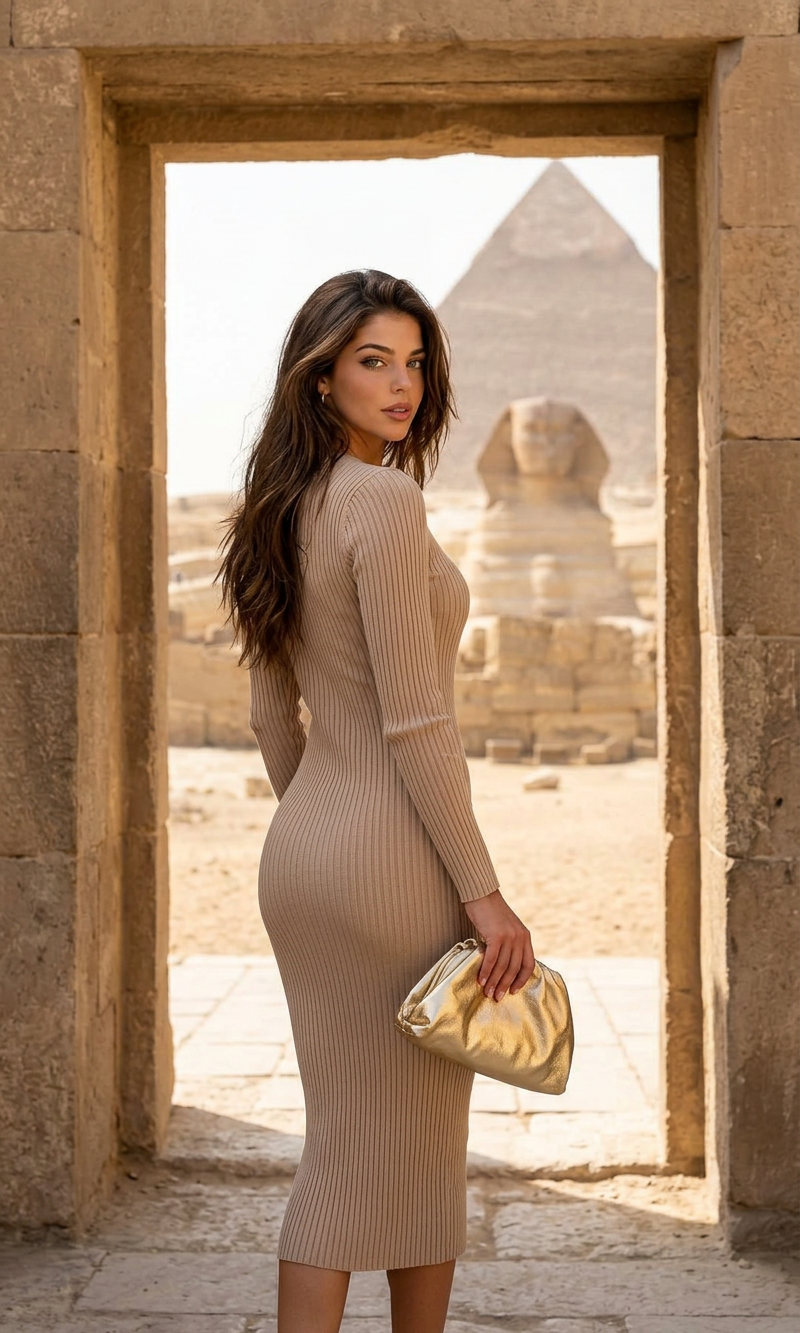
A cinematic, photorealistic portrait of a woman looking back over her shoulder, posed within the stone frame of an ancient Egyptian doorway. She wears a form-fitting, textured knit beige midi dress and holds a small, gold metallic clutch bag. Through the doorway, the Great Sphinx of Giza and a pyramid are visible in the distance under bright, natural daylight, with desert sands and ancient ruins. The focus is on the woman and the immediate stone frame, with the Sphinx and background elements in a shallow depth of field. Shot on a Sony A1, golden hour lighting.
Any aspect ratio
Overview
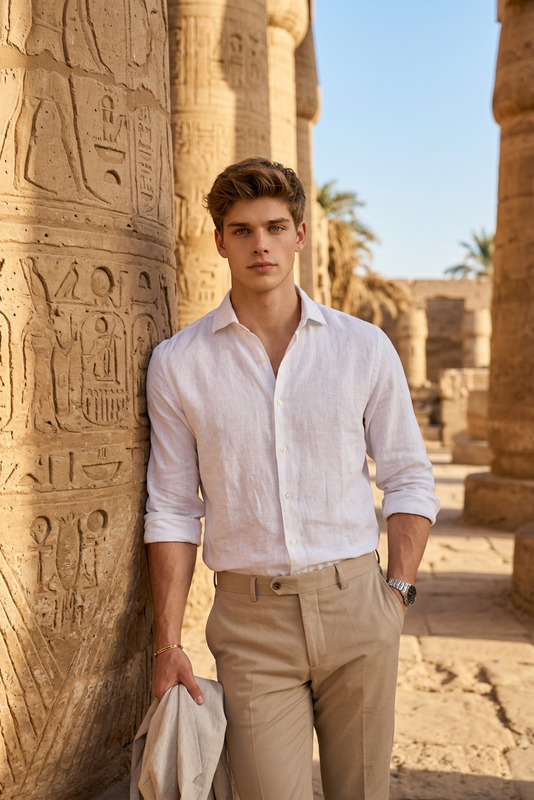
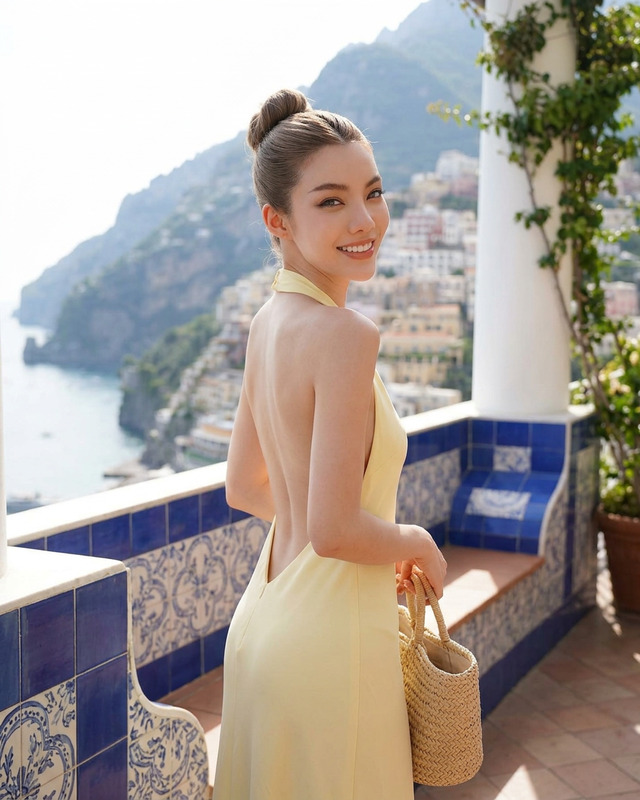
The Sphinx Frame template from the AI Image Editor suite is a striking choice for creating photographic portraits with an ancient Egyptian theme. Designed for use with the nano-banana-2 model, this template captures the essence of historical and modern influences in a single frame.
What It Does
The Sphinx Frame template allows you to compose photorealistic images featuring a woman in a timeless pose within a historically-inspired setting. By focusing on precise detail and high-quality rendering, it captures the viewer's attention and encourages them to explore the scene, enhanced by the backdrop of the Great Sphinx of Giza.
Who It's For
This template is ideal for photographers, graphic designers, and marketers looking to create captivating imagery for advertising, editorial work, or social media. Fashion brands and travel companies can particularly benefit by highlighting their products or destinations in an exotic setting.
Summary
Crafted for those who seek to blend modern fashion with historical sites, the Sphinx Frame template is both a creative tool and a stunning showcase piece. Whether used for personal projects or professional presentations, it ensures high engagement and superior visual storytelling. Explore its capabilities in our AI Image Editor collection.
How-To
Choose the Sphinx Frame template

Customize your image

Generate and download your image

Use Cases
Fashion Editorial
- Highlight new collections in a unique setting
- Capture viewer interest with high-quality visuals
Travel Promotions
- Promote ancient sites and cultural heritage
- Pair fashion elements with exotic locales
Ads for Luxury Goods
- Emphasize craftsmanship and style
- Create desire through photorealistic aesthetics
Best Practices
Focus on Lighting
Ensure that the golden hour lighting is accentuated to bring out details and add warmth to the composition.Adjust Depth of Field
Utilize shallow depth of field to maintain focus on the subject while keeping the background elements subtly present.Incorporate Stylish Props
Select props like a metallic clutch to add a contemporary touch to the ancient backdrop.