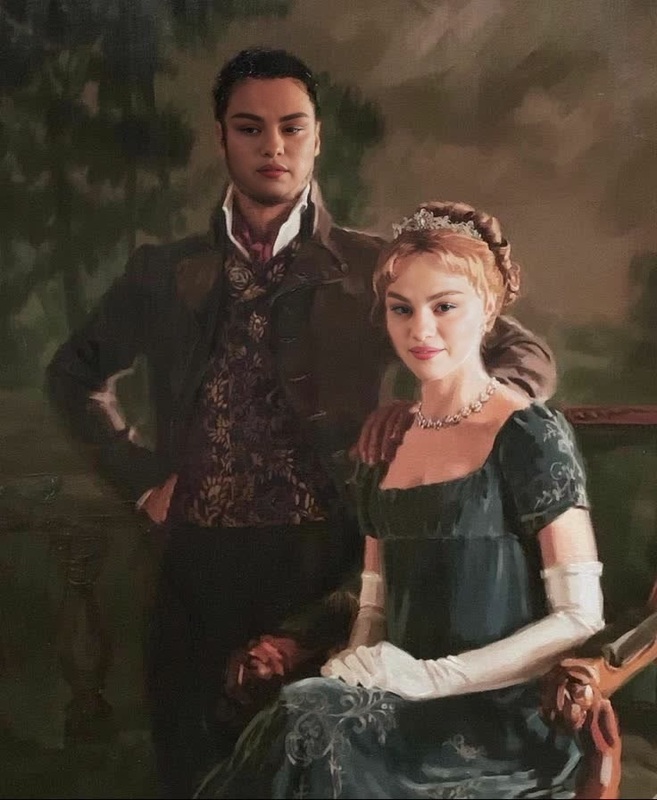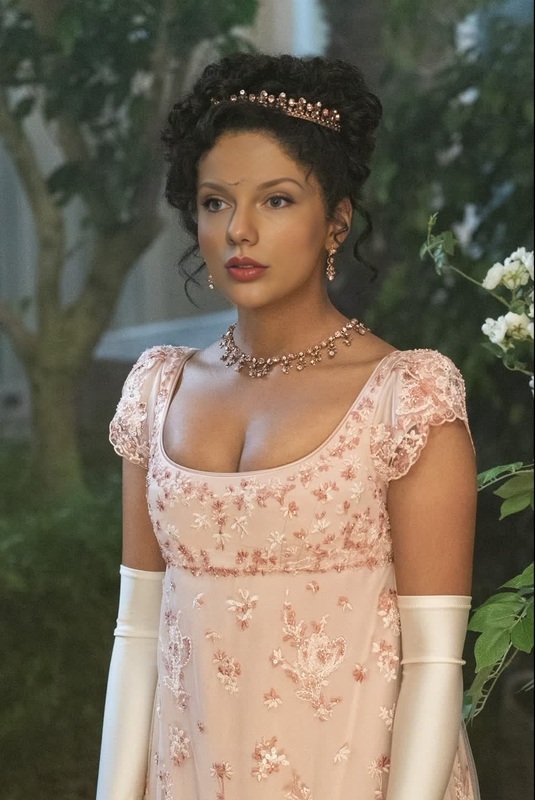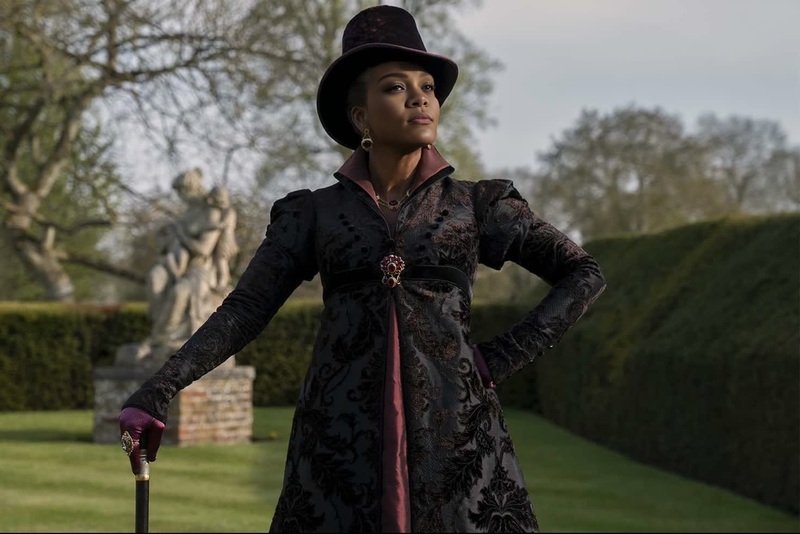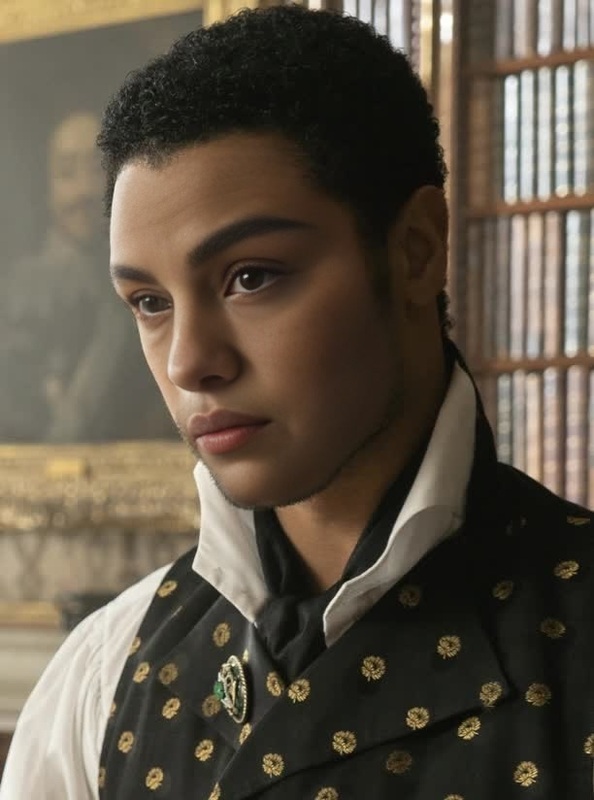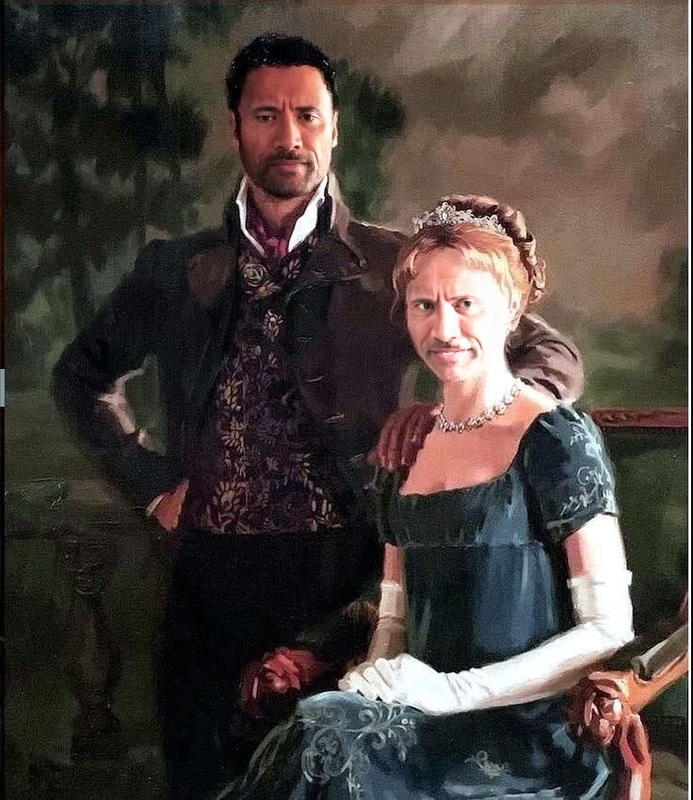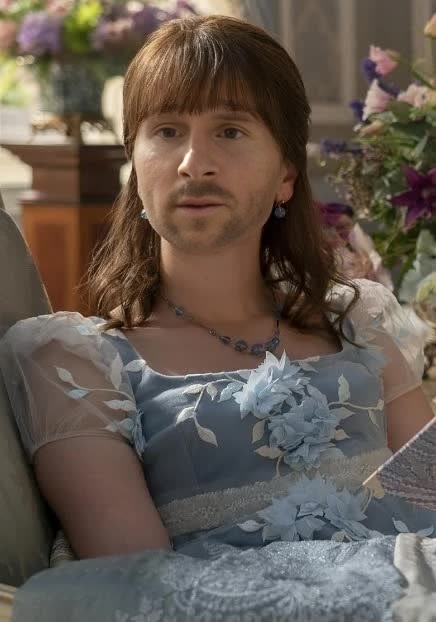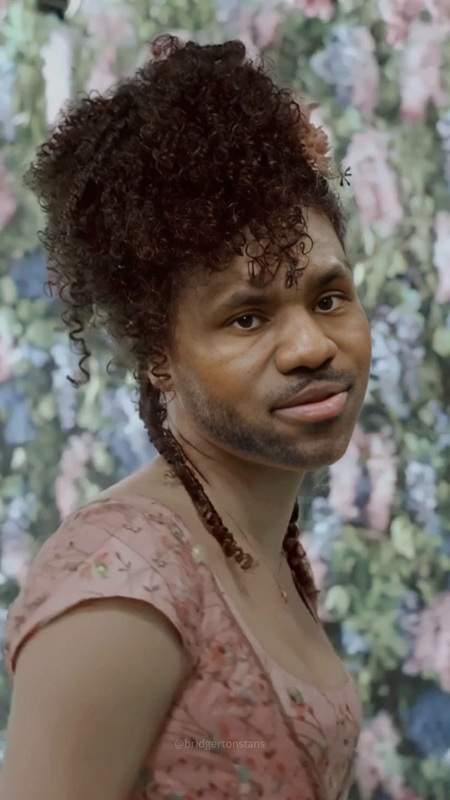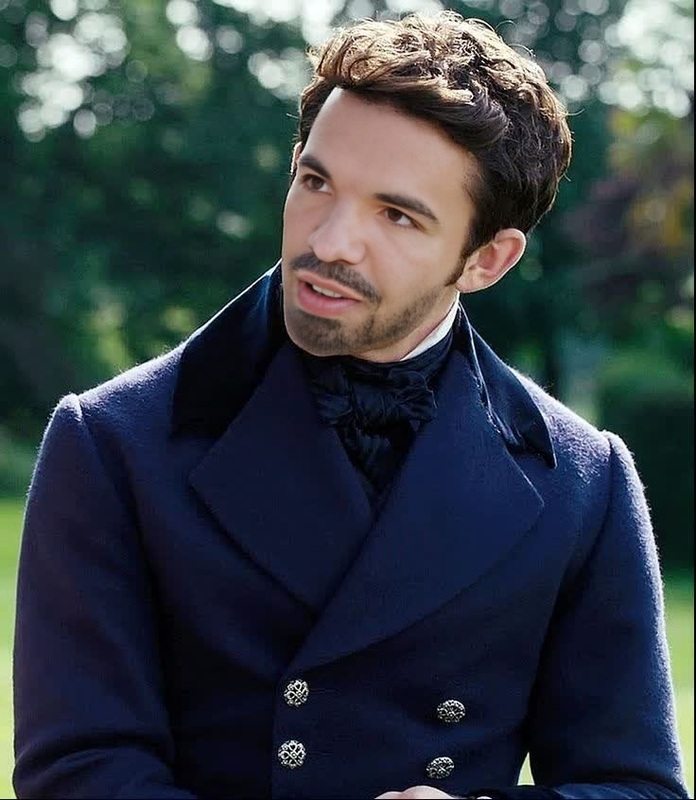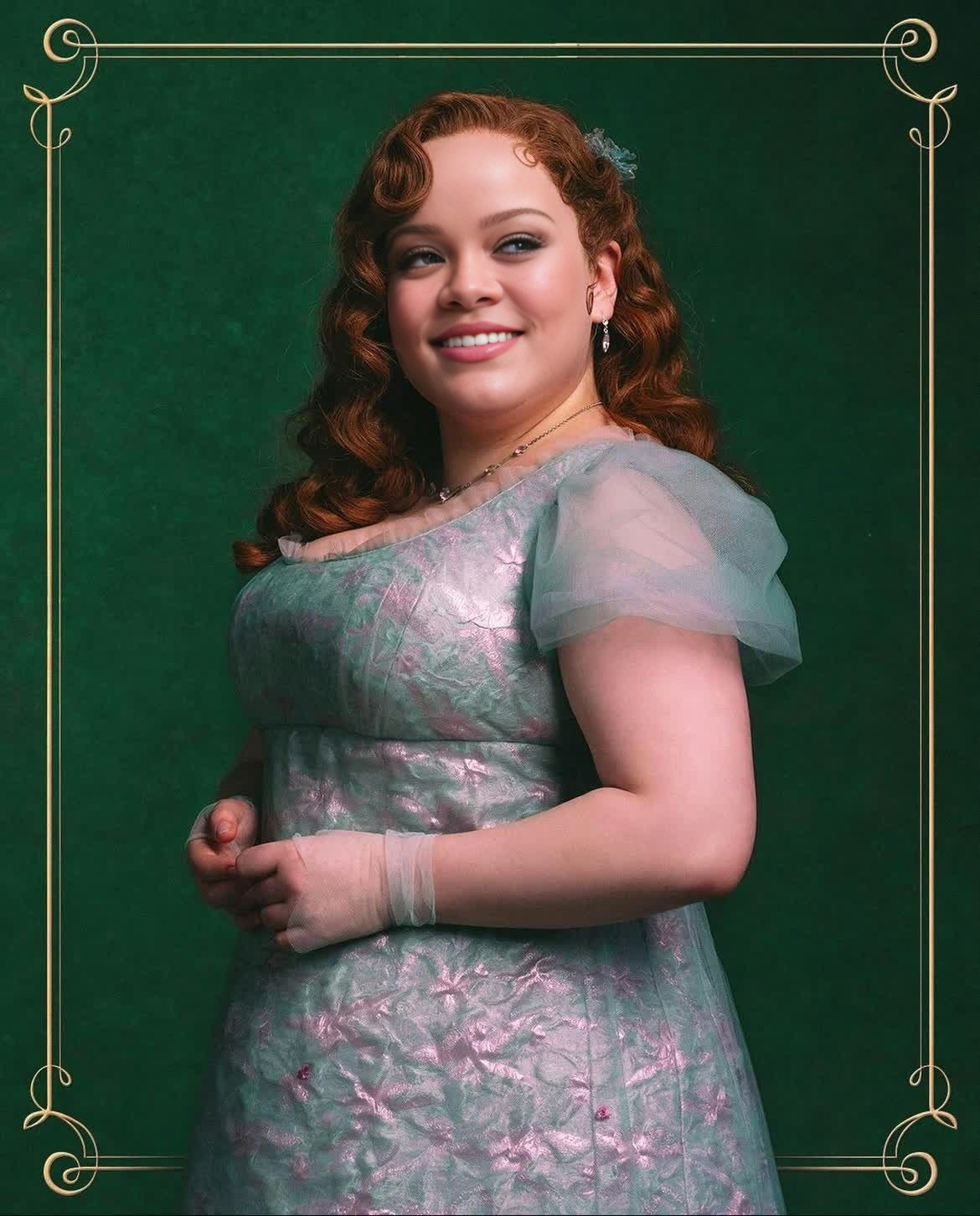
Penelope Featherington Bridgerton Portrait
- Image
- 1170 × 1452 px
Any aspect ratio
Overview
The Penelope Featherington Bridgerton Portrait template brings a delightful twist to your videos by transforming them into captivating portraits with the iconic style of Penelope Featherington from Bridgerton. This Video Face Swap template allows you to replace faces in videos while keeping the elegant aura of Bridgerton alive.
What It Does
This template enables a seamless face swap of any character with that of Penelope Featherington. By leveraging the Video Face Swap capabilities, you can enhance storytelling and create classic, yet playful, visual narratives. Perfect for anyone interested in blending historical aesthetics with modern video techniques.
Who It's For
The template is designed for creators looking to add a historical yet whimsical touch to their video projects. It's suitable for filmmakers, content creators on social media platforms like TikTok or Instagram, and fans of the Bridgerton series looking to infuse their creativity with a touch of Regé-Jean Page's world.
Whether you're making personalized social media ads or mood boards, this template can boost your creativity with an elegant twist.
Summary
Offering an elegant way to reimagine your video content, the Penelope Featherington Bridgerton Portrait template captures the vintage charm and detail of period pieces. Integrate this template into your creative process to stay ahead in video style transfers and to captivate audiences with historically rich, yet modern, storytelling.
How To
Choose Template

Customize

Generate

Use Cases
Social Media Content
- Stand out with unique face swaps in short videos.
- Create thematic content aligning with trending topics.
Film and Entertainment
- Enhance period films with character swaps.
- Mix classic and modern aesthetics in storytelling.
Advertising
- Create memorable ads by incorporating recognizable characters.
- Engage audiences with innovative narrative techniques.
Best Practices
Quality Input
Use high-resolution video files for the best face swap results. Consider lighting and angles for optimal swaps.Subtle Adjustments
While customizing, subtle tweaks in face shape and size can enhance realism and impact.Integration
Integrate this template with other tools like the AI Image Editor for pre or post-processing adjustments, refining the overall look.