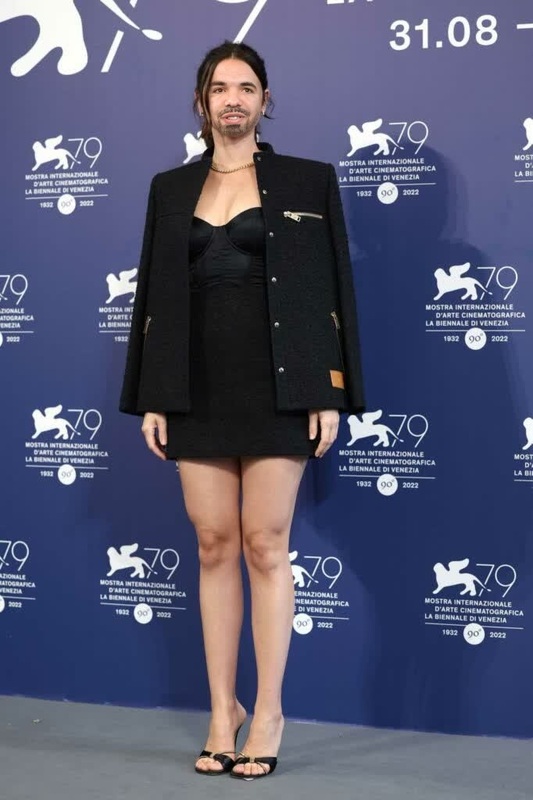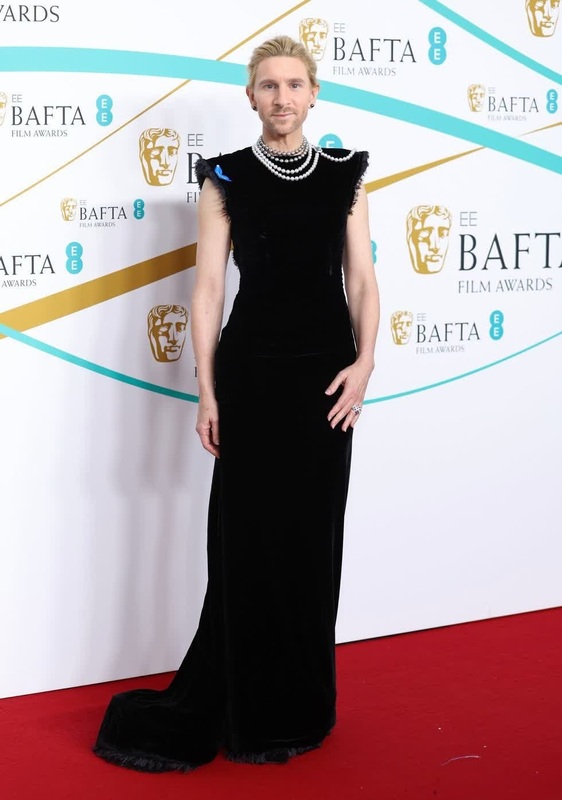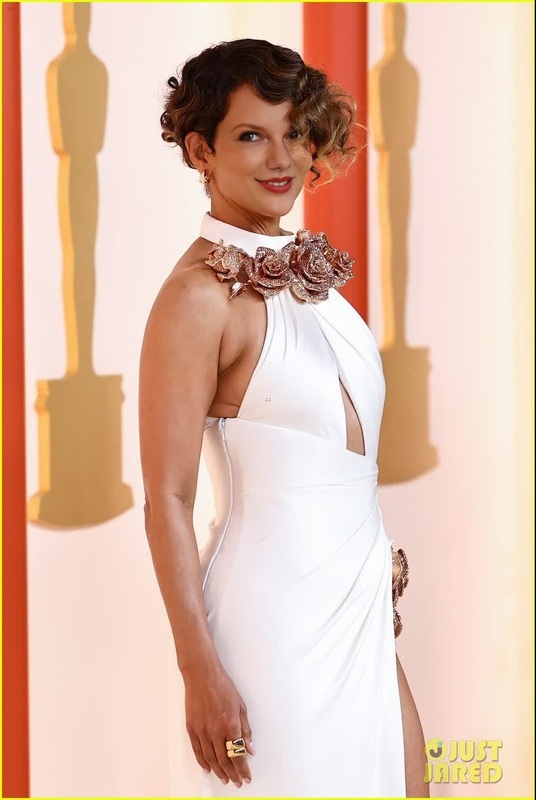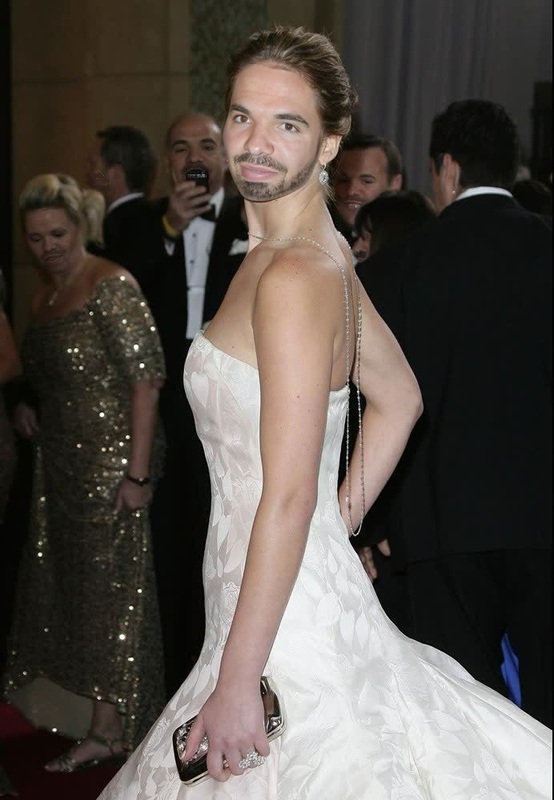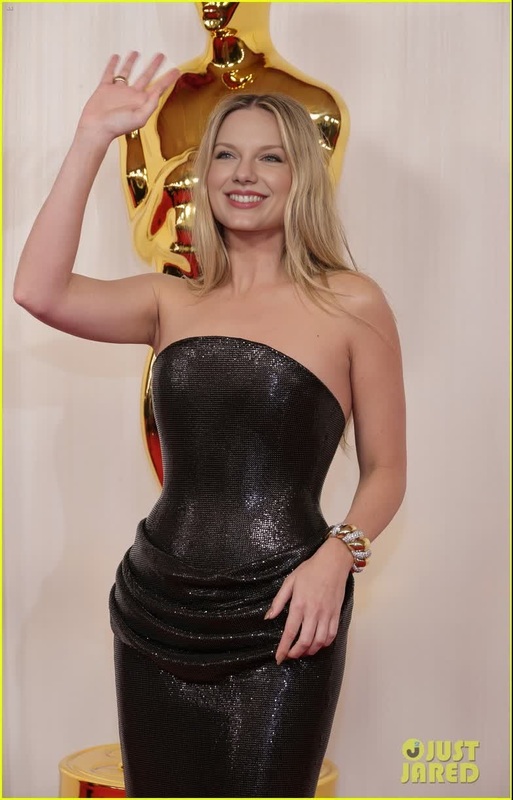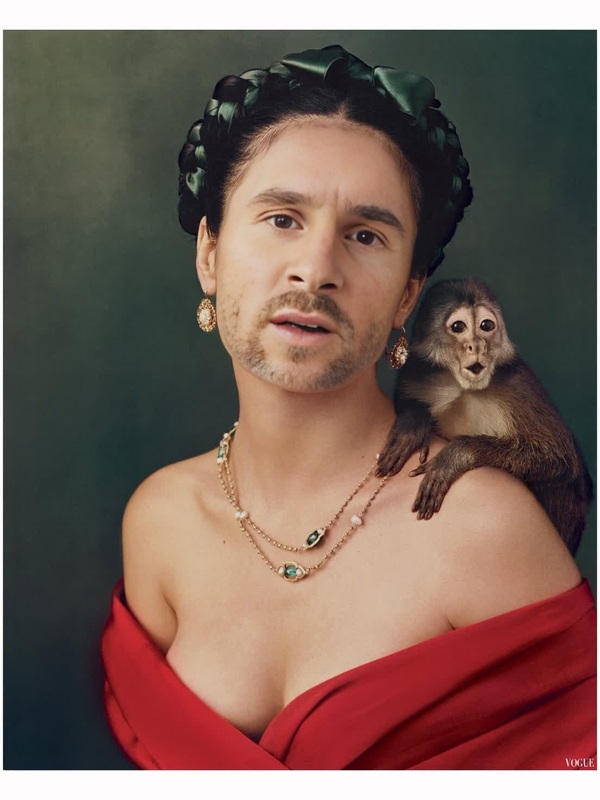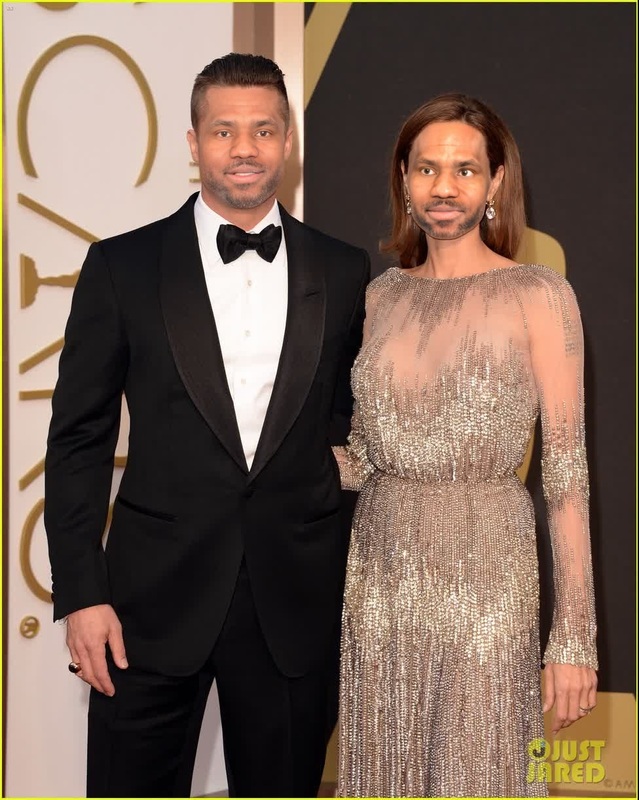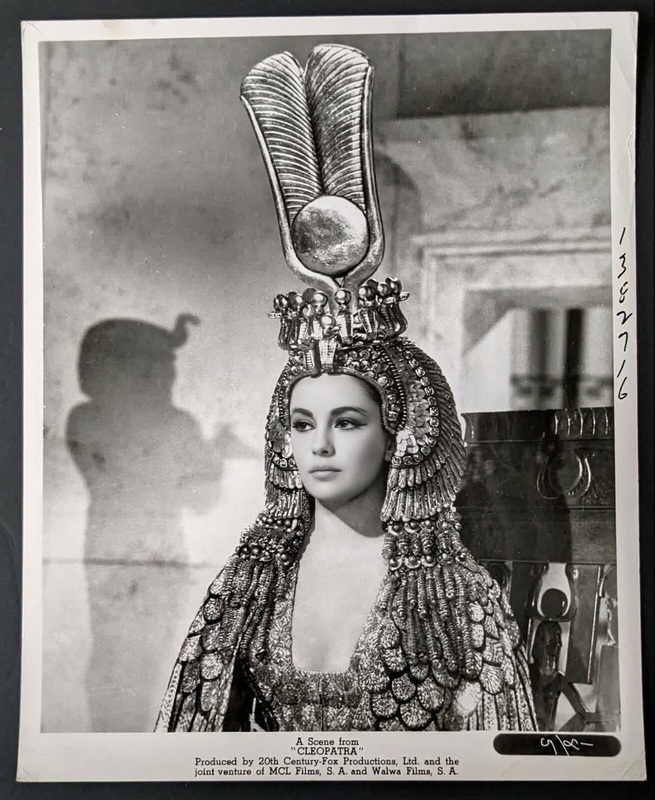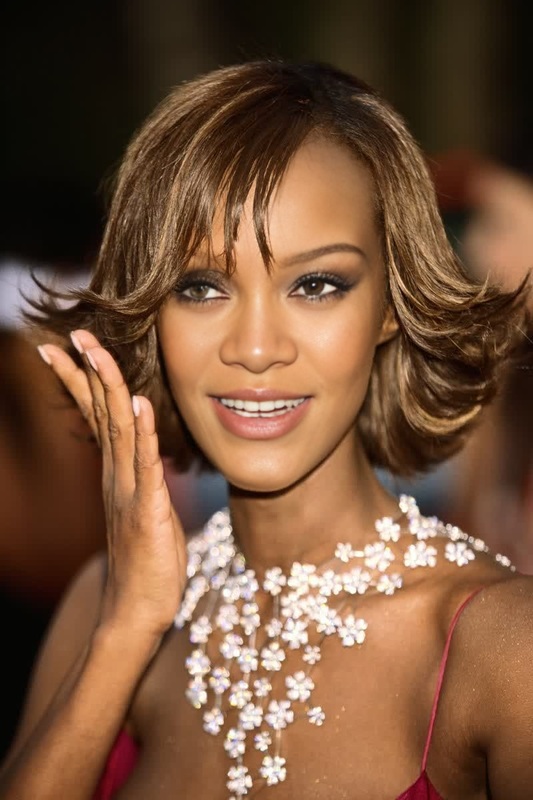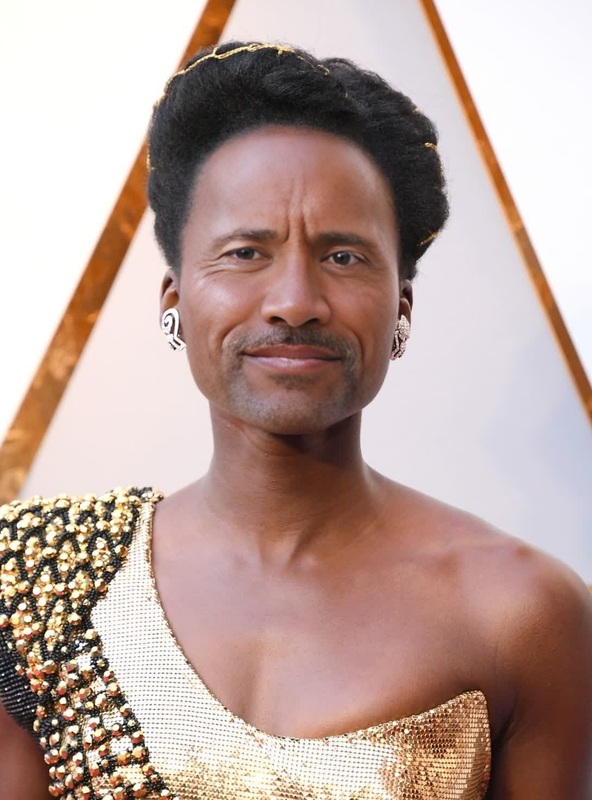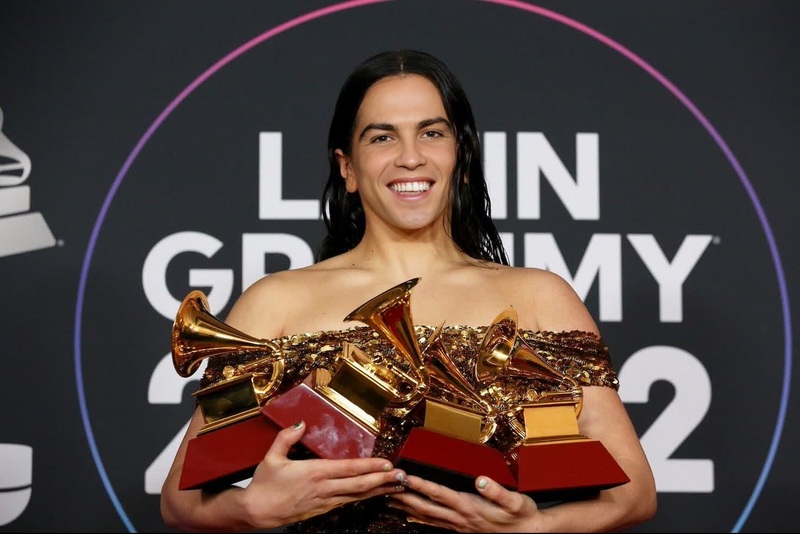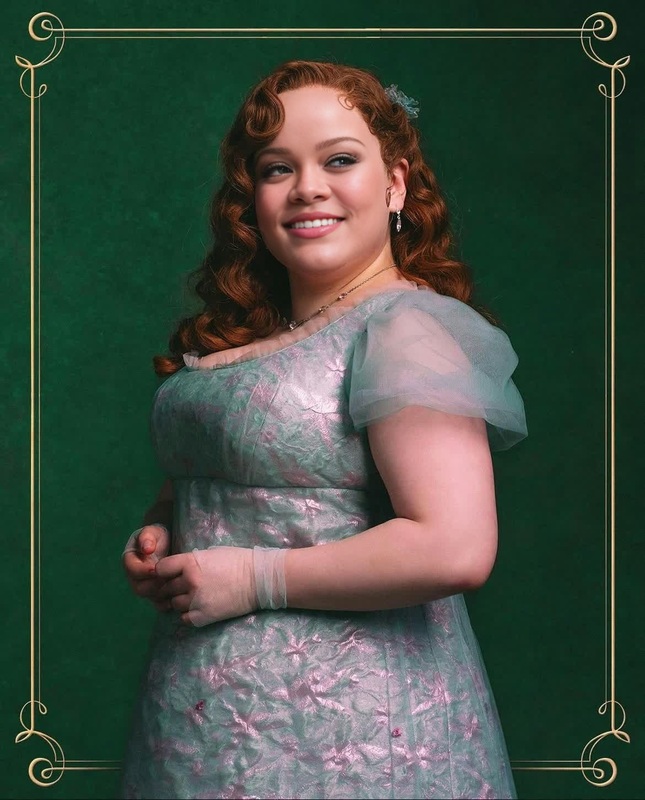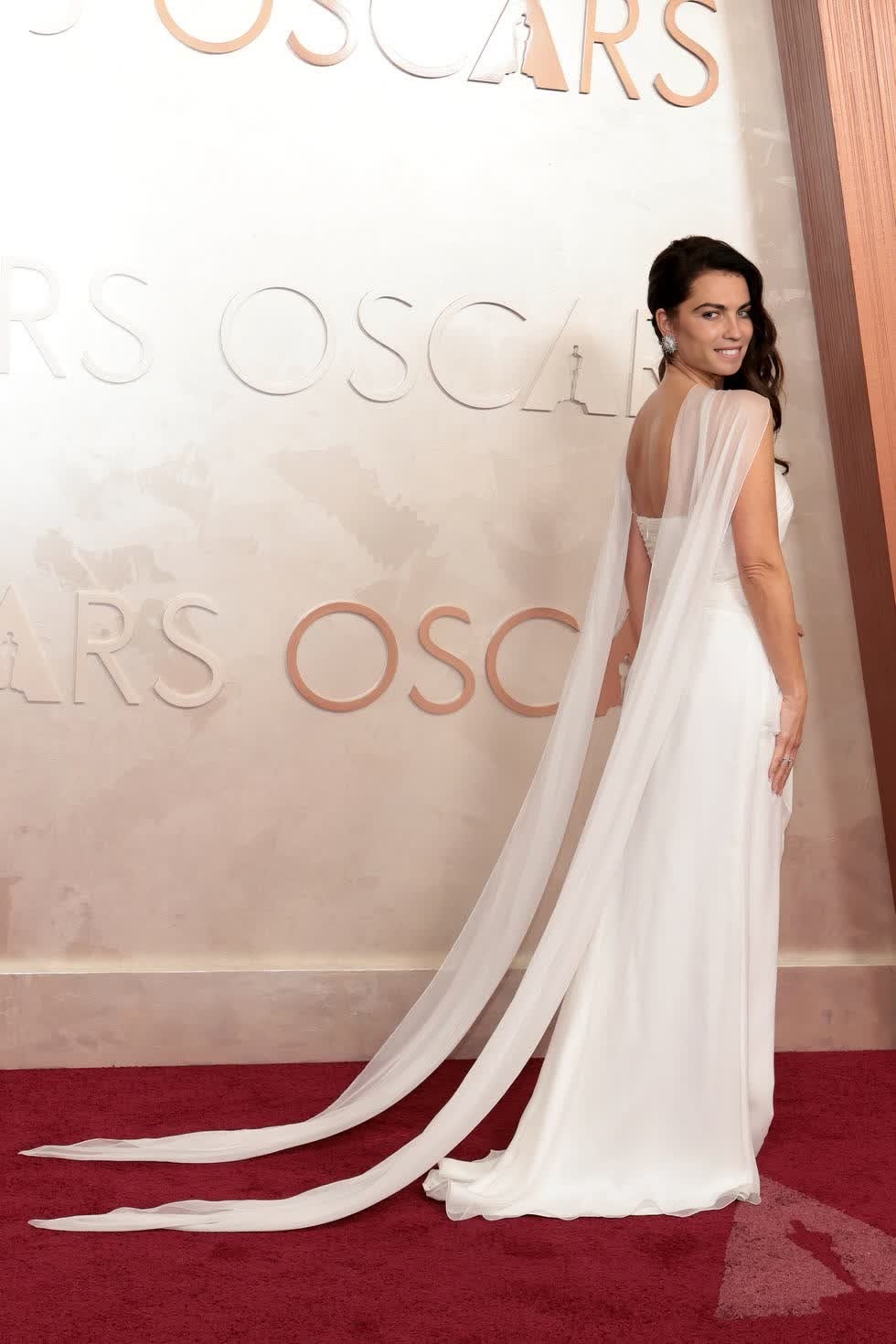
Penelope Cruz Oscars Arrival Portrait
- Image
- 980 × 1470 px
Any aspect ratio
Overview
Transform your video content with the Penelope Cruz Oscars Arrival Portrait, a Video Face Swap template designed to add a touch of Hollywood glamour to your projects. Whether for social media or personal entertainment, this template offers a unique opportunity to insert yourself or anyone else into the iconic Oscars scene.
What It Does
This Video Face Swap template allows you to replace Penelope Cruz's face in a clip of her at the Oscars with another face of your choice. Simply upload a face image, and the template does the hard work by seamlessly integrating the new face into the video, maintaining natural expressions and head movements. Learn more about our Face Swap capabilities.
Who It's For
The template is perfect for social media enthusiasts, content creators, and anyone looking to have fun with digital transformations. It's also ideal for creators working in the meme video space, looking to craft unique and humorous content inspired by real-world events.
Summary
Our Penelope Cruz Oscars Arrival Portrait template offers a straightforward way to customize video content through advanced face swapping technology. Pair it with our AI Image Editor to enhance the background or make additional visual edits for a comprehensive creative experience.
How to Use
Choose the template

Customize with your inputs

Generate and download

Use Cases
Social Media Content
- Boost engagement on Instagram and TikTok
- Create personalized greeting videos
Meme Creation
- Use in meme groups on Facebook
- Share on Reddit threads with friends
Video Greeting Cards
- Birthday wishes featuring a special cameo
- Surprise loved ones with unique messages
Best Practices
Choose a clear input image
Ensure that the photo you upload is well-lit and clear to achieve a natural-looking swap. Consider working with our AI Image Upscaler for improving image resolution.Adjust facial alignment
Use the template's tools to fine-tune the placement and size of the face for a seamless blend into the video.Preview before downloading
Take advantage of the preview feature to make sure everything looks perfect before finalizing your download.