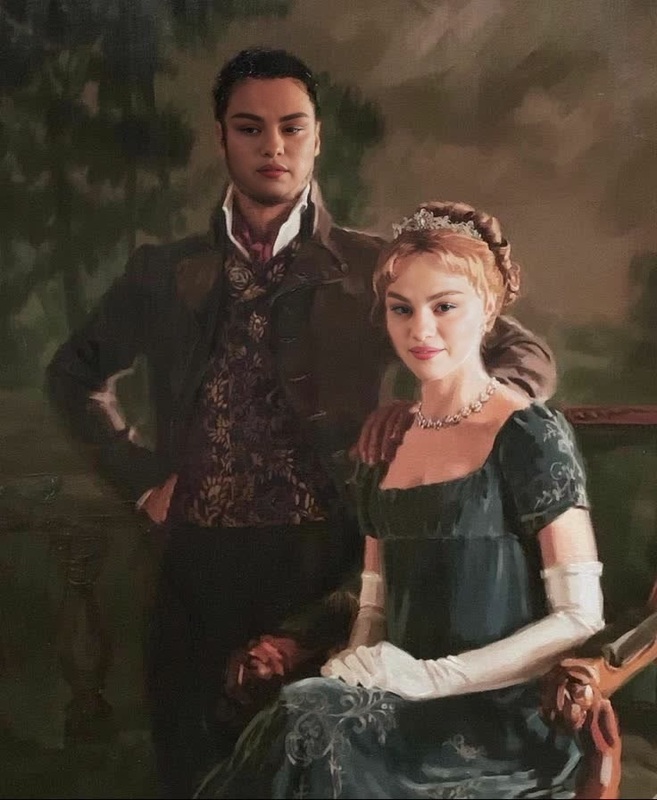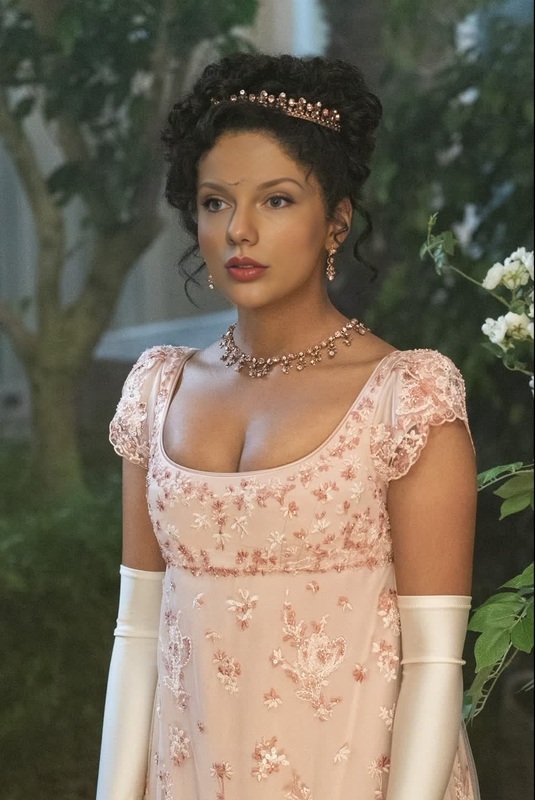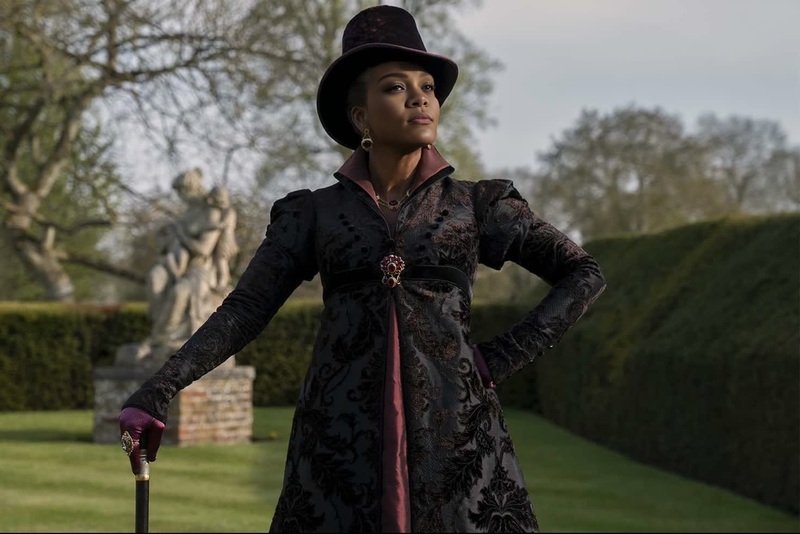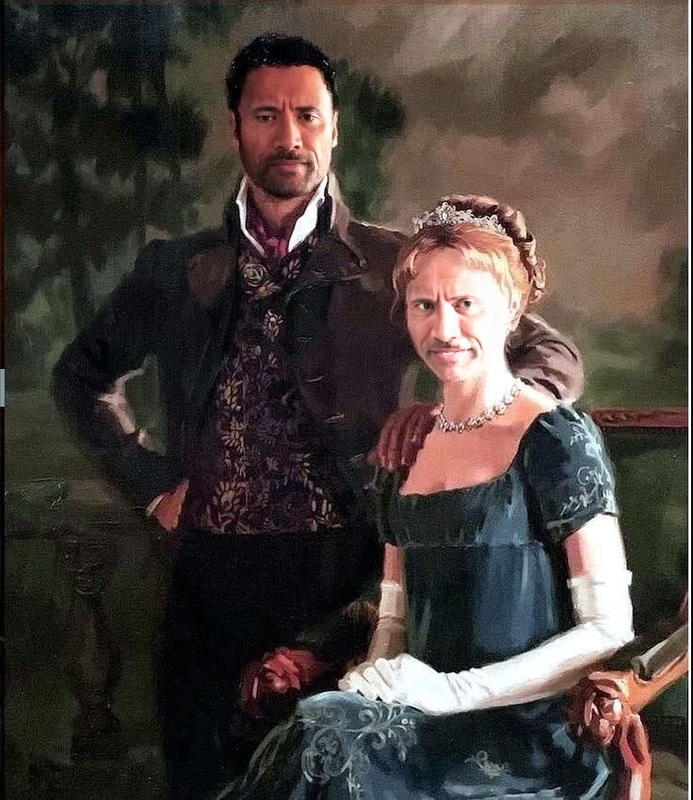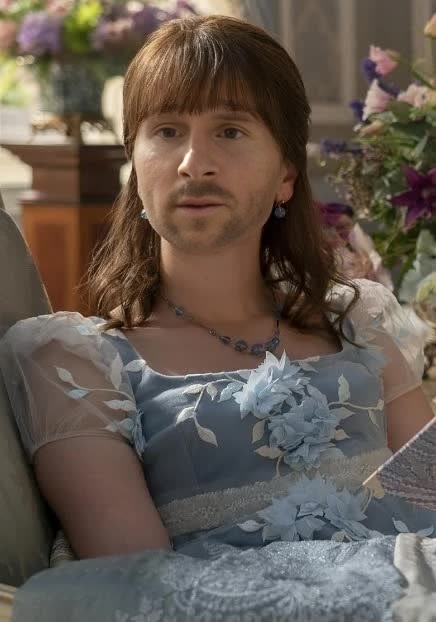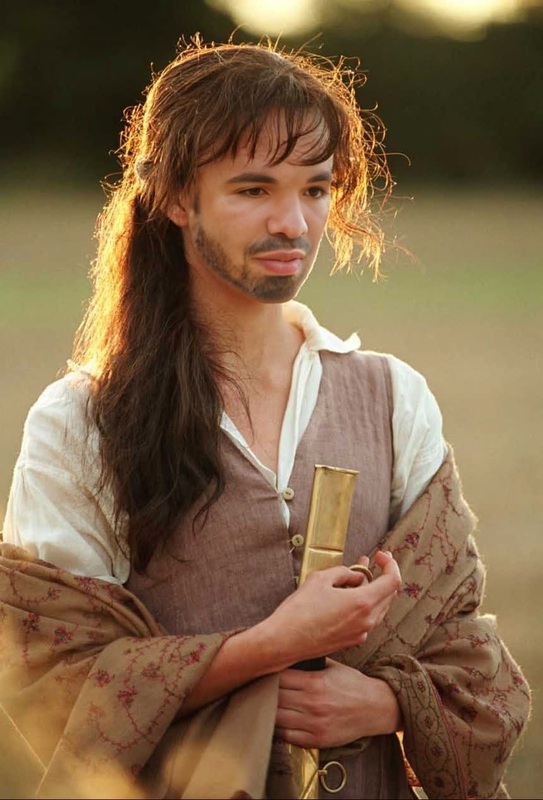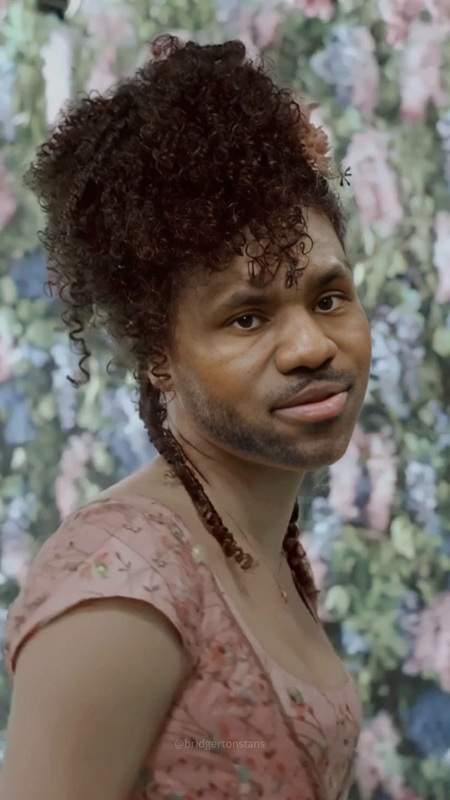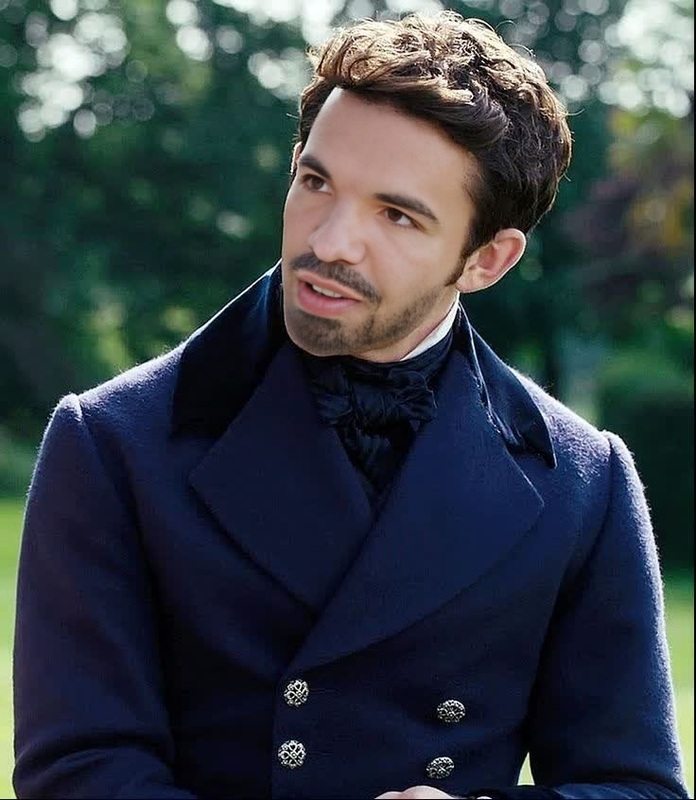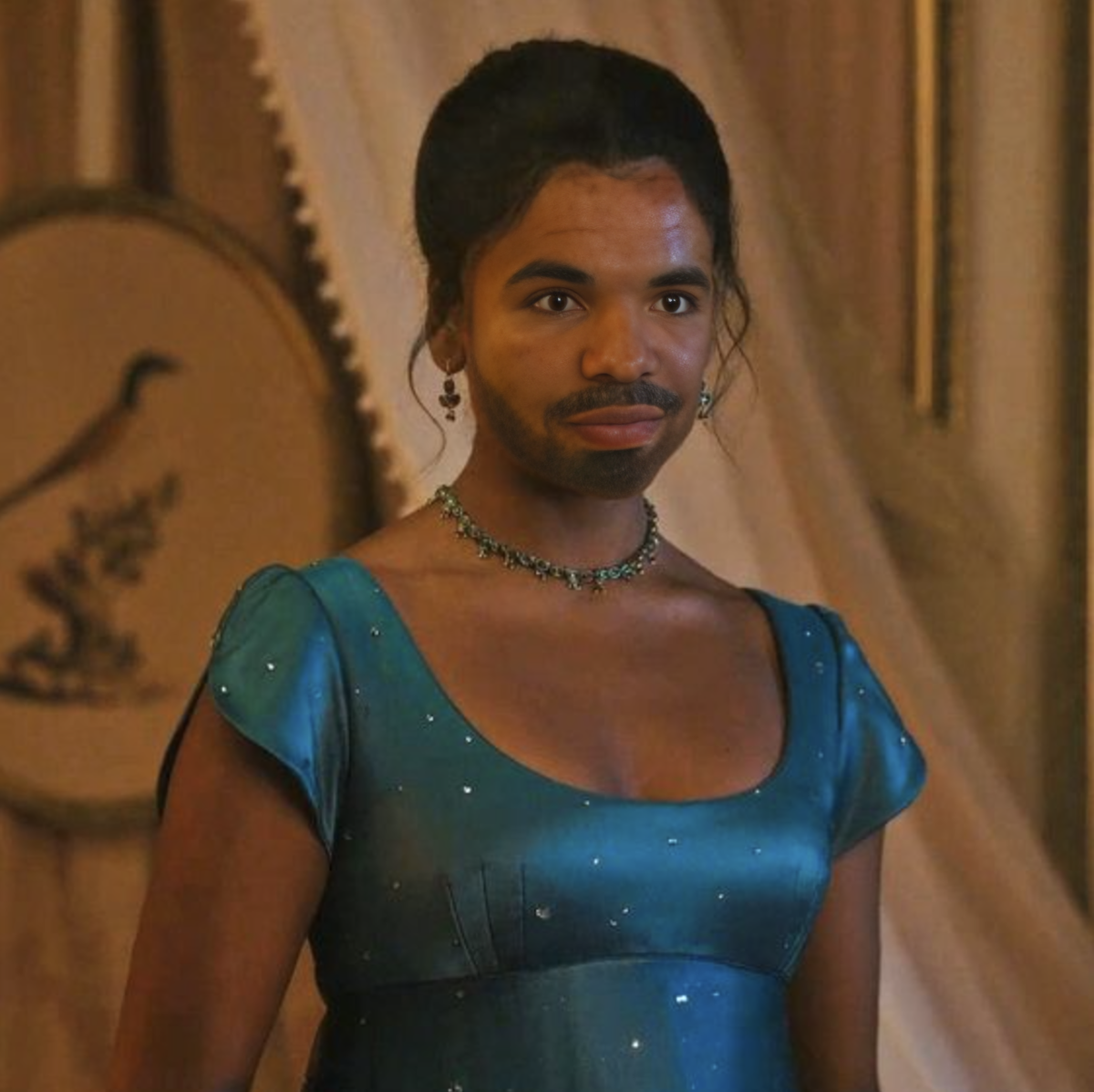
Kate Sharma Bridgerton Portrait
- Image
- 1200 × 1198 px
Any aspect ratio
Overview
The Kate Sharma Bridgerton Portrait is a Video Face Swap template that allows you to embrace the elegance and charm of a beloved character. Utilizing advanced AI technology, this template provides a seamless integration of your face into professionally crafted video segments. Capture attention with a touch of elegance in each video creation.
What It Does
This template employs sophisticated AI models to enable precise and realistic face swapping. It replaces faces in videos with high accuracy, preserving expressions and aligning movements. Perfectly suited for those looking to experiment with a new look or just have fun, this tool transforms your digital storytelling effortlessly. Learn more about face tweaks with the AI Face Editor.
Who It's For
Whether you are a content creator, a social media influencer, or a fan of the Bridgerton series, the Kate Sharma Bridgerton Portrait template is designed for you. It appeals to creators looking for engaging content and fans wanting to step into the shoes of their favorite character. Consider combining this with the AI Video Generator for enriched video projects.
Summary
Engage your audience with this transformative tool, bringing the elegance of Bridgerton to your videos. By swapping faces with Kate Sharma, you can easily recreate captivating scenes that are both entertaining and memorable. Enhance your project even further using the Video Face Swap product.
How to Use
Choose Kate Sharma Template

Customize Faces

Generate and Download

Use Cases
Fan Projects
- Reimagine scenes with yourself as Kate Sharma
- Develop fan tribute videos
Social Media Content
- Boost engagement with entertaining transformations
- Create buzz around Bridgerton themes
Marketing Campaign
- Feature relatable content using popular series
- Engage customers with interactive media
Best Practices
High-Quality Photos
Ensure the photo quality is high with good lighting for better swapping results.Fine-tune Adjustments
Take your time to adjust alignment and check facial expressions carefully.Combine with Effects
Enhance your video using effects from the AI Image Editor to add depth and style.
FAQs
More Like This