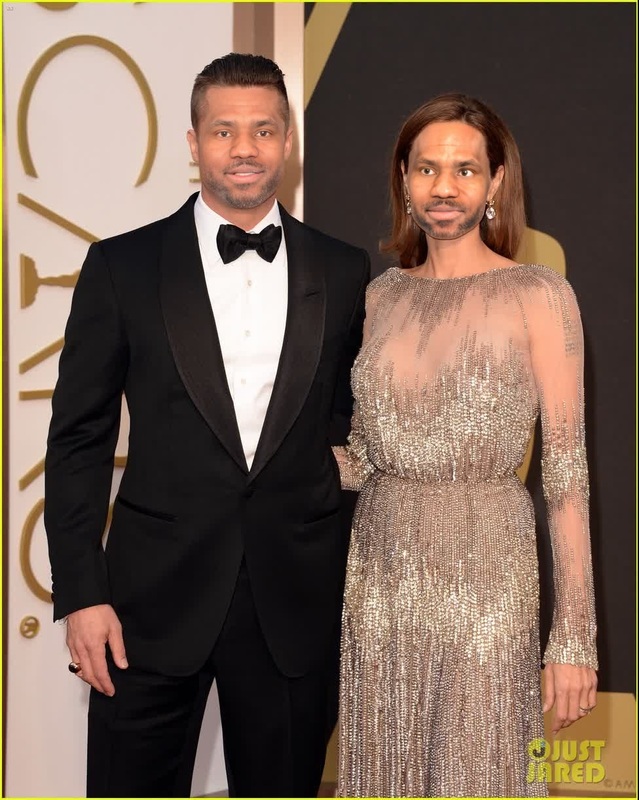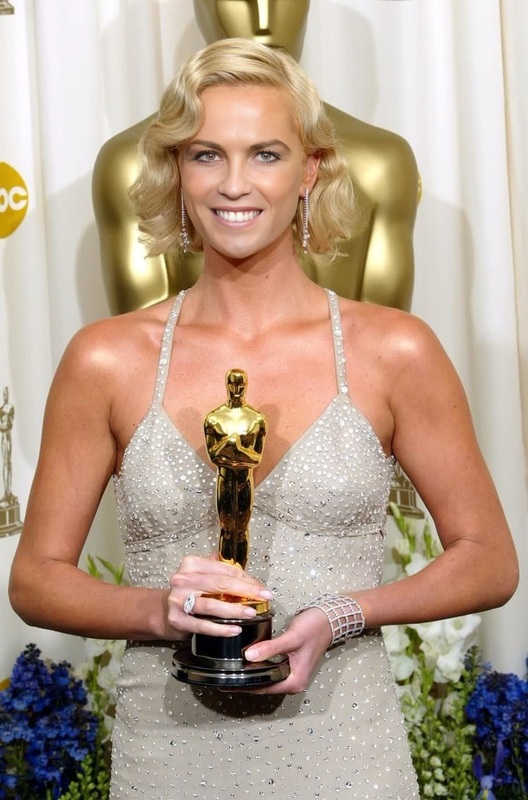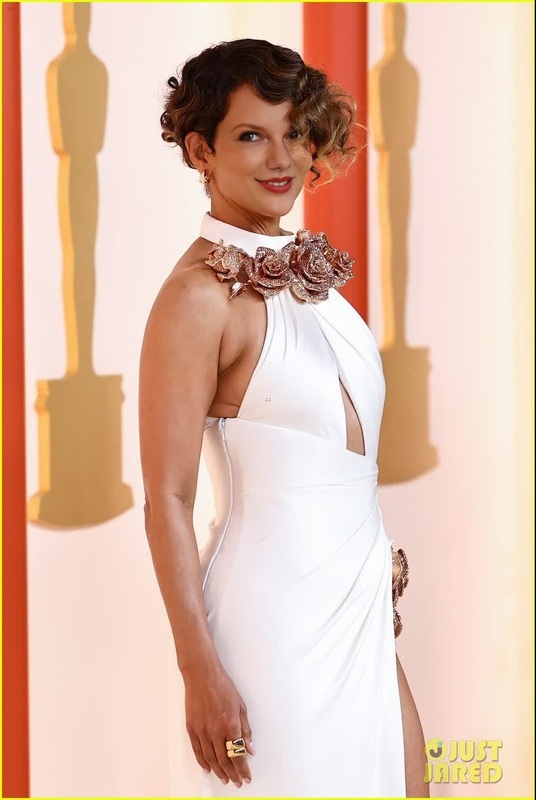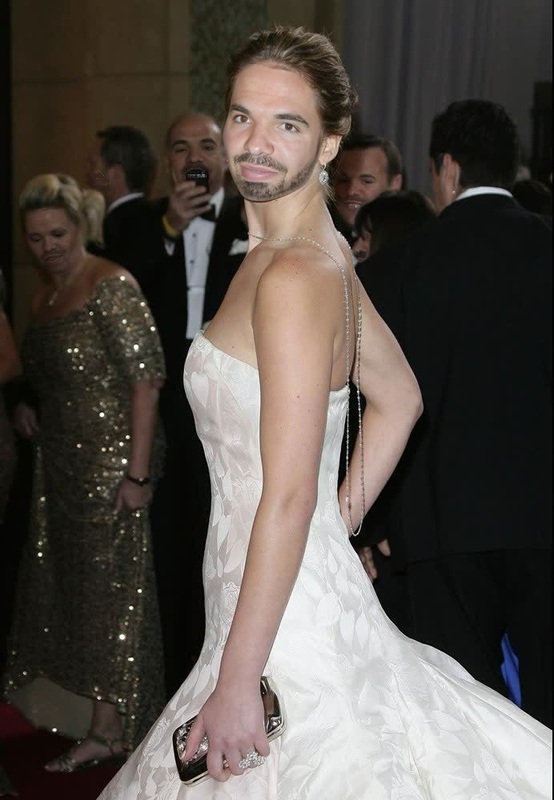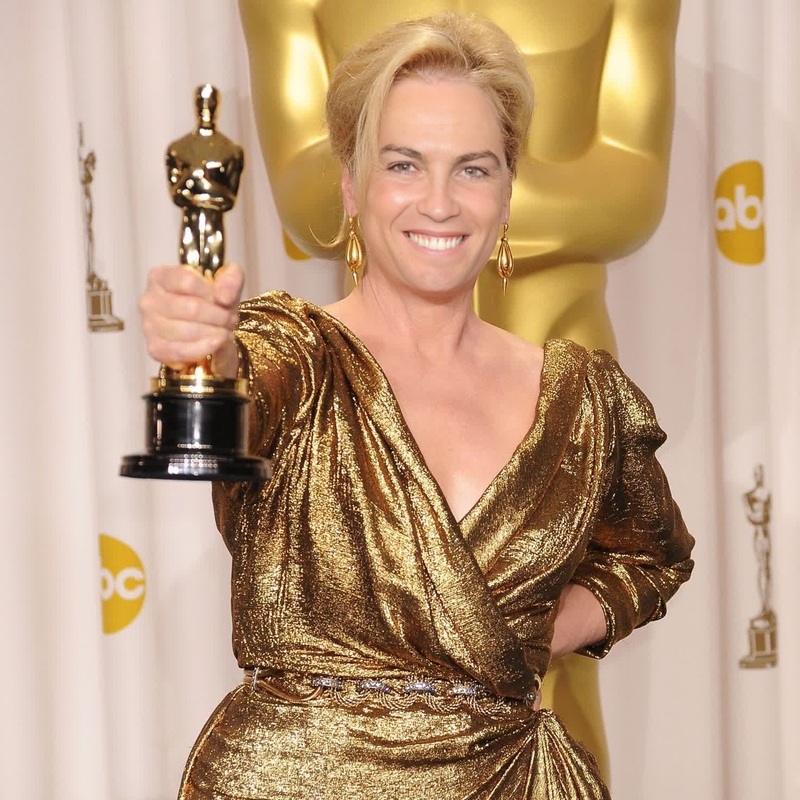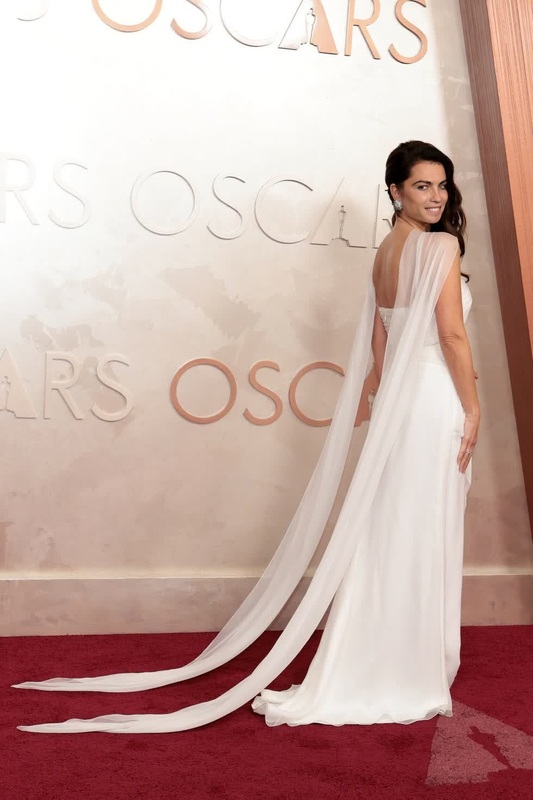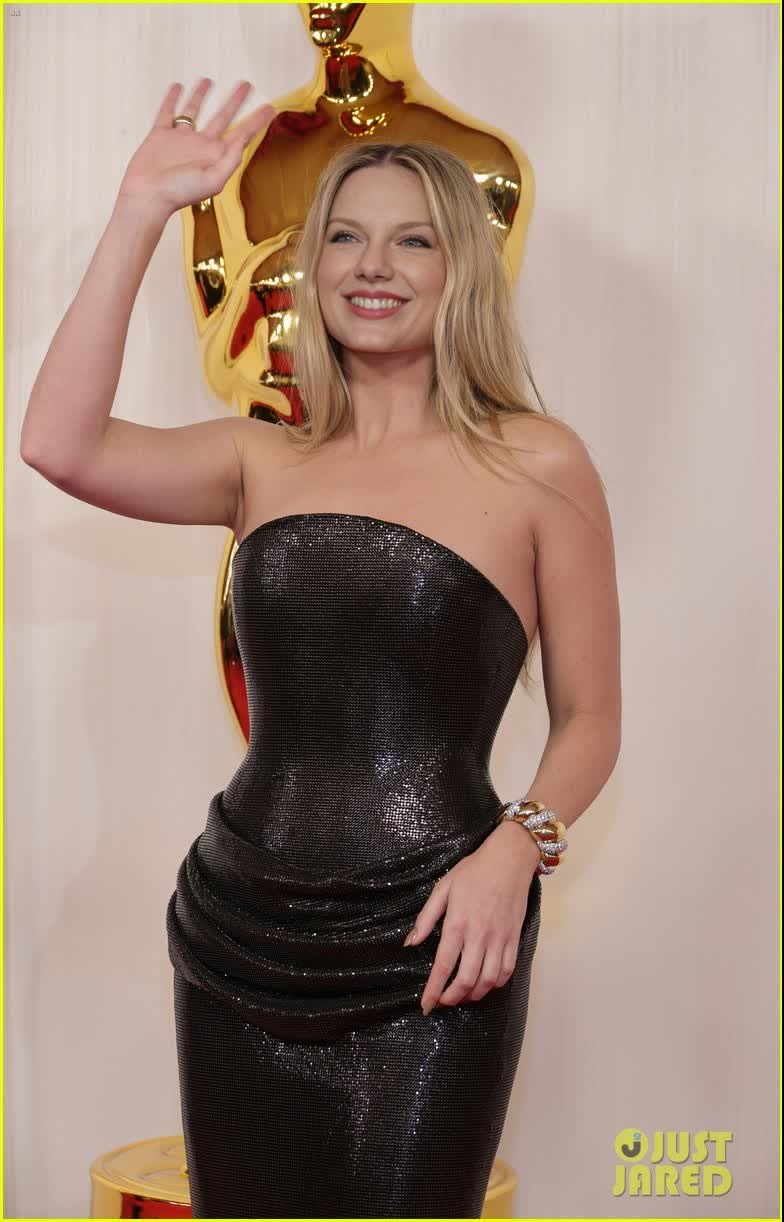
Margot Robbie Oscars Arrival Portrait
- Image
- 784 × 1222 px
Any aspect ratio
Overview
Step into the world of Hollywood glamour with the Margot Robbie Oscars Arrival Portrait. This video face swap template allows you to create a stunning transformation by swapping faces onto Margot Robbie's iconic Oscars appearance. It's an excellent tool for those looking to create captivating and unique content that stands out.
What It Does
This template leverages advanced Face Swap technology to seamlessly integrate faces into a glamorous Oscars setting. By using this template, you can create video content that features any face on Margot Robbie's body in a high-profile red carpet moment.
Who It's For
The template is ideal for content creators, social media influencers, and marketers who aim to produce engaging video content. It's also perfect for anyone working on AI Video Ads or Product Demo Videos, offering a creative avenue for creating virality and intrigue.
Summary
With the Margot Robbie Oscars Arrival Portrait, create mesmerizing video transformations that capture attention. Utilizing this face swap template provides an open door to creative possibilities for promotional or personal projects. Mix and match with other tools like the Image-to-Video feature for expanded creativity.
How to Use
Choose Your Template

Customize Your Content

Generate Your Video

Use Cases
Social Media Engagement
- Increase follower interaction with unique videos
- Harness the power of celebrity allure in campaigns
Content Personalization
- Use for birthdays, anniversaries, or shoutouts
- Add a unique touch to video messages
Marketing Campaigns
- Create campaigns that leverage celebrity culture
- Boost engagement with innovative ads
Best Practices
Choose High-Quality Source Images
Select high-resolution images for the face you intend to swap to maintain video clarity and natural look.Align Features Accurately
Make sure eyes, nose, and mouth are aligned to enhance the realism of the face swap.Test Various Outputs
Experiment with different lighting and angles to see what works best for creating the most authentic video outcome.