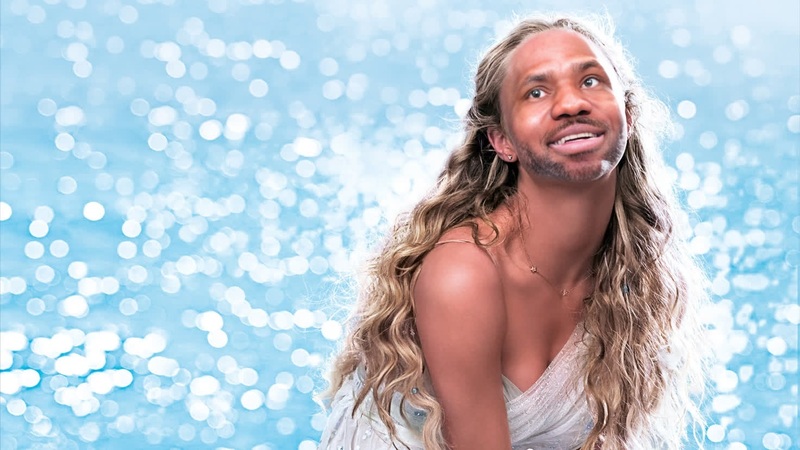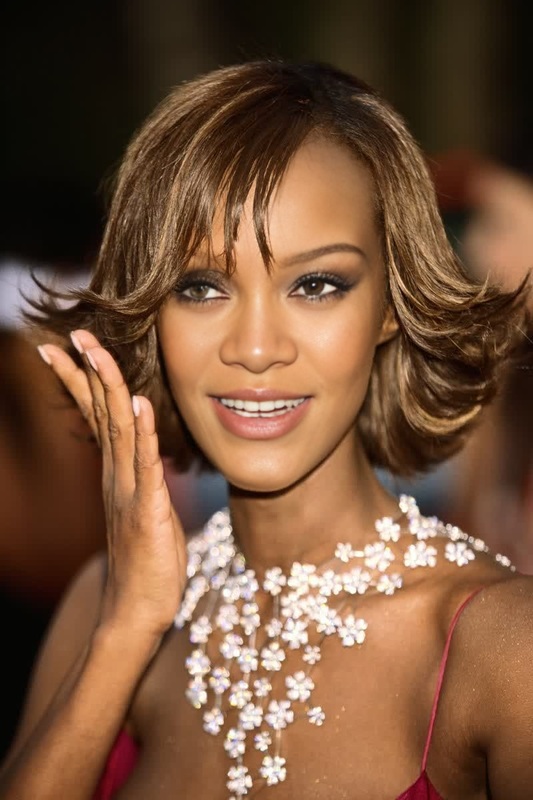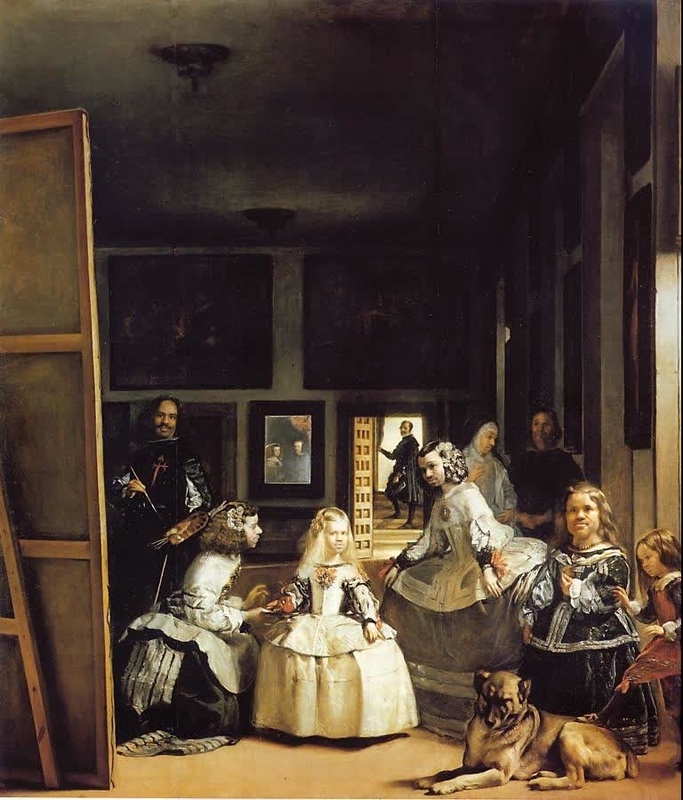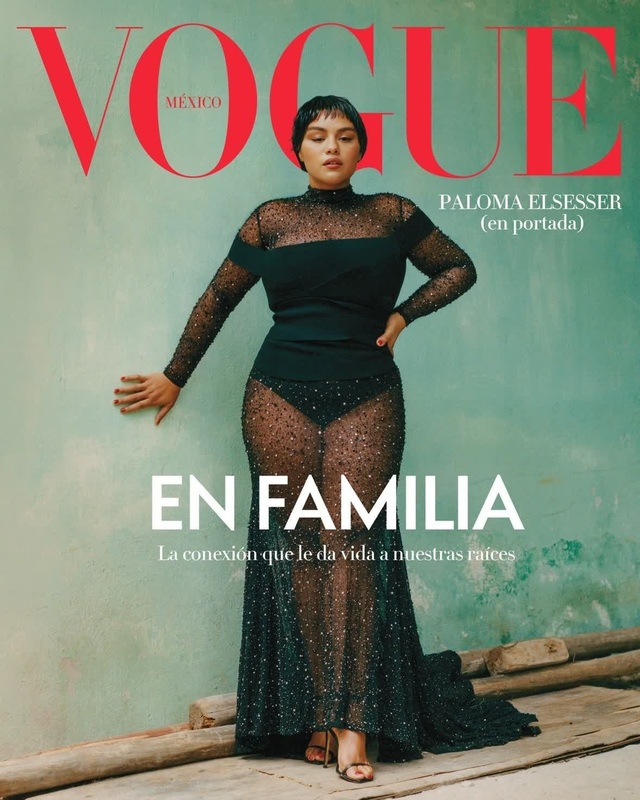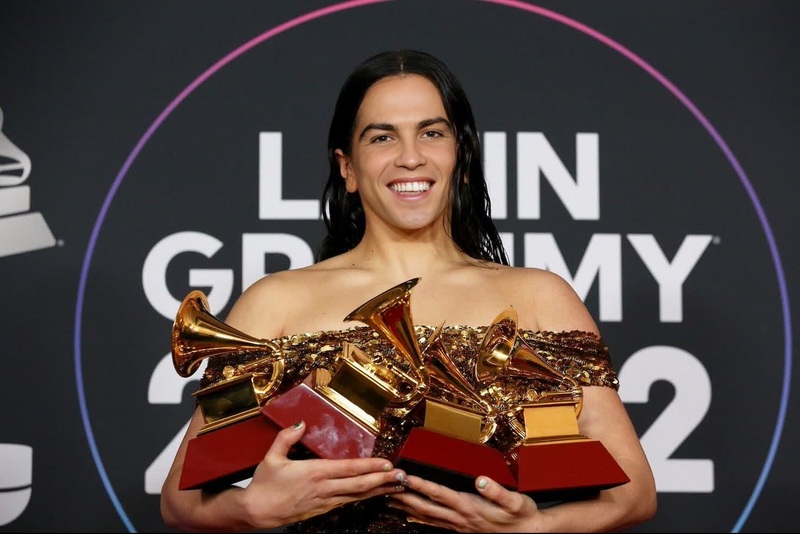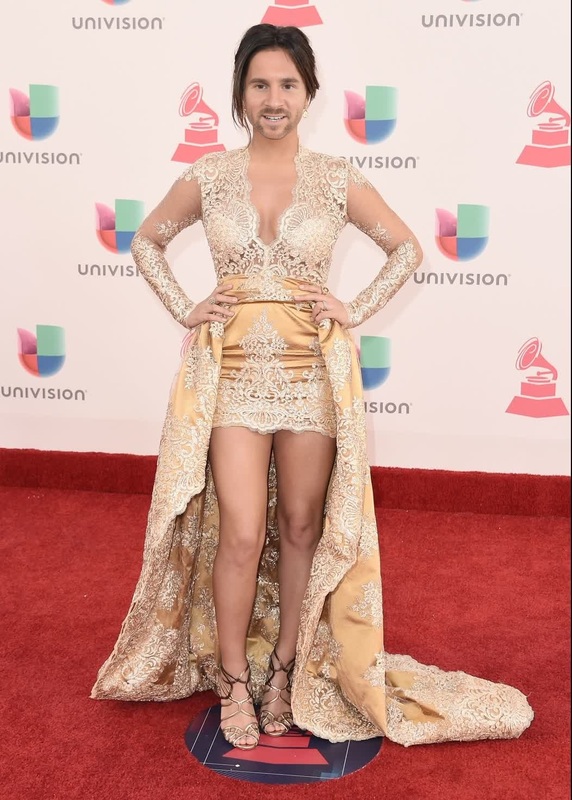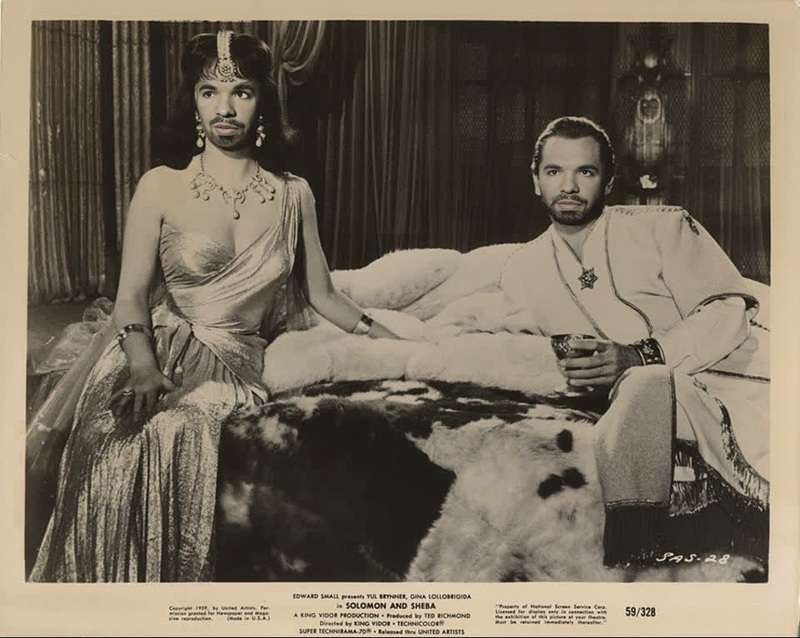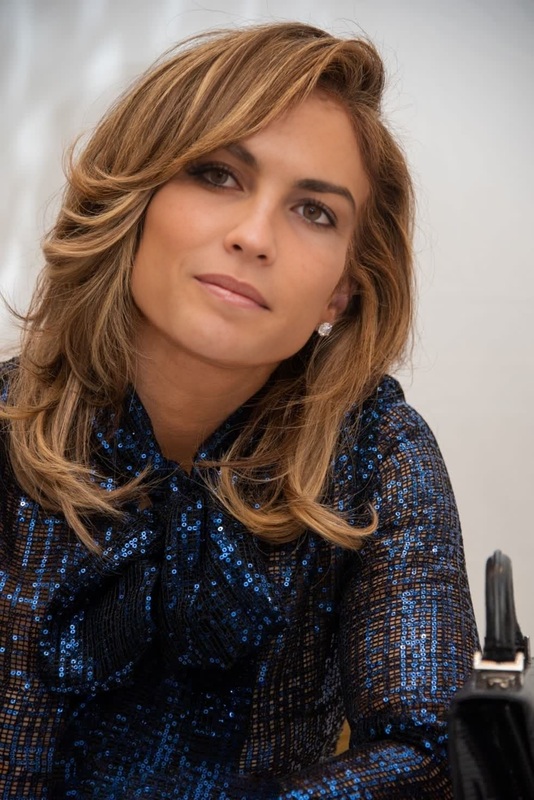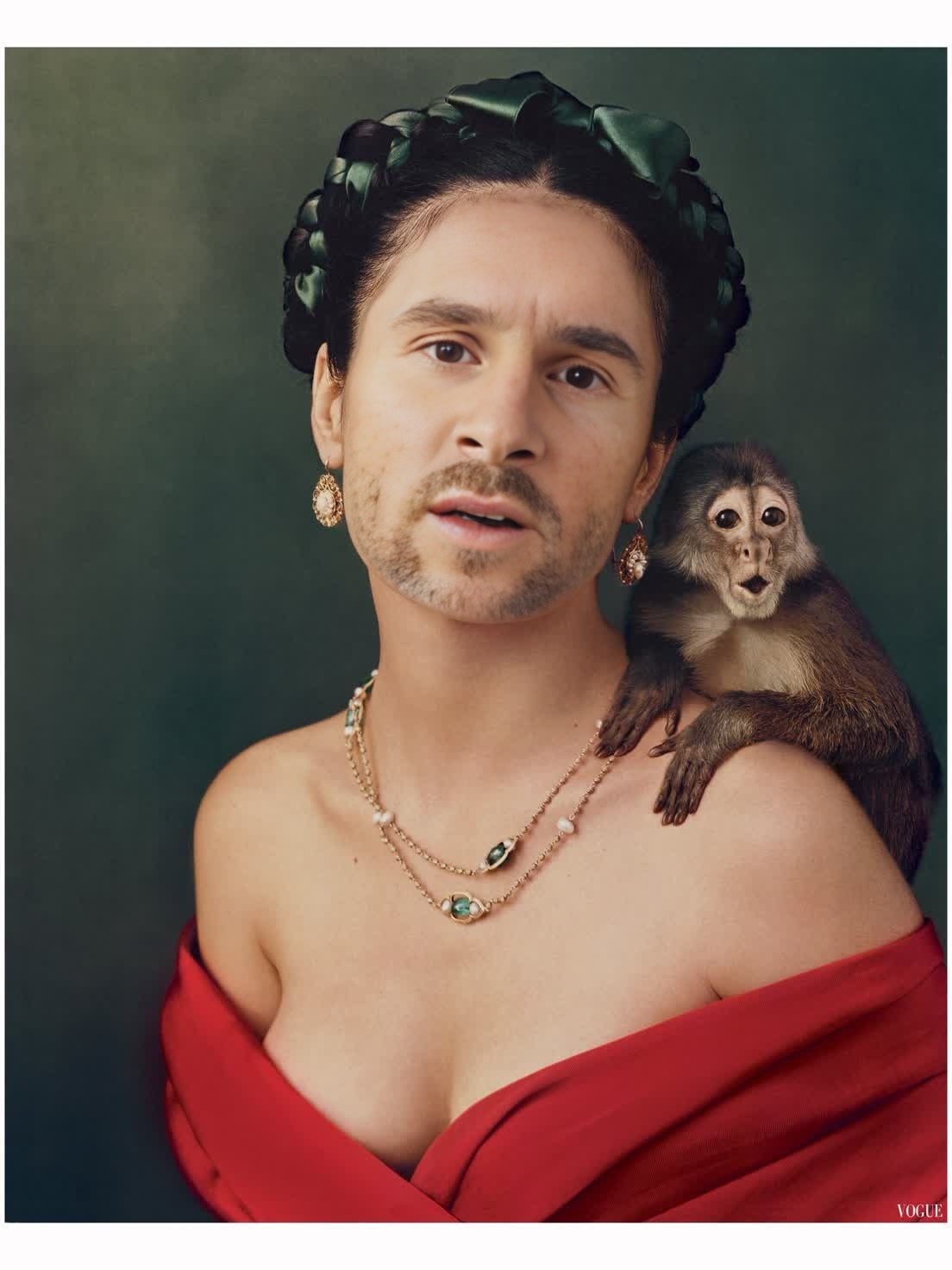
Salma Hayek Frida Press Portrait
- Image
- 1104 × 1472 px
Any aspect ratio
Overview
Step into the world of cinematic creativity with the Salma Hayek Frida Press Portrait video face swap template. This tool lets you overlay Salma Hayek's iconic look from "Frida" onto your own photos, enabling the creation of a unique and artistic video. With the intuitive video face swap technology, turn ordinary footage into extraordinary visual artworks.
What It Does
The template provides a specialized video face swap that applies the likeness of Salma Hayek portraying Frida Kahlo onto your chosen media. It's perfect for creators looking to add a touch of artistic flair to their projects, whether for entertainment, educational purposes, or social media content.
Using this template, the seamless integration of well-known cinematic visuals into your projects is now easy and accessible, making your creations stand out. For those looking to explore similar functionalities, the Face Swap tool is a good resource.
Who It's For
This video face swap template is designed for filmmakers, content creators, educators, and enthusiasts in pop culture and art. Whether you're creating educational content on Frida Kahlo, experimenting with transformations for fun, or enhancing your Image to Video projects, this tool offers a wide range of possibilities.
Additionally, social media influencers and marketers can use it to create striking visuals that capture audience interest and boost engagement.
Summary
The Salma Hayek Frida Press Portrait video face swap template is an innovative tool that allows you to reimagine your media with Salma Hayek's famed portrayal of Frida Kahlo. Its customizable features and easy integration make it suitable for a variety of creative projects, enhancing traditional photo edits into eye-catching videos.
Explore more transformation possibilities with solutions like the AI Image Editor and capture your artistic vision in multimedia formats.
How-To
Select the Template

Customize Your Input

Generate Your Video

Use Cases
Educational Content
- Art history presentations
- Cultural studies lectures
Social Media Content
- Instagram stories and posts
- YouTube shorts
Entertainment Projects
- Fan edits
- Music video enhancements
Best Practices
Choose High-Quality Images
Ensure your original content is of high resolution to achieve the best face swap results.Align Facial Features
Select images where the facial orientation aligns closely with the target image to ensure a more natural swap.Experiment with Lighting
Adjust lighting settings to match the target appearance, making the transformation seamless and realistic.
Frequently asked questions
More Like This