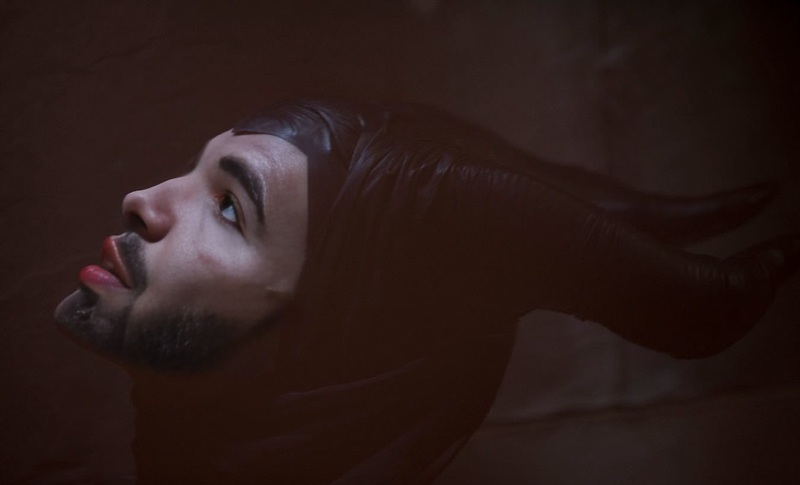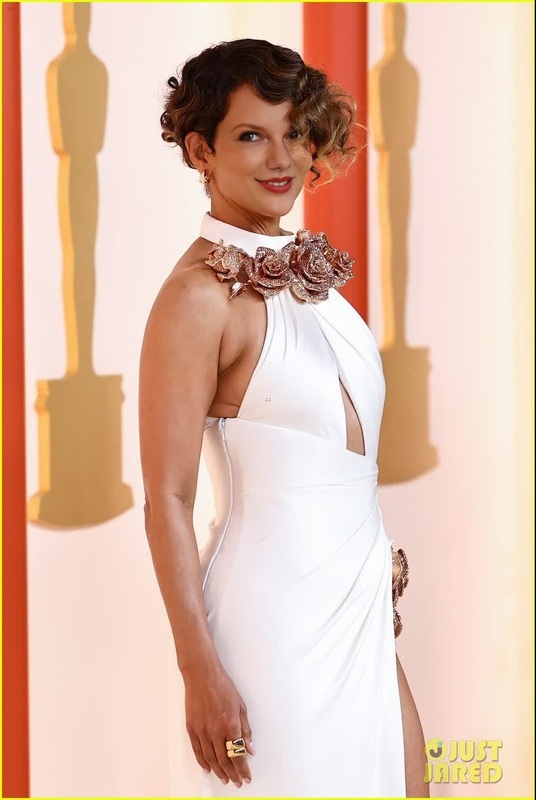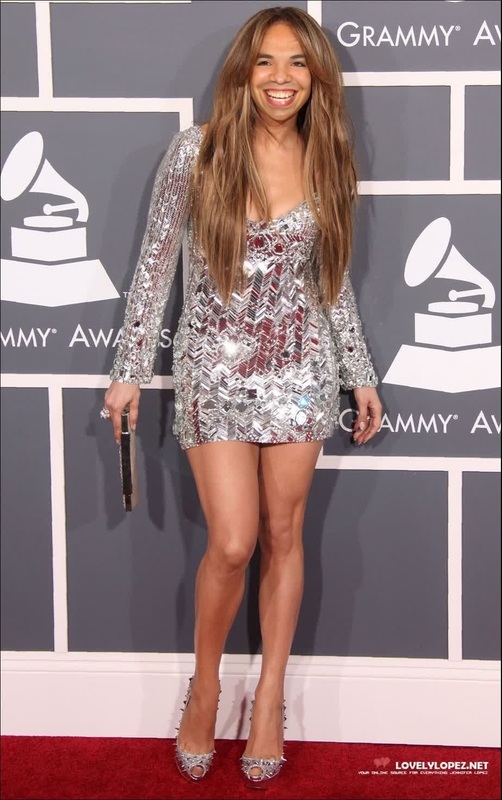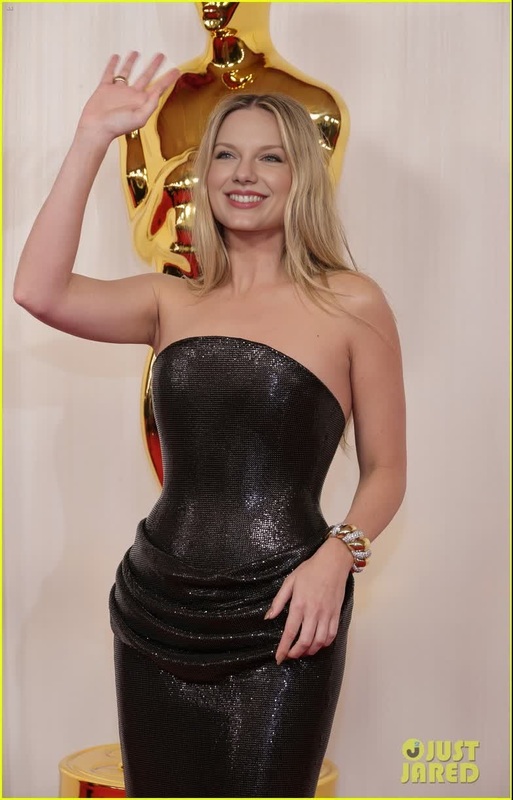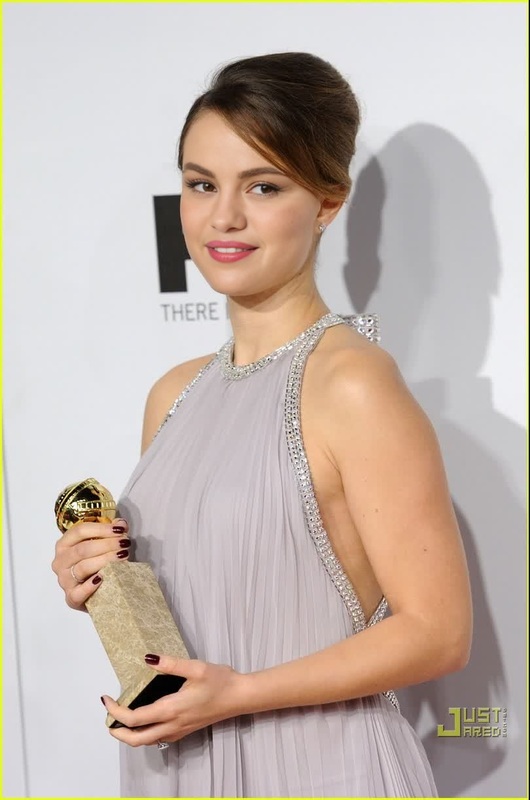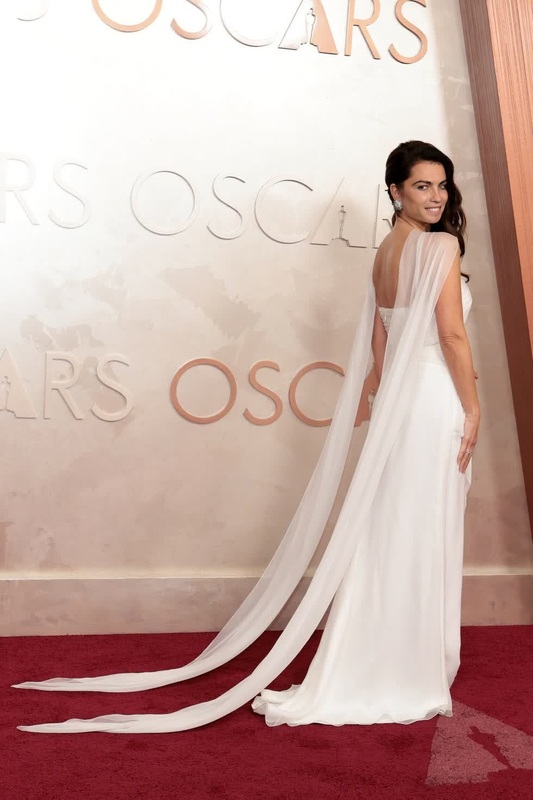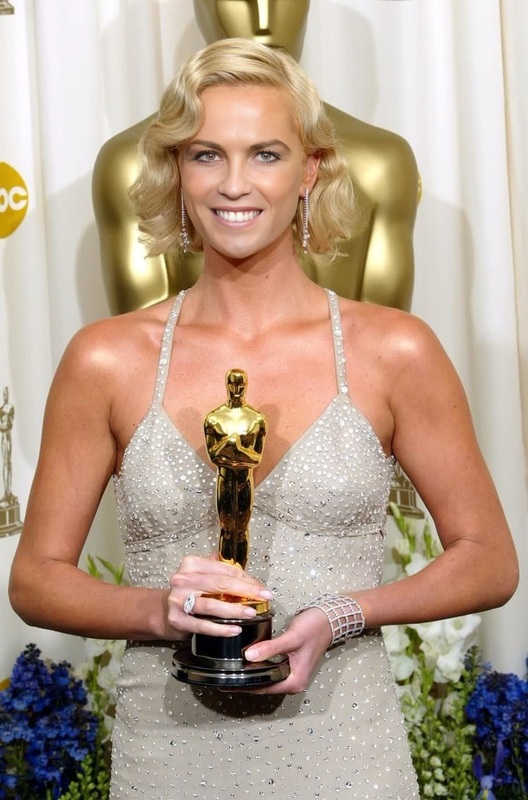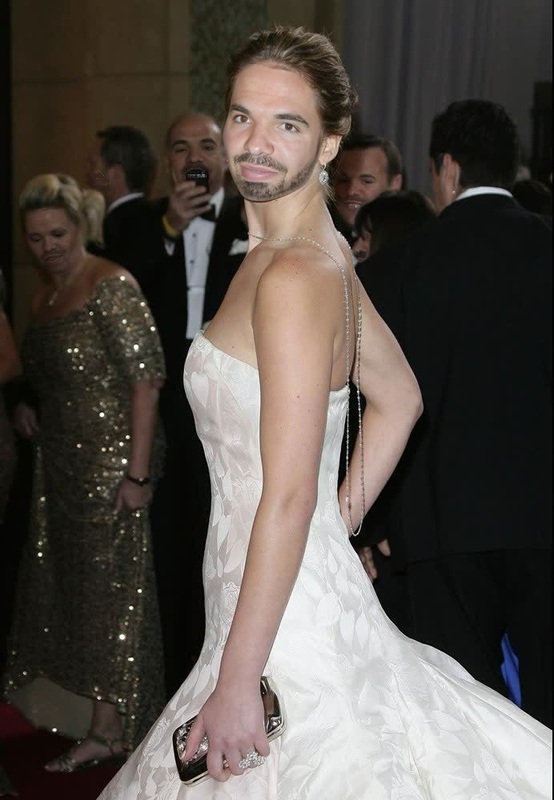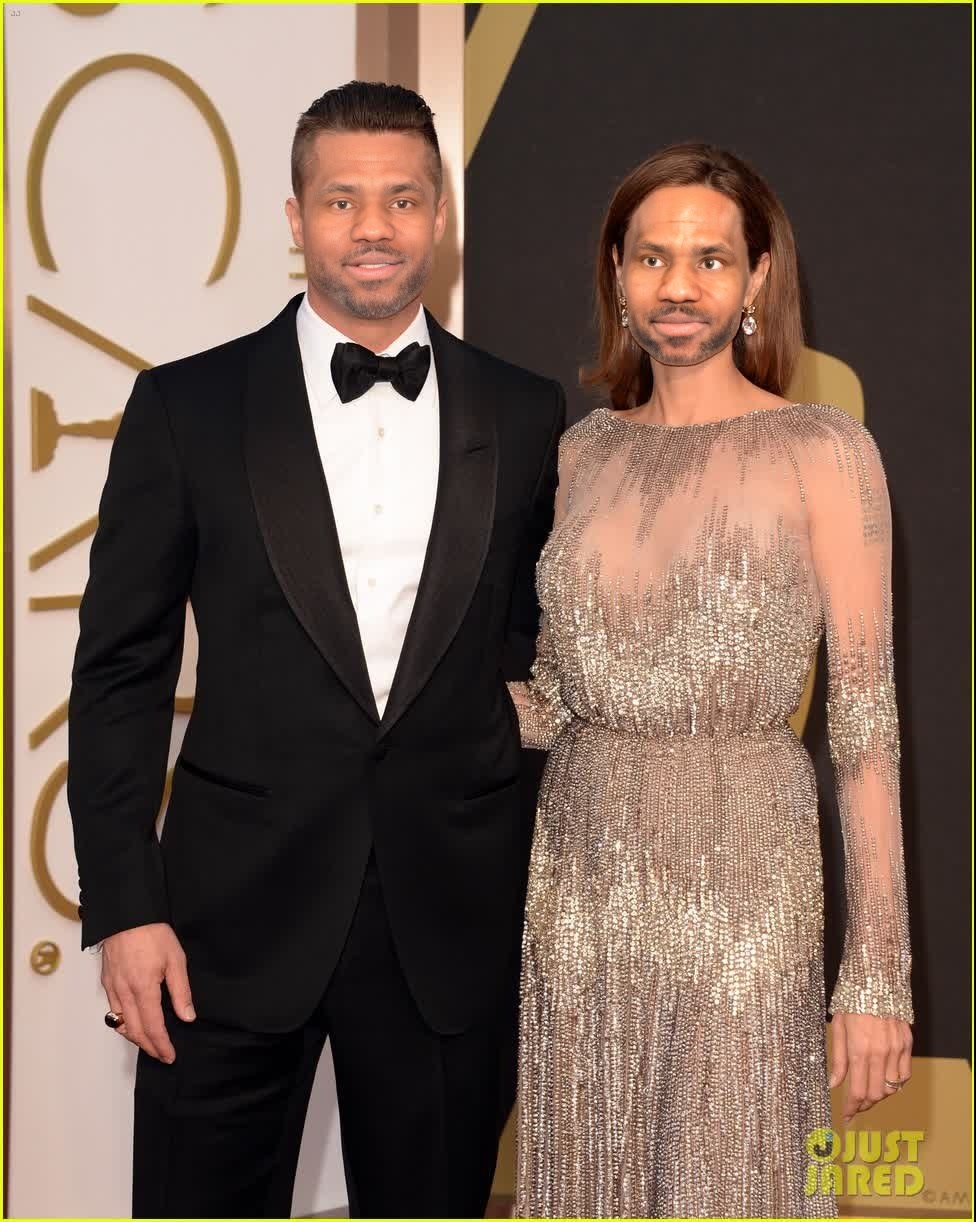
Angelina Jolie Oscars Red Carpet Portrait
- Image
- 976 × 1222 px
Any aspect ratio
Overview
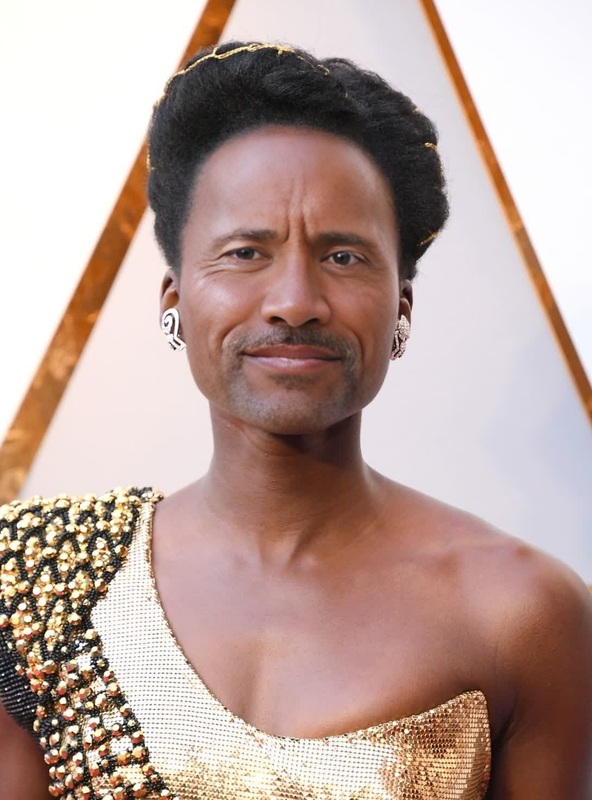
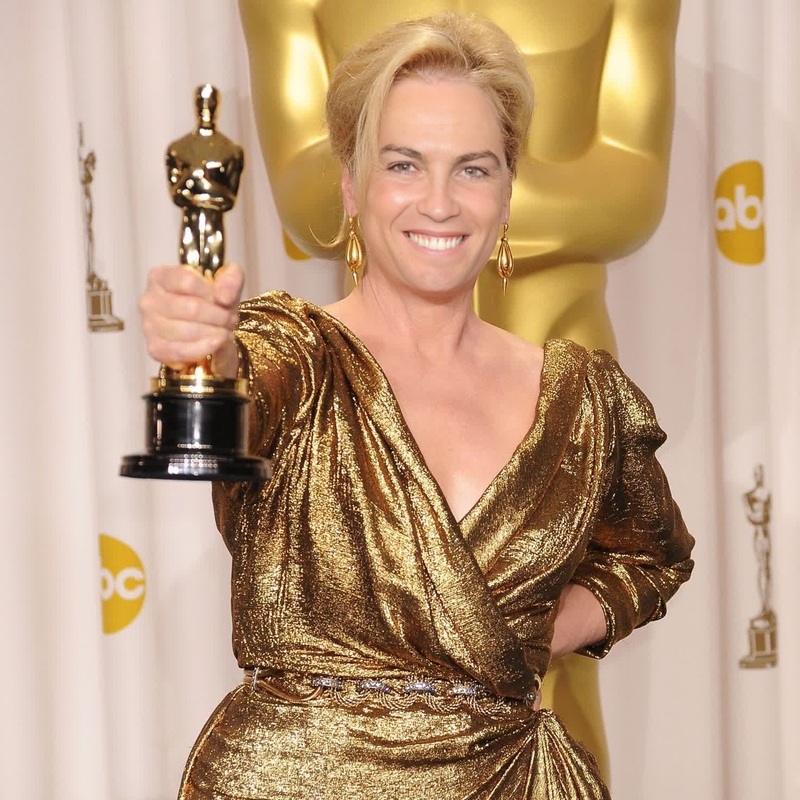
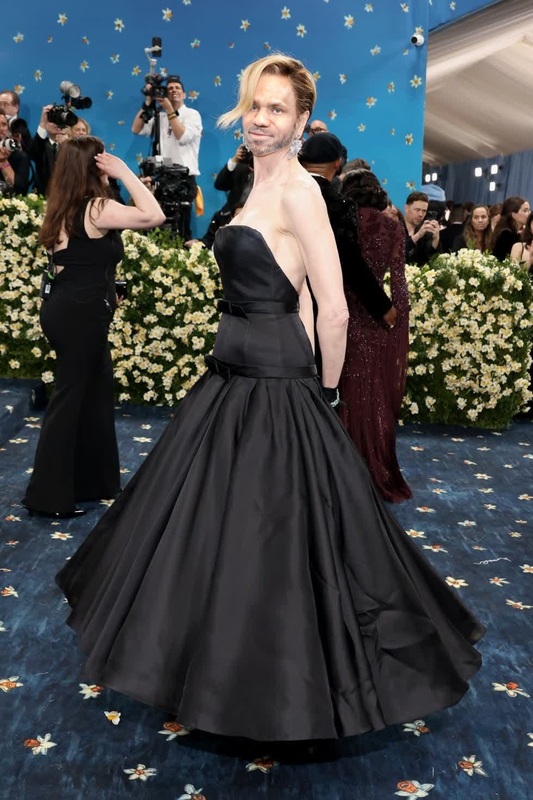
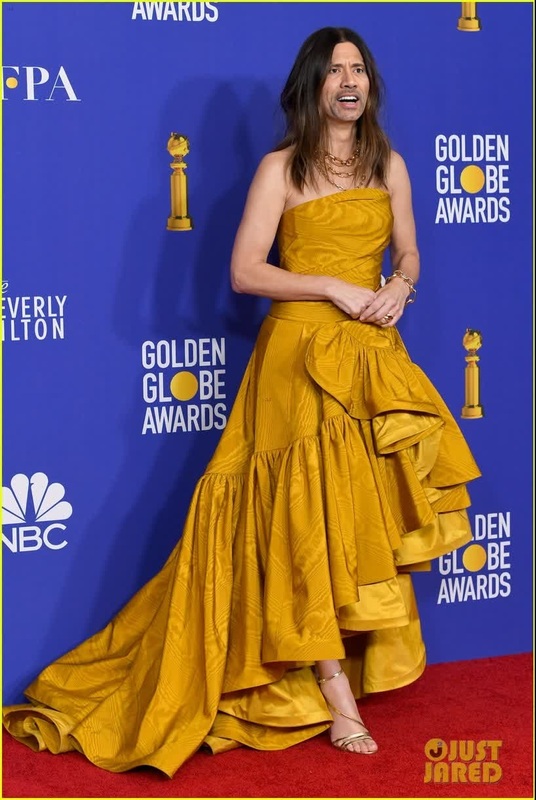
Get ready to step into the limelight with the Angelina Jolie Oscars Red Carpet Portrait template. This Video Face Swap template allows you to recreate the glitz and glamour of Hollywood by swapping your face into a scene from a star-studded event. Perfect for those looking to transform ordinary photos into extraordinary memories.
What It Does
The template takes your uploaded image and seamlessly integrates it into a famous Oscars red carpet video scene featuring Angelina Jolie, using advanced face swap technology. This results in a professional-looking video output that's ready to share.
Who It's For
This template is ideal for social media enthusiasts, entertainment fans, or anyone who wants to add a dash of Hollywood glamour to their online presence. It's especially useful for content creators who want to craft eye-catching videos quickly.
Summary
With this Angelina Jolie red carpet face swap template, turn your photos into unforgettable video experiences. Link with the AI Video Generator for further customization or the Image to Video tool for converting other images into dynamic content.
How to
Choose Your Template

Customize Your Inputs

Generate Your Video

Use Cases
Social Media Content
- Enhance your Instagram reels
- Boost your TikTok videos
- Create engaging YouTube shorts
Personalized Greetings
- Birthday videos with a twist
- Customizable holiday greetings
- Unique congratulatory messages
Entertainment Projects
- Fan fiction video creations
- Speculative movie scenes
- Celebrity homage compositions
Best Practices
Select High-Quality Images
For the best results, use a high-resolution image that clearly shows your face. This ensures smoother integration with the video.Mind the Lighting
Make sure the lighting in your photo matches the lighting in the original video to achieve a more natural look.Test Multiple Angles
Experiment with different images and angles to find the most convincing face swap effect.